Back To School High Performance Monitors
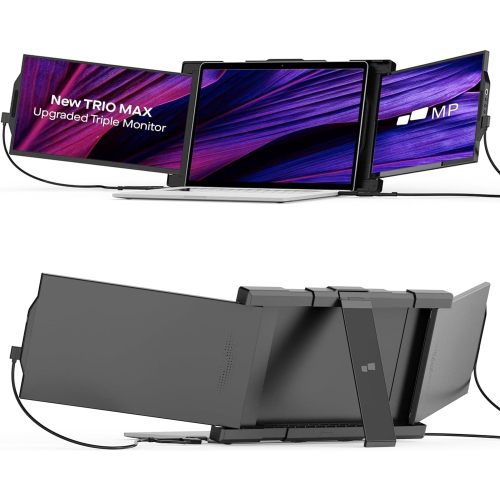
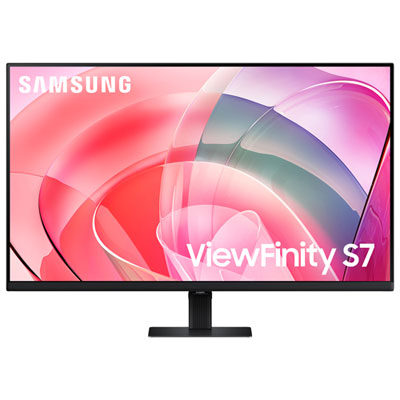
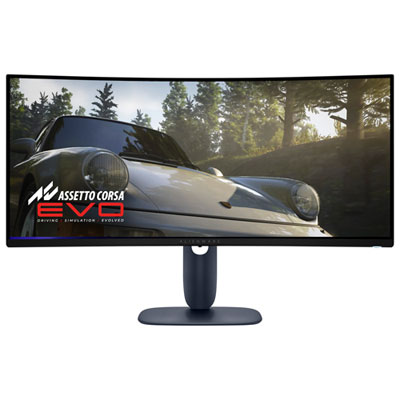
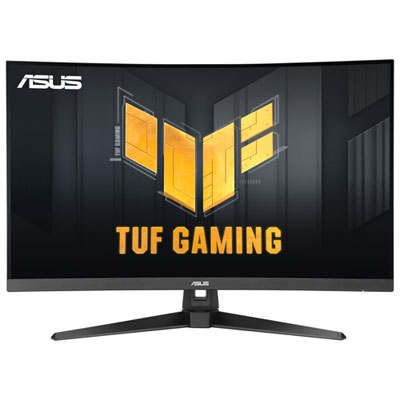
Find high-performance monitors for back to school that suit your coursework, multitasking, and downtime. Compare screen sizes, resolutions, refresh rates, and connectivity to choose a display that fits your desk and works with your laptop or desktop, whether you’re reviewing documents, working on detailed projects, or gaming between classes.








FAQ
Consider resolution, panel type, refresh rate and connections that match your computer. For coursework involving photography or design, colour accuracy and colour gamut coverage are useful specifications to compare. For coding, research and writing, look for clear text rendering, an adjustable stand and convenient input options.
Refresh rate, measured in hertz (Hz), describes how often the display updates each second. Response time, typically measured in milliseconds (ms), describes how quickly pixels transition between colours or shades. These specifications are especially relevant when comparing monitors for gaming or viewing fast-moving content between classes.
HDMI and DisplayPort are common options for carrying video and audio. Some USB-C monitors also support video, data and laptop charging through one cable. Check both the laptop and monitor specifications, since not every USB-C port supports video output or power delivery, and charging requirements vary.
IPS panels are known for consistent colours across wide viewing angles. VA panels typically offer strong contrast, while OLED panels use individually lit pixels for deep blacks and fast pixel transitions. Students can compare these panel types based on whether their routine includes general coursework, creative projects, movies or gaming.
You will need a computer that supports the intended number of external displays, compatible video connections and the appropriate cables or docking station. Check the computer's supported display configurations, including resolution and refresh rate limits. Some monitors support DisplayPort daisy-chaining, but the computer, ports and operating system must also support that feature.
Top selling and popular products
Discover more categories related to Back To School High Performance Monitors

Some products may be subject to Environmental Handling Fees (EHF) depending on your province. Learn more about EHFs.