Back To School Computer Monitors
Find back-to-school computer monitors for studying, research, and everyday coursework. Explore displays for a dorm room or home study space, with screen sizes and features to suit your desk and budget. Compare resolution, connectivity, and adjustable stands to choose a monitor that works with your laptop or desktop and keeps readings, notes, and assignments easy to view.





FAQ
Check which video outputs your laptop or desktop supports, then look for matching HDMI, DisplayPort or USB-C inputs on the monitor. If you plan to use USB-C, confirm that both the computer’s port and the cable support video output.
Some USB-C monitors support USB Power Delivery, allowing one cable to carry video and charge a compatible laptop. Check the monitor’s power delivery rating against your laptop’s charging requirements, as not every USB-C monitor supports charging.
IPS panels generally offer consistent colours across wide viewing angles, while VA panels are known for higher contrast and deeper blacks. TN panels typically have narrower viewing angles and are often associated with fast response times. Panel type is one of several specifications to compare when choosing a monitor for school and personal use.
Matte screens use a surface finish that diffuses reflections, while glossy screens have a reflective finish that can make colours appear more vivid under controlled lighting. Consider where windows and desk lamps will sit in relation to your study space when choosing between them.
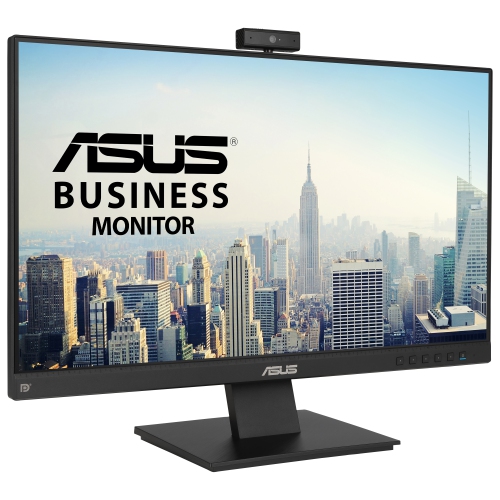
Some monitors include built-in speakers, but microphones and webcams are separate features that are not included on every model. Check the specifications for each feature; you may need to use your laptop’s camera and microphone or connect separate accessories. Built-in webcams and microphones may also require a USB connection to your computer.
Top selling and popular products
Discover more categories related to Back To School Computer Monitors

Some products may be subject to Environmental Handling Fees (EHF) depending on your province. Learn more about EHFs.