Back To School High Resolution Monitors
Find back-to-school high-resolution monitors for reading course materials, writing assignments and keeping multiple study windows in view. Browse displays for your laptop or desktop, and compare screen size, resolution and connection options to choose a monitor that fits your desk and study setup.












FAQ
Common options include QHD, also called 1440p, at 2560 × 1440 pixels and 4K UHD at 3840 × 2160 pixels. Ultrawide monitors may use resolutions such as 3440 × 1440 pixels. Check your computer’s supported display resolutions when choosing a monitor for your study setup.
Common connections include HDMI, DisplayPort and USB-C. For a USB-C connection, both the laptop port and cable must support video output. Some monitors also support USB-C Power Delivery for laptop charging, though compatibility depends on the monitor’s power output and the laptop’s requirements.
Display scaling adjusts how text, icons and app interfaces appear without changing the monitor’s native resolution. Windows and macOS include scaling settings, while individual apps may also offer zoom controls for documents, spreadsheets and course materials.
High-resolution monitors are available with IPS, VA and OLED panels, among other types. IPS and VA are LCD technologies that use a backlight, while OLED panels use self-lit pixels. Panel type is separate from resolution, so monitors with the same pixel count can use different display technologies.
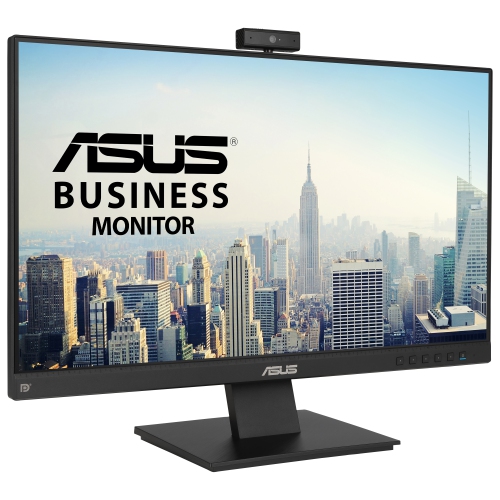
Depending on your coursework and desk setup, you may want built-in speakers, a webcam, USB ports or an adjustable stand. Some monitors include a USB hub for connecting peripherals or a KVM switch for sharing a keyboard and mouse between two computers. Feature availability and connection requirements vary by monitor.
Top selling and popular products
Discover more categories related to Back To School High Resolution Monitors
Some products may be subject to Environmental Handling Fees (EHF) depending on your province. Learn more about EHFs.