Back To School Lightweight 2 In 1 Laptops
Back-to-school lightweight 2-in-1 laptops combine laptop and tablet functionality in a portable design that’s easy to carry between classes. Explore convertible laptops for taking notes, working on assignments, and reading course materials, and compare weight, screen size, battery life, and stylus compatibility to find a fit for your school day.








FAQ
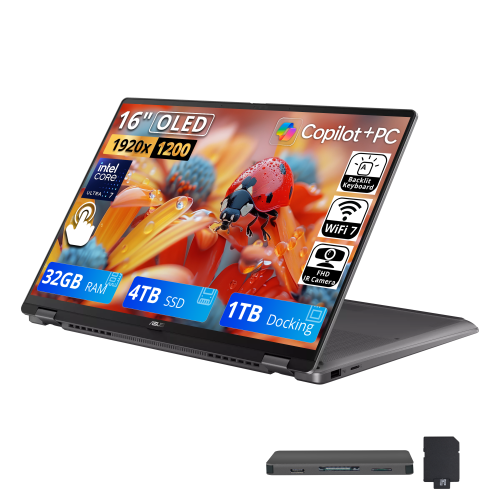
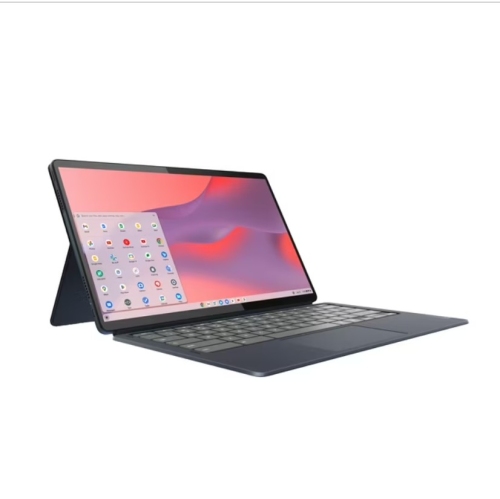
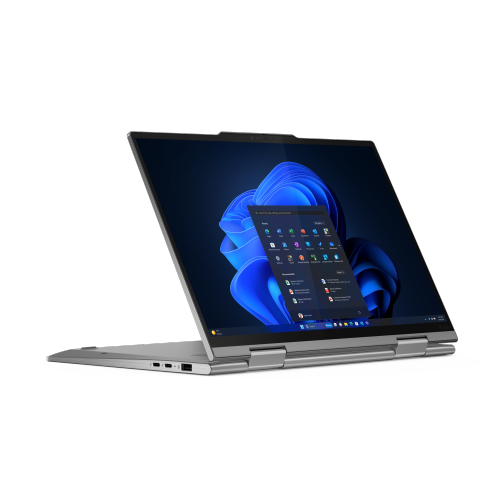
A lightweight 2-in-1 laptop combines a laptop keyboard with a touchscreen that can be used in tablet mode. Convertible models have a hinge that lets the screen fold back, while detachable models have a keyboard that separates from the screen. Their portable design makes them convenient to carry between classes.
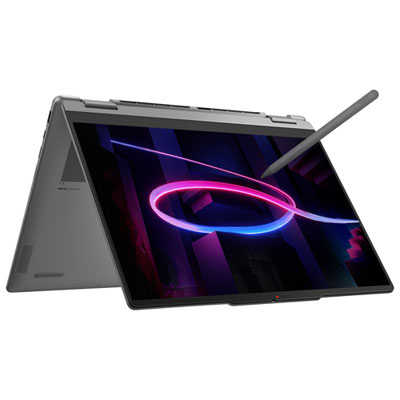
Many 2-in-1 laptops support a compatible active stylus for handwriting, sketching and annotating documents. Pen support varies by model, and a touchscreen does not automatically mean active stylus compatibility. Check which pens the laptop supports and whether a pen is included or sold separately.
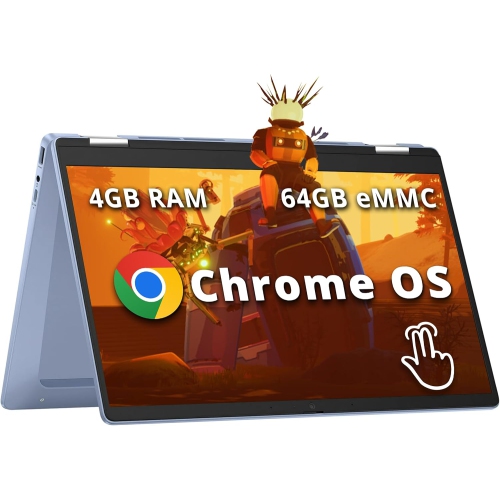
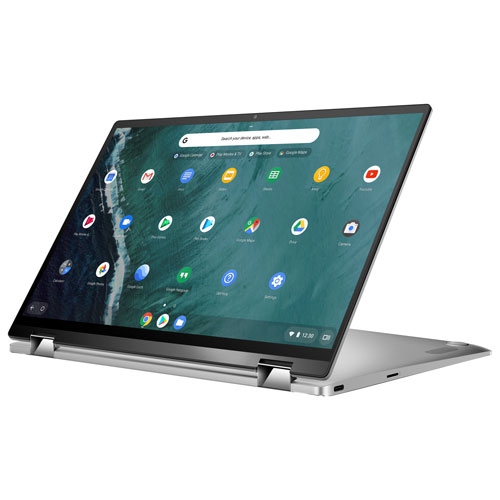
The operating system determines which apps you can install and how you access school services. Windows-based 2-in-1 laptops support many desktop applications, while ChromeOS models centre on browser-based tools and supported apps. Check your school's software requirements, including any course-specific programs or exam applications, before choosing.
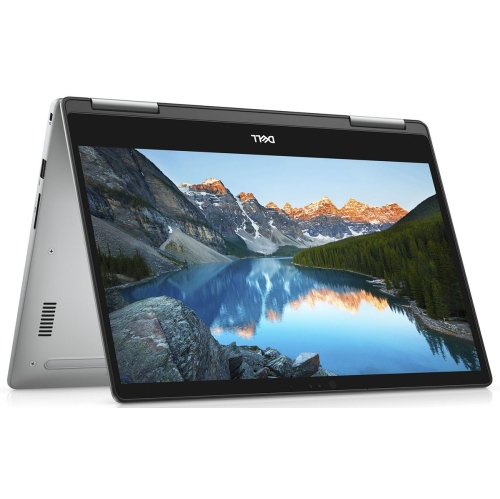
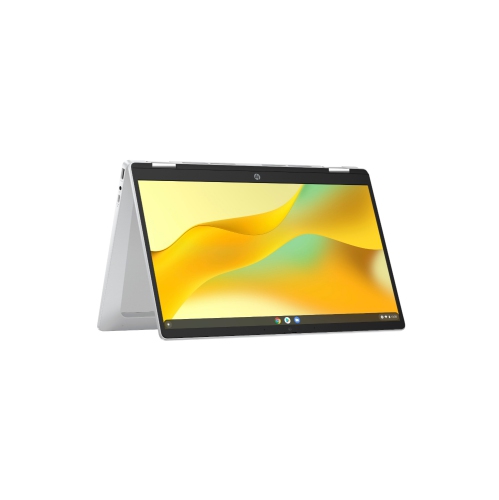
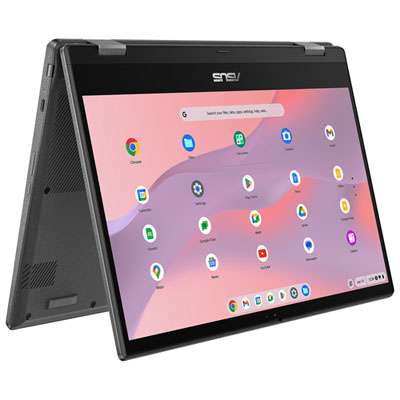
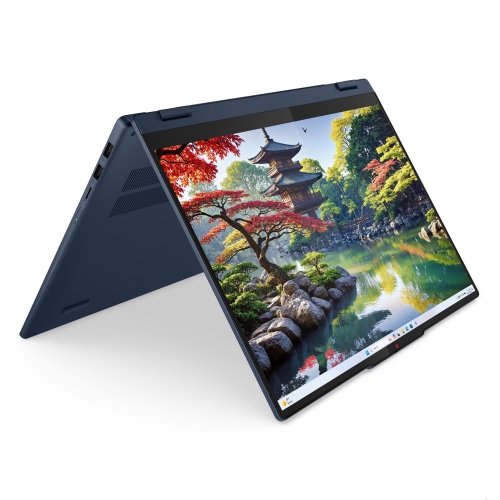
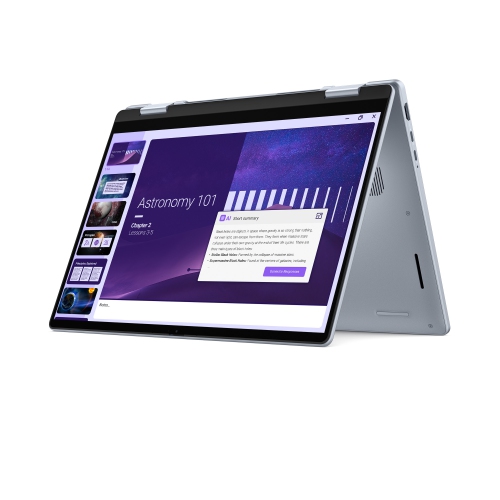
Laptop mode pairs the screen with the keyboard for typing assignments. Tablet mode lets you interact directly with the touchscreen, while tent and stand modes position the screen for viewing presentations or joining video calls. Available modes depend on the laptop's hinge and design.
Look for connections that match your school accessories, such as USB ports for peripherals, a headset jack for audio and a compatible video output for an external monitor. USB-C capabilities vary, so confirm whether a port supports charging, video output or data transfer. Wi-Fi and Bluetooth are also useful for connecting to campus networks and wireless accessories.
Top selling and popular products
Discover more categories related to Back To School Lightweight 2 In 1 Laptops
Some products may be subject to Environmental Handling Fees (EHF) depending on your province. Learn more about EHFs.