Back To School Mechanical Keyboard For Student Use
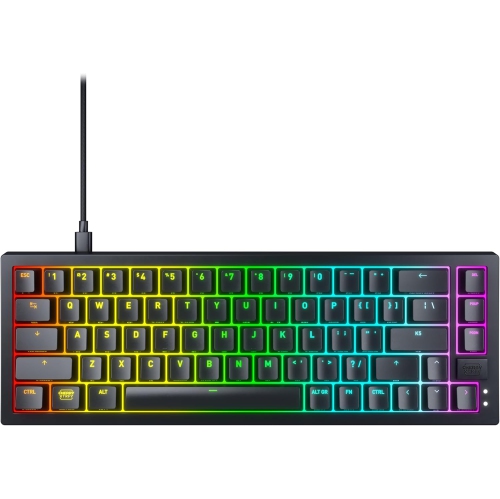
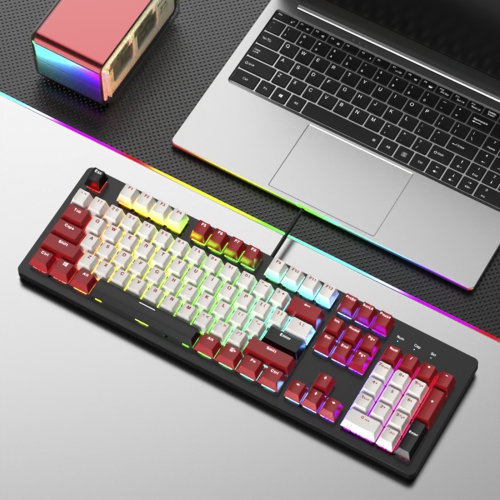
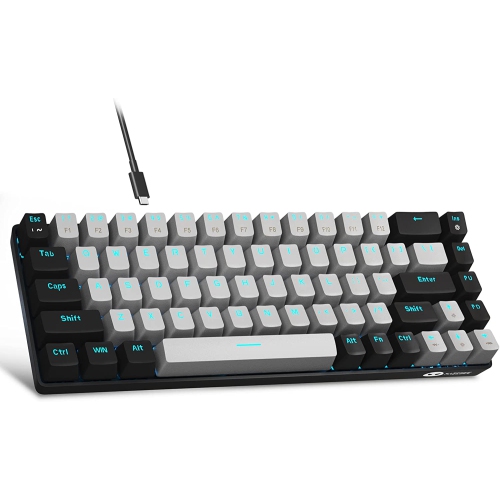
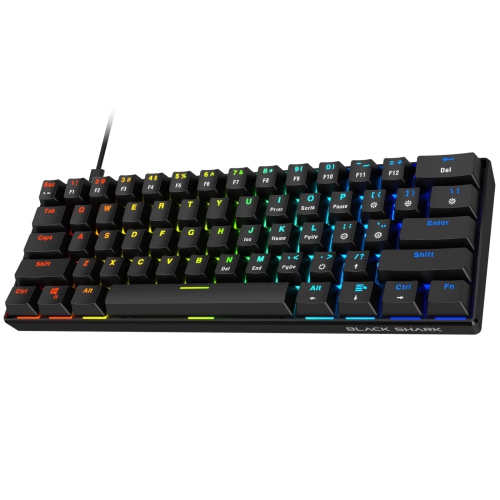
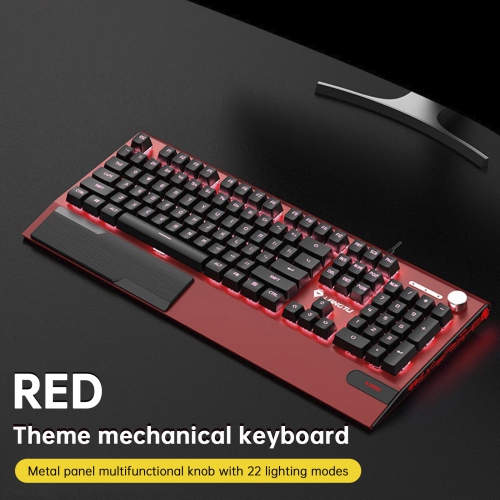
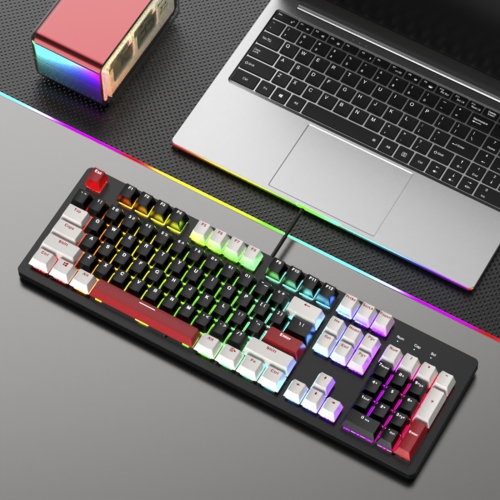
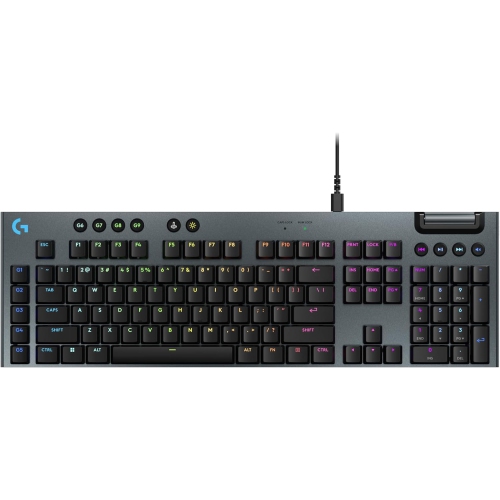
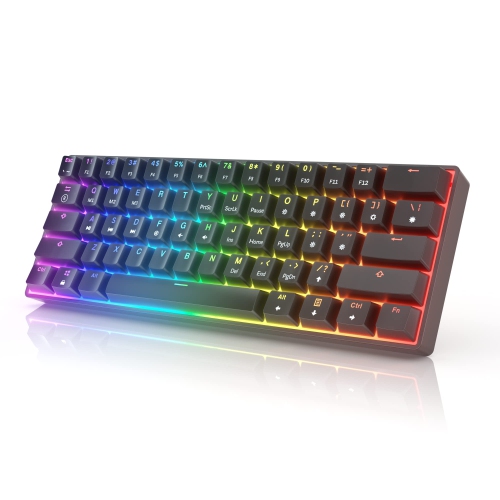
Find back-to-school mechanical keyboards for student use, whether you’re typing assignments, taking notes or setting up a study space. Compare switch types, keyboard sizes and connection options to choose a fit for your computer and desk, and consider typing noise if you’ll be sharing a room or studying around others.



FAQ
Consider switch feel, typing noise, connection options and compatibility with your computer or tablet. Features such as adjustable backlighting, media controls and programmable shortcuts can be useful for coursework. If you move between study spaces, a detachable cable can make packing simpler.
Linear switches have a smooth keystroke without a noticeable bump. Tactile switches provide a bump as you press, while clicky switches add a distinct clicking sound. The choice comes down to your preferred typing feel and how much sound suits your study setting.
Typing noise varies by switch type, keycaps, keyboard construction and typing style. Clicky switches are generally louder, while switches labelled silent are designed to dampen keystroke sounds. Tactile and linear switches can still be audible, so consider library or classroom noise expectations before choosing.
A wired keyboard connects by cable and does not require battery charging. Wireless models use Bluetooth or a USB receiver and offer more flexibility when arranging a study desk. Some keyboards support both wired and wireless connections, and certain models let you switch between paired devices.
Many mechanical keyboards support custom key assignments, shortcuts or lighting settings, depending on the model and its software. Hot-swappable keyboards also allow compatible switches to be replaced without soldering. Check operating system support and whether customization requires software that you can install on your school device.
Top selling and popular products
Discover more categories related to Back To School Mechanical Keyboard For Student Use

Some products may be subject to Environmental Handling Fees (EHF) depending on your province. Learn more about EHFs.