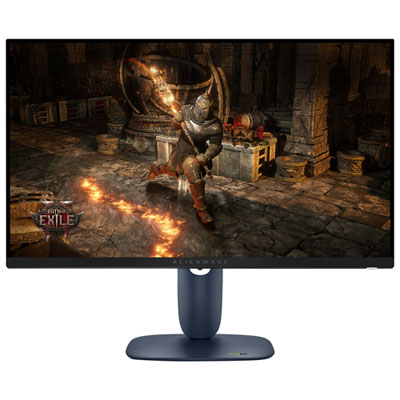
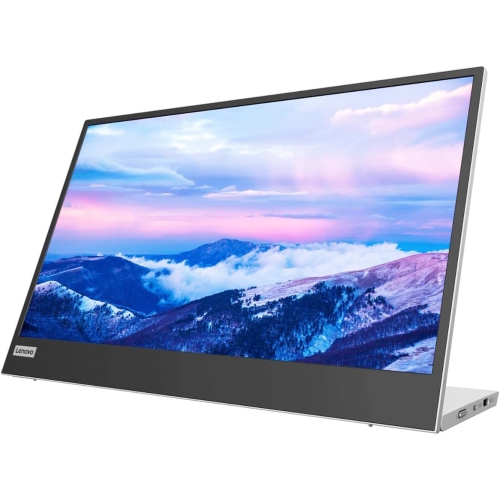
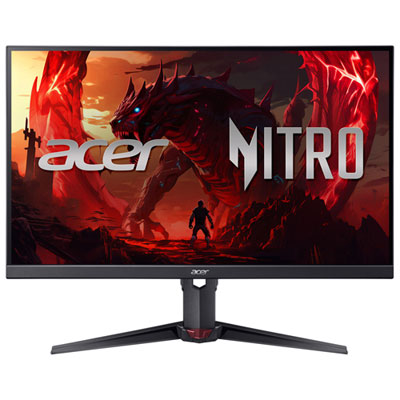
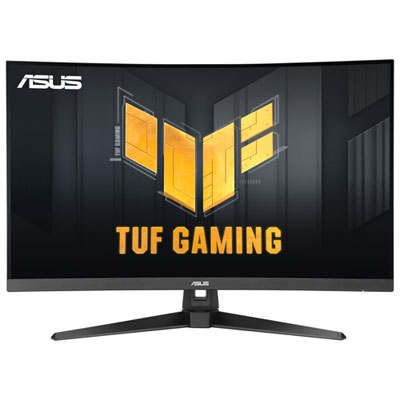
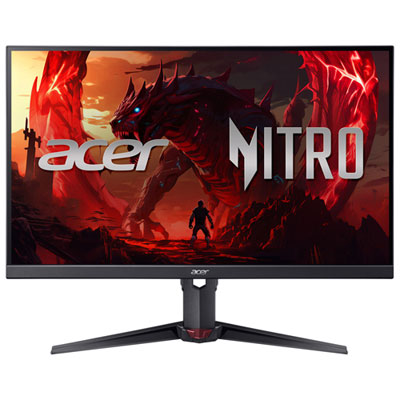
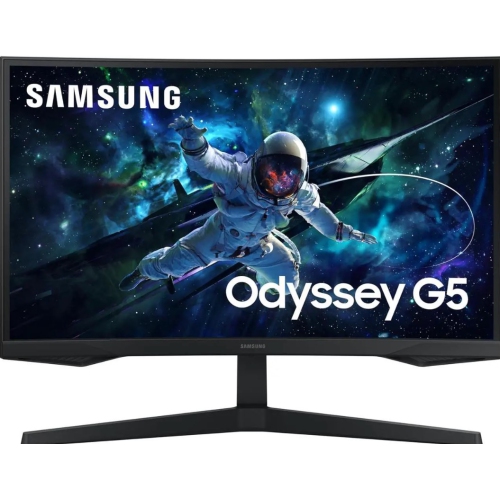
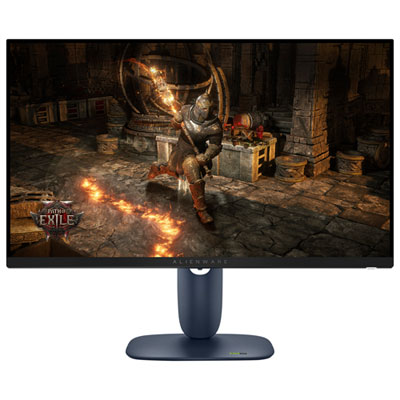
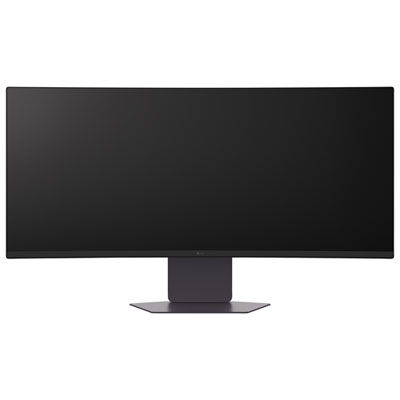
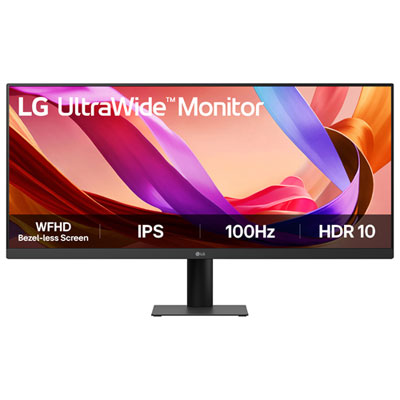
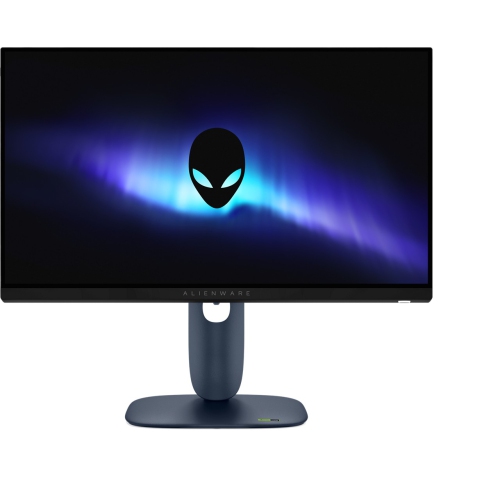
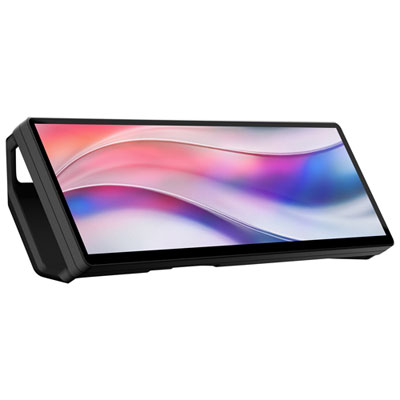
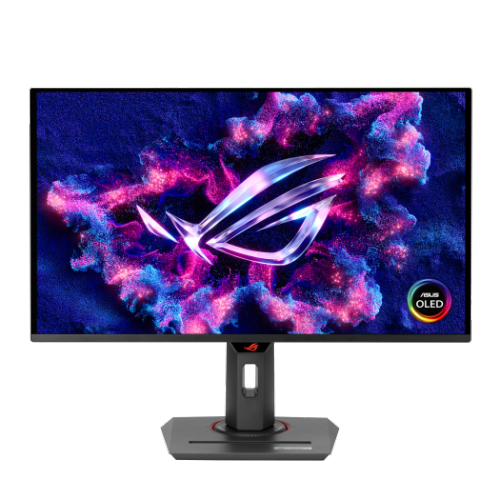
Back To School Monitor Deals For Students

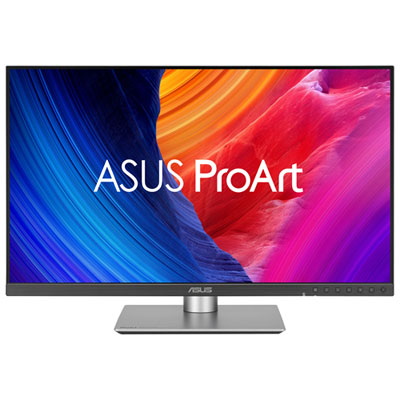
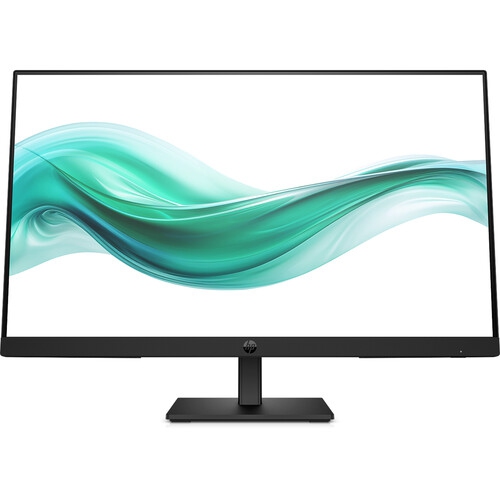
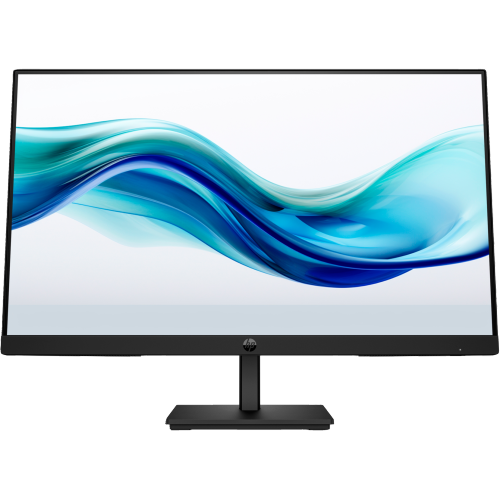
Find back-to-school monitor deals for students looking to build a study setup or add a larger screen to a laptop. Compare computer monitors by screen size, resolution, and connection options to find a fit for coursework, research, and keeping notes alongside online lectures.

Read More

Sort

Back To School Monitor Deals For Students

Back to School Monitor Deals for Students bring a little more breathing room to busy study days, whether you’re setting up a residence-room desk, refreshing a shared family workspace, or helping someone get ready for their first semester. A dedicated monitor gives students space to keep research beside an essay, follow a recorded lecture while taking notes, or work through a spreadsheet without constantly switching windows. That extra room can make a difference during the familiar evening shuffle of open textbooks, assignment tabs, and a half-finished cup of tea. For students who use a laptop on campus, an external display can also turn a compact computer into a more comfortable workstation once they’re home. As you browse the deals, look beyond the discount and consider how the screen will fit into everyday routines. A monitor that suits the student’s courses, available desk space, and existing computer is a better fit than one chosen simply for its size.

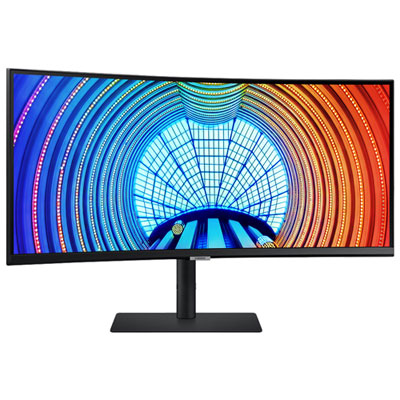
Screen size and resolution are useful starting points, especially when a desk needs to hold both study materials and a display. A 24-inch monitor can work well in a smaller room, while a 27-inch screen offers more space for side-by-side documents. Resolution matters alongside size: a higher-resolution display can make small text and detailed images look sharper, although comfortable text scaling is important too. Students working with photography, design, or video may want to pay closer attention to colour accuracy and colour gamut coverage, while those focused on reading, coding, or accounting may value crisp text and a layout that keeps more information visible. An ultrawide display can accommodate several windows, but check its full width against the desk before buying. For a monitor that will handle games after assignments are finished, a higher refresh rate and compatible adaptive sync may be worth considering, provided the connected computer can support the intended resolution and performance. Matte finishes can help reduce distracting reflections, and adjustable brightness is useful when the same study corner sees bright afternoon light and quieter late-night sessions.

Connections and physical adjustments deserve just as much attention as the picture. Check which display outputs the student’s laptop or desktop supports, then confirm that the monitor has suitable inputs and that any necessary cables or adapters are included or budgeted for. USB-C can simplify a desk setup, but its capabilities vary: video support and laptop charging are not available through every USB-C port, and charging wattage needs to match the computer’s requirements. A height-adjustable stand makes it easier to position the display comfortably, while tilt and swivel adjustments help when seating or desk arrangements change. A screen that rotates into portrait orientation can be handy for long readings and code, and a compatible monitor arm may free up valuable surface space; check mounting support and weight limits first. Built-in speakers, a headphone connection, or an integrated USB hub can also reduce the number of accessories competing for room. If you’re choosing a monitor as a back-to-school gift, a quick check of the recipient’s computer connections and desk measurements helps ensure it will be useful from the first assignment onward. Compare these practical details across the available deals to find a display that feels at home through lectures, group projects, exam preparation, and downtime.

Read More

FAQ

Some products may be subject to Environmental Handling Fees (EHF) depending on your province. Learn more about EHFs.