Back To School Computer Monitor For Students
Find back-to-school computer monitors for students to make room for research, assignments, and online classes beyond a laptop screen. Compare screen sizes, resolutions, and connection options to choose a monitor that fits your study space and works with your computer.








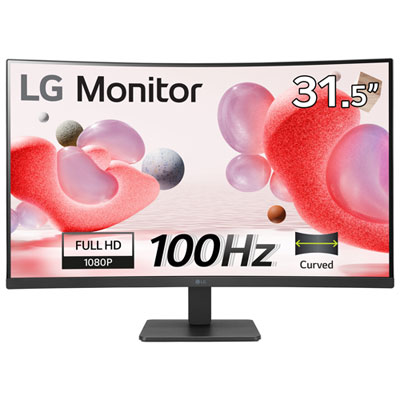

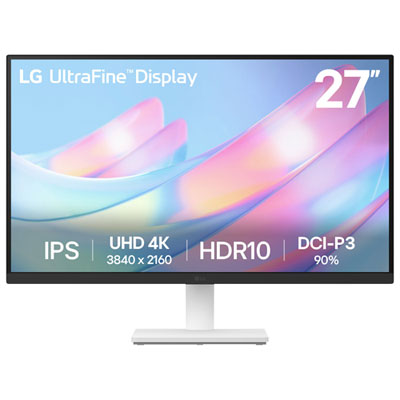
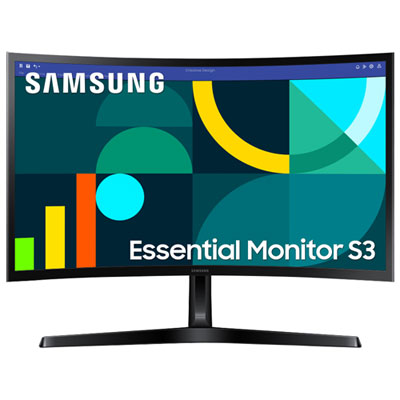
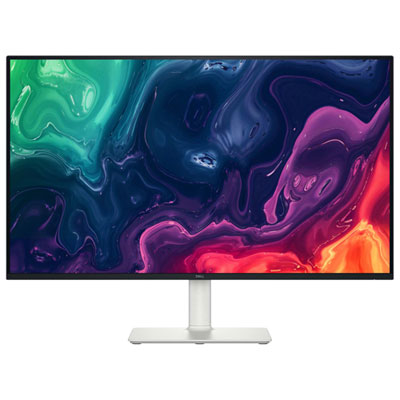
FAQ
Common monitor connections include HDMI, DisplayPort and USB-C. Match the monitor’s inputs to your laptop or desktop’s video outputs. For USB-C, check that the computer’s port and cable support video output, as not every USB-C connection does.
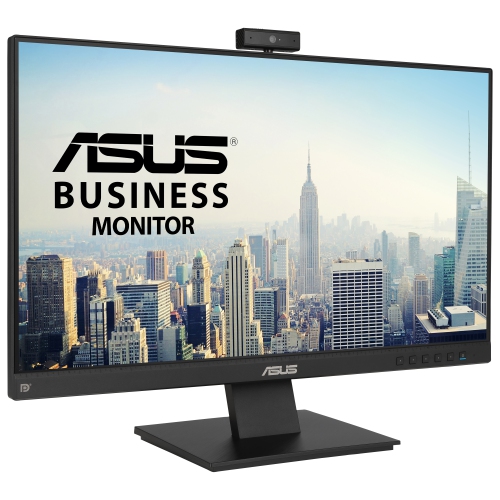
Some monitors include speakers, a webcam and a microphone, while others require separate accessories. Check the specifications for each feature. Built-in webcams and USB accessories may also require a USB connection between the monitor and computer.
Mirroring shows the same content on the laptop screen and external monitor. Extending creates a desktop across both displays, allowing different windows to appear on each. These options are typically available in your computer’s display settings.
Depending on the model, monitor stands may offer tilt, swivel, height adjustment and pivot for portrait orientation. Some monitors also support a separate monitor arm or stand. Check the monitor’s mounting specifications before choosing an alternative mount.
Many monitors have multiple video inputs, so you can connect devices such as a laptop and a desktop, then select the active input through the monitor’s controls. Some models also include a built-in KVM switch for sharing a keyboard and mouse between connected computers.
Top selling and popular products
Discover more categories related to Back To School Computer Monitor For Students
Some products may be subject to Environmental Handling Fees (EHF) depending on your province. Learn more about EHFs.