Back To School Portable Document Scanners

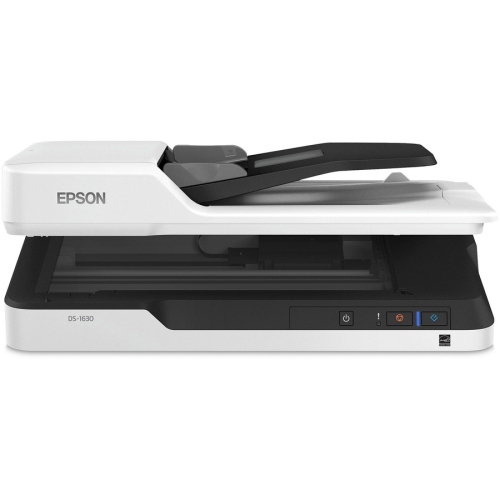
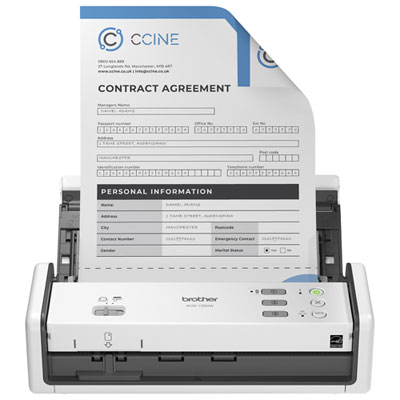
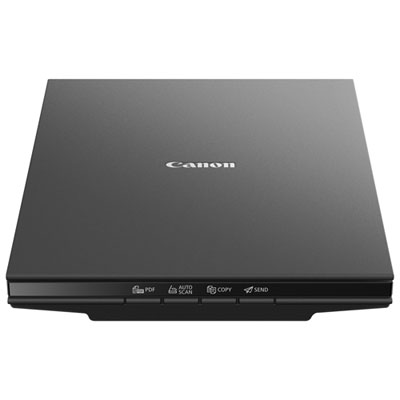
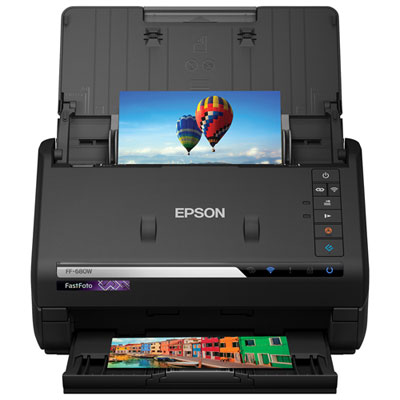
Back-to-school portable document scanners make it easier to digitize class notes, handouts, and paperwork without taking up much desk space. Browse compact scanners for schoolwork on the go, and compare size, scanning speed, device compatibility, and power requirements to find a model that fits your study routine.
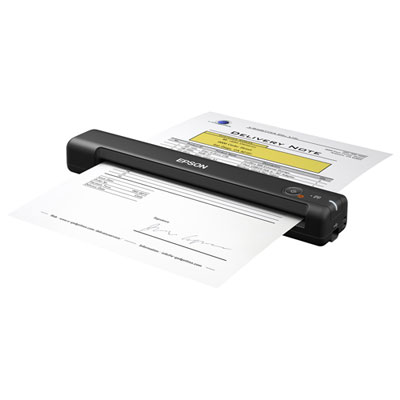
Read More

Sort

Back To School Portable Document Scanners

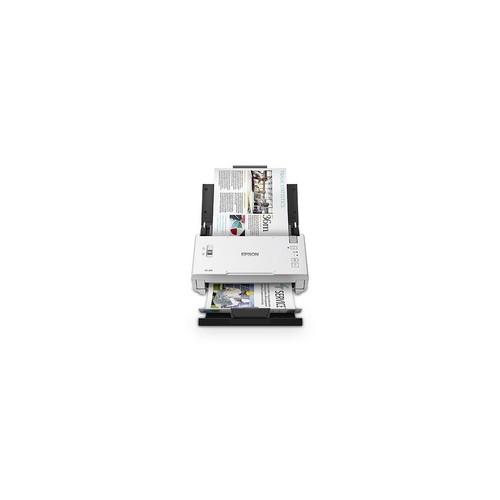
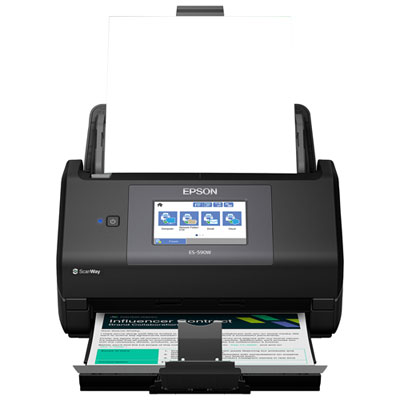
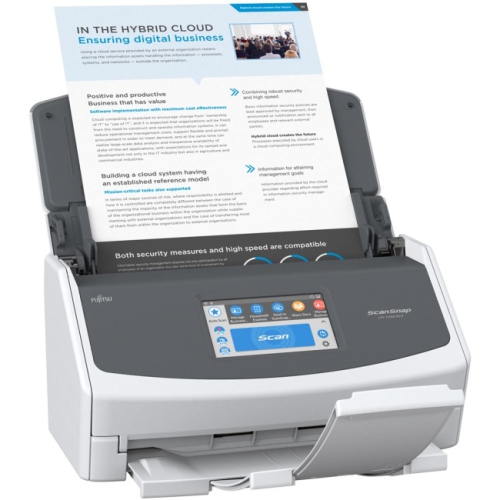
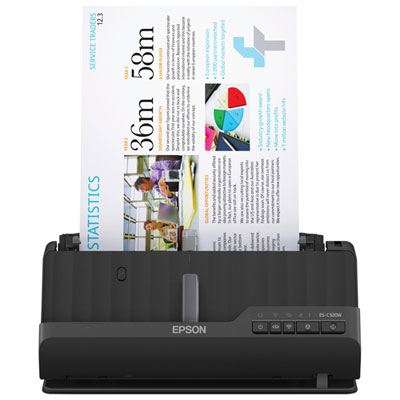
Back to School Portable Document Scanners can help turn a growing stack of class handouts, permission slips, and handwritten notes into digital files that are easier to find and carry. For students moving between lectures, the library, and a shared study space, a compact scanner makes it possible to save loose pages before they disappear into the bottom of a backpack. Parents can keep copies of school forms and activity schedules, while teachers and tutors can digitize worksheets and lesson materials for their own reference. A dedicated scanner can also be useful when a phone photo leaves a page looking crooked, shadowed, or difficult to read. As you browse, consider what will pass through the scanner most often: a few pages of lecture notes, lengthy reading handouts, receipts for school supplies, or small cards. The right fit depends as much on the paper you handle and the space you have as it does on scanning speed.

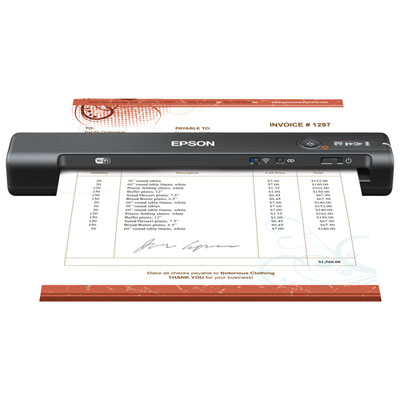
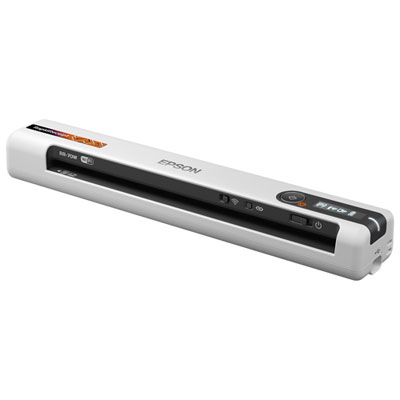
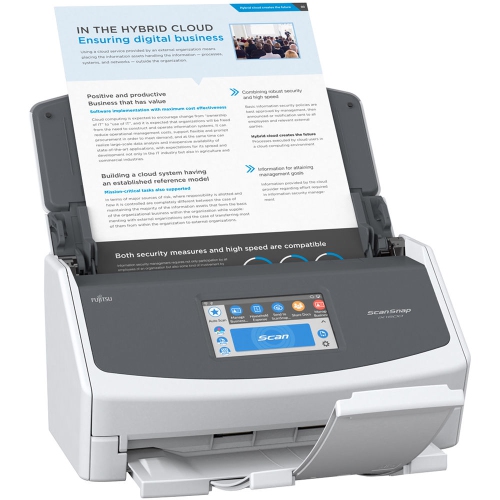
Portability means more than a small footprint. A lightweight, slim scanner is easier to tuck beside a laptop, but power requirements and connections determine where you can actually use it. Some models draw power through USB, while others offer battery operation; check the specifications to see whether a computer or wall outlet is needed during scanning. Wi-Fi connectivity, where available, may make it easier to send files to compatible devices without rearranging cables on a crowded desk. Compatibility with your laptop’s operating system, phone, or tablet is worth checking before you choose, along with any required apps or software. Think about the scanning process, too. A single-sheet feed can suit occasional forms and notes, while an automatic document feeder is convenient for working through several pages at once. Duplex scanning captures both sides of a sheet without manually turning it over, a useful feature for double-sided course outlines and practice exercises. Supported paper sizes, document thicknesses, and feed requirements also matter, especially if your usual pile includes long receipts, small slips, or pages with folded corners.

The usefulness of a scan continues after the paper has passed through. For everyday text documents, 300 dpi is often a practical starting point, balancing legibility with manageable file sizes; higher resolution may help with fine detail but can create larger files. Colour scanning is helpful for highlighted passages, diagrams, and annotations where the colour carries meaning. Look for optical character recognition, or OCR, if you want compatible software to turn printed text into searchable or editable content, keeping in mind that handwriting and complex layouts may need manual review. PDF output is convenient for keeping a multi-page handout together, while image formats can suit individual sketches or illustrations. A simple naming habit—course name, topic, and date—can make those files much easier to locate when an assignment deadline is approaching. A portable document scanner can also be a thoughtful, practical gift for a student setting up a residence room or a teacher preparing for a busy term, particularly when its connections and software match the devices they already use. Whether it lives in a desk drawer or travels in a school bag, the most useful choice is one that makes saving and retrieving everyday paperwork feel straightforward.

Read More

FAQ

Some products may be subject to Environmental Handling Fees (EHF) depending on your province. Learn more about EHFs.