Back To School Scanners for Notes and Documents
Back-to-school scanners for notes and documents help turn handwritten class notes, assignments, and study materials into digital files that are easier to organize and find. Compare scanners by supported paper sizes, scanning speed, and compatibility with your computer, and look for features such as automatic document feeding or double-sided scanning if you regularly work with multi-page documents.




FAQ
Useful features include an automatic document feeder for multi-page assignments, duplex scanning for double-sided notes, and OCR software for creating searchable text. Check that the scanner supports your computer’s operating system and the file formats you use for school.
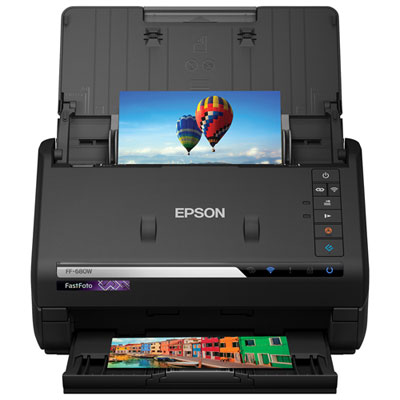
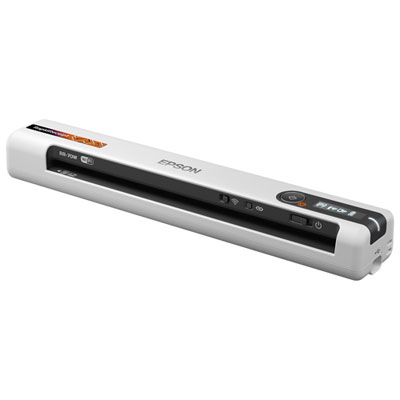
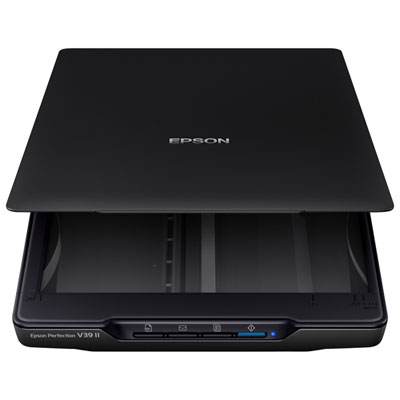
Flatbed scanners have a glass surface where you place documents, making them suitable for bound notebooks, textbook pages and loose papers. Sheet-fed scanners pull individual sheets through a feeder and are designed for loose documents such as handouts and printed assignments.
Common formats include PDF for keeping multiple pages in one file, JPEG for images and TIFF for detailed image files. Some scanning software also offers searchable PDFs or editable text files through OCR. Available formats depend on the scanner and its software.
Scanners may connect through USB, Wi-Fi or a wired network, depending on the model. Mobile scanning usually requires a compatible app and a supported connection. Check compatibility with your laptop, tablet or phone, including any app or driver requirements.
Create folders by course, then group files by unit, assignment or date. Use consistent file names that include the course and topic, and save related pages together as a PDF. Some scanning software lets you choose a destination folder or save directly to a compatible cloud storage service.
Top selling and popular products
Discover more categories related to Back To School Scanners for Notes and Documents
Some products may be subject to Environmental Handling Fees (EHF) depending on your province. Learn more about EHFs.