Back To School Portable SSD Storage
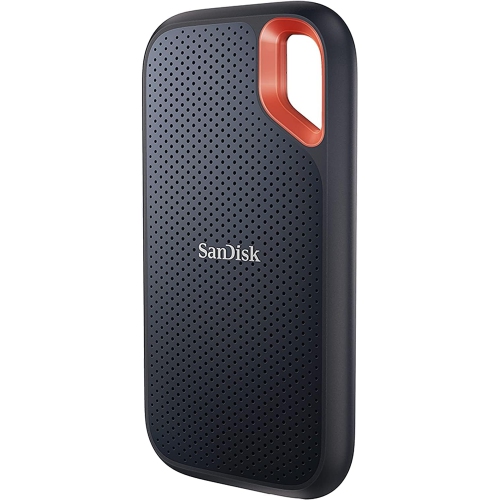
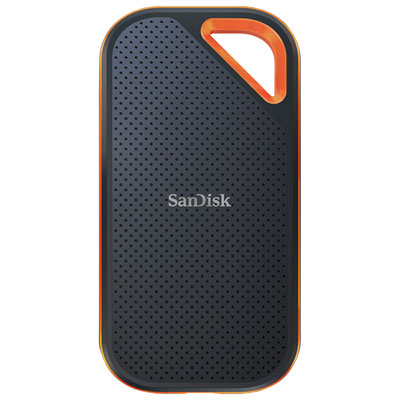
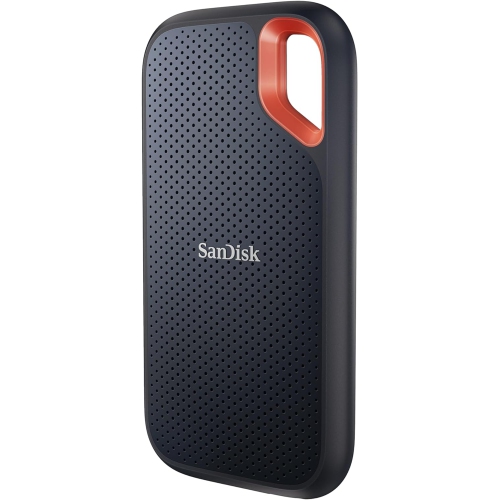
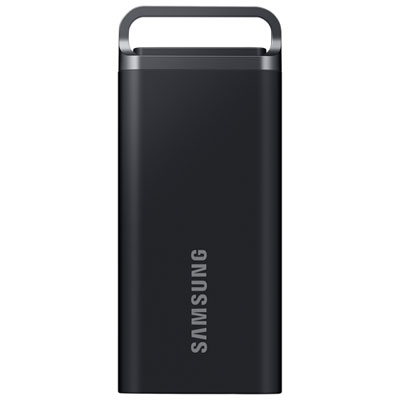
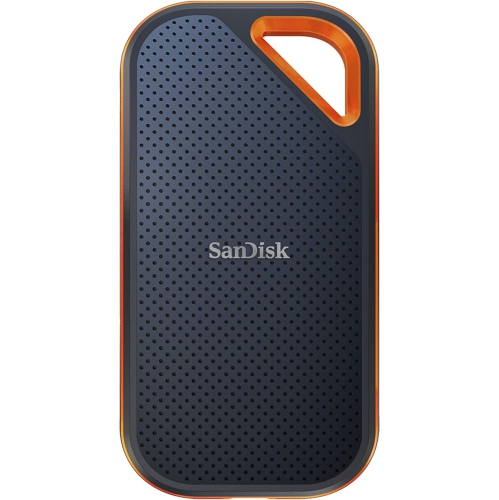
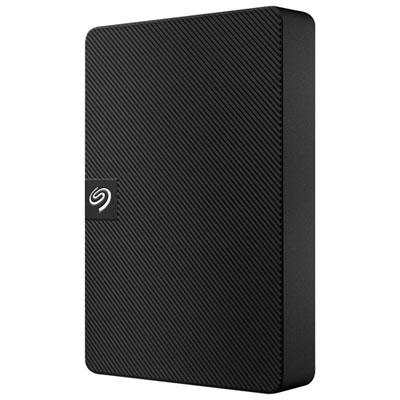
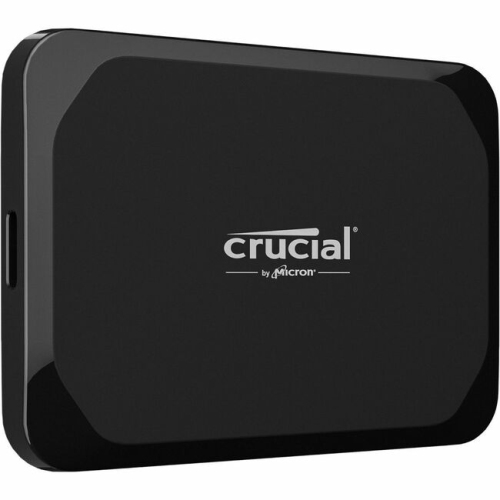
Back to school portable SSD storage gives students a compact way to store coursework, back up assignments, and move files between compatible devices. Browse external solid-state drives and compare storage capacity, transfer speeds, and connection types to find an option that fits your laptop and study needs.


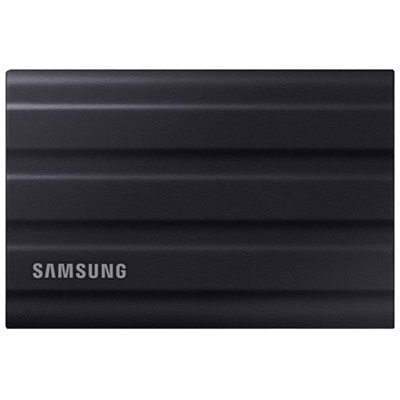
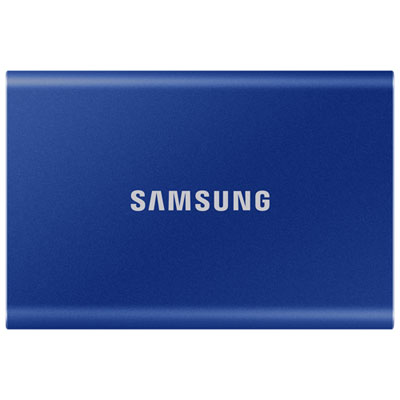
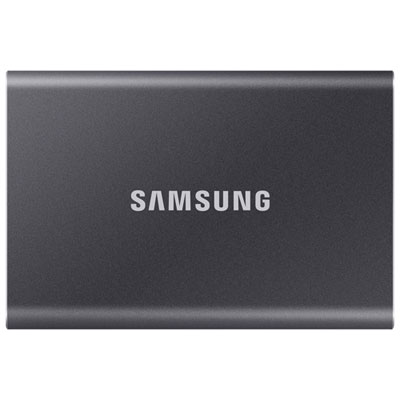
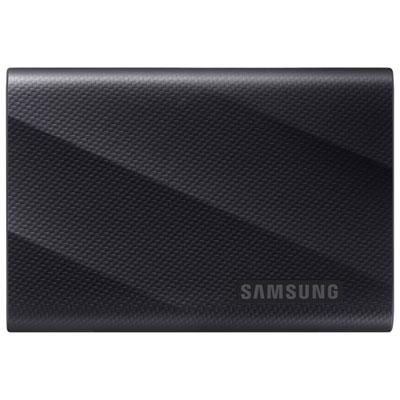

FAQ
A portable SSD can store essays, lecture notes, presentations, spreadsheets, photos, videos and project files. You can also keep downloaded course materials on it, provided your school or learning platform allows local downloads.
Most portable SSDs connect through a USB port using a cable. Check whether your laptop has USB-C or USB-A ports and whether the drive includes a matching cable. Some connections may require a compatible adapter.
Many portable SSDs work with both Windows and macOS, but the drive’s file system matters. The exFAT format is commonly used for sharing files between these operating systems. Check the drive’s compatibility details and your school’s computer policies before planning to use it across devices.
Create a folder for each term, then separate folders for each course. Within each course folder, group assignments, readings and project materials. Consistent filenames that include the course, assignment title and date can make your work easier to find.
A portable SSD is housed in an external enclosure and connects to a computer with a cable. An internal SSD is installed inside a compatible computer. A portable SSD can be disconnected and moved between compatible devices without opening the computer.
Top selling and popular products
Discover more categories related to Back To School Portable SSD Storage

Some products may be subject to Environmental Handling Fees (EHF) depending on your province. Learn more about EHFs.