Back To School Portable SSDs For Fast File Storage
Back-to-school portable SSDs offer fast file storage for assignments, presentations, and larger class projects. Browse external solid-state drives with your storage needs in mind, and compare capacity, transfer speeds, and USB connections to find a drive that works with your laptop and is easy to carry between home and class.




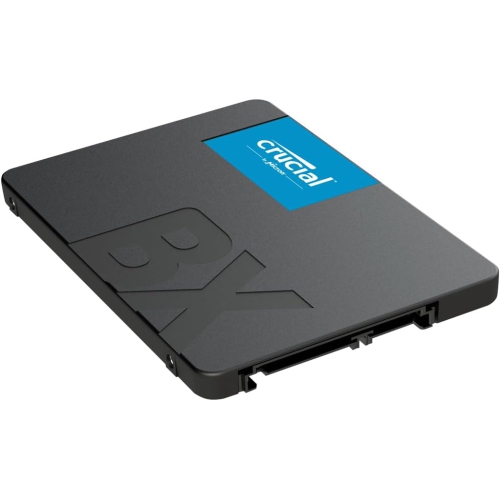
![CRUCIAL X10 Pro 2Tb Portable SSD Ct2000X10Prossd9 [Video Game]](https://multimedia.bbycastatic.ca/multimedia/products/500x500/179/17977/17977182.png)
FAQ
A portable SSD can hold class notes, essays, presentations, research documents, photos, videos and project files. It can also keep coursework from previous terms separate from the files you use daily on your computer.
Check the USB ports on your laptop and the cable included with the SSD. Some drives include a USB-C cable, while others also provide a USB-A cable or adapter. A matching connector does not always mean matching transfer capabilities, so check the USB standards supported by both your computer and the drive.
Many portable SSDs work with both Windows and macOS, but the drive's file system matters. The exFAT format supports reading and writing on both platforms. Reformatting erases existing files, so copy anything you want to keep elsewhere first. School-managed computers may also have restrictions on external storage.
Create a folder for each term, then add separate folders for courses, assignments and reference materials. Use consistent file names that include the course, assignment and date. Keeping submitted work in a separate folder can help distinguish final copies from drafts.
A portable SSD can hold an additional copy of coursework stored on your computer. You can copy files manually or use compatible backup software to schedule backups when the drive is connected. Moving a file to the SSD without keeping another copy makes it stored on the drive, rather than backed up.
Top selling and popular products
Discover more categories related to Back To School Portable SSDs For Fast File Storage

Some products may be subject to Environmental Handling Fees (EHF) depending on your province. Learn more about EHFs.