Back To School Reliable Portable SSDs
Find reliable portable SSDs for back to school to keep assignments, class projects and study files close at hand. Browse external solid-state drives for extra storage and file backups, and compare capacity, transfer speeds and connection types to find a drive that works with your laptop and fits easily in your school bag.

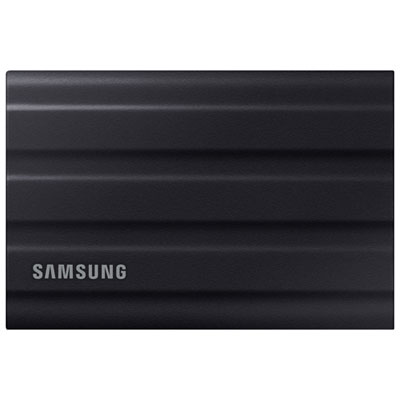
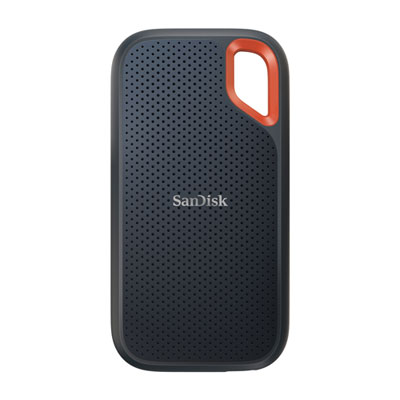
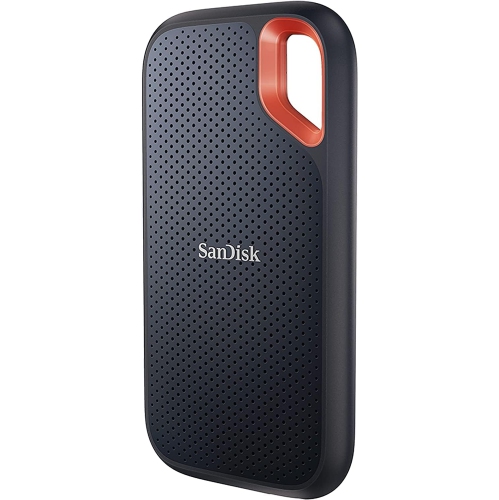

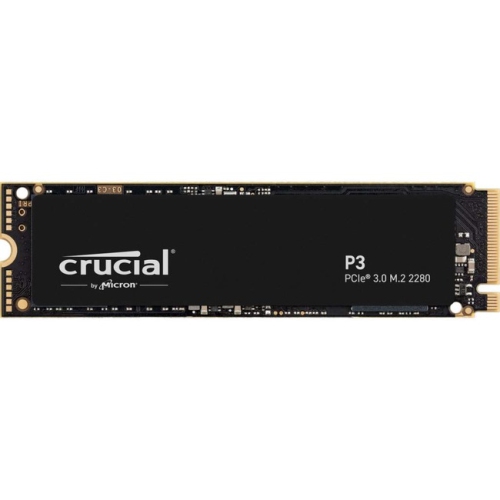

![Sandisk Portable 2TB USB 3.2 External Solid State Drive (SDSSDE30-2T00-G26) - Black [Employee of bestbuy] Great product for the value glad i purchased this from best buy](https://multimedia.bbycastatic.ca/multimedia/products/400x400/177/17744/17744651.jpg)
FAQ
Many portable SSDs work with both Windows and macOS, but the drive’s file system matters. exFAT is commonly used when moving files between the two platforms. Check your school’s computer policies, as shared or lab computers may restrict external storage.
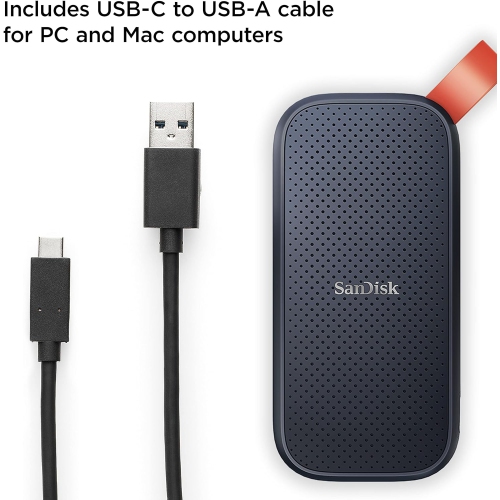
Match the SSD’s connection and included cable to your laptop’s ports. USB-C and USB-A are common options, but the connector shape alone does not indicate the supported USB standard. Check the specifications for the drive, cable and laptop to confirm compatibility.
Some portable SSDs arrive formatted and ready to use, while others may need formatting for your operating system or intended workflow. exFAT suits file sharing between Windows and Mac, while NTFS and APFS are options for Windows-focused and Mac-focused use respectively. Formatting erases existing files, so move anything you want to keep before proceeding.
Create a folder for each term, then separate folders for individual courses. Within each course, group notes, readings, assignments and project assets. Consistent filenames that include the course, assignment and date can make coursework easier to find.
Most portable SSDs support basic file storage through your computer’s built-in file manager, such as File Explorer on Windows or Finder on Mac. Manufacturer software is generally optional for everyday file transfers, though certain drive settings and firmware updates may require it.
Top selling and popular products
Discover more categories related to Back To School Reliable Portable SSDs

Some products may be subject to Environmental Handling Fees (EHF) depending on your province. Learn more about EHFs.