Back To School Rugged Portable SSDs
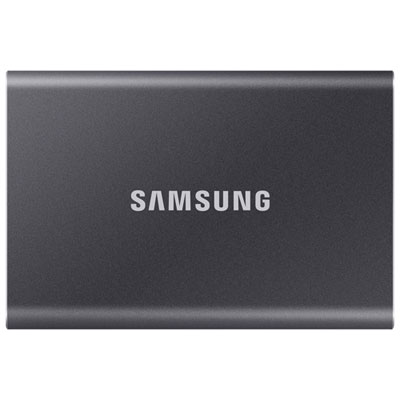
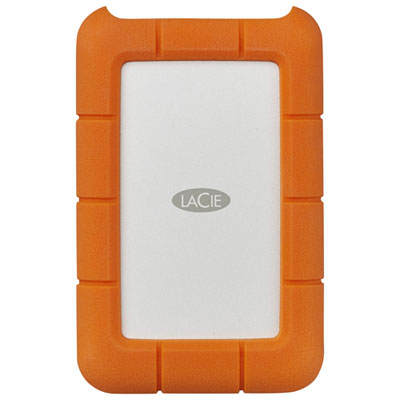
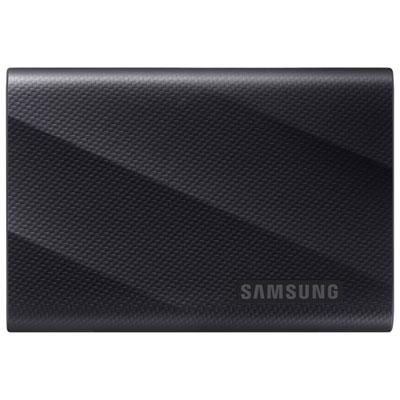
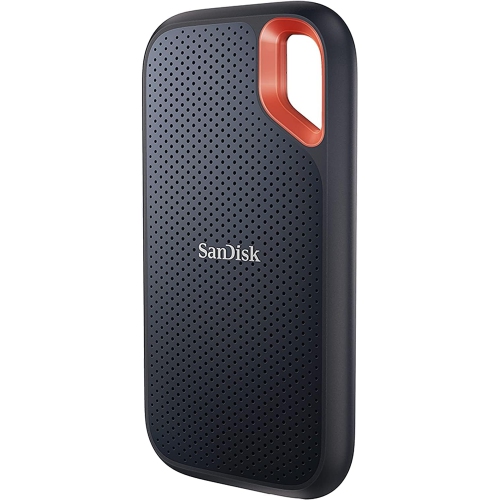
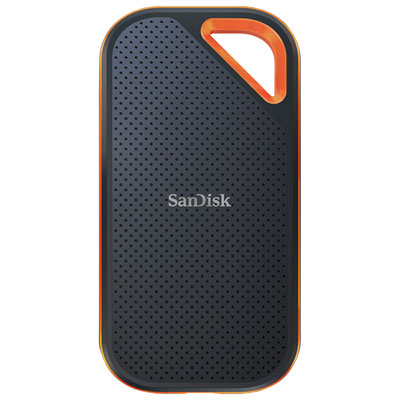
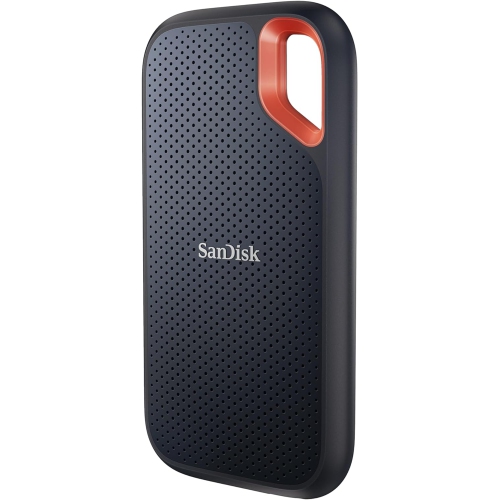
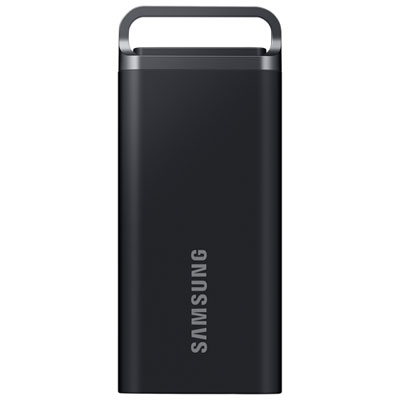
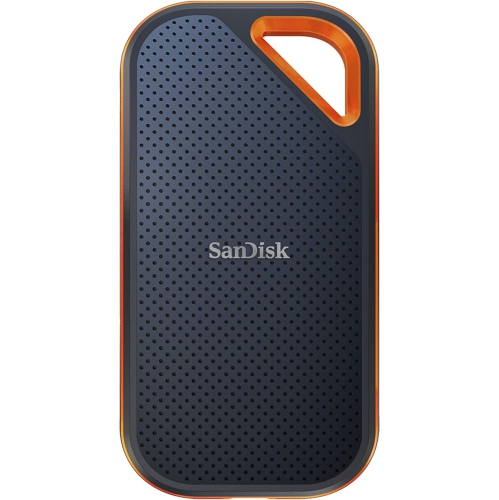
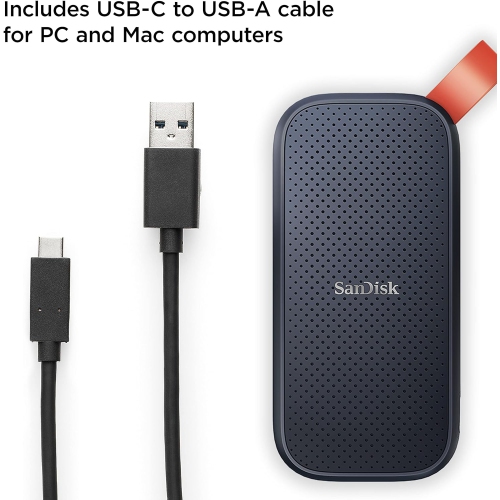
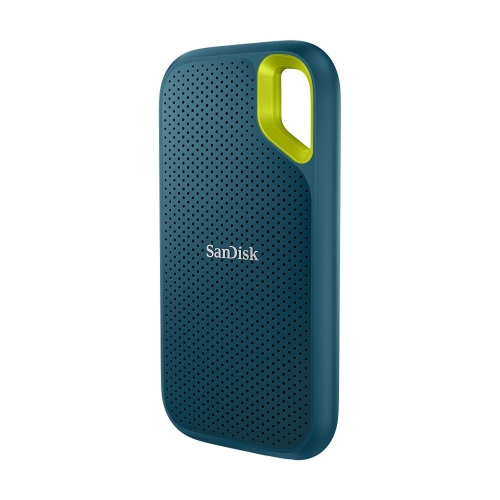
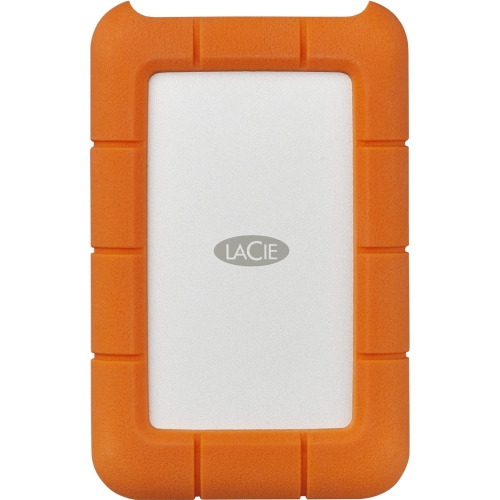
Back-to-school rugged portable SSDs offer students compact external storage for coursework, projects, and files on the go. Browse portable solid-state drives with protective designs, and compare storage capacity, transfer speeds, device compatibility, and listed drop or water-resistance ratings to find a fit for your laptop and daily commute.

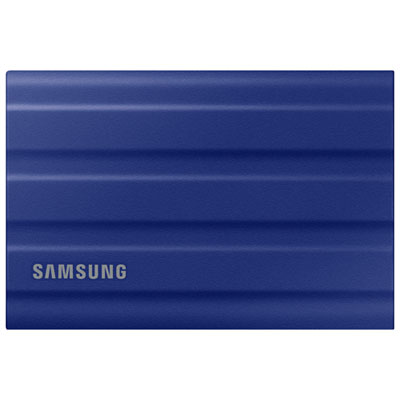
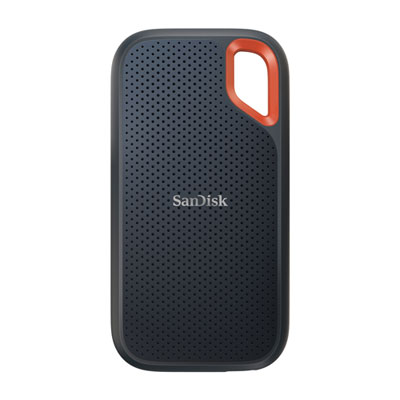
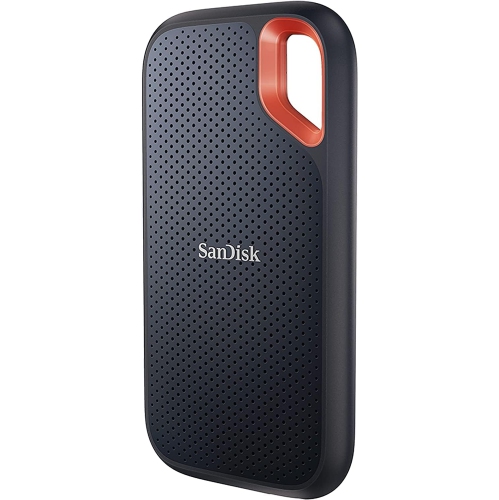

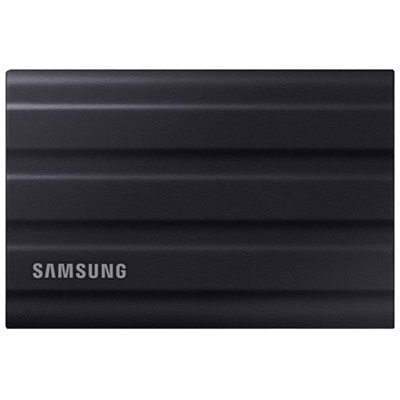


![Sandisk Portable 2TB USB 3.2 External Solid State Drive (SDSSDE30-2T00-G26) - Black [Employee of bestbuy] Great product for the value glad i purchased this from best buy](https://multimedia.bbycastatic.ca/multimedia/products/400x400/177/17744/17744651.jpg)
FAQ
A rugged portable SSD is an external solid-state drive with a reinforced casing designed for frequent carrying and everyday handling. It uses flash memory rather than spinning disks and connects to a compatible computer by cable. For students, it provides a separate place to keep coursework when moving between home, classes and campus.
Most portable SSDs connect through USB, often using a USB-C connector. Check the drive’s connection requirements, the laptop’s ports and the cable specifications. USB-C describes the connector shape, so a matching port does not necessarily support every feature of the drive.
Students can store documents, presentations, spreadsheets, photos, videos and project folders on a portable SSD. Some applications also let students keep media libraries or working files on an external drive. Opening those files on another computer still requires compatible software.
exFAT is commonly used for portable SSDs shared between Windows and macOS because both operating systems can read and write it. NTFS is primarily associated with Windows, while APFS is designed for Apple systems. Check the drive’s existing format and any course software requirements before choosing a file system.
Create a folder for each academic year or term, then add separate folders for individual courses. Within each course, group files into assignments, notes, readings and projects. Consistent filenames that include the course code, assignment title and version make coursework easier to browse.
Top selling and popular products
Discover more categories related to Back To School Rugged Portable SSDs

Some products may be subject to Environmental Handling Fees (EHF) depending on your province. Learn more about EHFs.