Back To School Reliable WiFi Routers
Find reliable Wi-Fi routers for back-to-school studying, online classes, and everyday browsing. Browse routers for your student space or family home, and compare coverage, speed, and device capacity to find an option that fits your internet plan and keeps laptops, tablets, and phones connected.

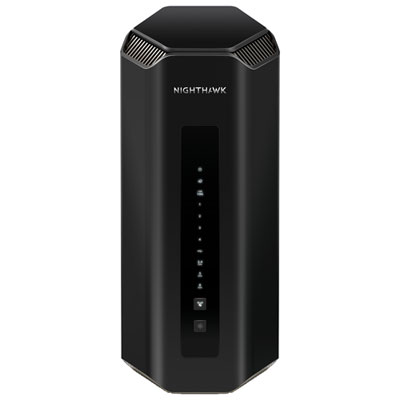
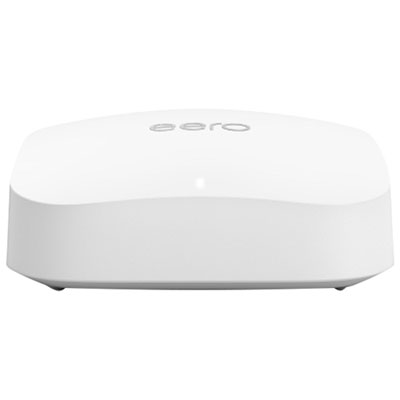
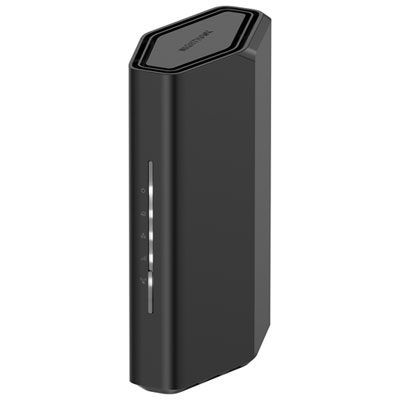
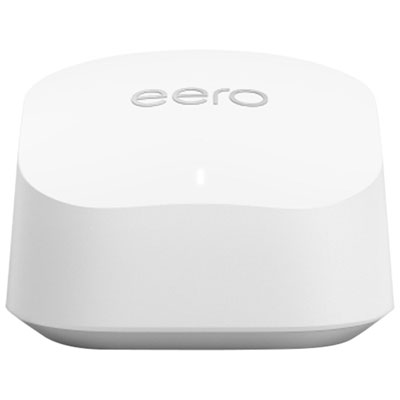

FAQ
Common standards include Wi-Fi 6, Wi-Fi 6E and Wi-Fi 7. Wi-Fi 6 uses the 2.4 GHz and 5 GHz bands, while Wi-Fi 6E adds access to the 6 GHz band. Wi-Fi 7 introduces additional features on compatible devices. Check which standards your laptop, tablet and other study devices support when comparing routers.
Dual-band routers typically offer 2.4 GHz and 5 GHz connections. Tri-band routers add a third band, which may be another 5 GHz band or a 6 GHz band, depending on the model. The router’s specifications will identify the bands available and whether compatible devices are required to use them.
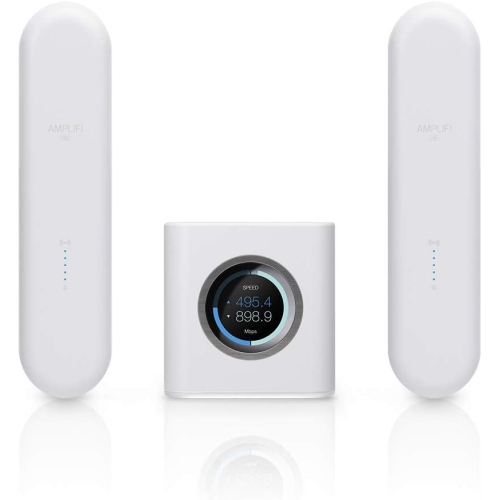
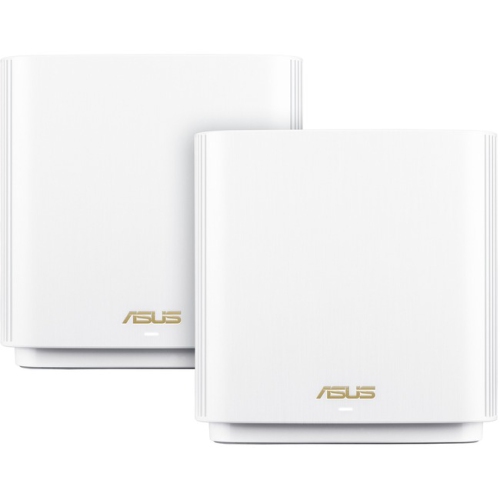
A standalone router provides Wi-Fi from one central device. A mesh system uses a main router and additional units that work together as one network. Mesh systems typically share a network name and management interface, rather than requiring you to manage each unit separately.
The WAN or Internet port usually connects the router to your modem or Internet service equipment. LAN ports connect wired devices such as desktop computers, printers or laptops with Ethernet adapters. For a back-to-school desk setup, consider which devices you plan to connect by cable.
Depending on the model, a router’s app or browser-based dashboard may let you name your network, view connected devices, create a guest network and schedule Wi-Fi access. Some also include traffic usage summaries and device grouping. Check whether the management options you want are included or require a separate subscription.
Top selling and popular products
Discover more categories related to Back To School Reliable WiFi Routers
Some products may be subject to Environmental Handling Fees (EHF) depending on your province. Learn more about EHFs.