Back To School WiFi 7 Routers
Shop back-to-school Wi-Fi 7 routers for your home or student living space, with options to support laptops, tablets and other connected devices. Compare coverage, device capacity and wired ports to find a router that fits your space, internet plan and study needs, from online classes to group video calls.
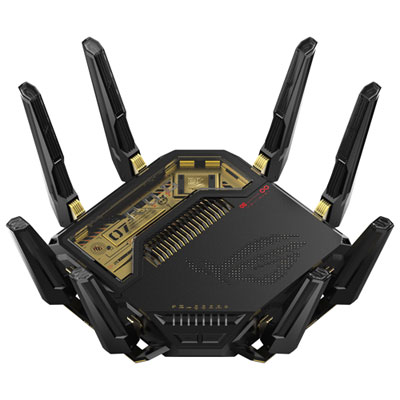
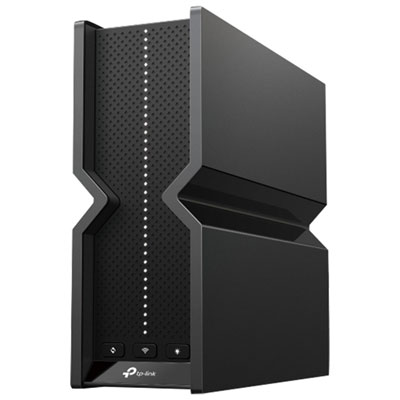
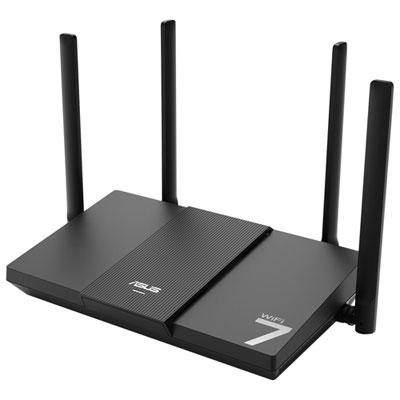
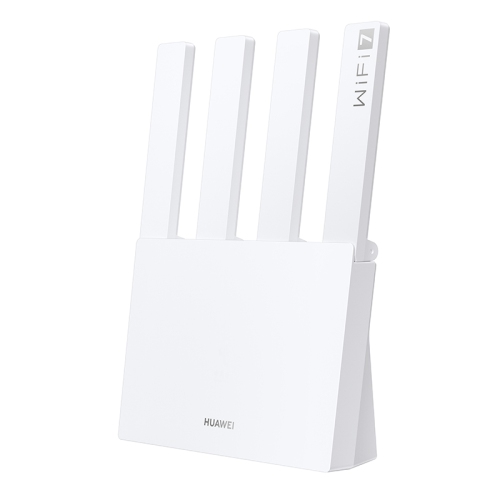
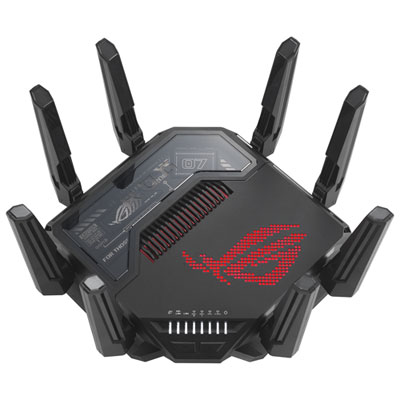
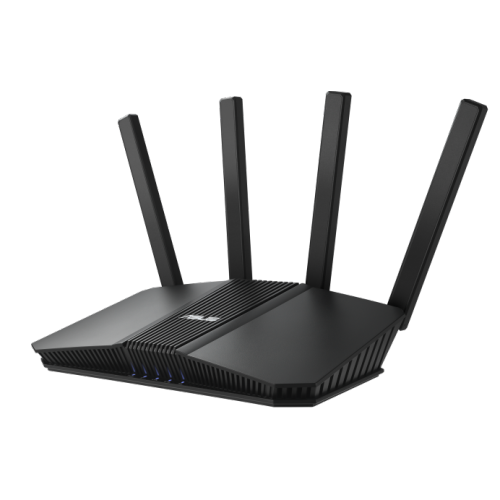
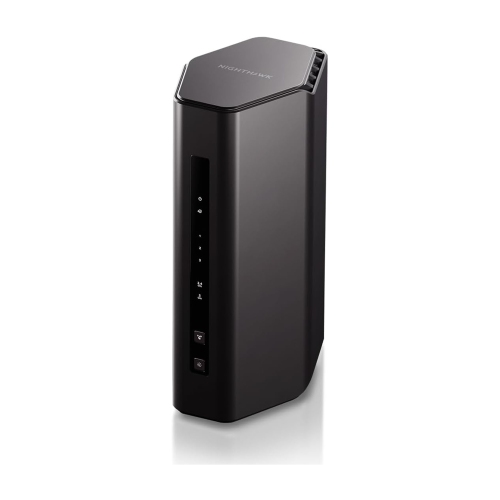
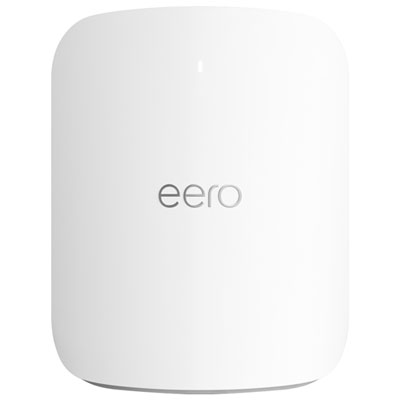
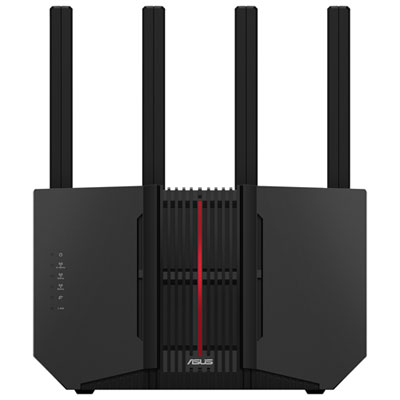
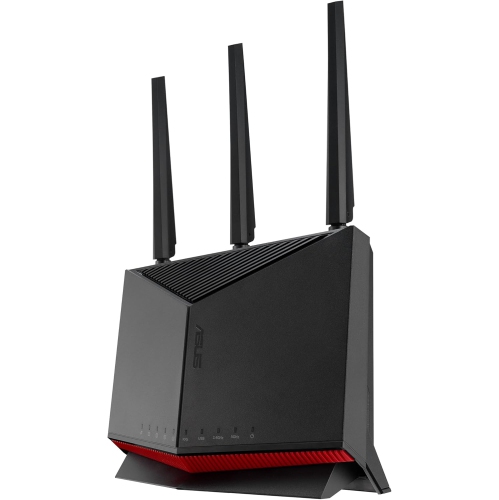
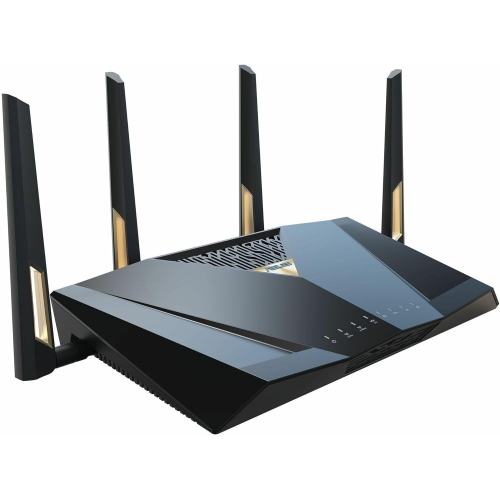
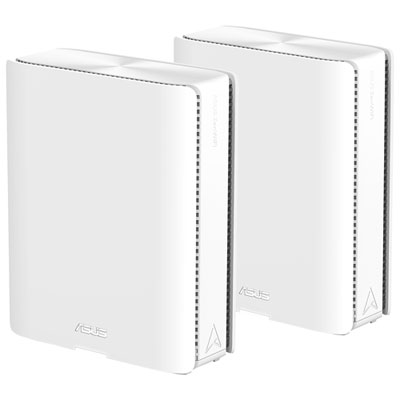
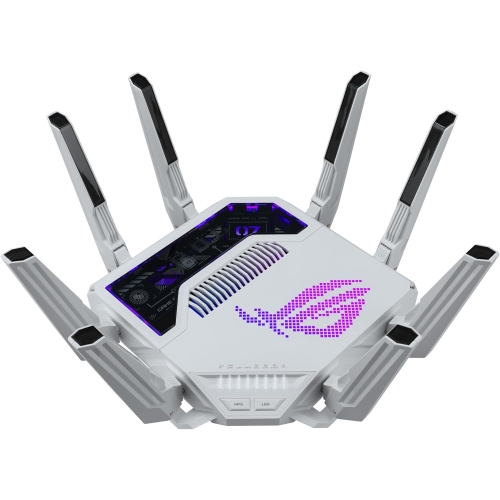
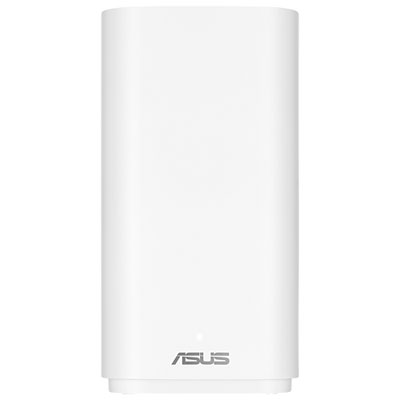
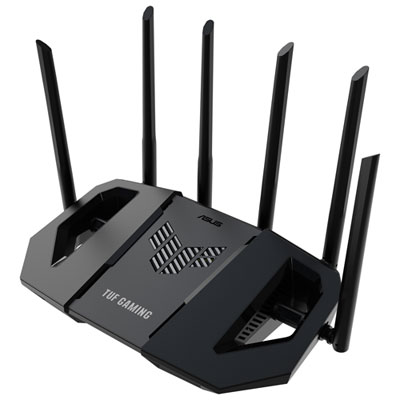
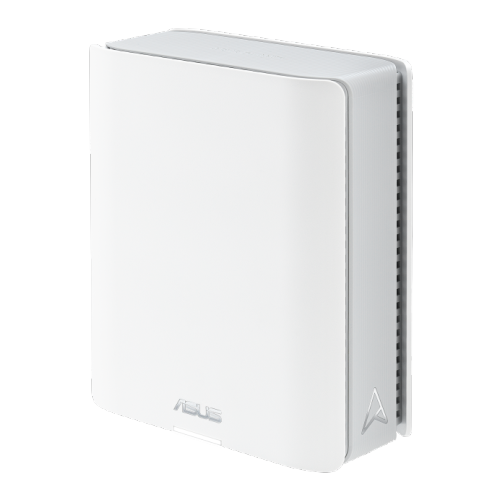
FAQ
A Wi-Fi 7 router uses the IEEE 802.11be wireless networking standard to connect devices to a home network. Wi-Fi 7 introduces features such as Multi-Link Operation, which allows compatible devices to use multiple wireless links. Access to particular features depends on both the router and the connected device.
Wi-Fi 7 routers generally support devices that use earlier Wi-Fi standards, including Wi-Fi 5 and Wi-Fi 6. Each device connects using a standard supported by both the device and the router. Wi-Fi 7-specific features require compatible hardware.
Wi-Fi 7 can operate on the 2.4 GHz, 5 GHz and 6 GHz bands, although not every Wi-Fi 7 router includes all three. A laptop, tablet or other connected device must also support a band to use it. Check the supported bands on both your router and your school devices.
Wi-Fi 7 routers typically include a WAN port for connecting to a modem or internet gateway and LAN ports for wired devices such as desktop computers or compatible laptop docks. Some also include USB ports for supported storage-sharing functions. Port types, counts and supported functions vary by model.
Setup typically involves connecting the router to your modem or internet gateway, then following instructions in a mobile app or web browser. You can name the network and connect laptops, tablets, printers and other school essentials. Some routers require an account for app-based setup, and internet provider gateways may need additional configuration.
Top selling and popular products
Discover more categories related to Back To School WiFi 7 Routers
Some products may be subject to Environmental Handling Fees (EHF) depending on your province. Learn more about EHFs.