Back To School Student Gaming Mice For Study And Play
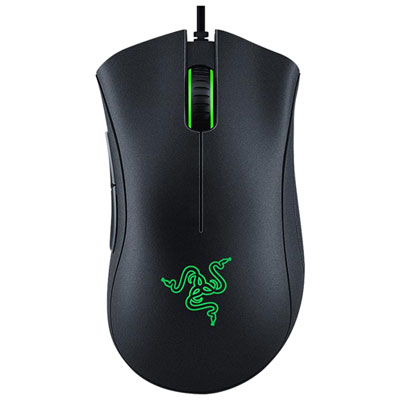
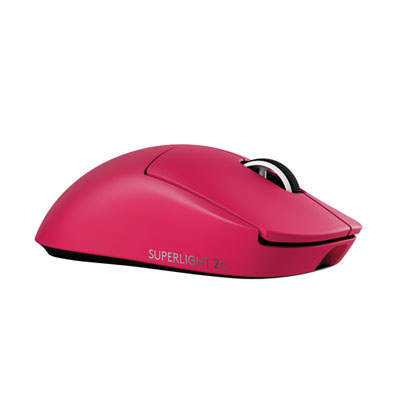
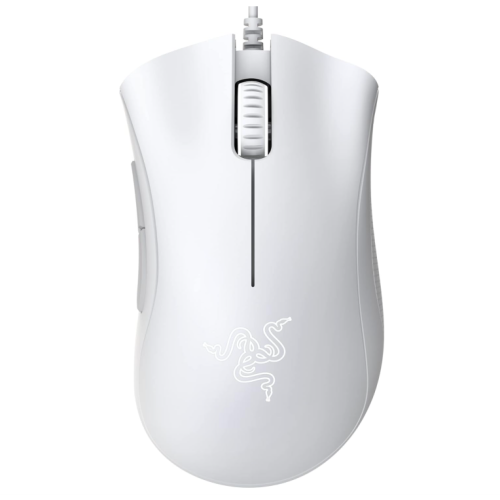
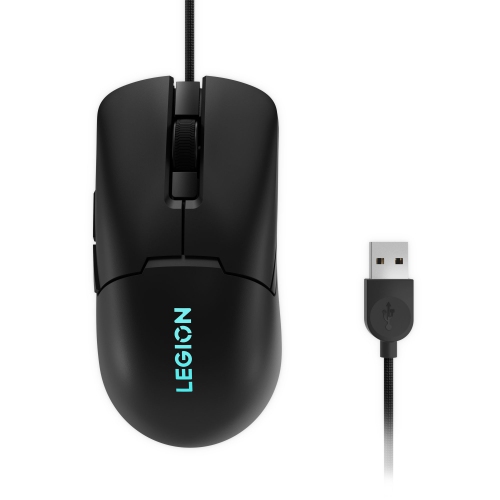
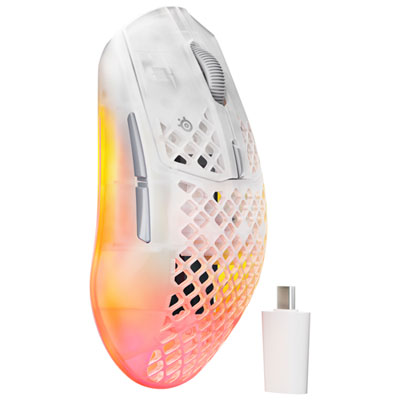
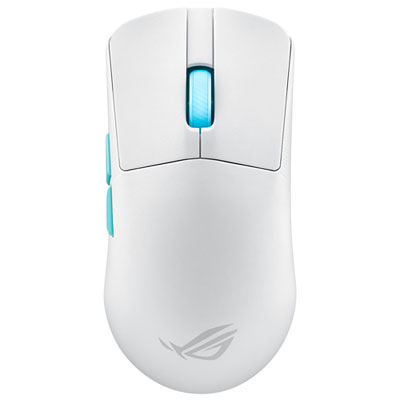
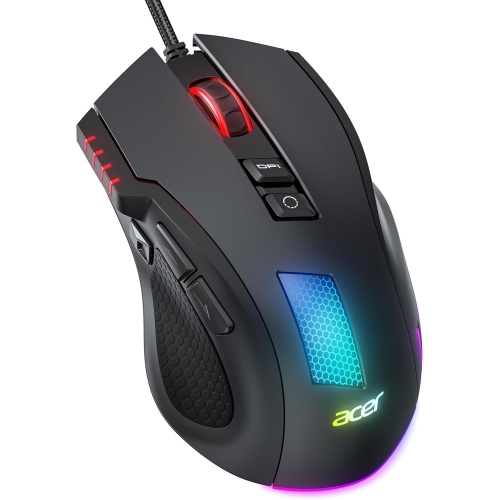
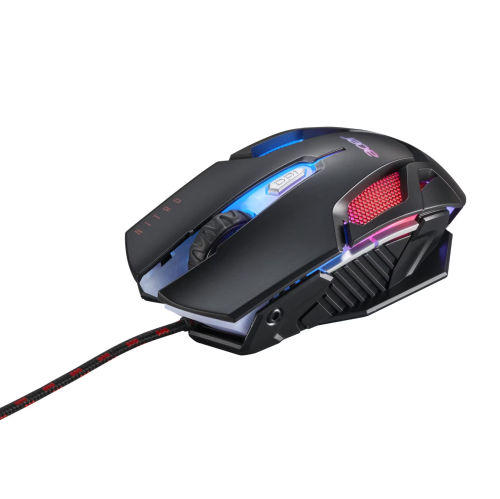
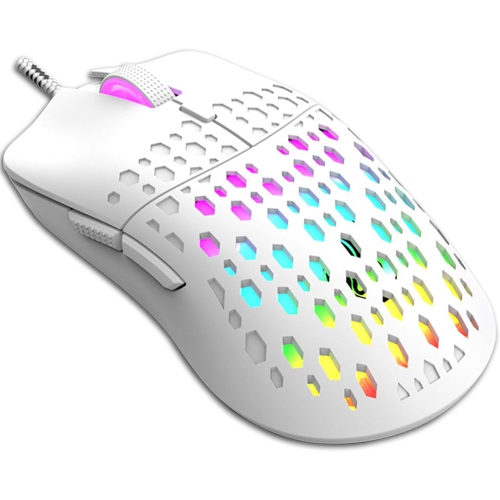
Find back-to-school gaming mice for students who need one mouse for coursework and gaming. Browse the selection with comfort, grip style, and desk space in mind, and compare features such as adjustable sensitivity, programmable buttons, and wired or wireless connectivity to find a fit for study sessions and play.





FAQ
Look for adjustable sensitivity, programmable buttons, a scroll wheel and connection options that suit your computer. Some gaming mice also offer separate profiles for coursework and games, along with lighting controls for a more understated study setup.
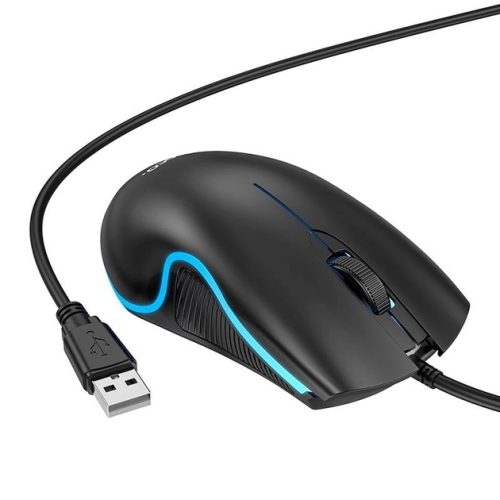
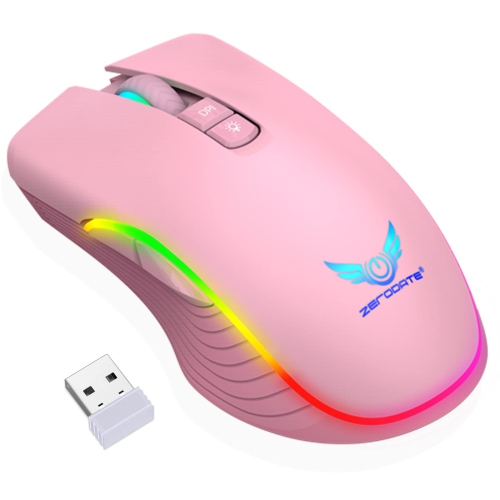
Wired gaming mice connect through a USB cable, while wireless models use Bluetooth or a USB receiver. Wireless mice require charging or replacement batteries. Some models support both wired and wireless use, so check the available connection modes and your computer’s ports.
DPI stands for dots per inch and describes a mouse’s movement sensitivity. A higher DPI setting moves the pointer farther for the same physical mouse movement, while a lower setting moves it less. Many gaming mice let you switch between sensitivity settings using a button or companion software.
Many gaming mice have programmable buttons that can be assigned to actions such as copying, pasting, navigating browser tabs or entering game commands. Available assignments depend on the mouse and its software. Models with onboard memory may store selected settings directly on the mouse.
Compatibility depends on the mouse’s connection type and operating system support. Basic pointer and click functions may work even when advanced customisation software is unavailable. Check support for Windows, macOS or ChromeOS, especially if you want to configure button assignments, lighting or saved profiles.
Top selling and popular products
Discover more categories related to Back To School Student Gaming Mice For Study And Play


Some products may be subject to Environmental Handling Fees (EHF) depending on your province. Learn more about EHFs.