Back To School Comfortable Gaming Mice
Find comfortable gaming mice for back to school that suit both coursework and after-class gaming. Compare shapes and sizes to find a mouse that fits your hand and grip style, and consider weight, button layout, and wired or wireless connectivity for your desk setup.


FAQ
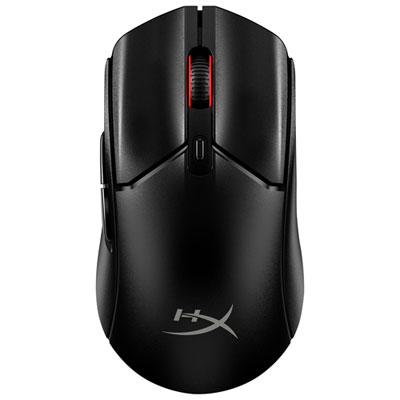
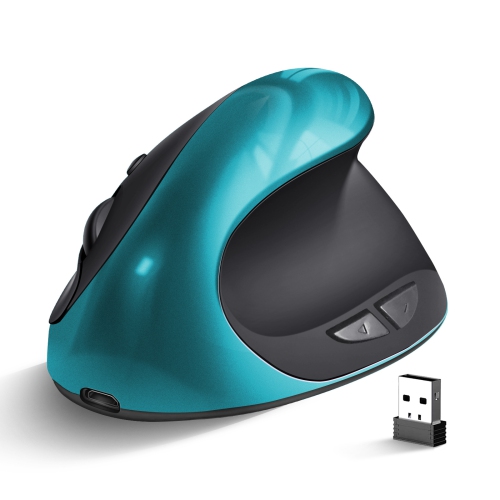
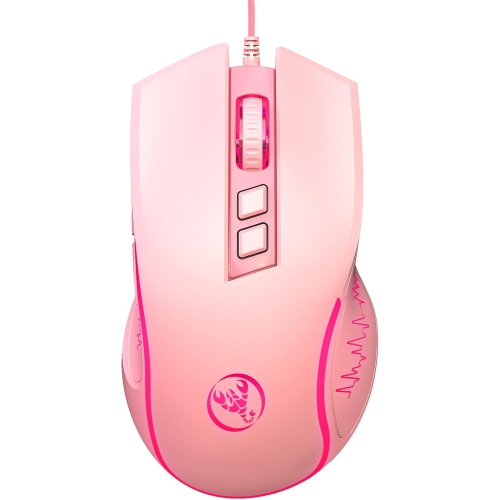
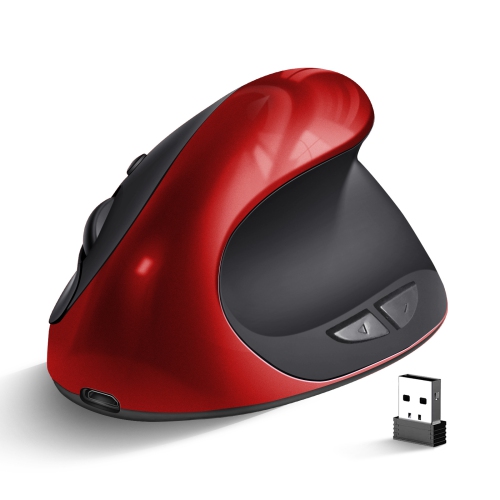
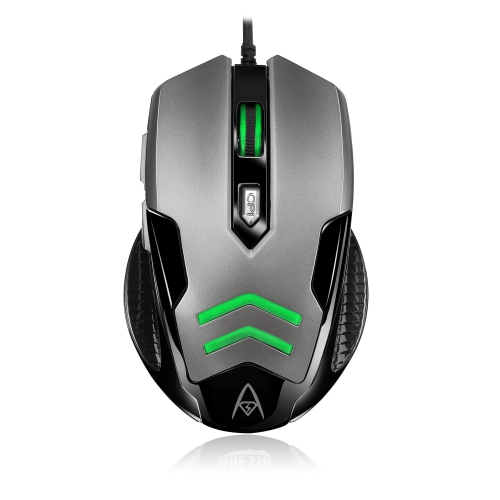
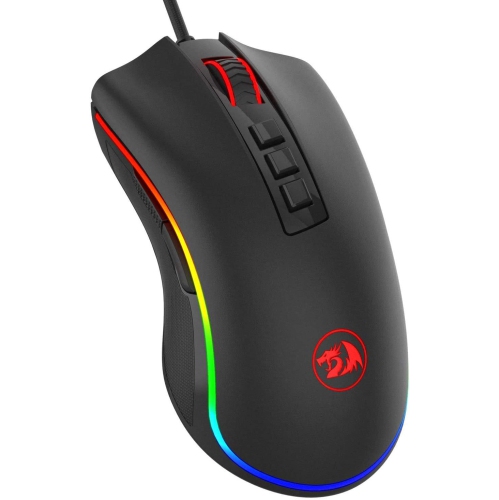
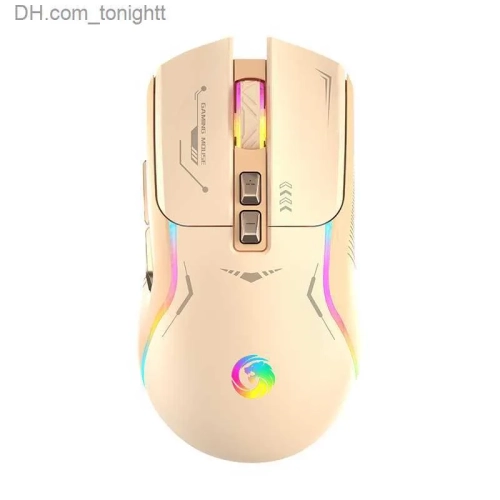
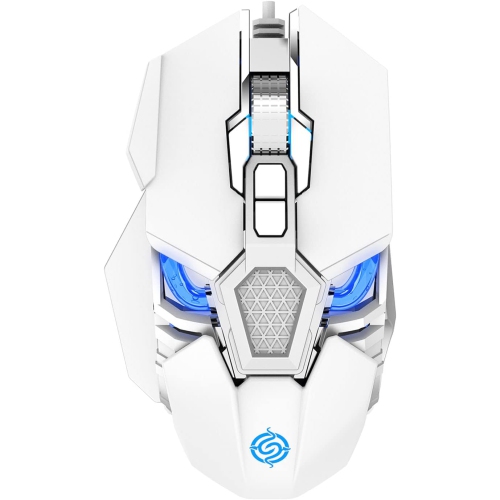
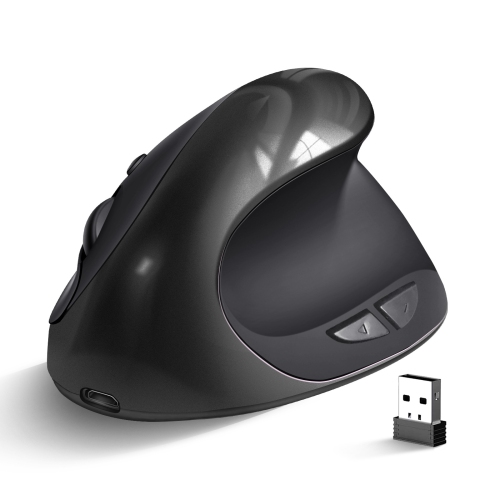
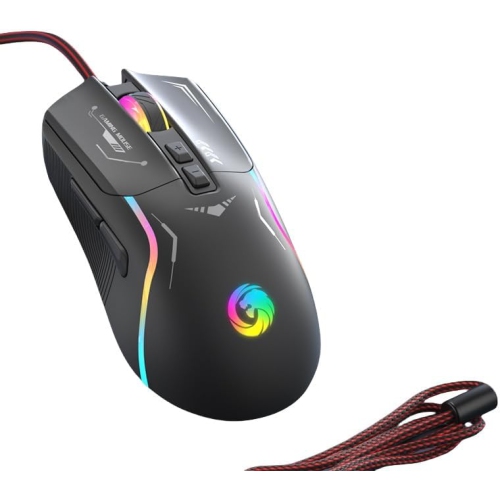
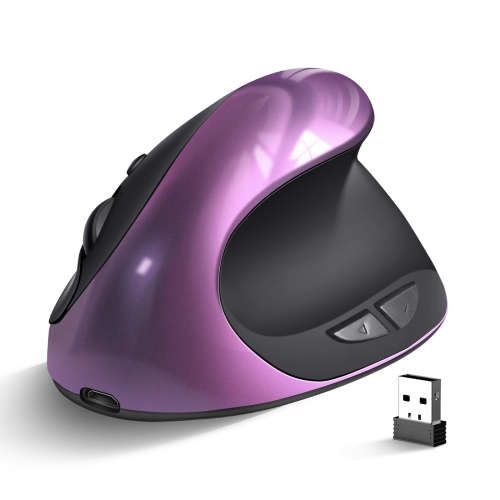
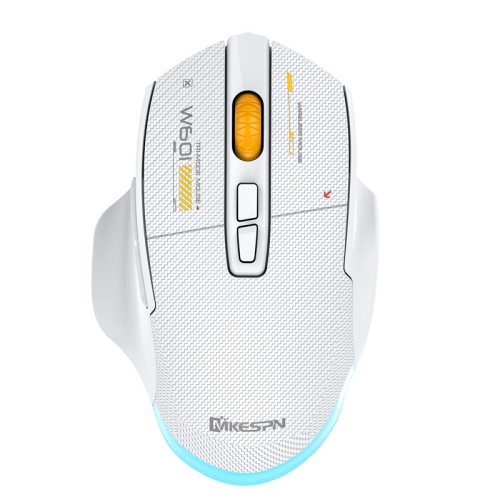
Gaming mice may feature contoured shells, thumb rests, textured side grips and sculpted buttons. Some have a right-handed shape, while others use a symmetrical design. These details offer different ways to rest your hand and hold the mouse during schoolwork and gaming.
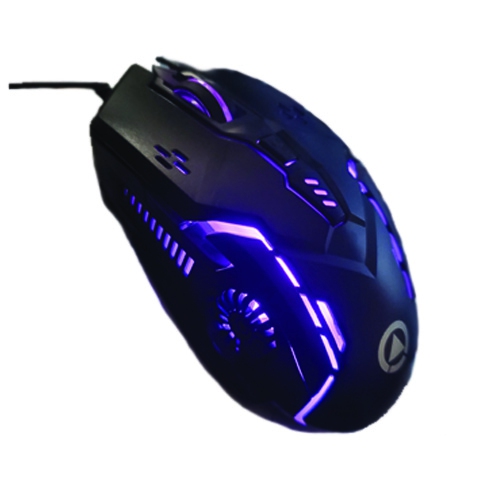
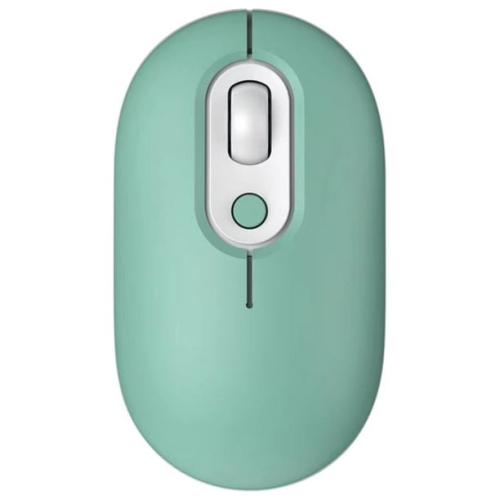
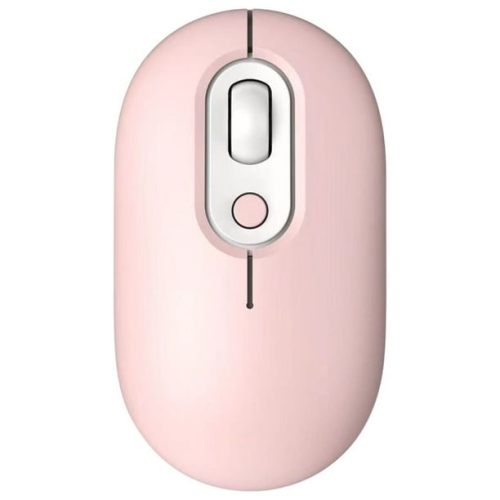
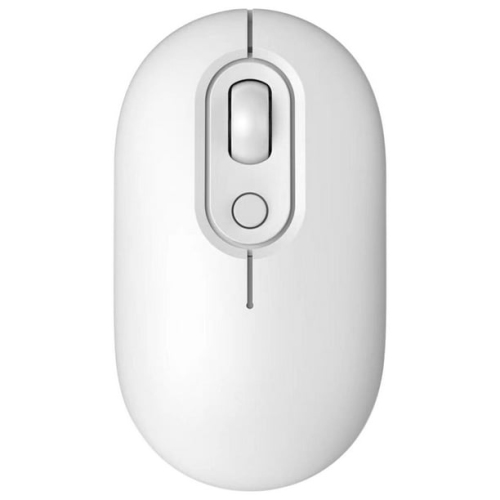
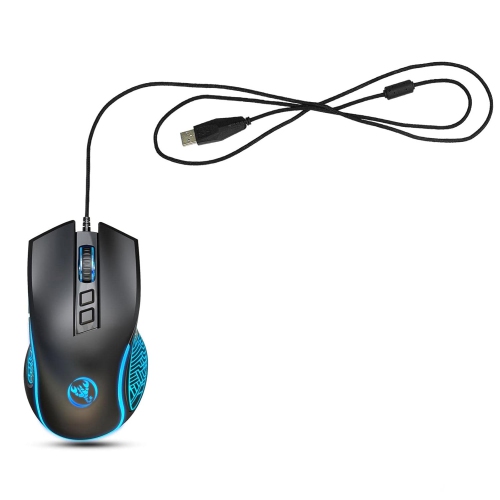
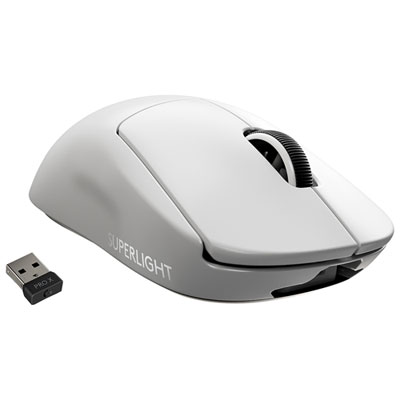
Wired gaming mice connect through a USB cable and do not need separate charging. Wireless models may use Bluetooth, a USB receiver or both, and require charging or replaceable batteries. Check your computer’s available ports and supported connections when choosing between them.
Programmable buttons let you assign commands through compatible software. Depending on the mouse, you can set up shortcuts for copying and pasting, navigating browser tabs or performing in-game actions. Some models also store separate button profiles for different applications.
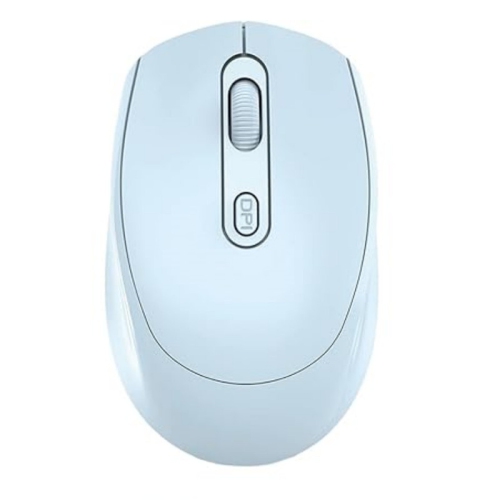
DPI describes how much cursor movement corresponds to physical mouse movement. A higher setting moves the cursor farther with the same motion, while a lower setting moves it a shorter distance. Many gaming mice let you switch between sensitivity settings using a button or compatible software.
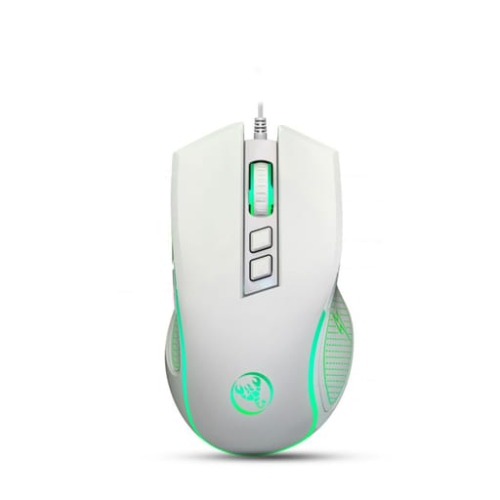
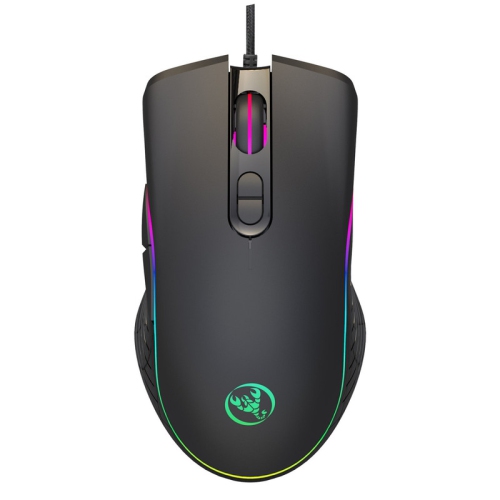
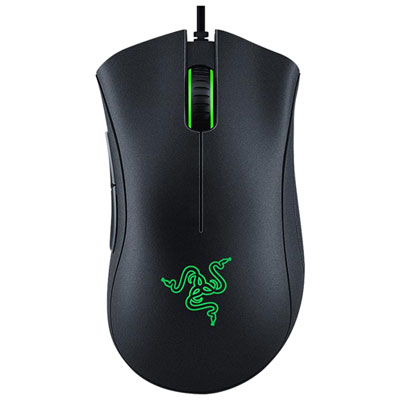
Many gaming mice with lighting offer adjustable colours, brightness and effects through onboard controls or compatible software. Some also let you switch the lighting off. Available controls vary, and software-based settings may depend on your computer’s operating system.
Top selling and popular products
Discover more categories related to Back To School Comfortable Gaming Mice

Some products may be subject to Environmental Handling Fees (EHF) depending on your province. Learn more about EHFs.