Back To School Stylus Pens For Tablets And iPads
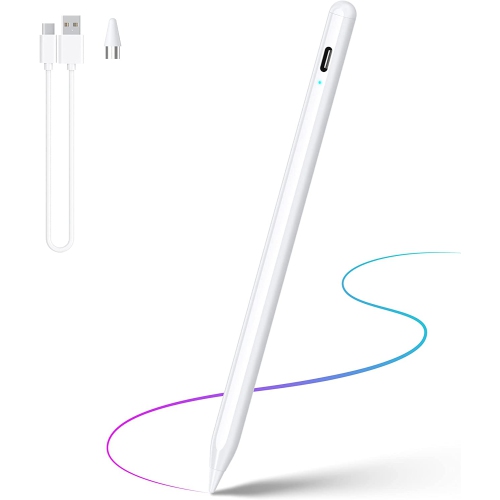
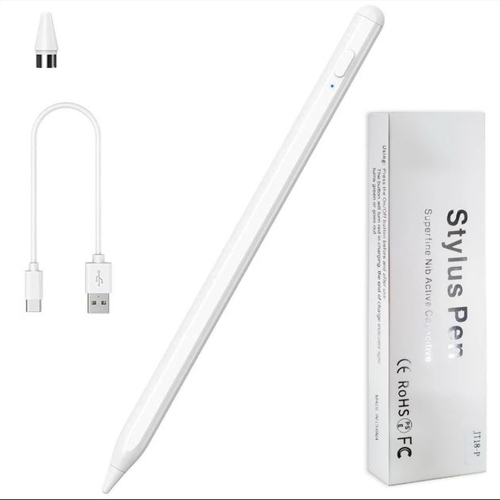
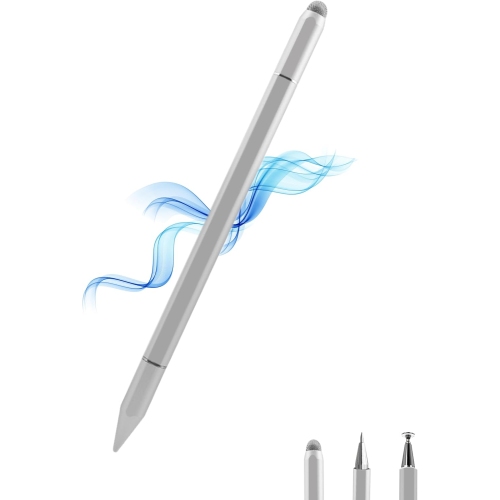
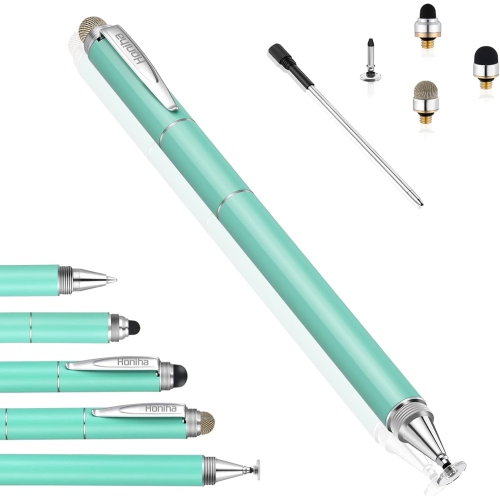
Find back-to-school stylus pens for tablets and iPads to help with note-taking, annotating readings, and sketching diagrams. Explore options for your study routine, and check compatibility with your specific tablet or iPad model before choosing. Features such as palm rejection and pressure sensitivity vary by stylus, device, and app.

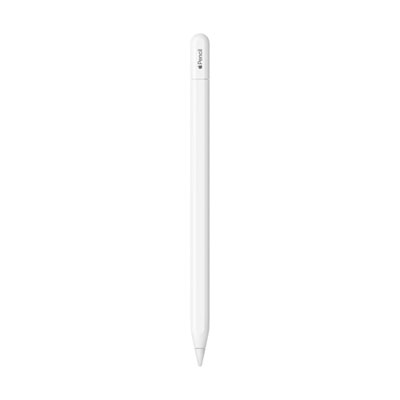
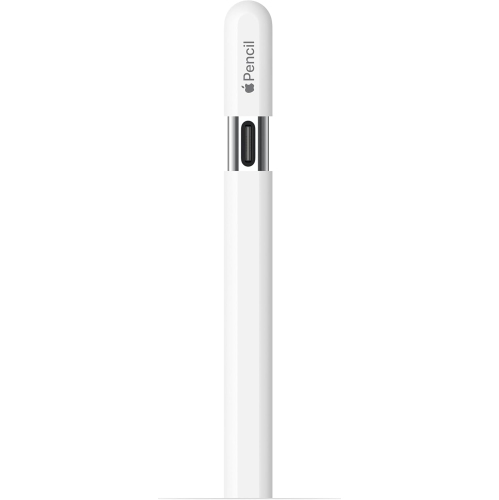
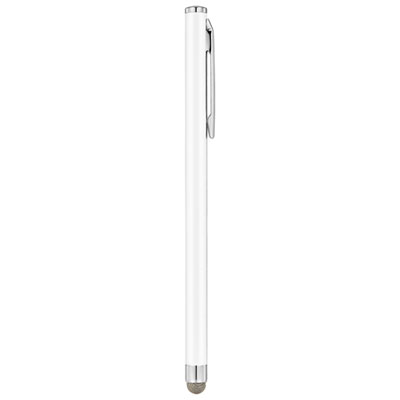
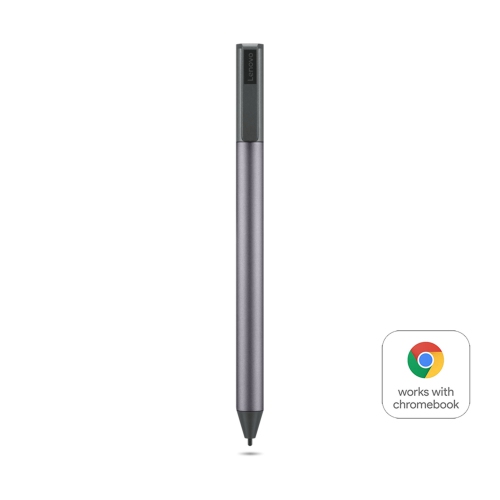

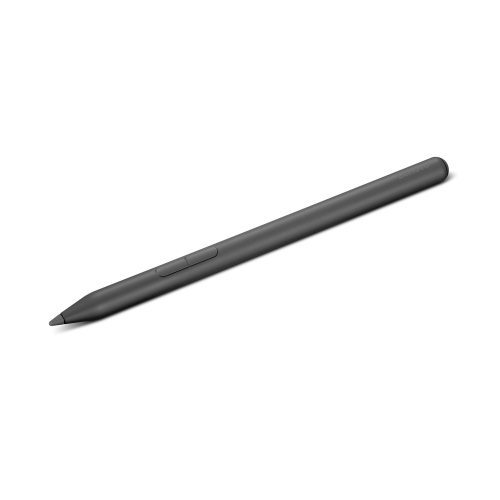
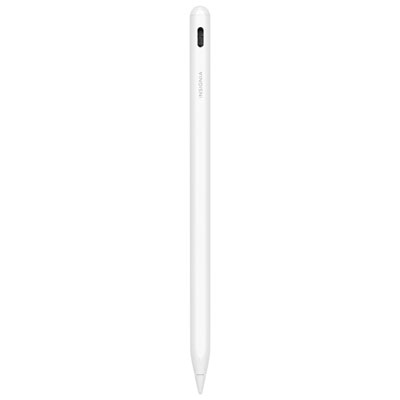
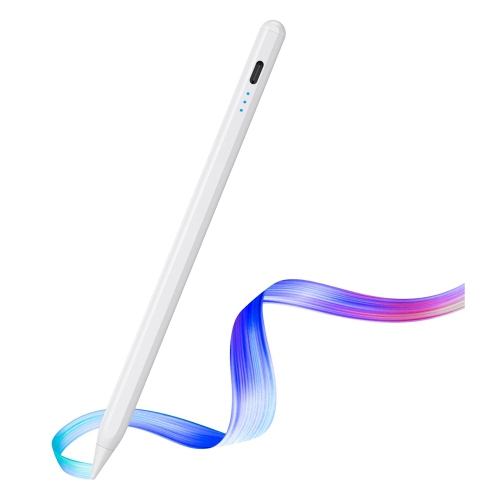
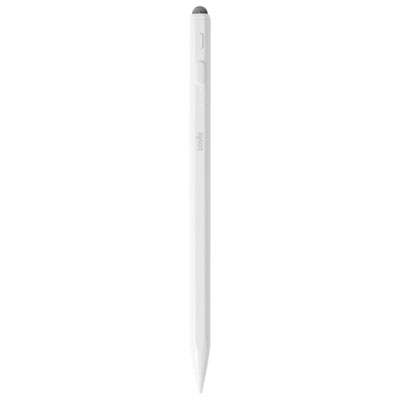
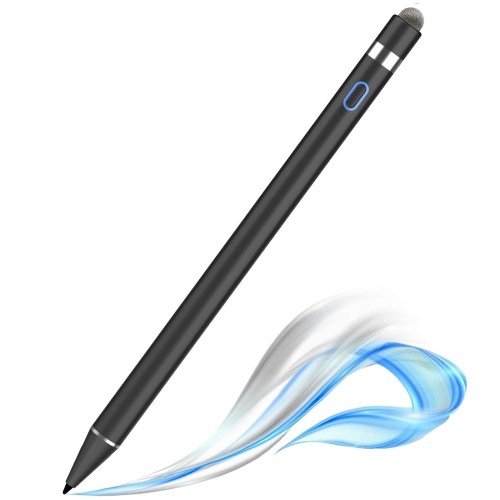
![HLD Stylus Pen [20 Pack], Universal Capacitive Touch Screen Stylus Compatible With Iphone, Android & Other Touch Screen Devices I ordered this multi-pack of stylus friends for use with an iPhone](https://multimedia.bbycastatic.ca/multimedia/products/500x500/132/13231/13231264.jpg)
FAQ
Check your tablet’s exact model and generation, then compare them with the stylus manufacturer’s compatibility list. Active styluses often require specific hardware support, so compatibility can vary even between devices from the same brand. Basic capacitive styluses generally work with touchscreens but do not offer the same features as compatible active models.
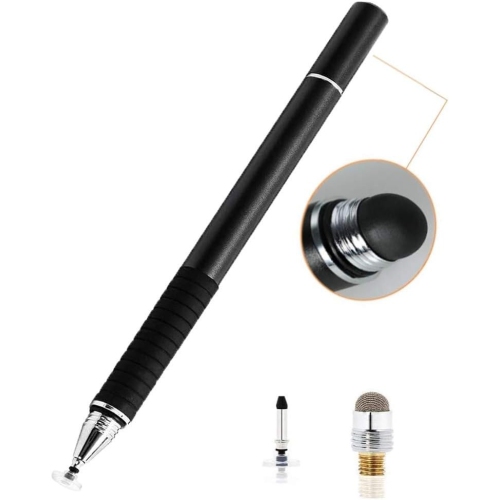
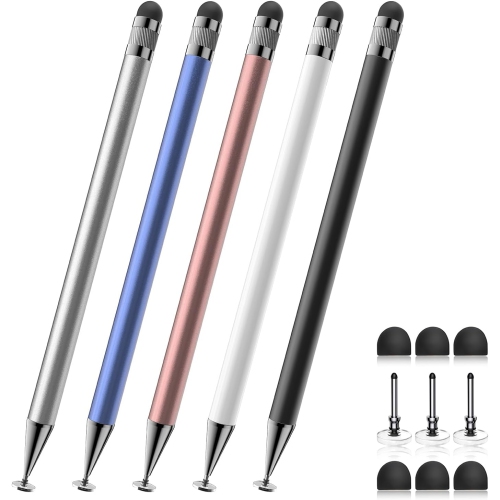
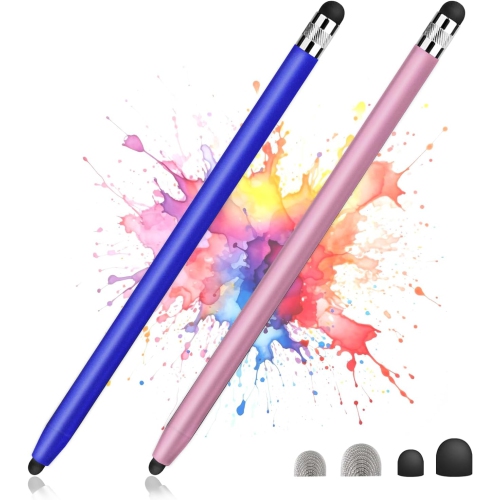
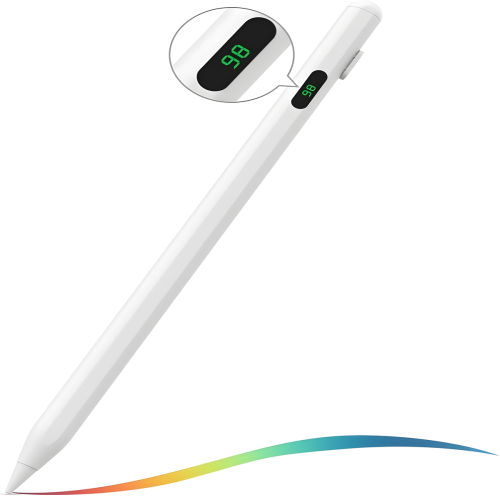
An active stylus uses powered electronics to communicate with a compatible tablet and may support features such as pressure sensitivity, tilt input and programmable buttons. A passive capacitive stylus interacts with the touchscreen much like a fingertip and typically does not need charging or pairing.
Pairing requirements depend on the stylus and tablet. Some active styluses pair through Bluetooth or a physical connection, while others support writing without manual pairing. Certain models use Bluetooth only for shortcut buttons or additional controls. Follow the setup steps provided for your compatible device.
Active styluses may use a rechargeable battery or replaceable batteries. Charging methods can include USB-C, a dedicated connector or magnetic charging on a compatible tablet. Magnetic attachment alone does not necessarily mean a stylus can charge that way. Passive capacitive styluses do not require battery power.
Look for note-taking apps with subject folders, PDF annotation, handwriting-to-text conversion and export options supported by your tablet. Split-screen support can let you keep course material beside your notes, while cloud syncing can provide access across compatible devices. Some features may require an account or subscription.
Top selling and popular products
Discover more categories related to Back To School Stylus Pens For Tablets And iPads

Some products may be subject to Environmental Handling Fees (EHF) depending on your province. Learn more about EHFs.