Back To School High Precision Styluses
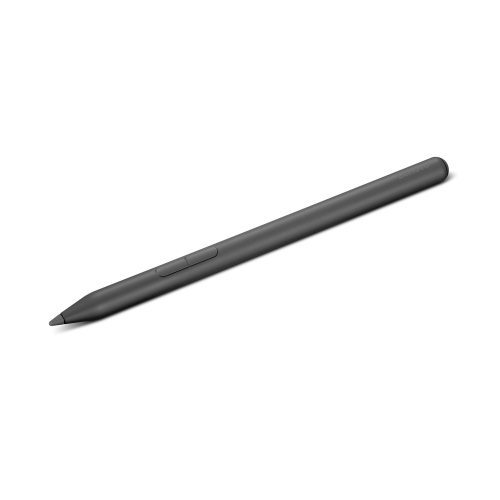
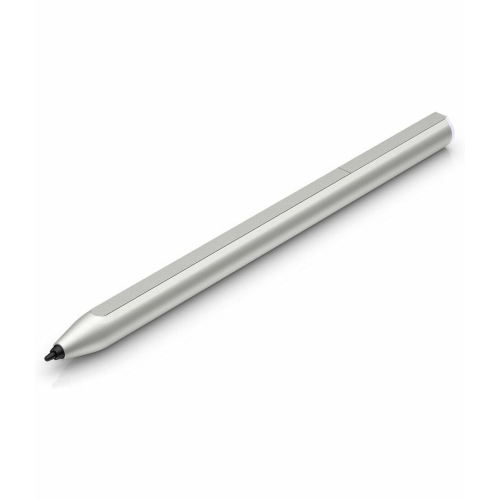
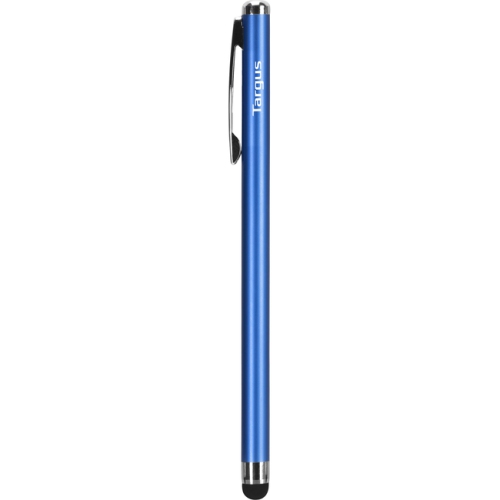
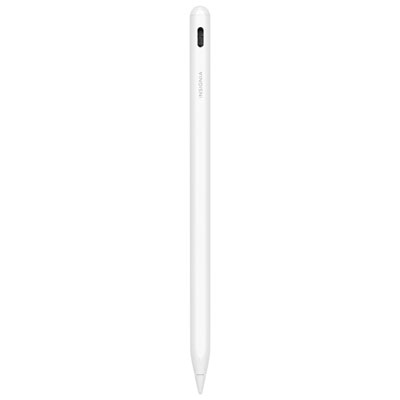
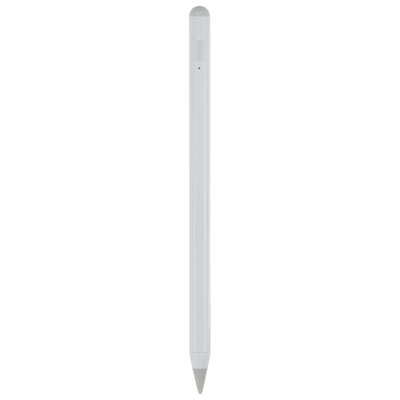
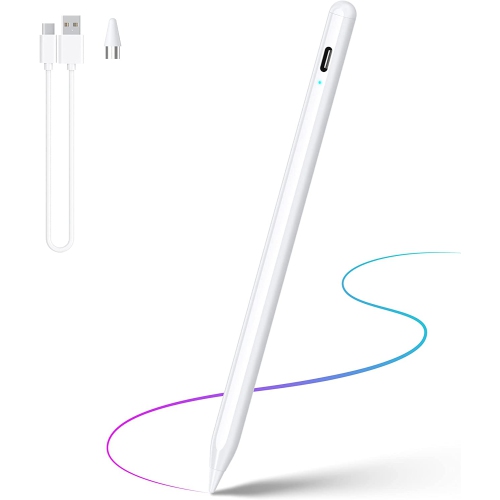
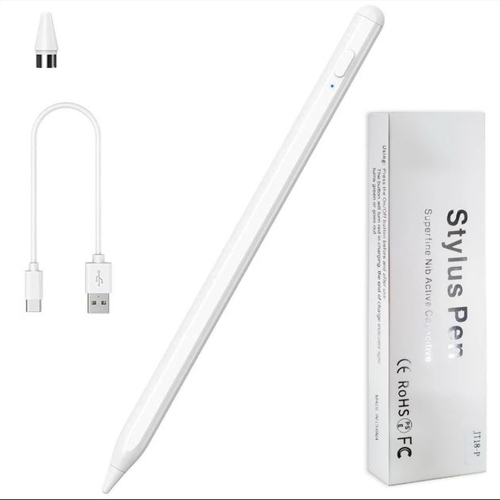
Find back-to-school high-precision styluses for taking digital notes, annotating readings, and sketching diagrams on compatible tablets and touchscreen devices. Compare device compatibility, tip design, and supported features such as pressure sensitivity and palm rejection to choose a stylus that suits your coursework and writing style.


![HLD Stylus Pen [20 Pack], Universal Capacitive Touch Screen Stylus Compatible With Iphone, Android & Other Touch Screen Devices I ordered this multi-pack of stylus friends for use with an iPhone](https://multimedia.bbycastatic.ca/multimedia/products/500x500/132/13231/13231264.jpg)
FAQ
Active styluses use electronic components to communicate with compatible devices and may support features such as pressure sensitivity, palm rejection and shortcut buttons. Passive styluses typically interact with a touchscreen like a fingertip and do not require charging. For school use, the choice depends on your device and the features your coursework requires.
Check your device’s exact model and its supported pen technology, then compare those details with the stylus compatibility list. A touchscreen alone does not guarantee support for an active stylus. Some pens work only with certain device families or generations, and Bluetooth connectivity does not establish writing compatibility.
Note-taking, PDF annotation, digital whiteboard and drawing apps commonly support stylus input. Depending on the app, you may be able to handwrite class notes, mark up readings or sketch diagrams. Features such as handwriting-to-text conversion and pressure-sensitive drawing depend on the app, stylus and device.
Power options vary by stylus. Active models may use replaceable batteries, USB charging or wireless charging through a compatible device. Some device-specific pens operate without a battery, while passive capacitive styluses do not need power. Check the charging method and any required accessories when planning your school setup.
Depending on the stylus, device and app, buttons or touch gestures may switch between pen and eraser tools, open a note-taking app or select items. Some shortcuts can be customised in device settings or within individual apps. Available controls vary, so check which options your school apps support.
Top selling and popular products
Discover more categories related to Back To School High Precision Styluses

Some products may be subject to Environmental Handling Fees (EHF) depending on your province. Learn more about EHFs.