Back To School Tablets With Stylus
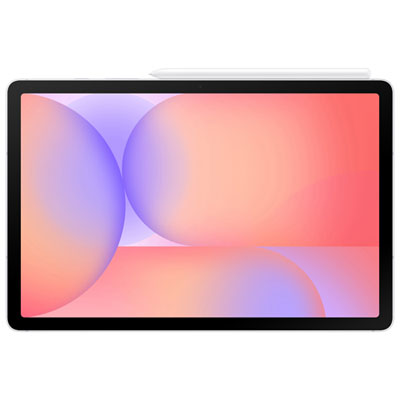
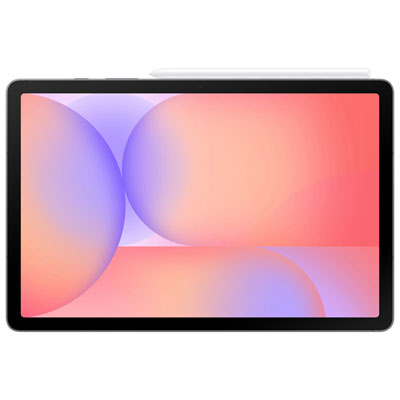
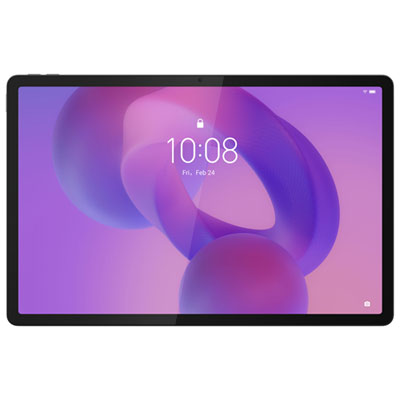
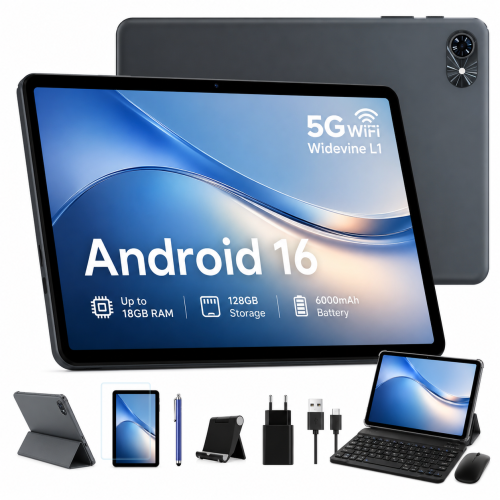
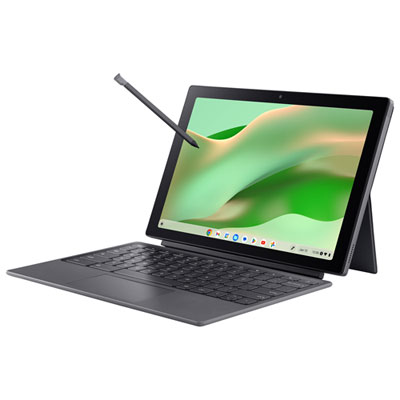
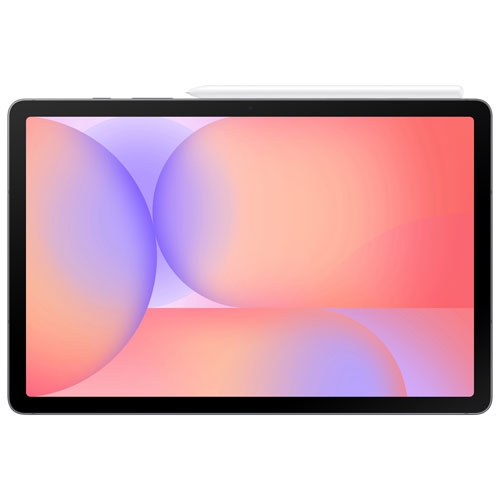
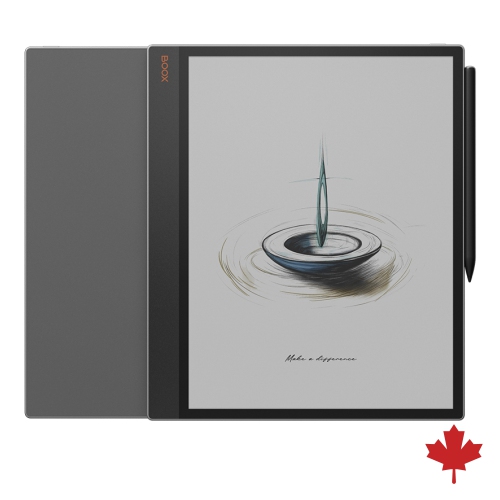
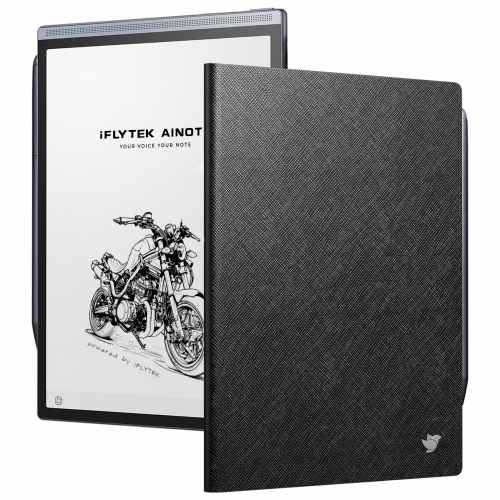
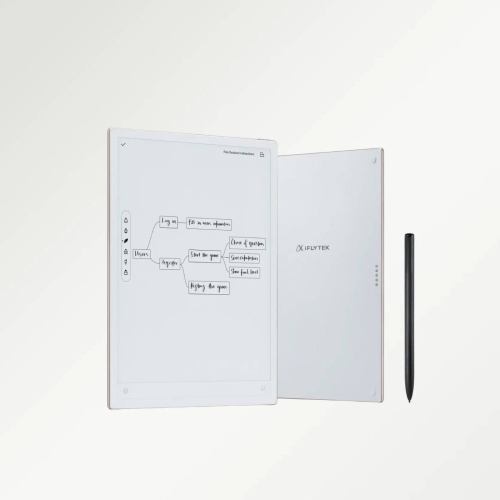
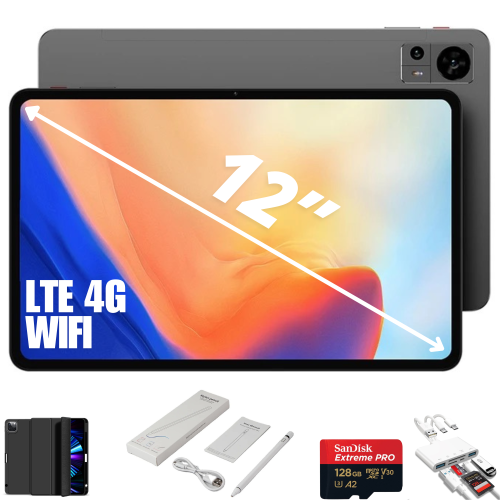
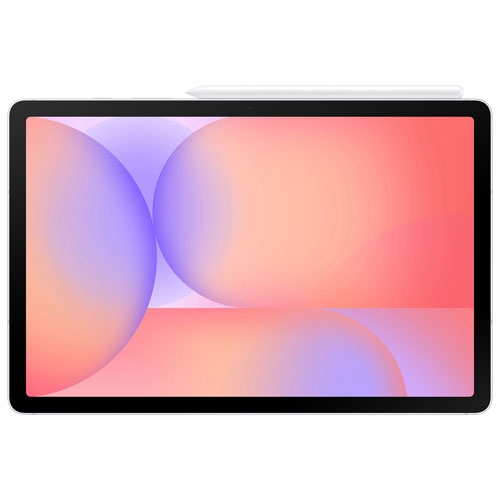
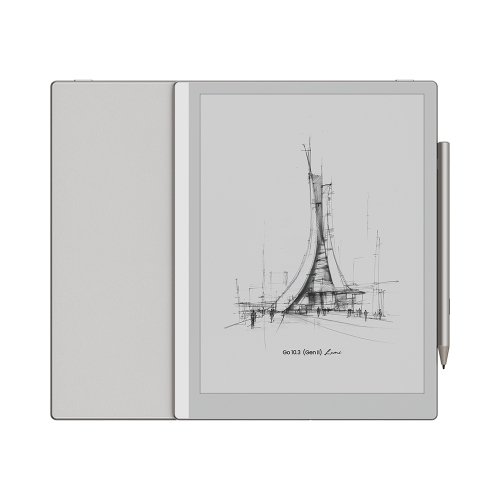
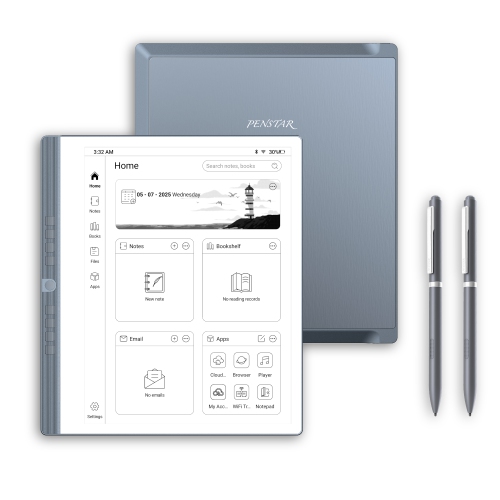
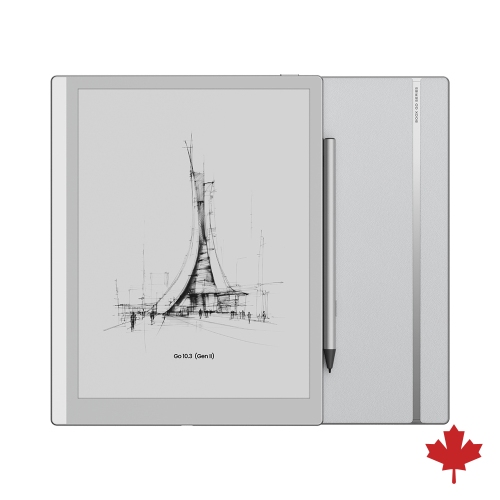
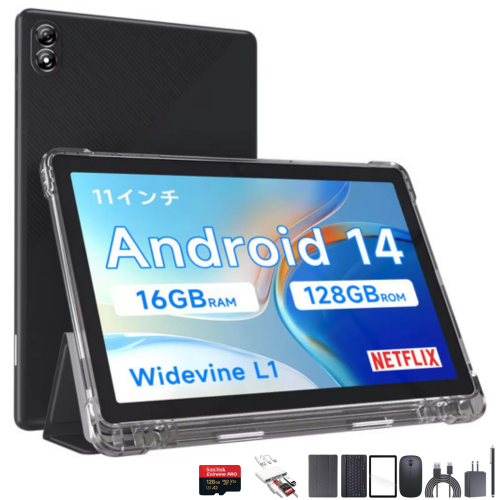
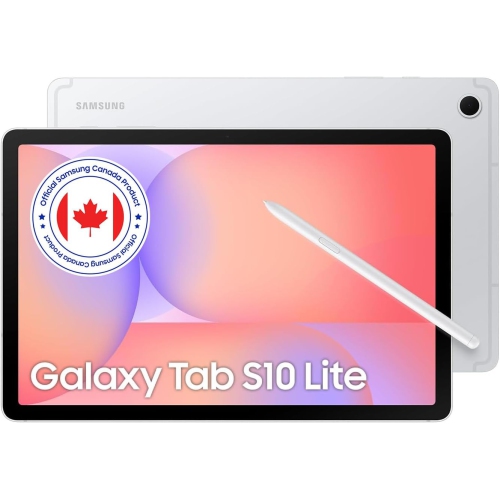
Find back-to-school tablets with stylus support for taking class notes, annotating readings, and sketching diagrams. Compare screen sizes, storage, and battery life to suit your coursework, and check whether a compatible pen is included or sold separately.







FAQ
Consider compatibility with required school apps, storage for coursework, battery life, and keyboard support. For handwritten notes and drawing, check whether the tablet and stylus support palm rejection, pressure sensitivity, and shortcut buttons. These features vary by device and app.
An active stylus uses electronic components to communicate with a compatible tablet and may support features such as pressure sensitivity and palm rejection. A basic capacitive stylus works like a fingertip on a touchscreen and generally does not offer those advanced features. Active styluses may require charging or batteries.
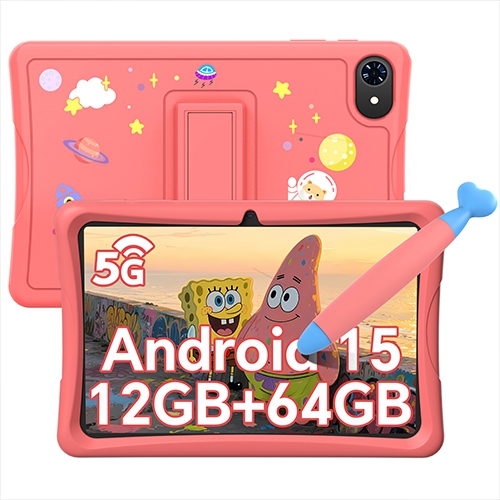
Some tablets include a stylus, while others require a separate purchase. Check the listed package contents to confirm what is included. If you are choosing a stylus separately, verify compatibility with the tablet’s exact model and generation.
Note-taking, PDF annotation, drawing, and digital whiteboard apps commonly support stylus input. Depending on the app, students can write handwritten notes, mark up readings, sketch diagrams, or convert handwriting to typed text. App availability and supported features depend on the tablet’s operating system.
Many note-taking apps offer account-based syncing across supported devices or export notes as PDFs and images. Files can also be transferred through cloud storage, email, or a compatible USB connection. Check the app’s export options and your school’s accepted file formats before submitting coursework.
Top selling and popular products
Discover more categories related to Back To School Tablets With Stylus

Some products may be subject to Environmental Handling Fees (EHF) depending on your province. Learn more about EHFs.