Back To School Tech Essentials For Freshmen
Find back-to-school tech essentials for freshmen, from laptops and tablets for coursework to headphones and accessories for studying on campus. Compare options with your program’s software requirements, portability needs and budget in mind, so you can choose gear that fits lectures, assignments and everyday student life.





FAQ
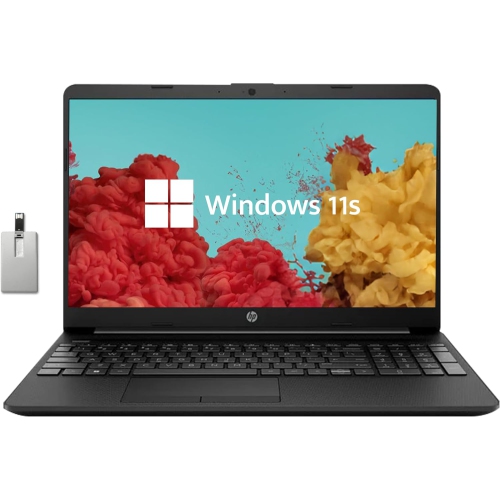
Common essentials include a laptop, headphones, a USB flash drive or external drive, and chargers for everyday devices. Depending on your courses, you may also want a mouse, keyboard, webcam or printer. Check your program’s technology requirements before choosing your main computer.
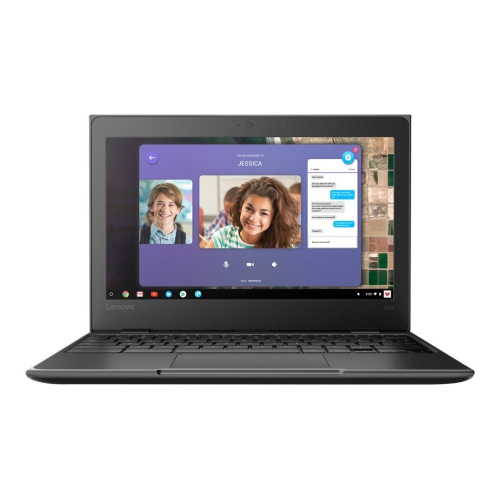
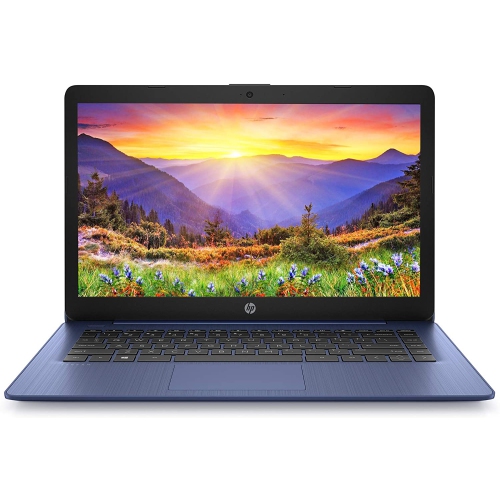
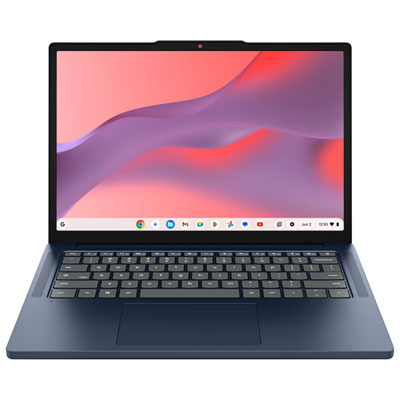
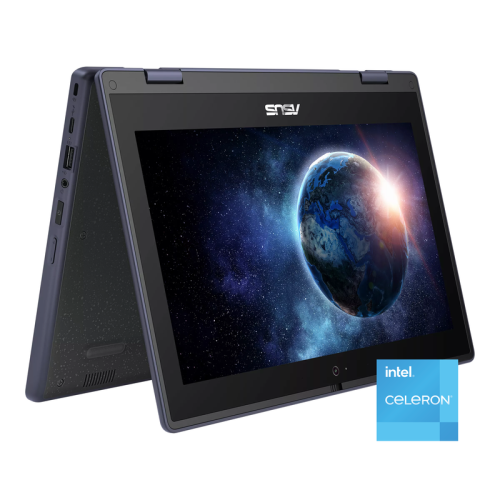
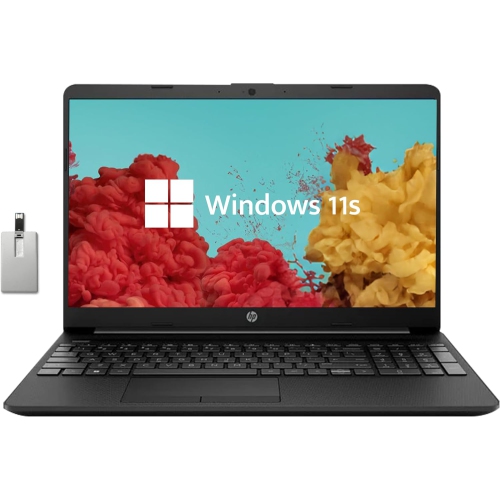
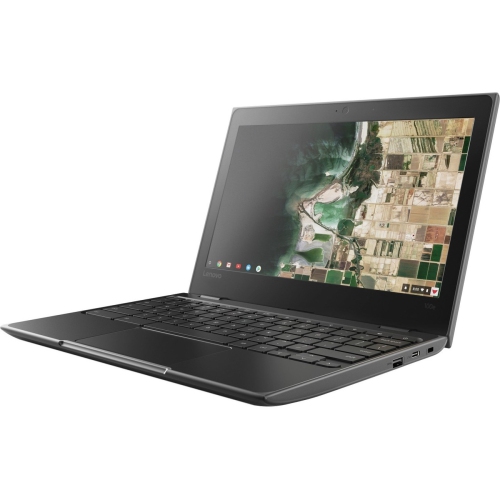
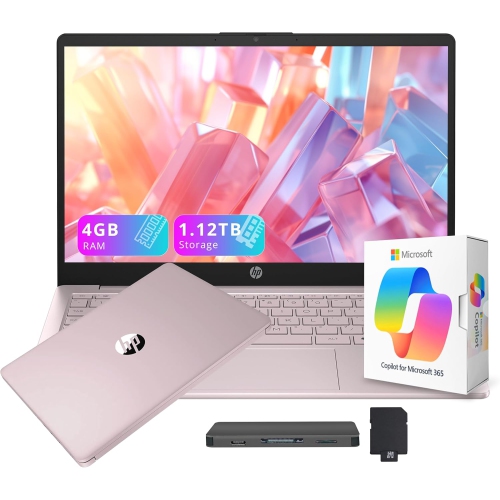
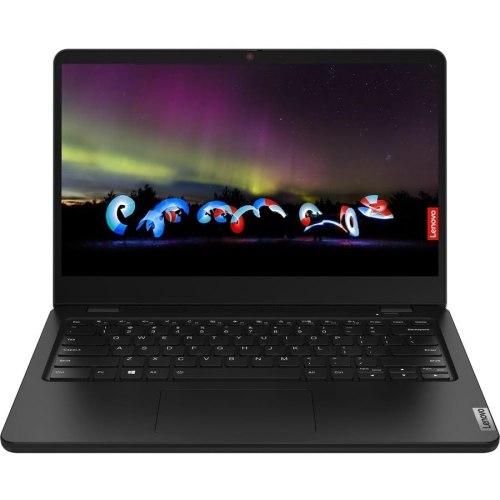
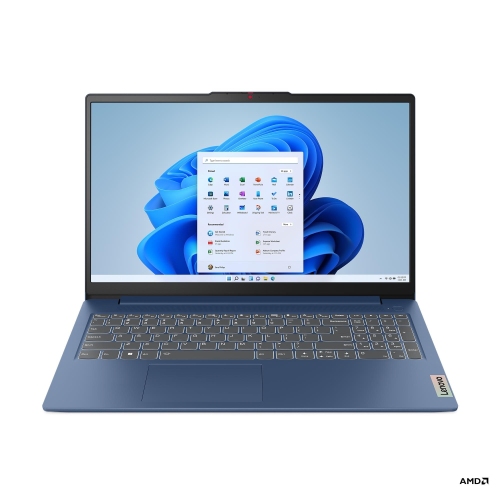
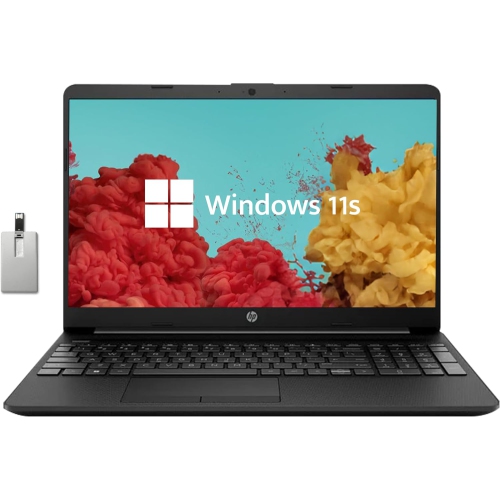
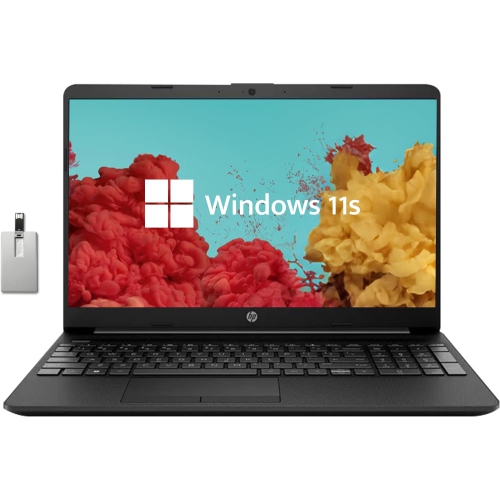
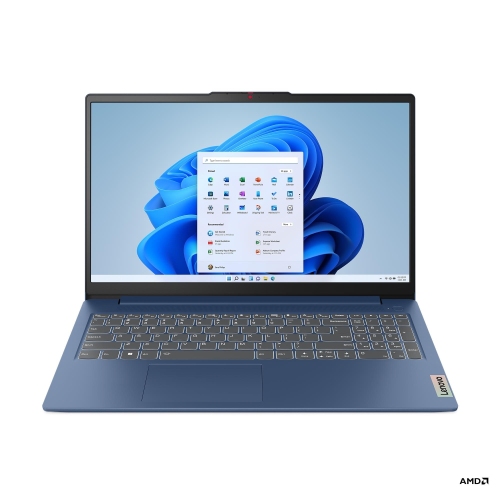
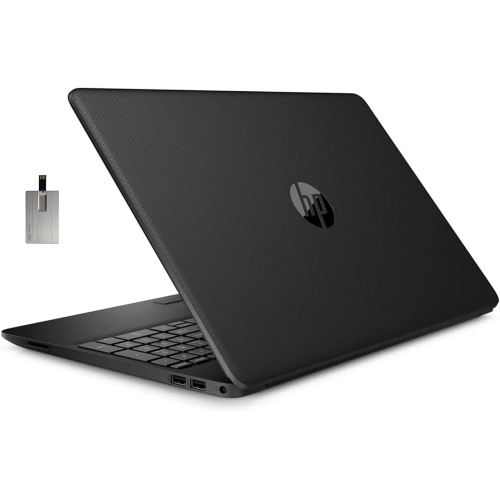
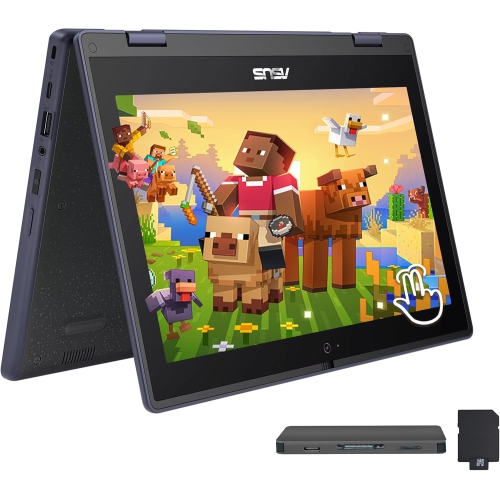
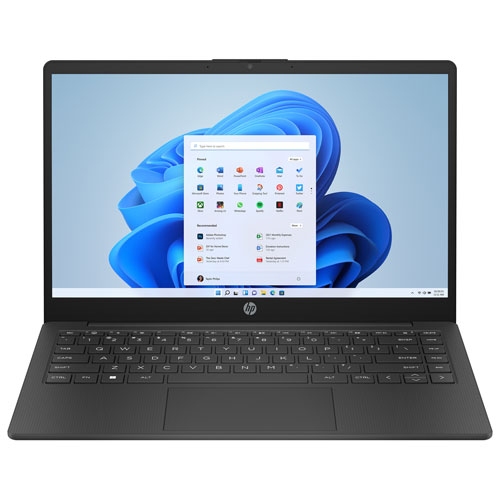
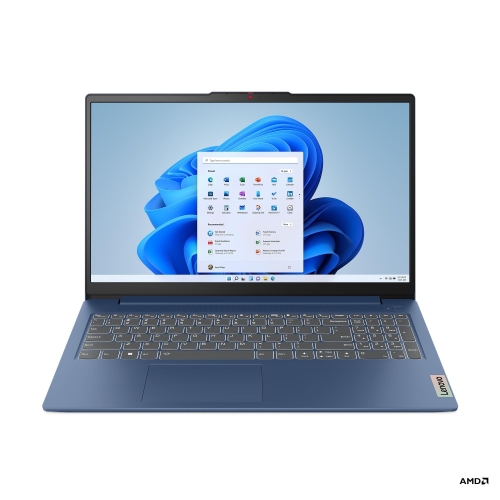
A laptop is typically the main device for writing assignments, working with spreadsheets and running course-specific software. A tablet offers touchscreen input for handwritten notes, reading and annotating documents. Your program’s required applications and operating system compatibility should guide the choice.
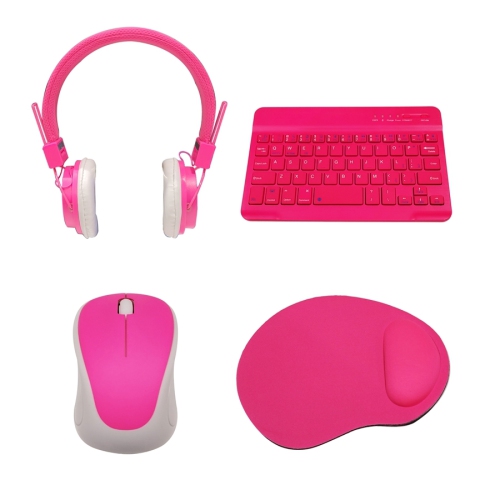
A mouse, keyboard and laptop stand are common additions to a student desk. A USB hub or docking station provides connections for accessories, while an external monitor offers another screen for coursework. Check your laptop’s ports and connection requirements when choosing accessories.
Consider whether you prefer earbuds or over-ear headphones, wired or Bluetooth connectivity, and physical or touch controls. A built-in microphone is useful for online classes and group calls. Other features to compare include battery life, charging connections and the ability to switch between paired devices.
Students can use a computer’s internal storage, a USB flash drive, an external drive or cloud storage for documents and class files. Cloud services may be included with a school account, while external drives provide local storage without an internet connection. Organizing folders by term and course keeps assignments, readings and notes grouped together.
Top selling and popular products
Discover more categories related to Back To School Tech Essentials For Freshmen
Some products may be subject to Environmental Handling Fees (EHF) depending on your province. Learn more about EHFs.