Back To School Tech for Note Taking

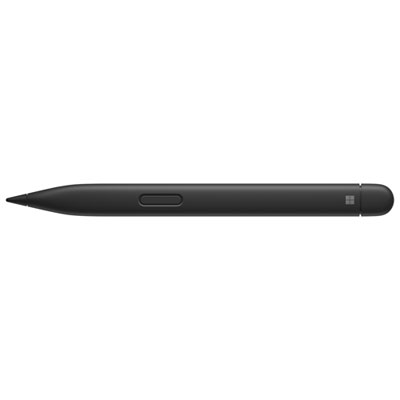
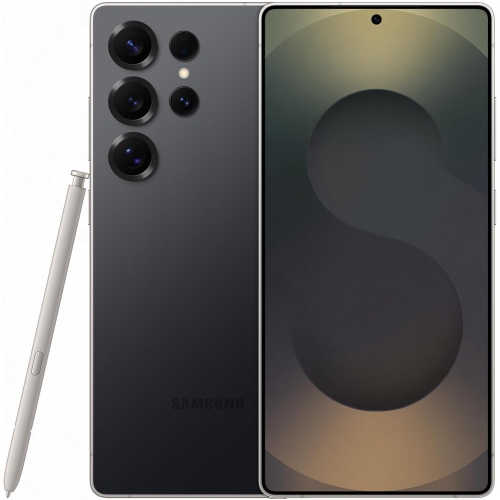
Find back-to-school tech for note taking that fits how you learn, from laptops for typing lecture notes to tablets and compatible styluses for handwritten notes and diagrams. Compare portability, battery life, keyboard comfort, and support for your preferred note-taking apps to choose a setup for classes and study sessions.

Read More

Sort

Back To School Tech for Note Taking

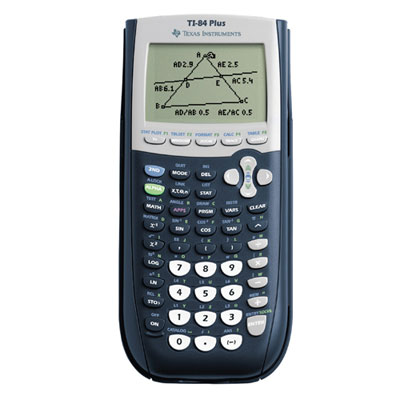
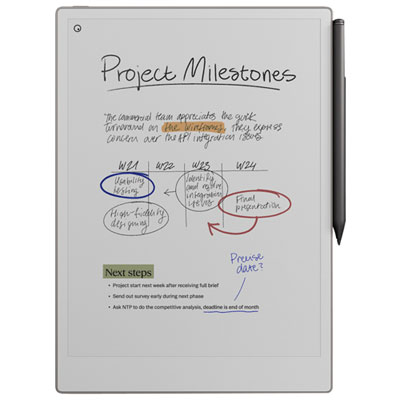
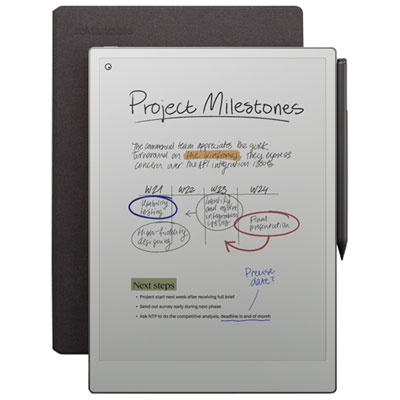
Back To School Tech for Note Taking brings together tools for capturing ideas, organizing coursework, and keeping class materials close at hand. For a secondary school student moving between classrooms or a university student settling into a busy lecture hall, the right setup can make daily note-taking feel more manageable. A lightweight laptop offers room to type detailed notes and work on assignments, while a compatible tablet and stylus can suit handwritten equations, labelled diagrams, and quick annotations on lecture slides. Convertible devices offer flexibility for students who switch between typing and writing throughout the day. Think about what a typical class actually involves: a page of chemistry formulas calls for a different approach than several pages of history notes. The most useful choice is one that fits the student’s subjects, school requirements, and preferred way of learning, rather than simply offering the longest list of features.

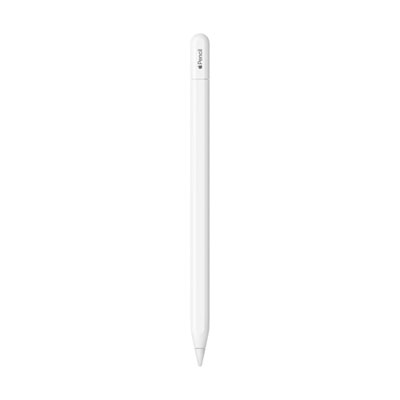
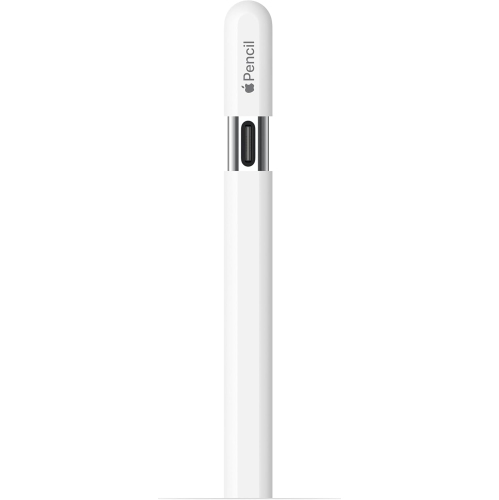
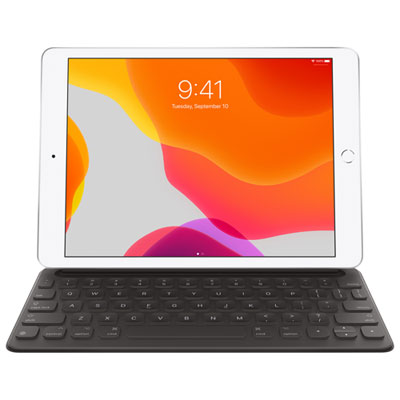
Comfort and portability matter when a device travels from an early class to the library and then home in a packed bag. Consider weight, screen size, keyboard feel, and battery life together, keeping in mind that actual battery performance varies with settings and use. A larger display can make it easier to view a reading beside a set of notes, while a smaller device leaves more space on a crowded desk. For handwritten work, check stylus compatibility carefully, including whether the stylus is included or sold separately. Features such as palm rejection and responsive pen input can help writing feel more natural, but support depends on both the device and the app. Students who type for long stretches may appreciate well-spaced keys and a stable keyboard setup. Storage also deserves attention, especially when coursework includes downloaded textbooks, large presentation files, or media-heavy projects. Before choosing, check the school’s required software and operating system specifications so essential applications will run as expected.

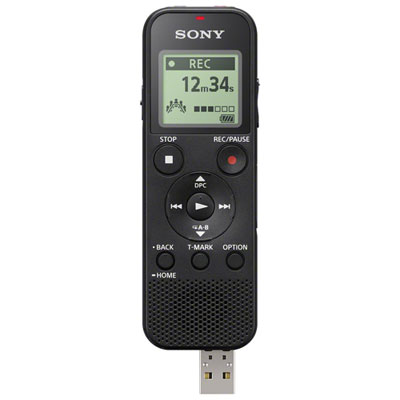
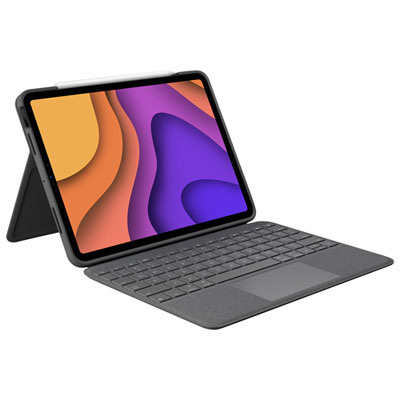
The small details of a note-taking setup often become most noticeable during a busy school week. A protective sleeve can help guard against everyday scuffs in a backpack, and a supported stand or keyboard case can position a screen more comfortably during a long study session. Check accessory dimensions, connection types, and charging requirements rather than assuming that every case, cable, or keyboard will work with every device. Wi-Fi access is useful for syncing notes and sharing group assignments, while offline access can be important in classrooms with limited connectivity. Searchable handwriting, document annotation, and cloud backup may help turn scattered class materials into an organized collection, though availability, subscription costs, and storage limits vary by app or service. Picture the evening before a test: being able to find a labelled diagram or a key definition without opening a dozen files is where a thoughtful setup can really earn its place. Recording features may also be useful for some learners, provided their use follows school rules and has the necessary permission.

Note-taking technology can be a practical back-to-school gift for a student starting a new programme, returning to education, or preparing for a more demanding course load. It can also support apprentices, adult learners, and anyone balancing classes with work or family commitments. When buying for someone else, start with what they already own and how they prefer to study. A compatible accessory may be more useful than replacing a device that still meets their needs, while a new primary device should suit the work they will be doing throughout the school year. Include any necessary accessories and software subscriptions in the total budget, and consider whether the setup will remain comfortable and capable as assignments become more involved. From jotting down a tutor’s explanation to reviewing highlighted readings on the commute, well-chosen tech gives students a convenient place to collect their thinking and return to it when it matters.

Read More

FAQ

Some products may be subject to Environmental Handling Fees (EHF) depending on your province. Learn more about EHFs.