Back To School Wireless Presentation Clickers
Find back-to-school wireless presentation clickers for classroom talks, student projects, and lectures. Browse presentation remotes that let you advance slides without staying beside your computer, and compare device compatibility, control layouts, and wireless range to choose one that suits your setup.
FAQ
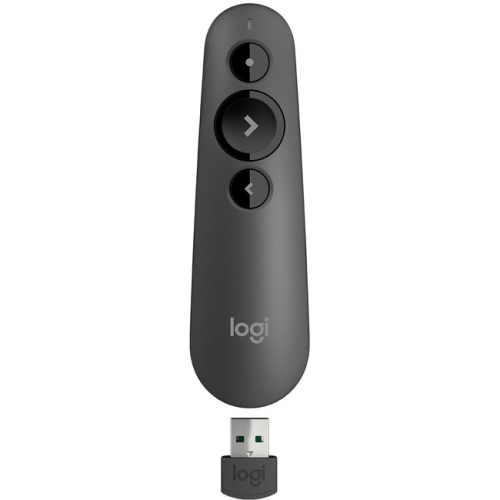
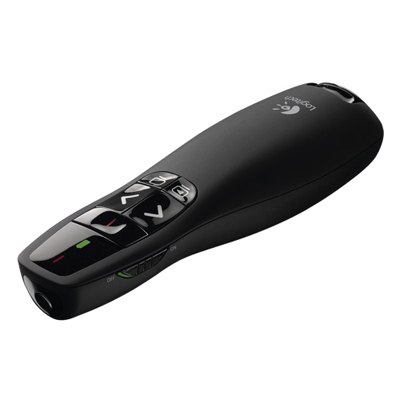
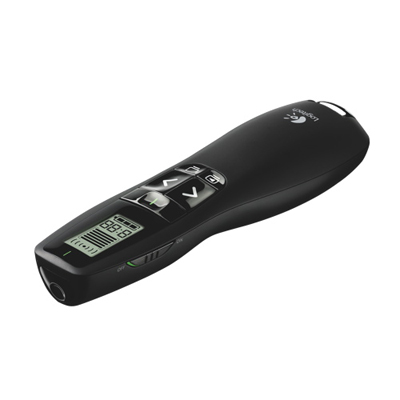
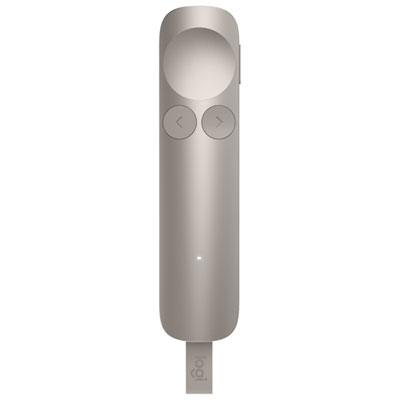
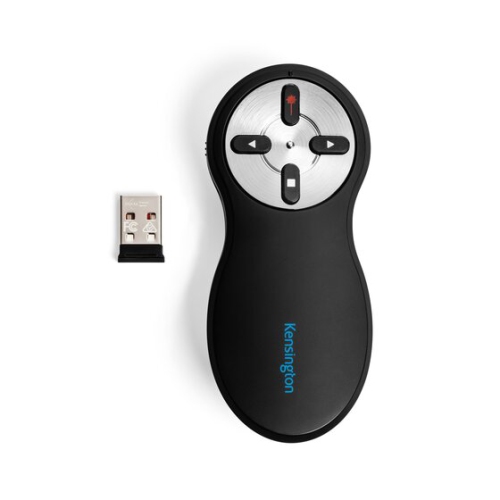
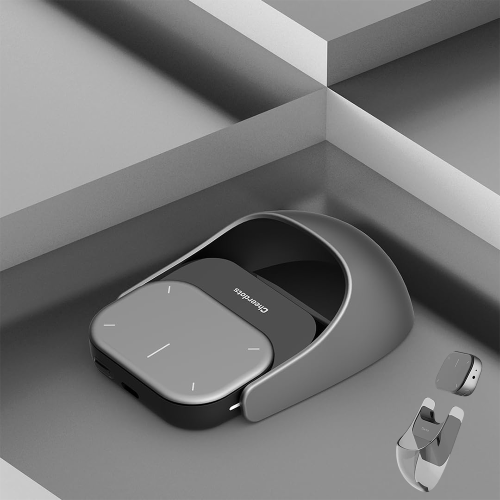
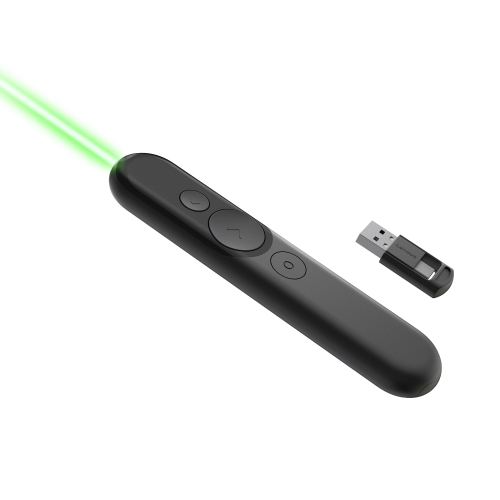
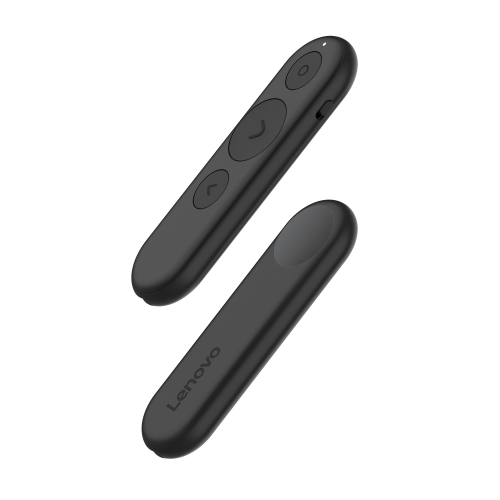
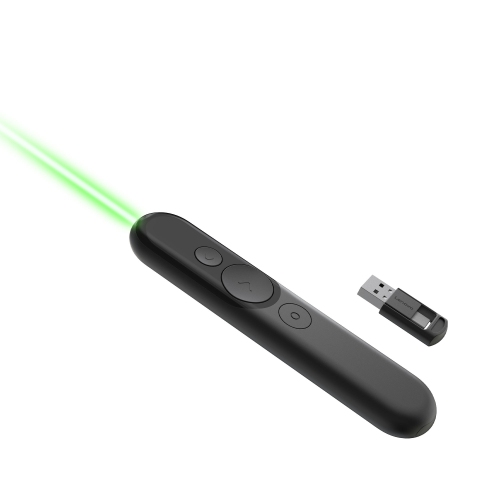
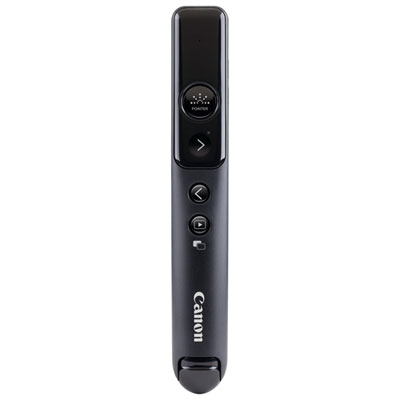
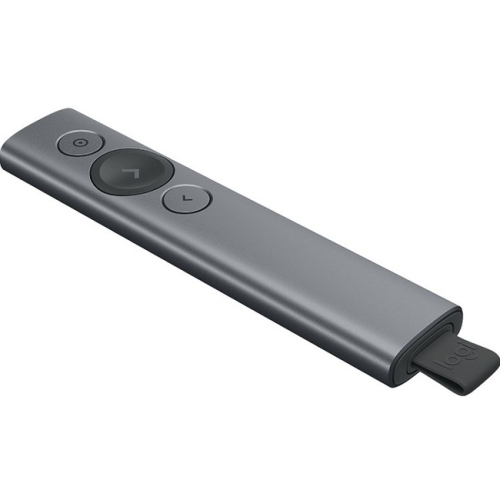
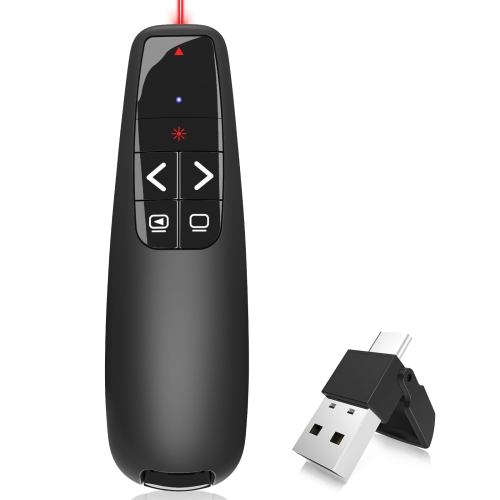
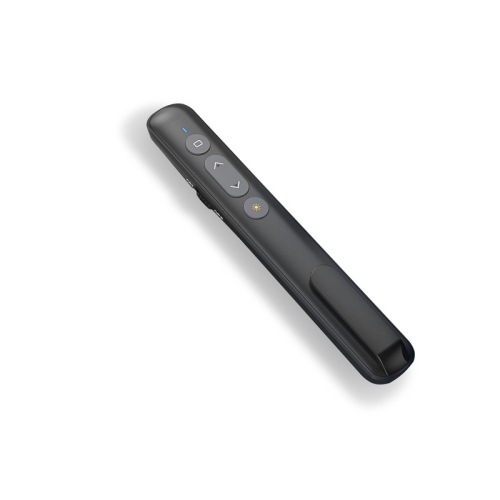
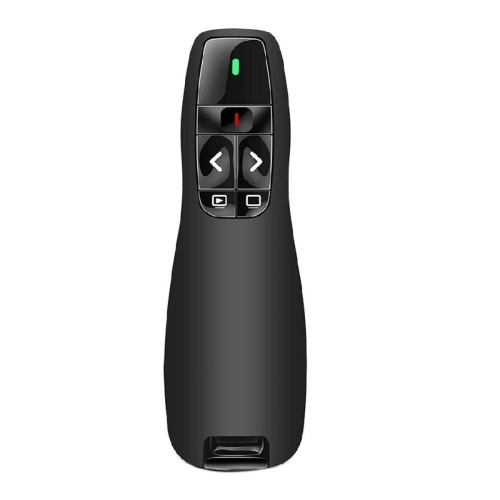
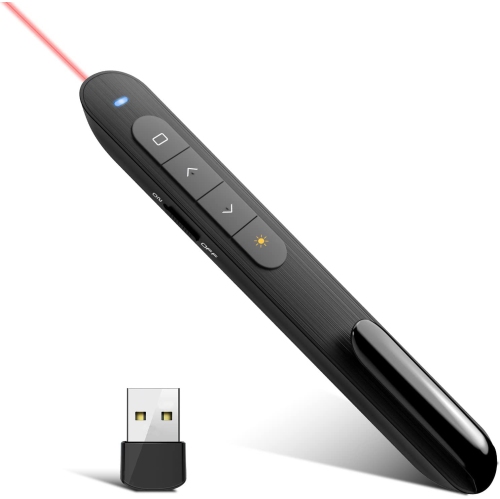
A wireless presentation clicker is a handheld remote used to control slides on a computer. Students and teachers can use one for classroom presentations, lectures and group projects without pressing keys on the computer.
Many wireless clickers support common slide commands in Microsoft PowerPoint, Google Slides and Apple Keynote. Compatibility varies by clicker, operating system and app, so check the listed requirements for your school computer or personal laptop.
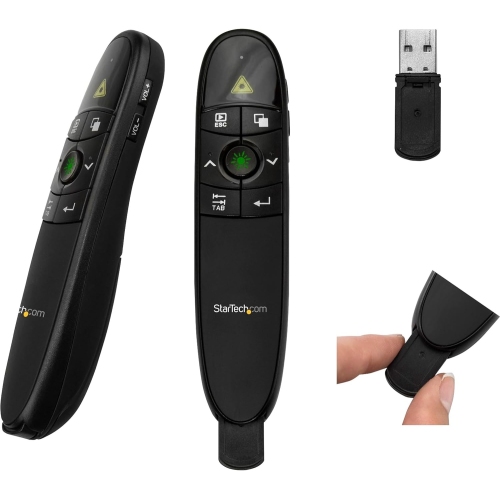
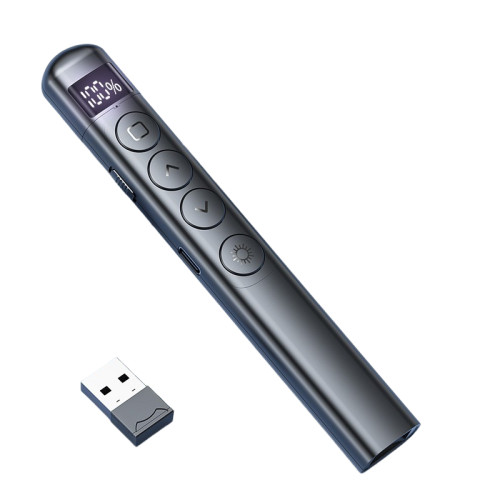
Wireless clickers typically connect through Bluetooth or an included USB receiver. Bluetooth models pair through the laptop’s settings, while receiver-based models plug into a compatible USB port. Some clickers offer both connection options.
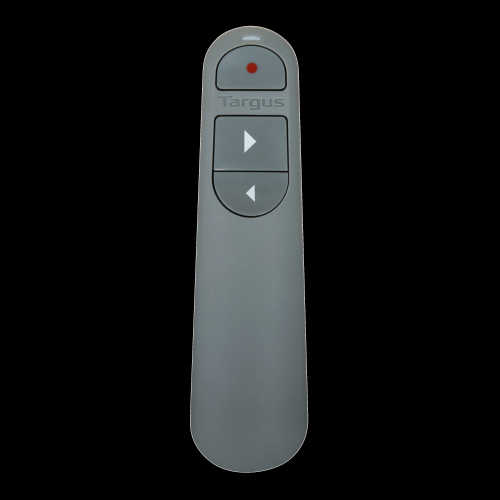
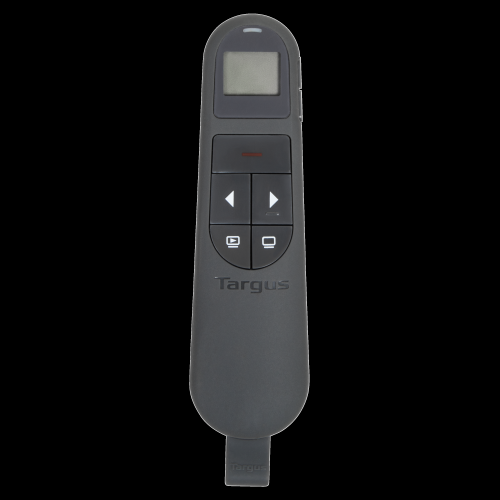
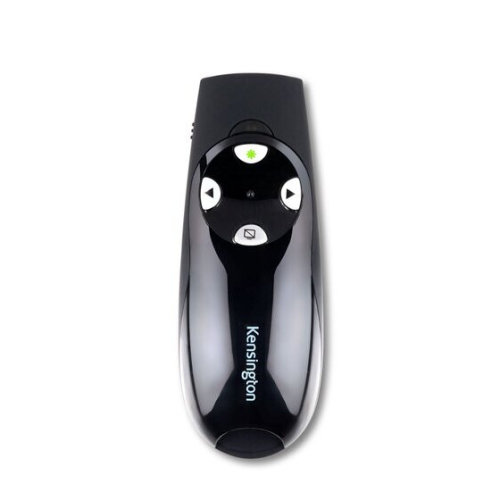
Common controls include next slide, previous slide and a button to start or end a slideshow. Some models also include a blank-screen button, cursor controls or a built-in presentation timer. Available functions depend on the clicker and presentation software.
Wireless presentation clickers may use replaceable batteries, such as AA or AAA batteries, or a built-in rechargeable battery. Rechargeable models typically charge through a USB cable. Check the model’s specifications for its battery type and charging connection.
Top selling and popular products
Discover more categories related to Back To School Wireless Presentation Clickers
Some products may be subject to Environmental Handling Fees (EHF) depending on your province. Learn more about EHFs.