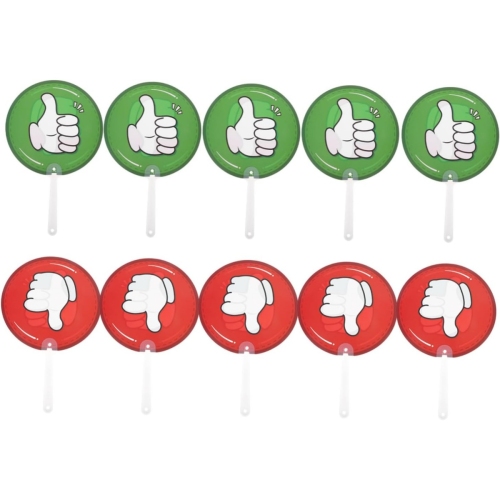
Back To School Classroom Clickers

Back-to-school classroom clickers help teachers gather student responses during lessons, quizzes, and class polls. Browse classroom response devices with your school’s setup in mind, checking compatibility with existing software and receivers, the number of students supported, and whether you need individual clickers or a complete classroom set.
Read More

Sort

Back To School Classroom Clickers

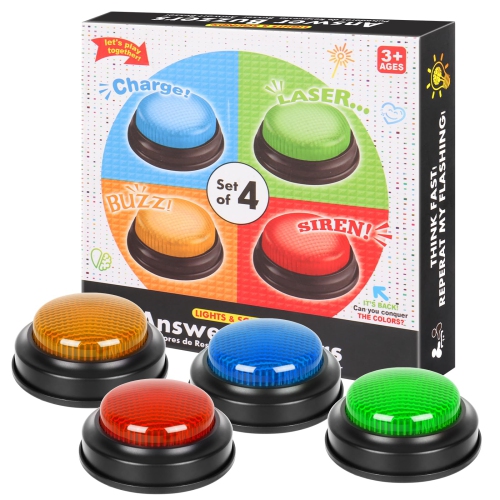
Back to School Classroom Clickers bring a practical way to make lessons more interactive, whether students are answering a quick knowledge check, taking part in a class poll, or working through a multiple-choice exercise together. In a busy classroom, a handheld response device can give every student a chance to participate without needing to raise a hand or speak in front of the group. Picture the few minutes after a new concept is introduced: students submit their answers, the teacher reviews the results, and a common misunderstanding becomes the starting point for a useful discussion. For educators preparing for September, choosing the right clickers starts with the classroom setup already in place. Check compatibility with the school’s computers, presentation software, and learning platform, along with any requirements for a receiver, account, or paid subscription. Some response systems support anonymous polling, while others associate answers with individual students for assessment purposes. That distinction matters when deciding whether the main goal is encouraging participation, tracking understanding, or recording marks.

The most useful classroom clickers are the ones that fit comfortably into the rhythm of a lesson. Clear button labels, readable displays where included, and straightforward controls can help students spend less time figuring out the device and more time thinking about their answers. For younger learners, simple input options may be enough; older students and post-secondary classes may need support for numerical answers or more varied response formats. Look at the supported class size and wireless range, especially for lecture halls or shared teaching spaces, and confirm whether the system requires internet access during use. Power is another everyday consideration: replaceable batteries can be convenient when spares are kept nearby, while rechargeable devices need a dependable charging routine and enough charging capacity for the full set. For equipment that moves between classrooms, a storage case and an easy way to identify each handset can make distribution and collection more manageable. A labelled place for every device is particularly helpful at the end of a lesson, when students are packing bags and the next class is already gathering outside the door.

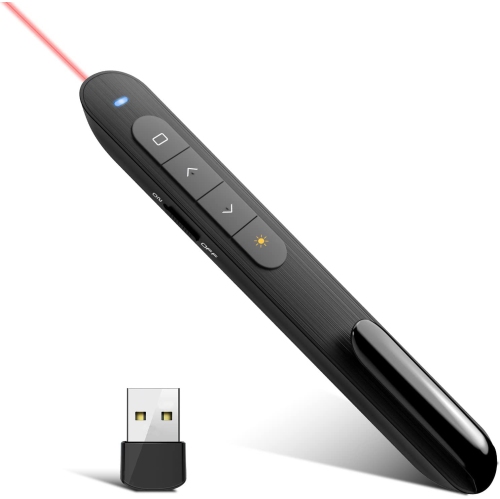
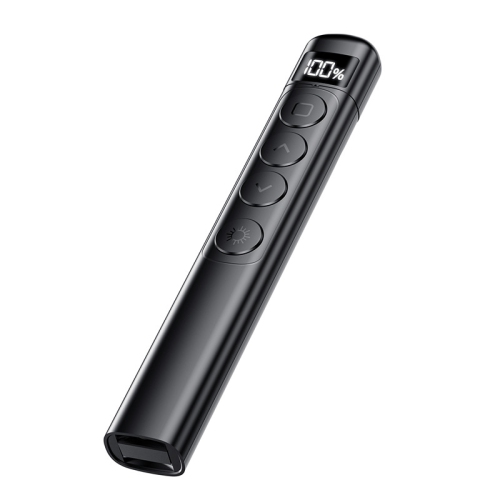
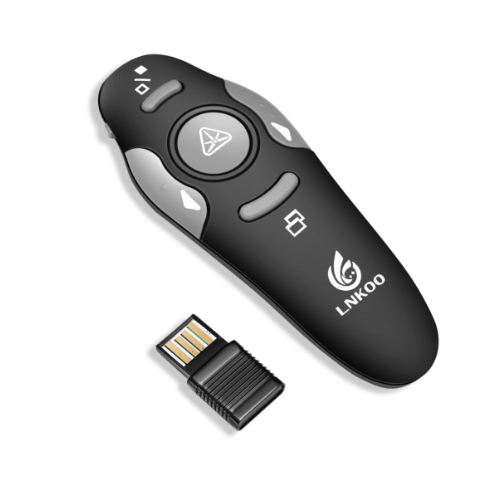
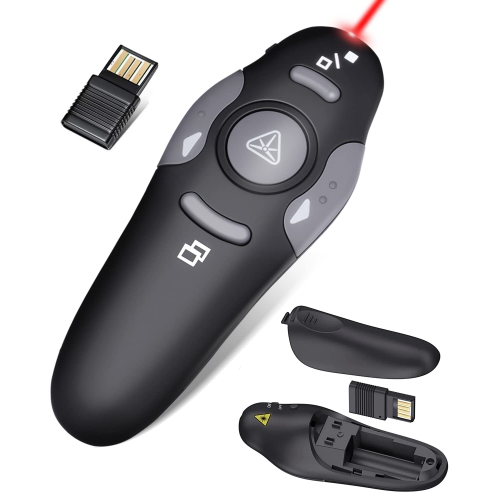
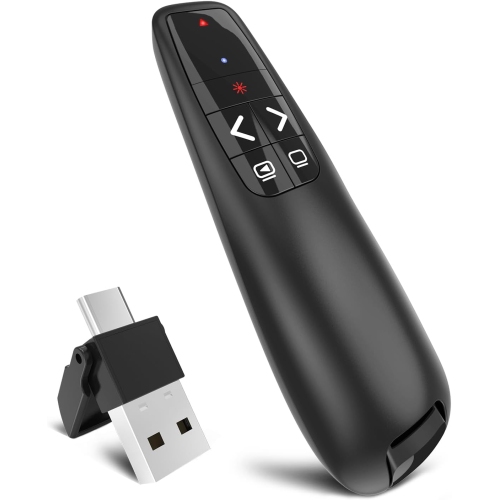
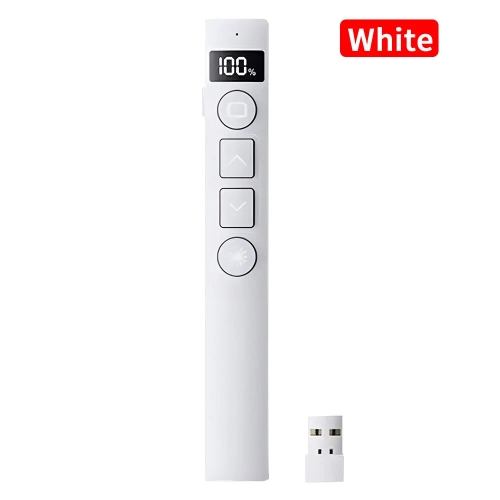
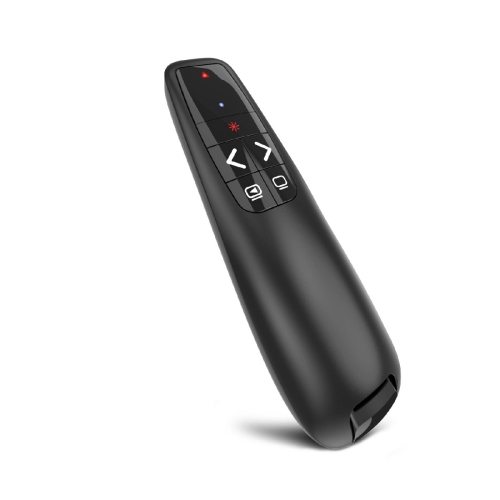
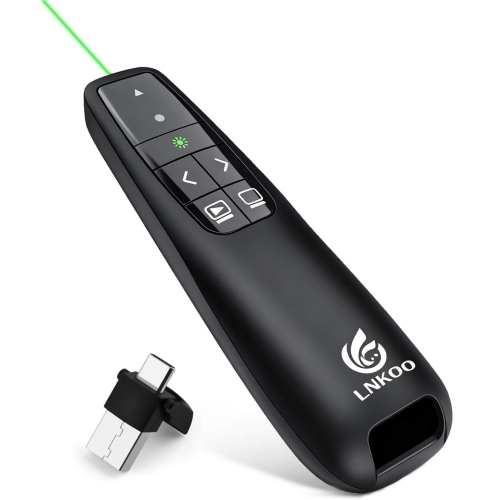
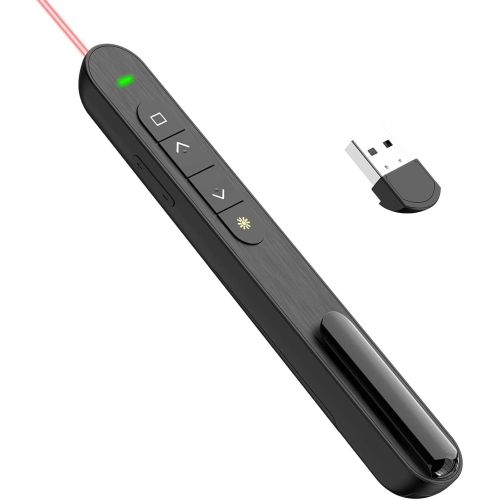
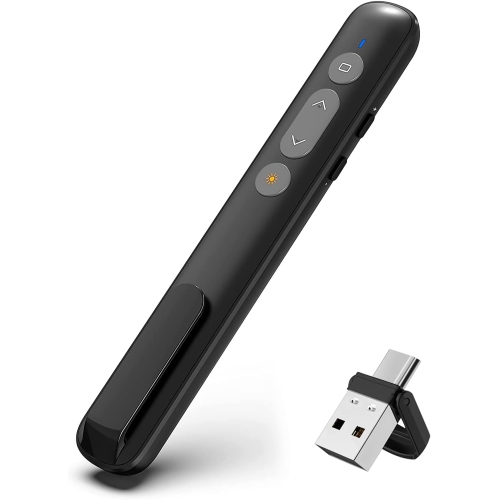
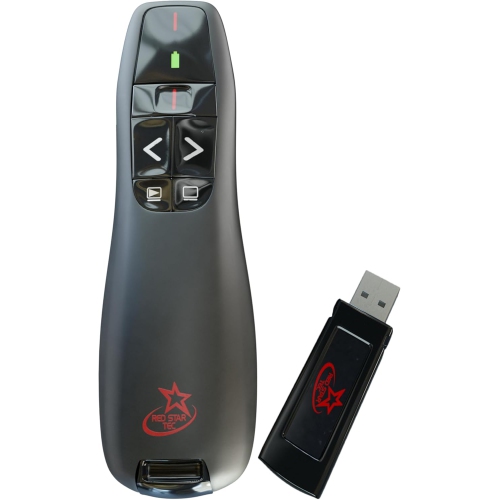
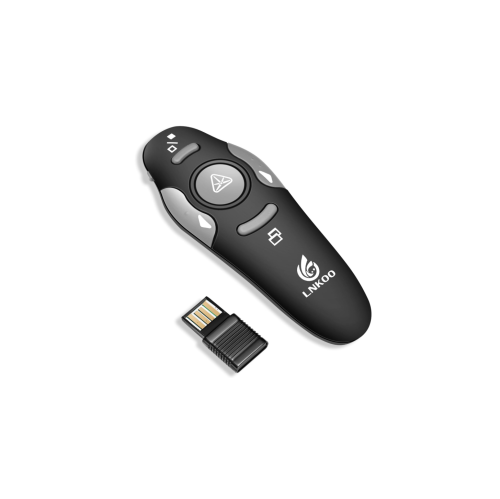
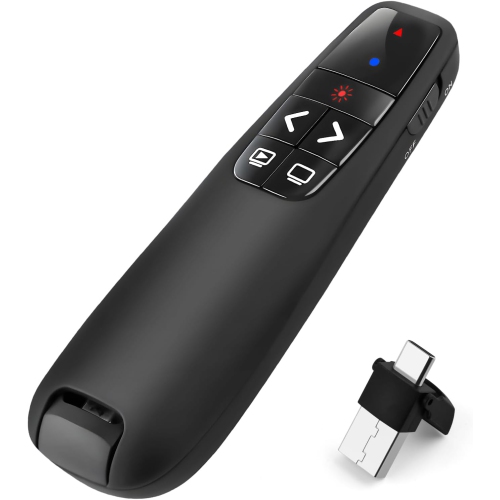
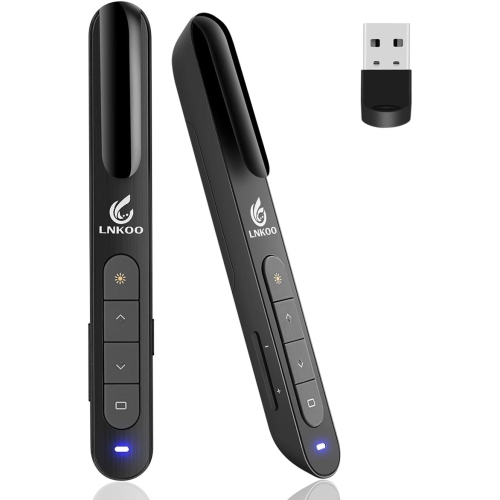
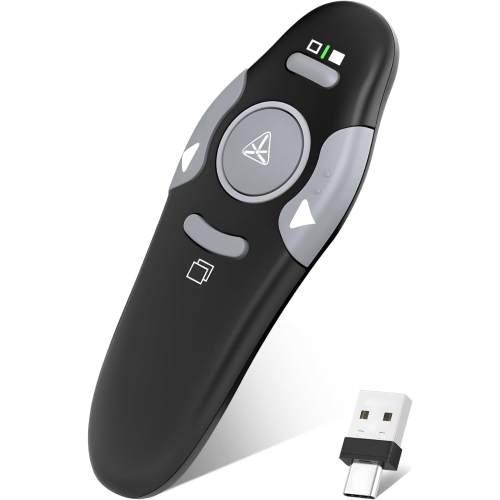
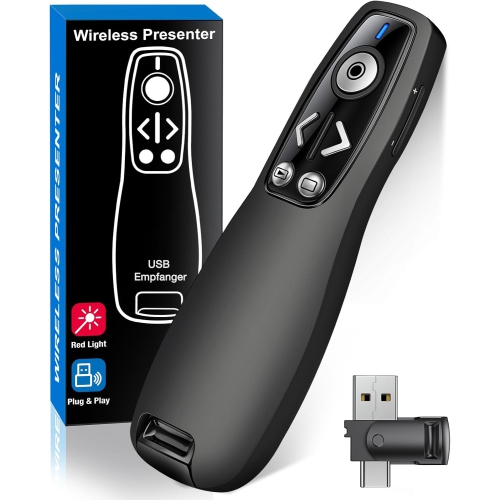
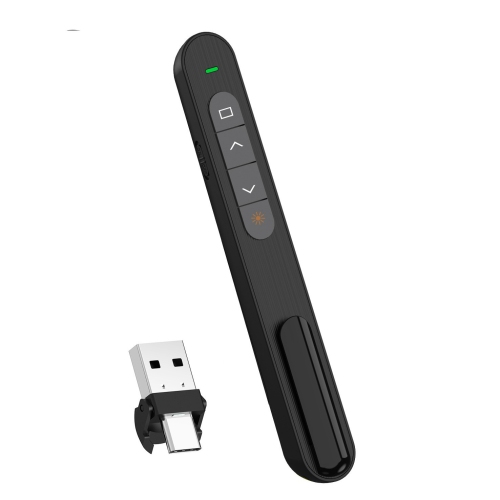
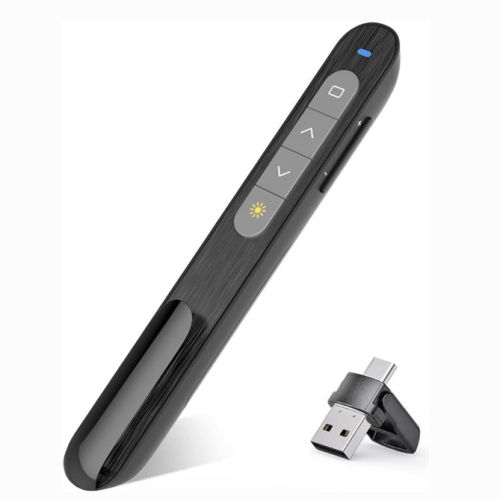
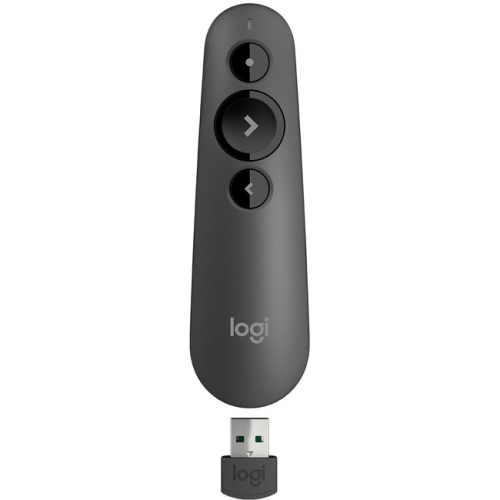
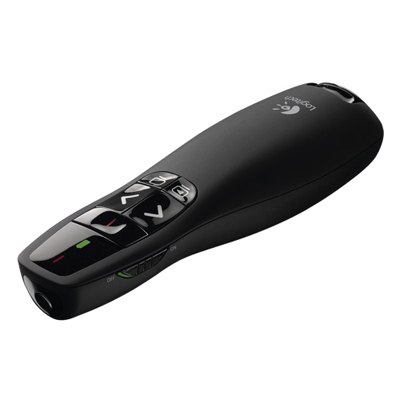
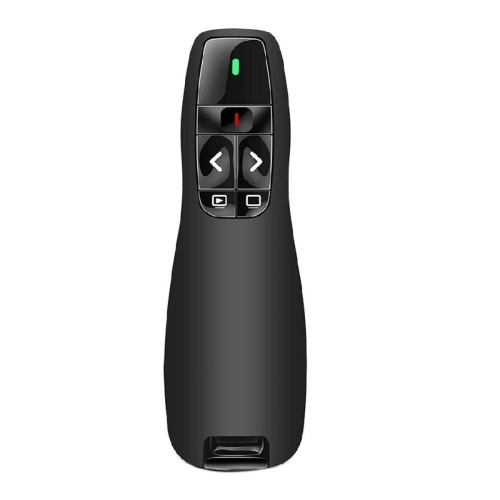
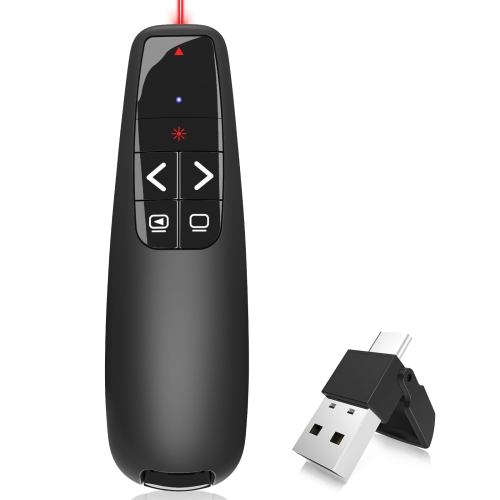
Classroom clickers can be a thoughtful purchase for teachers, tutors, school departments, and instructors who regularly build questions into their teaching. They may also be useful for training sessions, study groups, and review activities where immediate responses help the presenter decide what to revisit. If buying a clicker as a back-to-school gift for a student, confirm the exact course requirements first; a device that looks suitable may not work with the institution’s chosen system, and activation or registration fees may apply. For an educator, checking with the school before purchasing a set helps avoid compatibility and student-data handling issues. It is also worth distinguishing student response clickers from presentation remotes. Response clickers collect answers through a compatible system, while presentation remotes are primarily designed to let a teacher or presenter advance slides without returning to a computer. Both can have a place in the classroom, but they serve different needs. Matching the device to the intended task, checking what is included, and accounting for ongoing costs can help make the purchase useful well beyond the first week of school.

Read More

FAQ

Some products may be subject to Environmental Handling Fees (EHF) depending on your province. Learn more about EHFs.