Best Backup External Hard Drives
The best backup external hard drives make it easy to store copies of important photos, videos, documents, and other files. This selection is ranked by user review ratings to help you compare dependable storage options based on real customer experiences. Consider capacity, transfer speeds, portability, and compatibility when choosing the right drive for your backup needs.
What to look for in the best backup external hard drives
1. Storage Capacity
2. Drive Type And Speed
3. Compatibility And Connectivity
4. Backup Features And Security
-
1
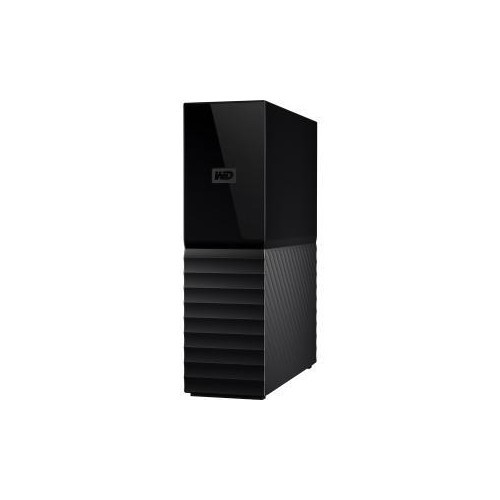
WESTERN DIGITAL Wd Retail 8Tb My Book Desktop Hard Drive USB 3.0 Password Prot & Auto Backup Wdbbgb0080Hbk-Nesn
About this product
A desktop hard drive offering 8TB storage, USB 3.0 connectivity, password protection, and automatic backup.
What customers like
(1,683)$606.68Your price for this item is $606.68SAVE $10 -
2
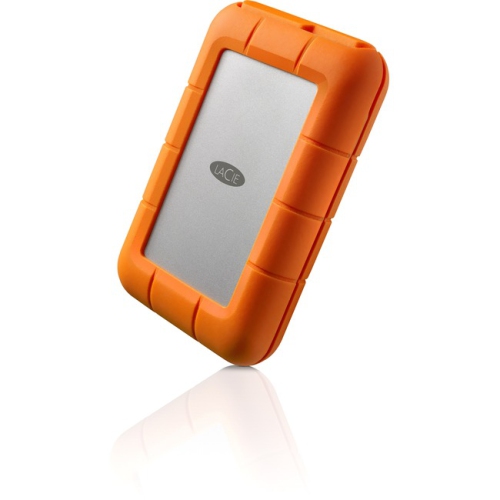
LACIE Stfr1000800 1Tb USB Type C External Hard Drive
About this product
A rugged 1TB external hard drive with USB Type-C connectivity and a 2-year warranty.
What customers like
(68)$241.81Your price for this item is $241.81SAVE $72 -
3
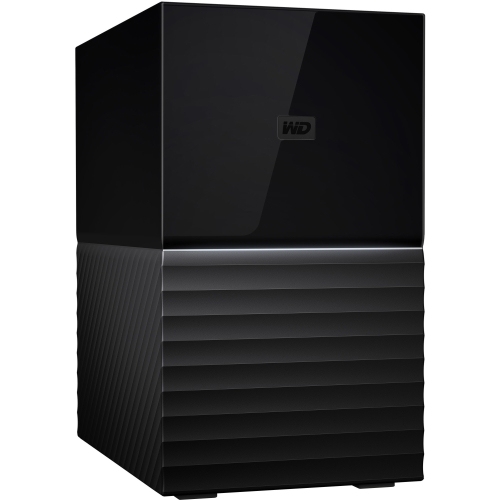
WESTERN DIGITAL Wd 16Tb My Book Duo Desktop Raid
About this product
A high-capacity desktop RAID storage device offering 16TB for secure data backup and management.
What customers like
(58)$2,213.68 Your price for this item is $2213.68 -
4
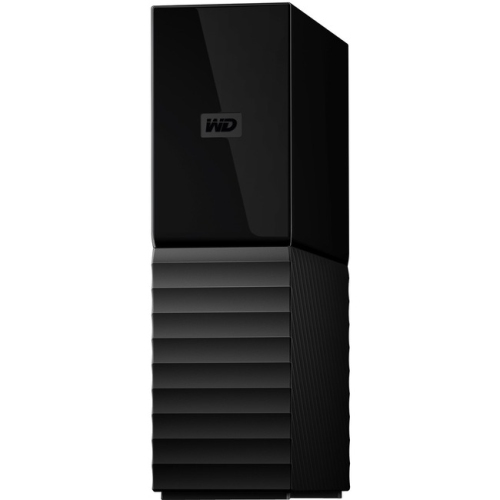
WESTERN DIGITAL Wd My Book Wdbbgb0120Hbk Hard Drive Wdbbgb0120Hbk-Nesn
About this product
A black external desktop hard drive with 12TB capacity, USB 3.0 connectivity, and 256-bit encryption.
What customers like
(25)$835.68Your price for this item is $835.68SAVE $10 -
5
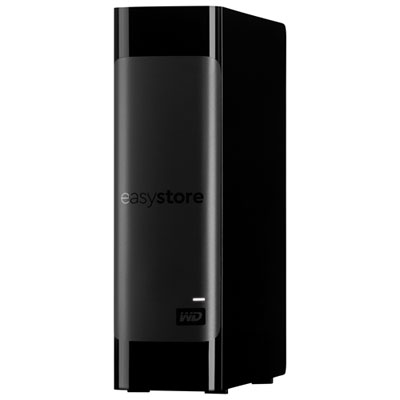
WD easystore 24TB USB 3.2 External Hard Drive (WDBAMA0240HBK-NESN)
About this product
A high-capacity 24TB external hard drive with USB 3.2 connectivity and automatic backup software.
(8)$1,509.99 Your price for this item is $1509.99 -
6
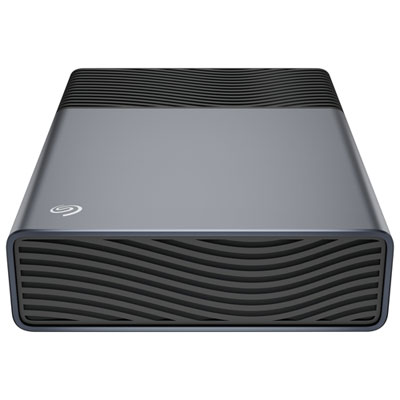
Seagate One Touch 8TB USB-C External Hard Drive (STNB8000400)
About this product
A space grey portable hard drive offering 8TB storage and easy USB-C plug-and-play connectivity.
(5)$404.99 Your price for this item is $404.99 -
7
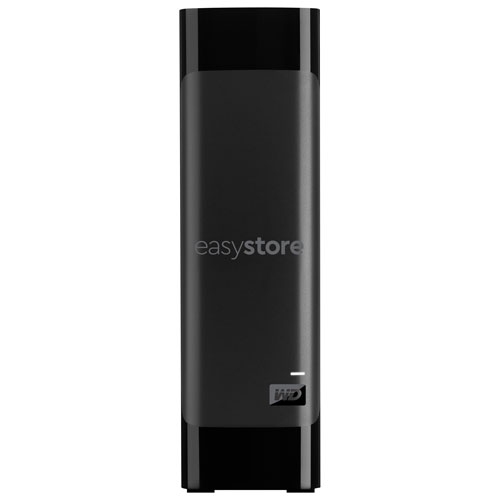
WESTERN DIGITAL - Wd Easystore 18Tb USB 3.0 Desktop External Hard Drive (Wdbama0180Hbk-Nese) - In Black
About this product
A 18TB desktop external hard drive in black, with lightning-fast transfer speeds and ample storage space.
(2)$959.99Your price for this item is $959.99SAVE $170 -
8
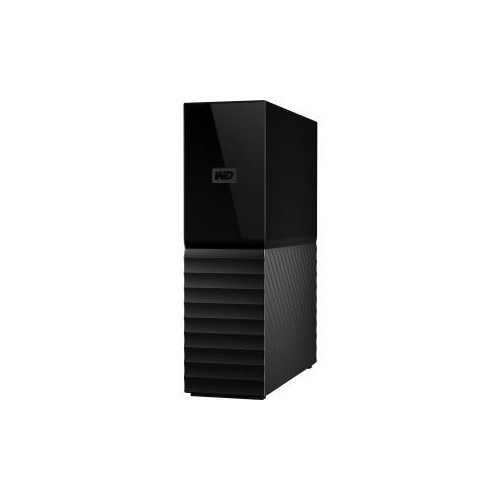
WESTERN DIGITAL Wd Retail 6Tb My Book Desktop Hard Drive USB 3.0 Password Prot & Auto Backup Wdbbgb0060Hbk-Nesn
About this product
A desktop hard drive with 6TB storage, USB 3.0 connectivity, password protection, and automatic backup features.
(1)$489.68Your price for this item is $489.68SAVE $10 -
9

BUFFALO Drivestation Quad High Performance Raid Storage & Backup HD-Qh16Tu3R5
About this product
A high-performance RAID storage and backup solution with 16TB capacity and support for multiple RAID configurations.
(1)$1,601.68 Your price for this item is $1601.68 -
10
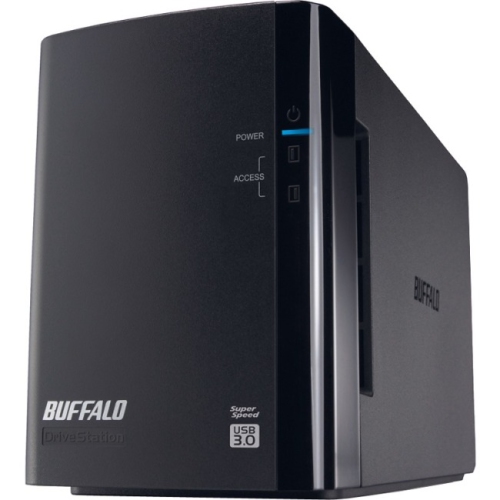
BUFFALO 4Tb Drivestation Duo 2-Drive Array- HD-Wh4Tu3R1
About this product
A desktop USB 3.0 dual-drive array with 4TB SATA storage, RAID support, and backup software included.
(1)$441.99Your price for this item is $441.99SAVE $29
FAQ
Look for compatibility with your computer, a connection type that matches your devices, enough storage capacity for your files, and backup software that supports your preferred operating system. Password protection and durable construction can also be useful features.
Many external hard drives work with both Windows and Mac computers, but the drive may need to be formatted before use. Check the manufacturer’s compatibility details and back up any existing files before reformatting.
External hard disk drives use spinning disks, while external solid-state drives use flash memory. Solid-state drives are generally lighter and quieter, while hard disk drives are often chosen for larger file collections and regular home backups.
Connect the drive to your computer, open your operating system’s backup settings, choose the external drive as the backup destination, and select the files or folders you want to save. Scheduling automatic backups can help keep recent versions of your files available.
Yes, one external hard drive can store backups from multiple computers and compatible devices. Create separate folders for each device and confirm that the drive has enough available storage for the files you plan to back up.
Top selling and popular products
Discover more categories related to Best Backup External Hard Drives

Some products may be subject to Environmental Handling Fees(EHF) depending on your province. Learn more about EHFs.