Affordable Monitors for Photo Editing
Affordable Monitor for Photo Editing options make it easier to achieve stunning visual results without stretching your budget. Whether you're retouching portraits, enhancing landscapes, or working on digital art, finding the right display is essential for accurate color and detail. Explore a range of monitors designed to support your creative projects while offering great value, so you can focus on perfecting your images with confidence.
Sort
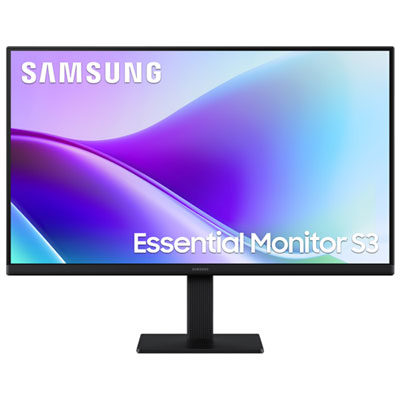
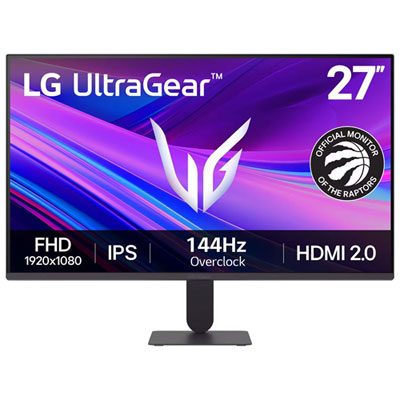
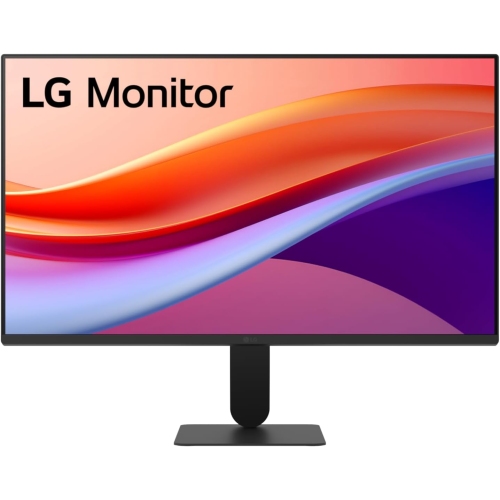
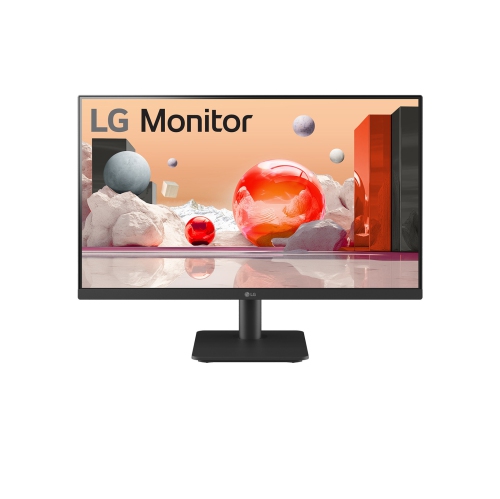
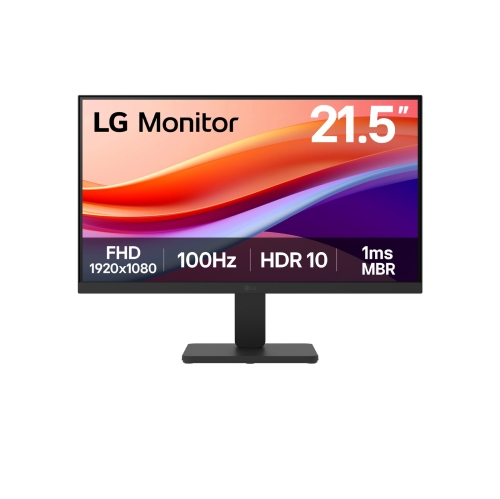
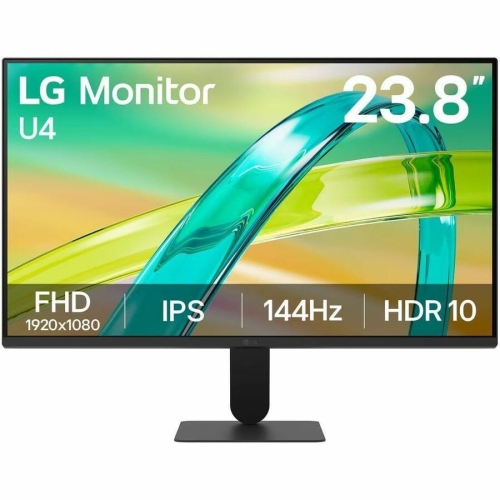
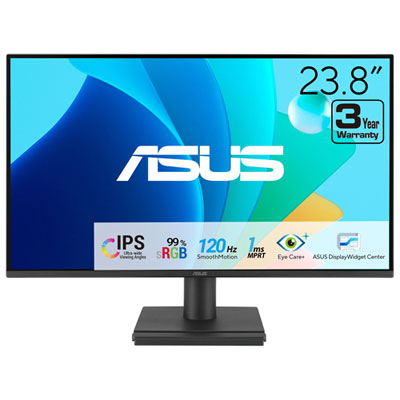
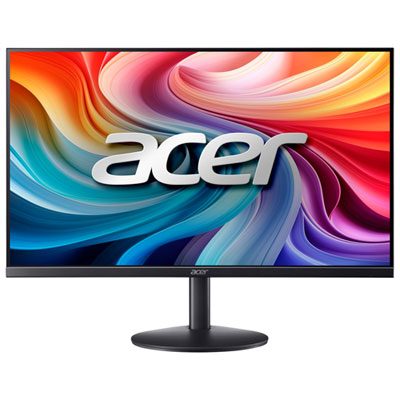
Accurate colour takes more than a wide gamut
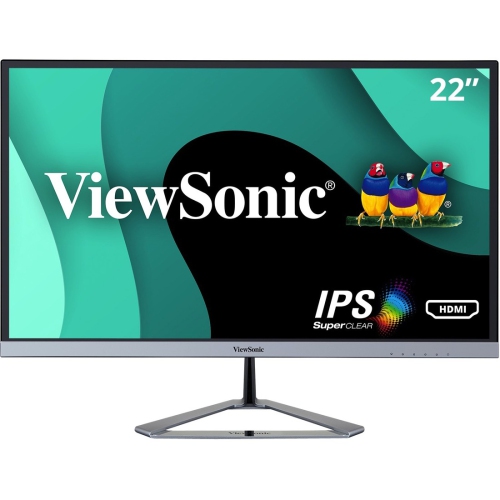
Affordable monitors for photo editing can give photographers, students and creative hobbyists a clearer view of the details that shape a finished image. For this type of work, the most useful qualities are dependable colour, consistent brightness and enough screen space to judge a photograph without constantly hiding editing tools. A portrait needs believable skin tones, while a landscape may depend on subtle differences between pale clouds and a bright sky. An IPS panel is often well suited to these tasks because it generally maintains colour and contrast across wider viewing angles, although performance varies between displays. That consistency is helpful when comparing images side by side or sharing a screen with someone reviewing a selection of photographs. Colour gamut describes the range of colours a monitor can reproduce; colour accuracy describes how closely those colours match their intended values. Broad gamut coverage alone does not guarantee accurate results. Strong sRGB coverage is particularly relevant to photographs prepared for websites, social media and many everyday printing services. Wider-gamut support can be useful for more specialized print workflows, provided the editing software and output process support it. Factory calibration can offer a useful starting point, but its scope matters: a calibration report for a particular colour mode does not describe every setting the monitor offers. A compatible calibration device can help establish a measured display profile and maintain consistency as the screen ages. Neutral greys, smooth gradients and even brightness across the panel also deserve attention. A noticeable tint at one edge can make an otherwise balanced photograph seem uneven, while poor shadow separation can obscure texture in dark clothing or shaded foliage. Matte screen finishes help reduce distracting reflections, though direct light can still interfere with judging an image. In practice, a screen that presents colour predictably under controlled room lighting is more useful for editing than one that simply makes every photograph look unusually bright and saturated.
Screen size and resolution influence both image detail and the way an editing workspace feels. A 24-inch display can fit comfortably on a compact desktop, while a 27-inch screen provides more room for tool panels, thumbnails and a larger image preview. Larger displays need sufficient viewing distance and a work surface deep enough to keep the screen comfortably positioned. Resolution determines how many pixels are available within that space. A 2560 × 1440 display offers a useful balance of workspace and detail on many mid-sized screens, while 4K resolution can show finer detail and make text appear sharper at a comparable screen size. Higher resolution does not improve the underlying photograph, and interface scaling may be needed to keep menus and sliders comfortably readable. A full-image view helps with composition and tonal balance; a 100% view is useful for checking focus, sharpening and small retouching marks. Neither replaces the other. The computer also needs to support the monitor’s intended resolution through the chosen connection. HDMI and DisplayPort capabilities vary, so the supported resolution and refresh rate depend on both devices and the cable between them. USB-C can simplify a laptop setup when the port supports video, and some monitors also provide laptop charging and a USB hub. Those functions are not present on every USB-C connection, and charging capability needs to match the laptop’s requirements. For still-image editing, accurate colour and comfortable screen space usually matter more than very high refresh rates. Bit-depth support can also affect how smoothly tonal transitions appear, but the visible result depends on the complete workflow, including the graphics hardware, software, connection and image file. A second screen can hold folders or reference material, leaving the main display dedicated to the photograph. Differences between two screens are normal, however, and a brighter or more saturated neighbouring display is not necessarily the more accurate one.
Comfort, construction and everyday care help a photo-editing monitor remain useful through lengthy sorting and retouching sessions. A height-adjustable stand makes it easier to position the screen without stacking objects underneath it, while tilt and swivel adjustments accommodate different seating positions. Pivot support can be convenient for portrait photographs, provided there is enough clearance and the software is configured for the changed orientation. A compatible VESA mount offers another way to organize a smaller work surface, with the arm’s weight rating and mounting pattern needing to match the display. A stable stand matters when small brush movements or precise selections require sustained attention; wobble can become distracting even when the picture itself is sharp. Thin bezels can make a multi-screen arrangement less visually interrupted, but panel quality and sturdy construction have greater practical importance than styling alone. Screen coatings need gentle care. A clean, soft microfibre cloth is suitable for routine dust removal, and any moisture or cleaning solution should follow the manufacturer’s directions rather than being sprayed directly onto the panel. Abrasive cloths, strong cleaners and pressure against the screen can damage the surface. Clear ventilation space and careful cable routing also help protect the setup from avoidable strain. For a photography student, a family photo enthusiast or someone preparing images for a small business, these practical details can make a monitor a thoughtful addition to an existing computer setup. For a broader selection of displays suited to photographic work, explore Best Monitors for Photo Editing. The intended destination of an image remains important: a photograph shared online, printed in an album or enlarged for a wall may need different preparation. Soft-proofing with an appropriate printer profile can help anticipate print changes, though a backlit screen cannot exactly reproduce paper. A dependable display supports those decisions by making edits easier to evaluate, from preserving texture in a white shirt to keeping a product’s colour consistent across a set of photographs.
Top selling and popular products
-
 Your price for this item is $783.68
-
 Your price for this item is $299
-
 Your price for this item is $469
-
 Your price for this item is $94.99
-
 Your price for this item is $177.99
-
 Your price for this item is $229.99
-
 Your price for this item is $1138.68
-
 Your price for this item is $355.68
Discover more categories related to Affordable Monitors for Photo Editing
Top Collections:
Best Black Friday Deals This Year, Best Black Friday Deals On Electronics, Kindle Devices, Best Black Friday Deals On Apple Products, Best Budget Office Chairs, Best Cameras for Sports Photography, Dyson Airwrap, Canon G7X Cameras, Best Laptops for Writers, Samsung Galaxy Phones
Some products may be subject to Environmental Handling Fees
(EHF) depending on your province.
Learn more about EHFs.