Best Budget Motherboard for Gaming
Building a gaming PC on a budget starts with a motherboard that balances price, compatibility, and the features you need. Explore the best budget motherboards for gaming, ranked by user review ratings, to compare options for your setup. Check processor support, memory compatibility, and expansion slots to find a board that fits your build without stretching your budget.
What to look for in budget motherboards for gaming
1. Processor Compatibility
2. Memory Support
3. Size and Expansion
4. Connectivity and Overall Value
-
1
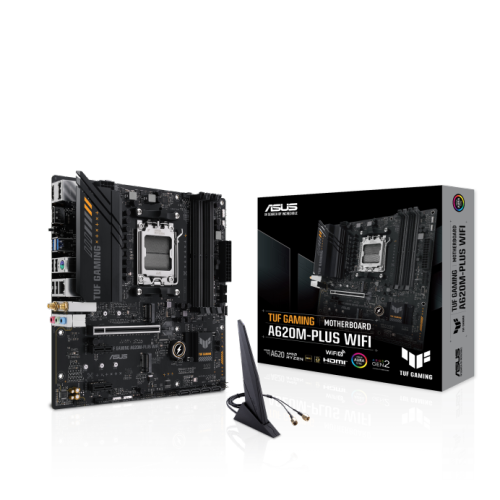
ASUS Tuf Gaming A620M-Plus Wifi Micro Atx Motherboard – Amd A620, Ddr5, Wifi 6
About this product
A micro-ATX motherboard featuring DDR5 support, Wi-Fi 6, PCIe 4.0, dual M.2 slots, and RGB lighting.
(7)$255.68 Your price for this item is $255.68 -
2
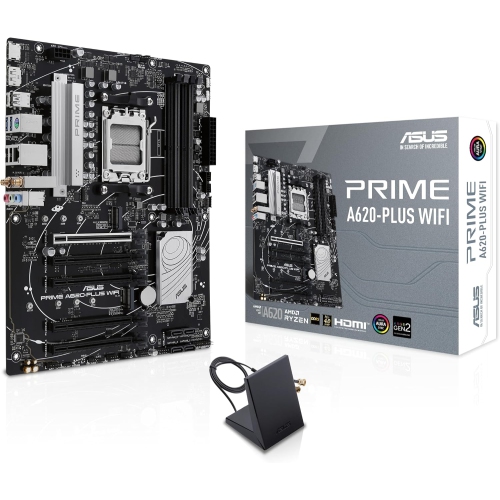
ASUS Prime A620-Plus Wifi 6 Atx Motherboard
About this product
A versatile gaming motherboard featuring DDR5 support, Wi-Fi 5, dual M.2 slots, and USB 3.2 Gen 1.
(3)$249.68 Your price for this item is $249.68 -
3
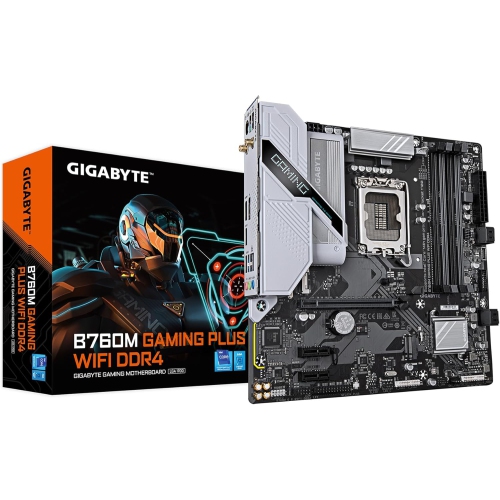
GIGABYTE B760M Gaming Plus Wifi Ddr4 Lga 1700 Intel B760 M-Atx Motherboard w Ddr4, 2 M.2, PCie 4.0, Front USB 3.2 Gen 1 Type-C, Wifi 6 GBe Lan
About this product
A versatile M-ATX motherboard featuring DDR4 support, WiFi 6, PCIe 4.0, and dual M.2 slots.
(1)$222.99 Your price for this item is $222.99 -
4
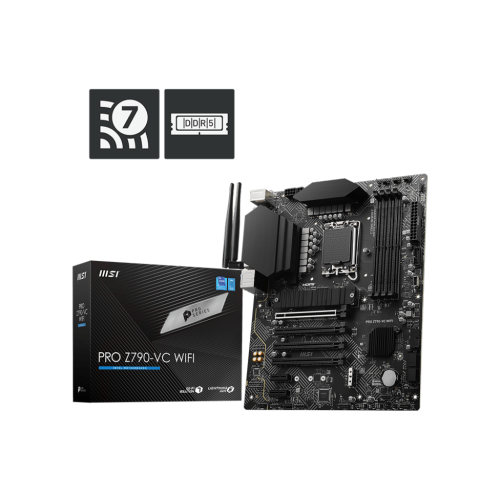
MSI Pro Z790-Vc Wifi Gaming Motherboard(Supports 12Th/13Th/14Th Gen Intel Cpu, Lga 1700, Ddr5, PCie 5.0, M.2, 2.5G Lan, USB 3.2, Wifi7, Atx)
About this product
A high-performance ATX motherboard with DDR5 support, PCIe 5.0, WiFi 7, and 2.5G LAN connectivity.
(1)$299.93Your price for this item is $299.93SAVE $29 -
5
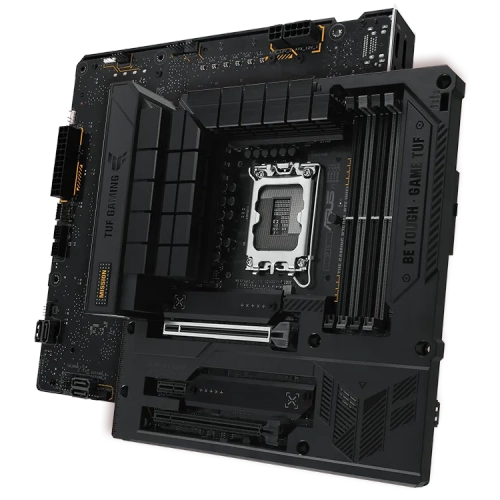
ASUS Tuf Gaming B760M-Btf Wifi Micro Atx Motherboard – Intel B760 Chipset
About this product
A durable gaming motherboard with hidden underside connectors for clean cable management and Wi-Fi connectivity.
(6)$299.99 Your price for this item is $299.99 -
6
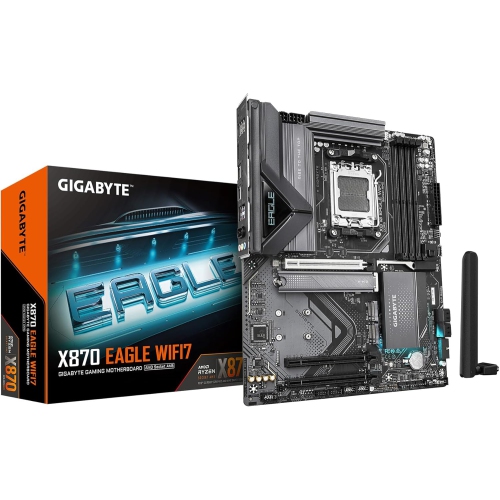
GIGABYTE X870 Eagle Wifi7 Amd Am5 Lga 1718 Motherboard, Atx, Ddr5, 4X M.2, PCie 5.0, USB4, Wifi7, 2.5GBe Lan, Ez-Latch
About this product
An advanced ATX motherboard with Wi-Fi 7, DDR5 support, PCIe 5.0, USB4, and 2.5GbE LAN connectivity.
What customers like
(50)$272.68 Your price for this item is $272.68 -
7
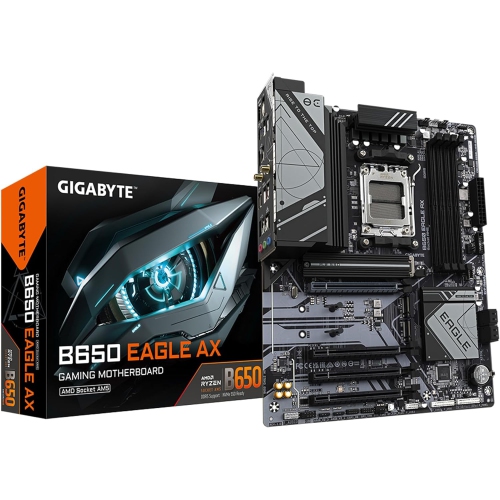
GIGABYTE B650 Eagle Ax Am5 Lga 1718 Amd B650 Atx, Ddr5 Triple M.2, PCie 5.0, USB 3.2 Gen2X2 Type-C, Amd Wi-Fi 6E, Realtek GBe Lan
About this product
A high-performance ATX motherboard featuring DDR5 support, triple M.2 slots, PCIe 5.0, and Wi-Fi 6E.
What customers like
(303)$209.99Your price for this item is $209.99SAVE $90 -
8
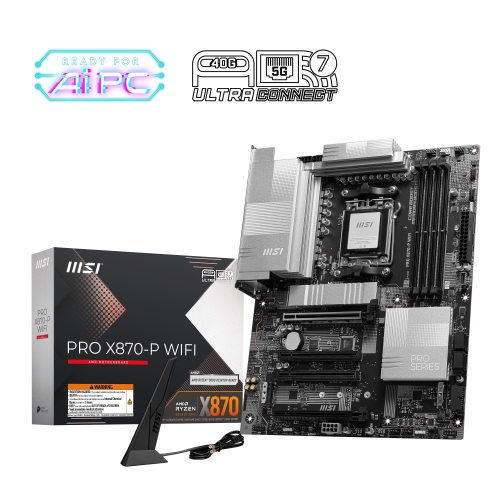
MSI Pro X870-P Wifi Atx Am5 Ddr5 Motherboard for Amd Ryzen 9000 / 8000 / 7000 Series Cpus
About this product
A high-performance motherboard featuring DDR5 support, PCIe 5.0, Wi-Fi 7, 7.1 audio, and 5Gb LAN.
(9)$294.99 Your price for this item is $294.99 -
9
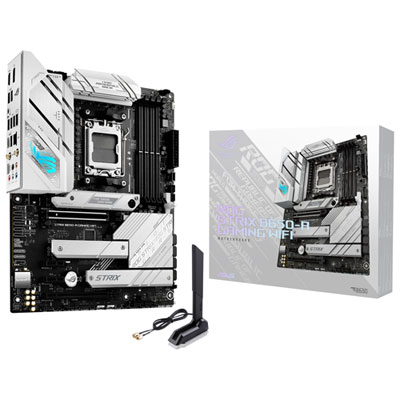
Asus ROG Strix B650-A Gaming Wi-Fi 6E AM5 Motherboard for AMD Ryzen 7000 Series CPUs
About this product
A high-performance motherboard with Wi-Fi 6E, PCIe 5.0, and advanced cooling for Ryzen 7000 CPUs.
What customers like
(186)$269.99 Your price for this item is $269.99 -
10
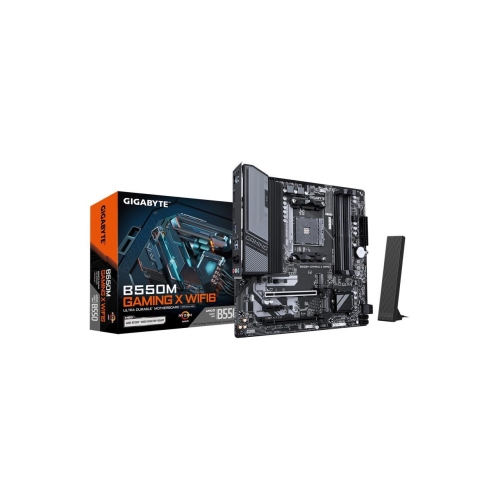
GIGABYTE B550M Gaming X Wifi6 Am4 Amd B550 Micro Atx Motherboard
About this product
A micro ATX motherboard featuring Wi-Fi 6 support and AMD B550 chipset for enhanced gaming performance.
(6)$159.99Your price for this item is $159.99SAVE $40
FAQ
Match the motherboard’s CPU socket and chipset to your processor, then check the manufacturer’s CPU support list. A matching socket alone does not guarantee compatibility, as some processors require a particular BIOS version.
Support depends on the motherboard. Most models accept either DDR4 or DDR5, not both, and the two memory types are not interchangeable. Check the motherboard’s specifications for the supported memory type, capacity and speeds before choosing RAM.
Look for USB ports for your keyboard, mouse and other accessories, audio connections for your headset or speakers, and Ethernet for a wired network connection. Some motherboards include Wi-Fi and Bluetooth, while others require separate adapters.
Common options include M.2 slots for compatible SSDs and SATA ports for SATA SSDs or hard drives. Check which interfaces each M.2 slot supports and whether using it disables any SATA ports or shares connections with other expansion slots.
BIOS Flashback is a feature that lets you update the motherboard’s BIOS from a USB drive without a supported CPU installed on models that offer it. It can be useful when pairing a motherboard with a processor that requires a newer BIOS version. Feature names and update procedures vary by manufacturer.
Top selling and popular products
Discover more categories related to Best Budget Motherboard for Gaming
Some products may be subject to Environmental Handling Fees (EHF) depending on your province. Learn more about EHFs.