Inexpensive Motherboards
Inexpensive Motherboards offer a budget-friendly solution for building or upgrading your computer without compromising on quality. Whether you're assembling a new PC for work, gaming, or everyday use, these motherboards provide reliable performance at an affordable price. Explore a wide selection of options designed to fit various needs and preferences, making it easy to find the right match for your setup. Start your next project with confidence by choosing from our collection of Inexpensive Motherboards.
Sort
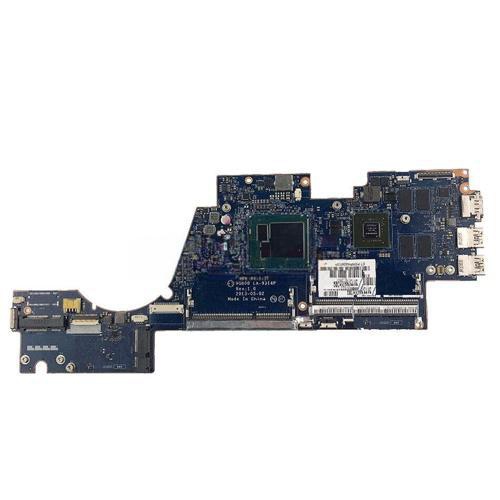
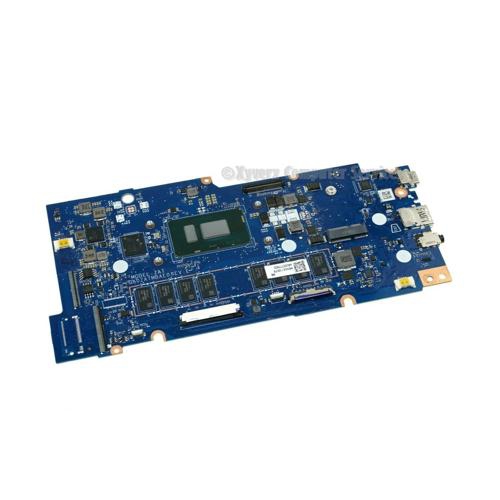
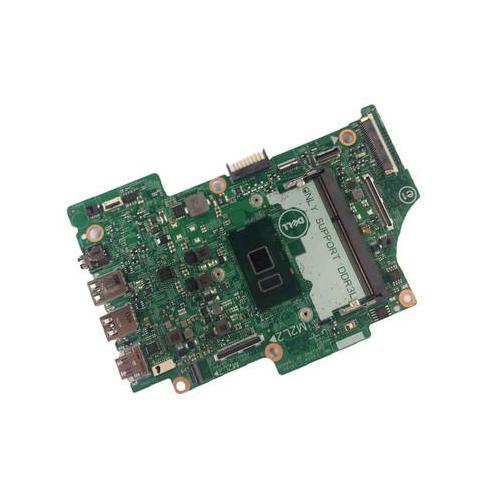
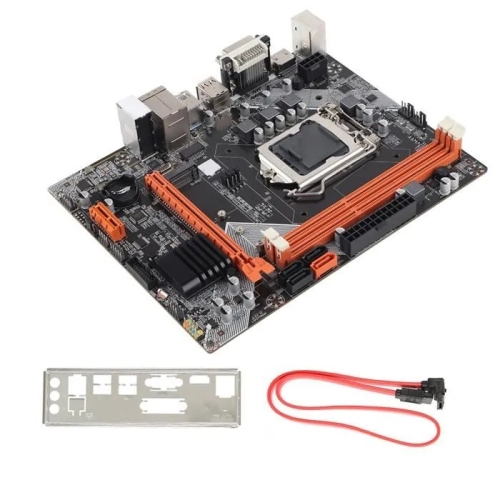
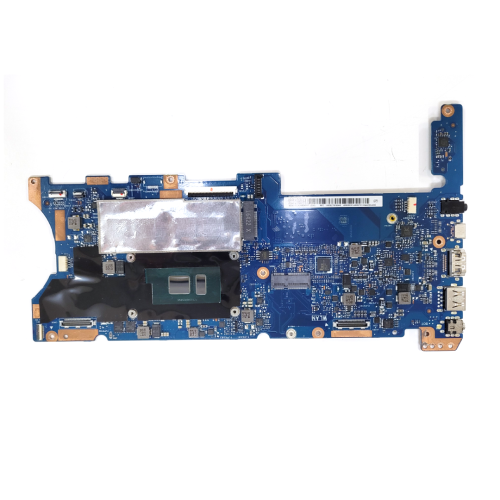
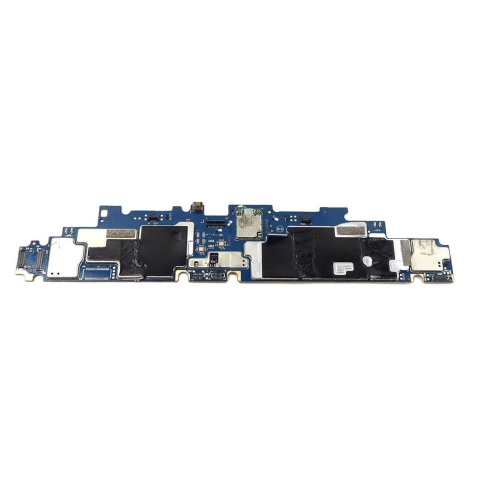
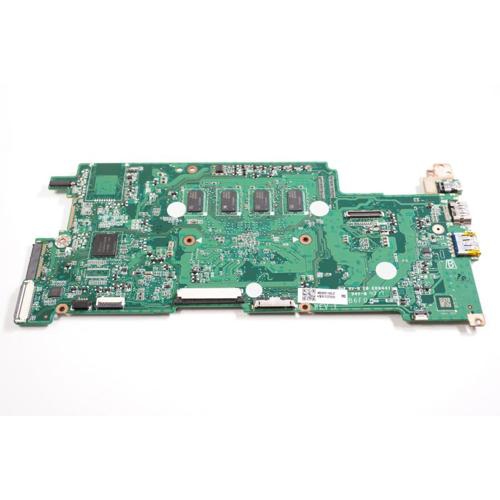
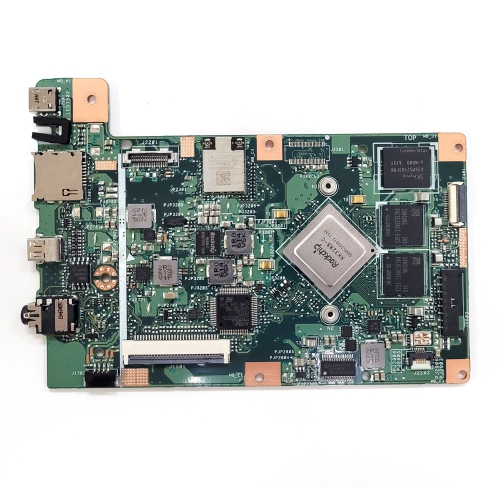
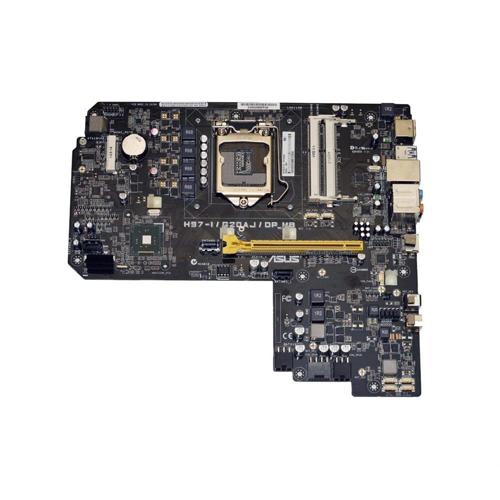
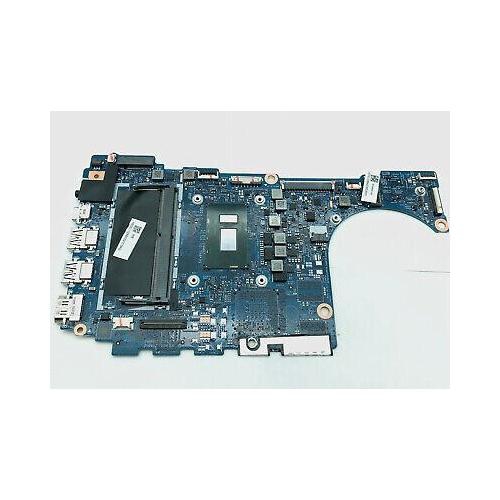
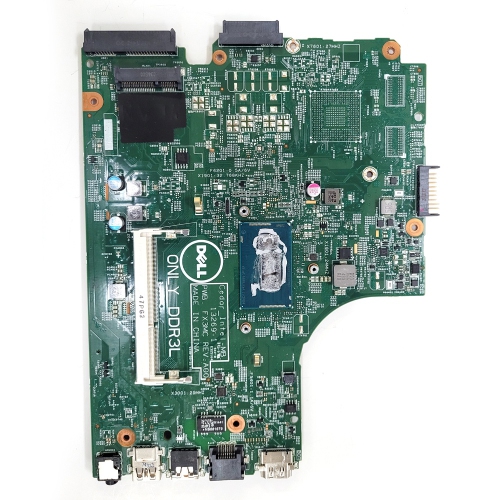
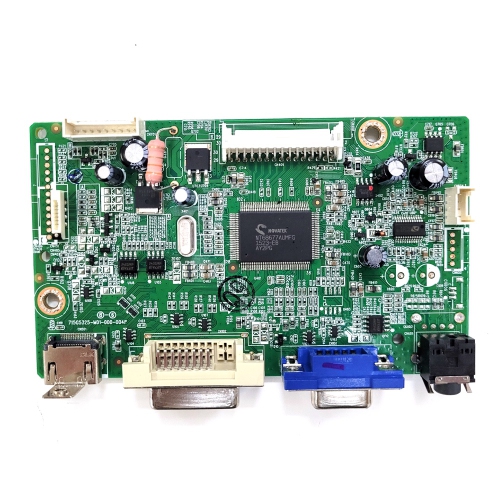
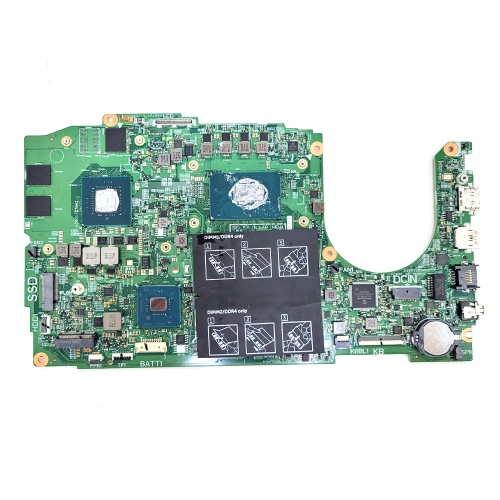
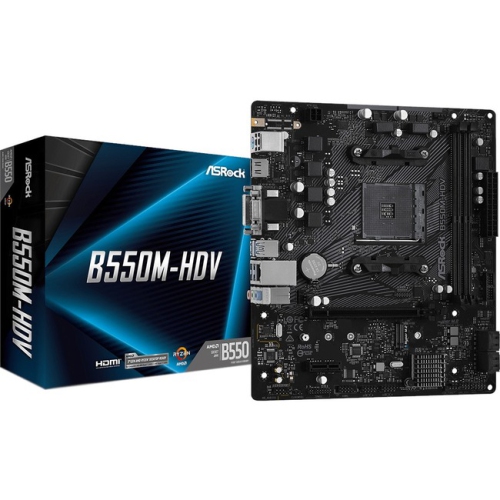
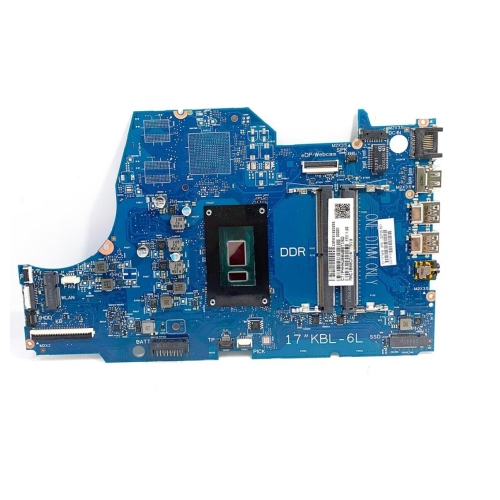
Why motherboard compatibility matters more than extra features
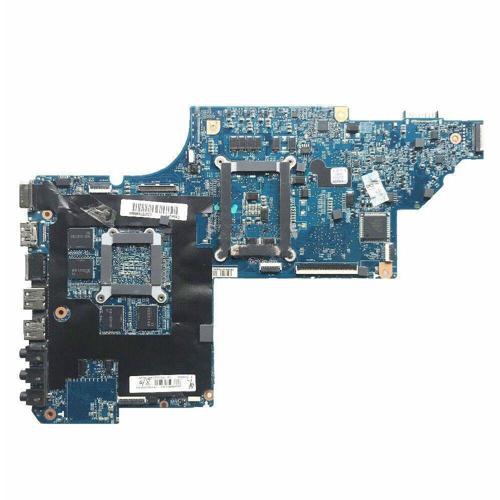
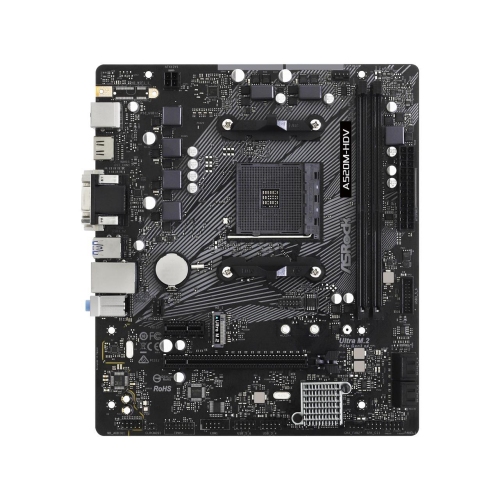
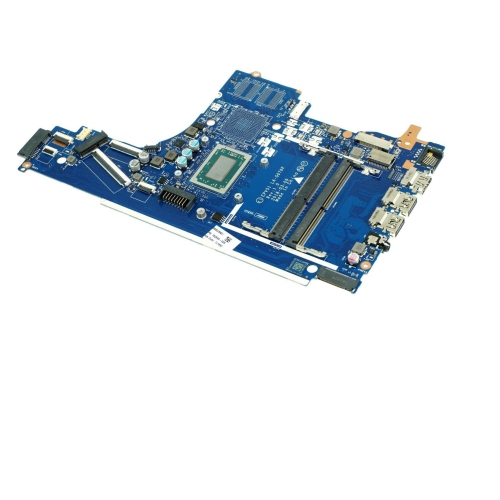
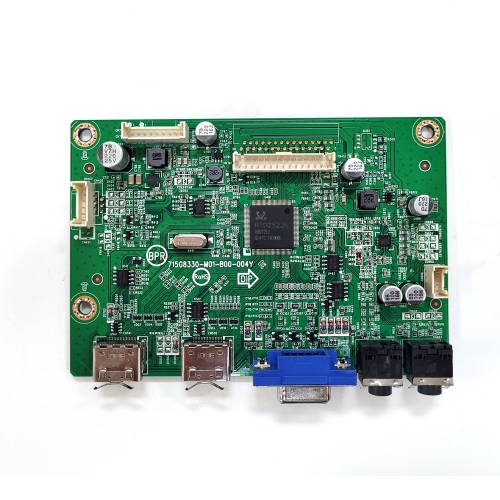
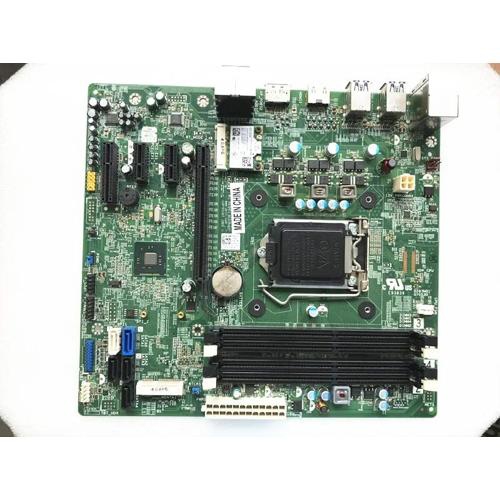
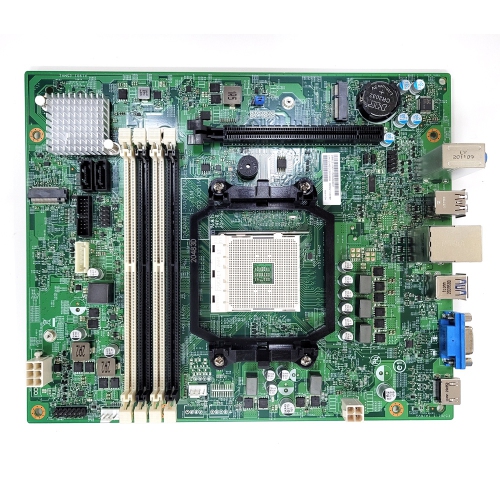
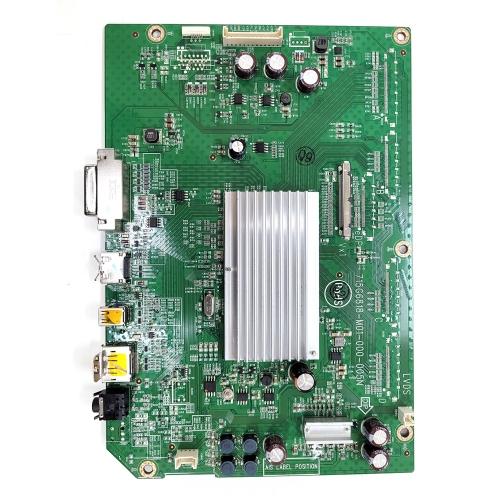
Inexpensive motherboards provide the foundation for desktop computers used for schoolwork, home offices, everyday entertainment and gaming. A motherboard connects the processor, memory, storage and expansion hardware, allowing those components to communicate and receive power through the appropriate connections. Its suitability depends less on an extensive feature list than on how closely its specifications match the rest of the computer. Processor compatibility begins with the socket, but the chipset and supported firmware version also matter: two boards with the same socket do not necessarily support every processor that physically fits. Published processor support information helps clarify those differences, particularly when combining a newer processor with an earlier board design. Memory compatibility is equally specific. DDR4 and DDR5 modules use different slot designs and are not interchangeable, while supported memory capacity and speed depend on the motherboard, processor and memory configuration together. Two memory slots can serve a straightforward desktop well, whereas four may leave more room for expansion, depending on the modules already installed. Physical fit matters just as much as electrical compatibility. ATX, micro-ATX and Mini-ITX describe common motherboard formats, with different dimensions and layouts that affect case compatibility and expansion space. A compact board can suit a desk with limited room, while a larger layout may provide more separation between connectors and expansion cards. The case must support the board’s mounting pattern, and nearby components still need clearance. A tall processor cooler, wide graphics card or tightly positioned drive cage can make an otherwise compatible combination awkward to assemble. For someone replacing a failed motherboard, matching the existing processor, memory and case is especially important. For a new build, the motherboard helps establish which components can be used together without making the computer more complicated than its intended tasks require. A writing and video-call desktop, for example, has different expansion needs from a system built around a separate graphics card and several storage drives.
Connections help distinguish Desktop Motherboards, especially when one computer handles study, work and entertainment. Storage support is a useful example. An M.2 slot can accommodate a small drive that mounts directly to the board, reducing the need for separate drive cables, but the slot’s supported drive lengths and interface still need to match the drive. M.2 describes a physical format rather than a guarantee of a particular connection type or speed. SATA ports remain useful for compatible solid-state drives and hard drives, including an existing drive being moved into a replacement desktop. On some layouts, using one storage connection disables another or shares its bandwidth, so the total number of visible connectors does not always describe how many can operate together. Expansion slots have similar distinctions: a full-length PCIe slot may have fewer electrical lanes than its physical size suggests. These details become relevant when adding a graphics card, capture card or network adapter. For everyday use, rear USB connections should accommodate familiar peripherals such as a keyboard, mouse, webcam and external drive, while internal headers determine whether compatible front-panel case ports can function. A USB-C connector does not, by itself, guarantee video output, a particular transfer speed or high-power charging. Display connections also require attention. Motherboard video outputs generally rely on a compatible processor with integrated graphics; their presence alone does not mean a computer can produce a picture without a separate graphics card. Wired networking offers a straightforward connection at a desk, while built-in Wi-Fi can be helpful when running a network cable is impractical. Wireless standards, antenna connections, Bluetooth support and audio connections vary by board. Someone using a headset for online classes may need a different port arrangement from someone connecting powered speakers and several external accessories. The most useful connections are the ones that support those actual routines, rather than features that remain unused.
Construction, cooling and handling influence how a motherboard holds up through assembly and everyday use. A typical board uses a layered fibreglass-reinforced circuit board with copper pathways, soldered components and a combination of plastic and metal connectors. Heatsinks may cover power-delivery components or storage positions, helping move heat away from those areas when used with suitable case airflow. Their size alone does not establish overall quality, and decorative lighting or elaborate covers are not necessary for a dependable everyday desktop. Power delivery should suit the chosen processor and its expected workload. Long video exports, software compilation and other sustained tasks can place different demands on a system than browsing, document editing or occasional media playback. The processor cooler, case fans and power supply all contribute to stable operation; the motherboard is one part of that wider arrangement. Fan-header quantity and placement can affect how neatly cooling hardware connects, particularly in a small case where cables have little spare room. During assembly, correct case standoffs help prevent the underside of the board from contacting metal surfaces, and careful alignment avoids unnecessary force on memory slots, power connectors and processor contacts. Routine care is mostly about keeping dust from accumulating, maintaining clear airflow and avoiding moisture. Cleaning or reseating components should take place with the computer shut down and disconnected from power, using appropriate static precautions. Firmware updates can address compatibility or operational issues, but they need to match the exact board model and follow its documented process. Features such as diagnostic lights or a supported firmware-update function can also make troubleshooting less frustrating, though their inclusion varies. For a student assembling a first desktop, a household replacing an unreliable computer or a hobbyist putting together a dedicated home media centre, a clearly matched set of components makes the finished system easier to use and maintain. A motherboard can also be a thoughtful gift for someone who enjoys building computers, provided their intended processor, memory and case specifications are known. The result is a practical foundation with the right connections, suitable expansion room and a layout that supports the computer’s everyday purpose.
Top selling and popular products
-
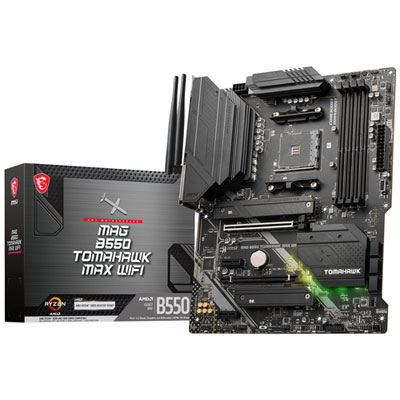 Your price for this item is $224.95
-
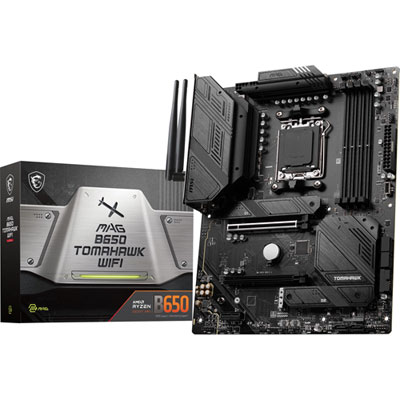 Your price for this item is $199.99
-
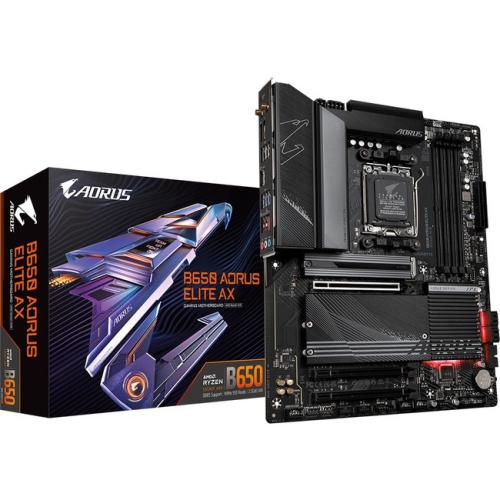 Your price for this item is $331.68
-
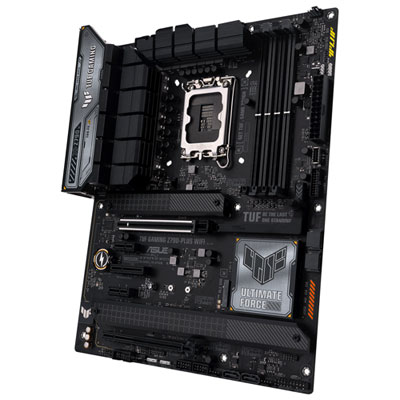 Your price for this item is $349.99
-
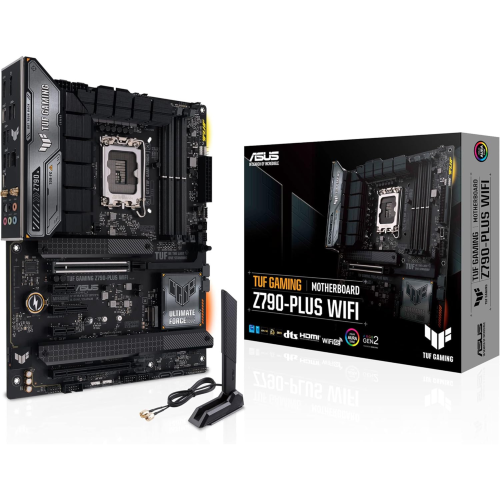 Your price for this item is $361
-
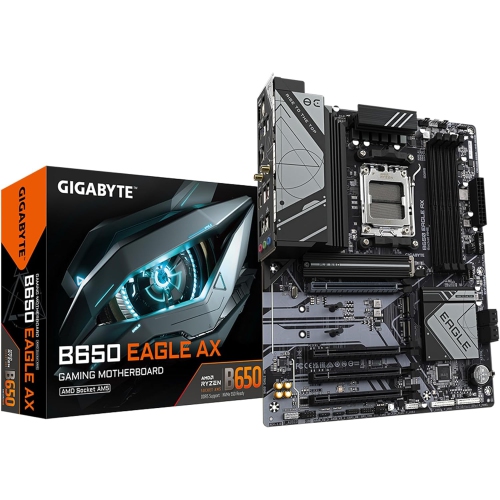 Your price for this item is $172.99
-
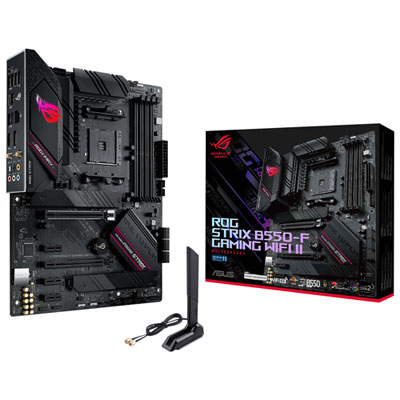 Your price for this item is $259.99
-
 Your price for this item is $587.68
Discover more categories related to Inexpensive Motherboards
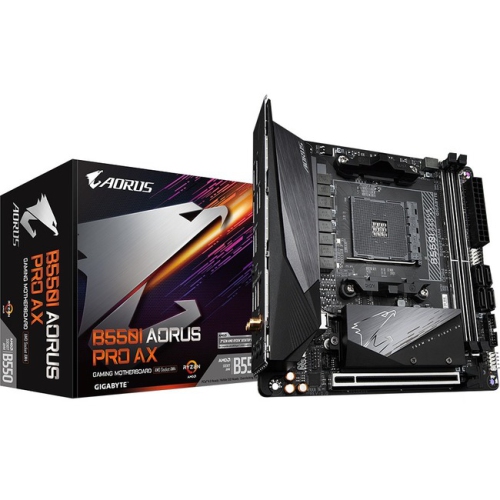
Top Collections:
Best Black Friday Deals This Year, Best Black Friday Deals On Electronics, Kindle Devices, Best Black Friday Deals On Apple Products, Best Budget Office Chairs, Best Cameras for Sports Photography, Dyson Airwrap, Canon G7X Cameras, Best Laptops for Writers, Samsung Galaxy Phones
Some products may be subject to Environmental Handling Fees
(EHF) depending on your province.
Learn more about EHFs.