Best Budget Tablets for Kids

Finding a kid-friendly tablet at a wallet-friendly price can make learning and play more accessible. Our selection of the best budget tablets for kids is ranked by customer review ratings, helping you compare affordable options for your family. Explore tablets for educational apps, videos, and games, and consider features such as parental controls, battery life, and durability to find the right fit for your child.

Read More

What to look for in budget tablets for kids

1. Price and Included Features

Compare the total cost of the tablet, a protective case, and any subscriptions your child may need. Included accessories and enough built-in storage can offer better value than a lower upfront price alone.

2. Durability and Size

Look for a sturdy case with raised edges to help protect the screen from everyday bumps and drops. A smaller, lighter tablet may be easier for younger children to hold, while a larger screen gives older kids more room for reading and schoolwork.

3. Parental Controls

Choose a tablet with controls for screen time, app downloads, purchases, and age-appropriate content. Separate child profiles are useful when siblings share a device.

4. Performance and App Compatibility

Check that the tablet supports your child’s learning apps, games, and streaming services before buying. Compare battery life, storage capacity, and software support to find an affordable model that fits their everyday needs.
  1. 1

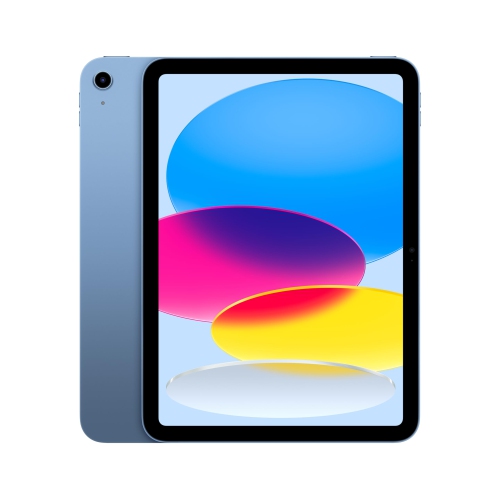
    APPLE Ipad 11-Inch: A16 Chip, 11-Inch Model, Liquid Retina Display, 128GB, Wi-Fi 6, 12Mp Front/12Mp Back Camera, Touch Id, All-Day Battery Life -

    About this product

    An advanced blue tablet featuring an A16 chip, Liquid Retina display, 128GB storage, and all-day battery life.

    What customers like

    • User-friendly and easy to set up
    • Great value for price
    • Vibrant and sharp display
    • Fast and powerful performance
    • Excellent battery life
    (6,980)
    $659.00
    SAVE $140
    Your price for this item is $659
  2. 2

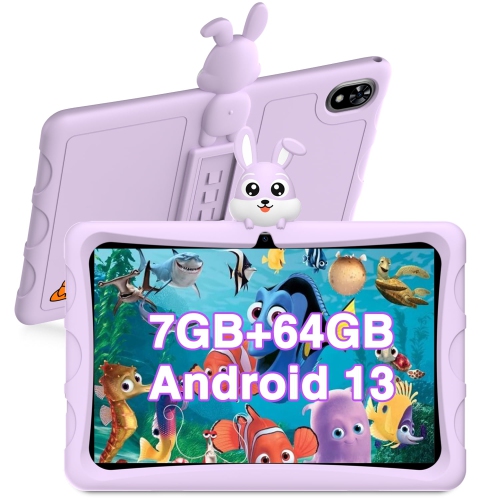
    DOOGEE U9 Kid 10.1-Inch 64GB, Wi-Fi, 3GB Ram - In Purple

    About this product

    A kid-friendly purple tablet featuring a food-grade silicone case, 10.1" HD display, and TÜV low blue light.

    (1)
    $165.94
    SAVE $18
    Your price for this item is $165.94
  3. 3

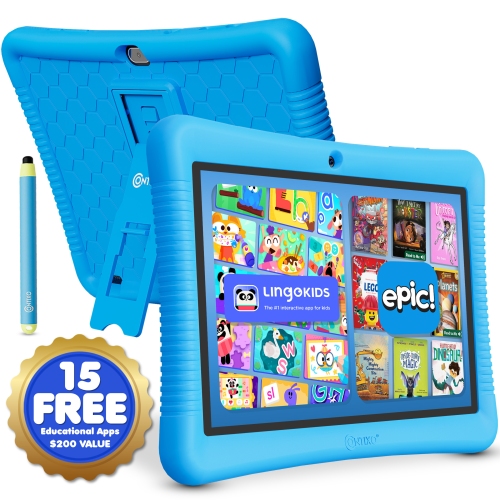
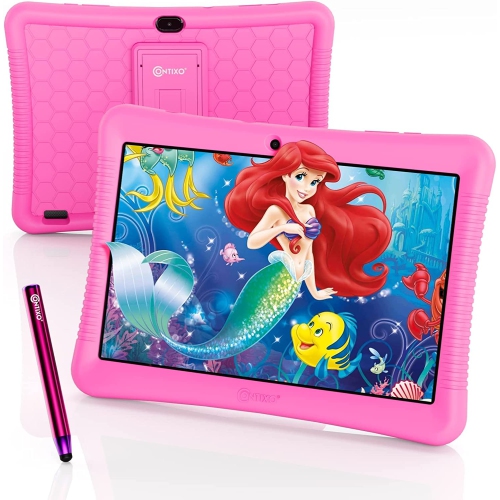
    CONTIXO K102 Kids Tablet 10-Inch 32GB With Protective Case

    About this product

    A kid-friendly Android 13 tablet with 32GB storage, stylus, parental controls, learning apps, and protective case.

    (3)
    $136.99 Your price for this item is $136.99
  4. 4

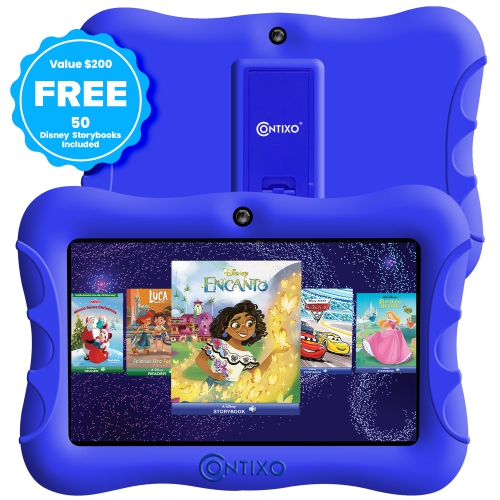
    CONTIXO Kids 7-Inch 32GB, Wi-Fi Tablet - In Blue

    About this product

    A kid-friendly tablet with parental controls, educational apps, dual cameras, and Android 10 OS.

    (2)
    $122.99
    SAVE $14
    Your price for this item is $122.99
  5. 5

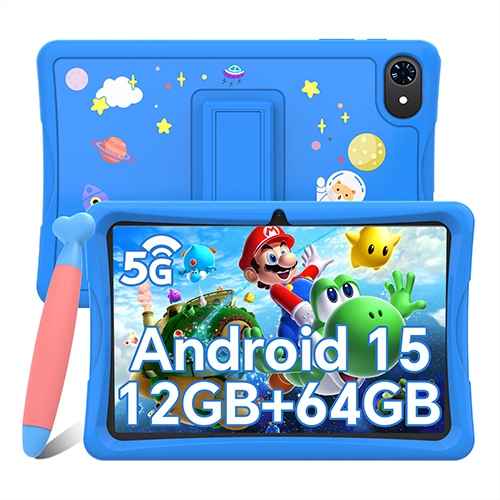
    BLACKVIEW 10" Kids Tablet, Android 15 Tablets for Kids, Parental Control, Pre-Installed Kiddos Software & Kids Space, Includes Case & Stylus Pen

    About this product

    A kid-friendly tablet with Android 15, parental controls, protective case, stylus, and pre-installed educational apps.

    (1)
    $125.99
    SAVE $40
    Your price for this item is $125.99
  6. 6

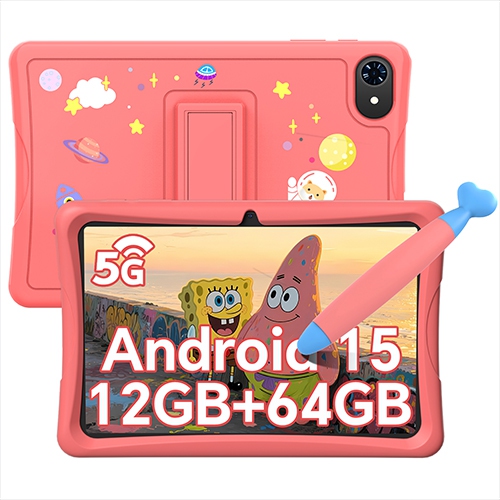
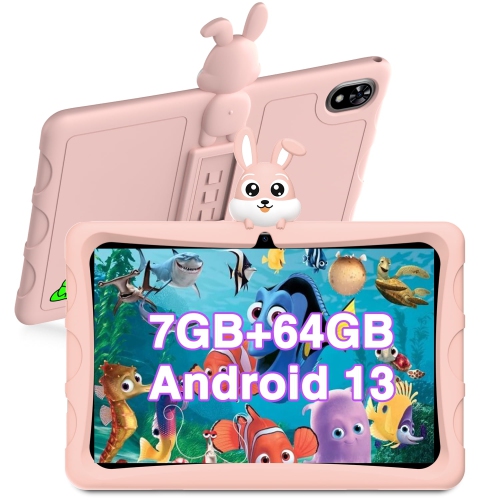
    BLACKVIEW 10-Inch Kids Tablet 64GB, Wi-Fi, 4GB Ram With Case And Stylus - In Pink

    About this product

    A kid-friendly tablet with Android 15, parental controls, pre-installed educational apps, case, and stylus included.

    $125.99
    SAVE $40
    Your price for this item is $125.99
  7. 7

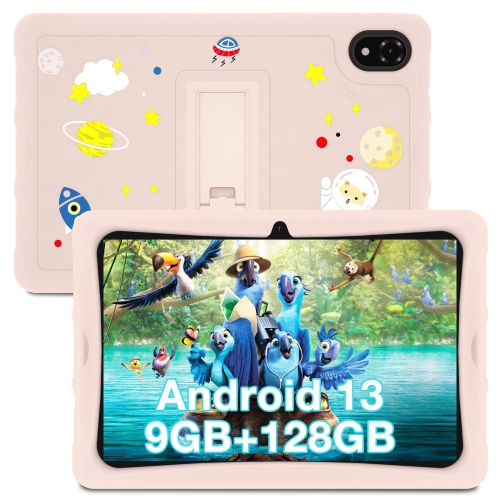
    DOOGEE U10 Kid 10.1-Inch 128GB, Wi-Fi, 4GB Ram - In Pink

    About this product

    A pink kid-friendly tablet with a food-grade silicone case, 10.1" HD display, and TÜV low blue light.

    $182.54
    SAVE $20
    Your price for this item is $182.54
  8. 8

    CONTIXO K102 Kids Tablet, 10.1" HD Ips Display, 32GB Storage, Android 10, Parental Controls, Dual Camera, Wi-Fi In Pink

    About this product

    A 10" HD Wi-Fi kids tablet with 20+ educational apps, parental control, and access to Google Play Store.

    $136.99 Your price for this item is $136.99
  9. 9

    DOOGEE U9 Kid 10.1-Inch 64GB, Wi-Fi, 3GB Ram - In Pink

    About this product

    A kid-friendly tablet in pink with a food-grade silicone case, 10.1" HD display, and dual cameras.

    $165.94
    SAVE $18
    Your price for this item is $165.94
  10. 10

    SLOWMOOSE 7 Inch Kid Tablet, 5G Wifi, 4000Mah Battery, Dual Camera, Children's Kids Software Eu Plug

    About this product

    A child-friendly tablet with 5G Wi-Fi, 4000mAh battery, dual cameras, and kids’ software.

    $91.99
    SAVE $26
    Your price for this item is $91.99

A kid-friendly tablet starts with more than screen size

The best budget tablets for kids combine dependable everyday performance, age-appropriate app options, practical parental controls, and protection against ordinary bumps. A tablet used for bedtime stories has different demands from one shared by siblings for drawing, puzzles, and school activities, so the most useful features depend on how it fits into family life. For younger children, a compact screen can be easier to hold while sitting on the sofa or listening to a story beside a parent. Larger displays give older children more room to read illustrated books, follow a learning activity, or work with a drawing app without crowding the screen. Screen size alone does not determine readability: clear text, adjustable brightness, responsive touch input, and comfortable viewing angles also matter when a child is tracing letters or looking closely at a picture. Weight becomes noticeable during longer sessions, particularly when a tablet is held rather than supported by a stand. Everyday performance should suit the activities a child actually enjoys. Reading apps, simple games, video playback, and video calls generally have different demands from detailed games or switching between several apps. Internal storage holds downloaded apps, photos, and offline content, while memory helps the device keep active tasks running smoothly; the two specifications serve different purposes. Expandable storage can provide extra room on compatible tablets, although some apps must remain on internal storage. For families who download stories or videos before a car journey, offline playback is especially useful, provided the app supports it and the content has been downloaded in advance. Wi-Fi connectivity supports streaming, app downloads, and communication at home, but a tablet does not need a constant connection for every activity. Battery life also varies with brightness, sound levels, games, and video calls, making real-world usage more meaningful than a single advertised figure. A device that comfortably handles a child's regular activities can be a better fit than one with extra features that rarely get used.

Parental controls are an important part of a kids' tablet, but the details deserve attention because different devices and apps provide different levels of control. Useful options may include separate child profiles, limits on daily use, scheduled breaks, content restrictions, and adult approval for new downloads. A shared tablet benefits from individual profiles that keep one child's reading progress, favourite games, and settings separate from a sibling's, where the software supports this feature. Younger children often do well with a simple home screen containing a small selection of familiar activities, while older children may need access to a wider range of learning tools and creative apps. Age labels offer a starting point, but they do not explain every aspect of an app. Advertising, messaging, links to websites, and opportunities to interact with other users can affect whether an activity suits a particular child. Controls work best alongside adult involvement rather than replacing it: sitting together for a new game or checking a video app's settings helps make the experience more predictable. App compatibility is another practical distinction. A tablet's operating system and app store determine which tools it can run, and a device designed around a restricted children's interface may work differently from a general-purpose tablet with a child account. For school-related use, compatibility with the required learning platform matters more than whether a device is described as educational. A tablet can support reading practice, number games, drawing, and simple assignments, but it may not replace a computer for tasks that require desktop software or extensive typing. Accessibility features such as text enlargement, captions, text-to-speech, and simplified navigation can also make everyday activities easier, depending on the device and app. Clear speakers help with spoken instructions, while headphones can be useful in shared spaces when listening volume is managed appropriately. A camera and microphone add possibilities for family video calls or recording a short story, with permissions and privacy settings helping adults decide how those features are used.

Physical design makes a noticeable difference when a tablet moves between the kitchen table, a backpack, and a child's hands. Many tablets use a smooth plastic or metal body with a glass touchscreen, so a comfortable grip and a well-fitting case can matter as much as the device itself. A flexible silicone case may be easier for small hands to hold, while a more structured case can provide reinforced corners and a stable stand. Raised edges around the display help keep the screen from resting directly against a flat surface, but no case makes a tablet immune to damage. Drop resistance and water resistance are separate characteristics, and neither should be assumed without checking the stated specifications. Case openings should leave charging ports, speakers, cameras, and buttons usable, and any carry handle should feel secure rather than awkward for the child's grip. A stand is helpful for following a drawing demonstration at a table or joining a video call without holding the screen throughout. Screen protectors can help reduce surface scratches when correctly fitted, though they do not guarantee protection from cracks. Everyday care is straightforward: keep food and drinks away from the device, use a soft cloth as directed by the manufacturer, and avoid spraying liquid directly onto the screen or into openings. Charging cables also need sensible placement so they do not trail across a walking area or become strained while a child carries the tablet. The intended user shapes the finishing details, from an easy-to-grip case for a younger child to a less bulky design for someone who carries it between activities. Everyday uses such as reading, drawing, and watching downloaded videos help shape what families look for in Affordable Kids Tablets. As a birthday gift or a device shared within the household, a tablet is most useful when its software, handling, and accessories match the recipient's age and interests. Setting up accounts and checking essential apps before handing it over helps turn that first session into something familiar: opening a favourite story, sketching a colourful picture, or calling a family member with an adult nearby.
Read More

FAQ

Some products may be subject to Environmental Handling Fees (EHF) depending on your province. Learn more about EHFs.