Best Budget Tablets for Preschool Students
Finding the right tablet for your preschooler doesn’t have to stretch your budget. Explore the best budget tablets for preschool students, ranked by user review ratings, to compare affordable options for early learning, creative play, and everyday fun. As you browse, look for easy-to-use controls, sturdy designs, and parental settings that help you manage your child’s screen time.
What to look for in budget tablets for preschool students
1. Price and Overall Value
2. Size and Durability
3. Parental Controls
4. Learning Apps and Battery Life
-
1
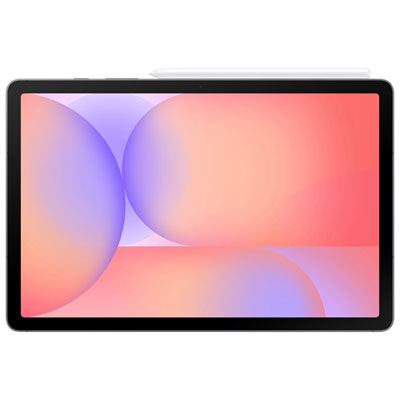
Samsung Galaxy Tab S10 Lite 10.9-inch 128GB, Exynos 1380 with S Pen - Grey
About this product
A slim grey tablet featuring a 10.9" display, Exynos 1380 processor, S Pen, and Galaxy AI.
What customers like
(874)$579.99 Your price for this item is $579.99 -
2
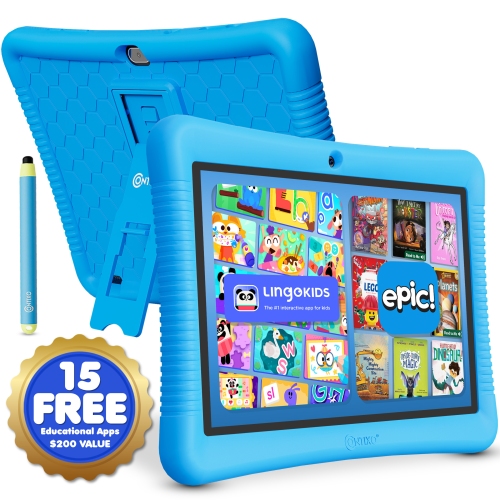
CONTIXO K102 Kids Tablet 10-Inch 32GB With Protective Case
About this product
A kid-friendly Android 13 tablet with 32GB storage, stylus, parental controls, learning apps, and protective case.
(3)$136.99 Your price for this item is $136.99 -
3
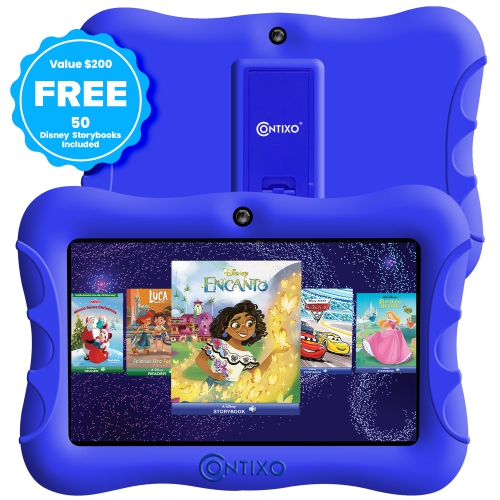
CONTIXO Kids 7-Inch 32GB, Wi-Fi Tablet - In Blue
About this product
A kid-friendly tablet with parental controls, educational apps, dual cameras, and Android 10 OS.
(2)$122.99Your price for this item is $122.99SAVE $14 -
4
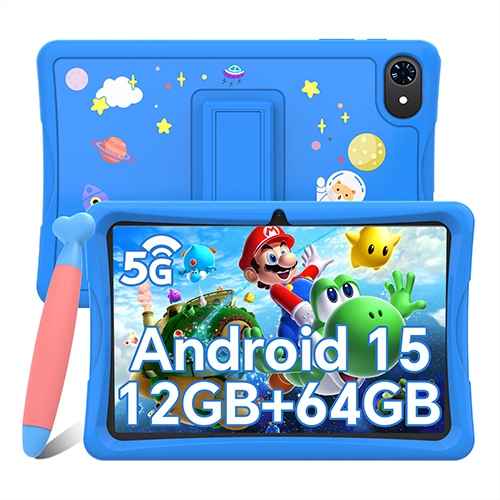
BLACKVIEW 10" Kids Tablet, Android 15 Tablets for Kids, Parental Control, Pre-Installed Kiddos Software & Kids Space, Includes Case & Stylus Pen
About this product
A kid-friendly tablet with Android 15, parental controls, protective case, stylus, and pre-installed educational apps.
(1)$125.99Your price for this item is $125.99SAVE $40 -
5
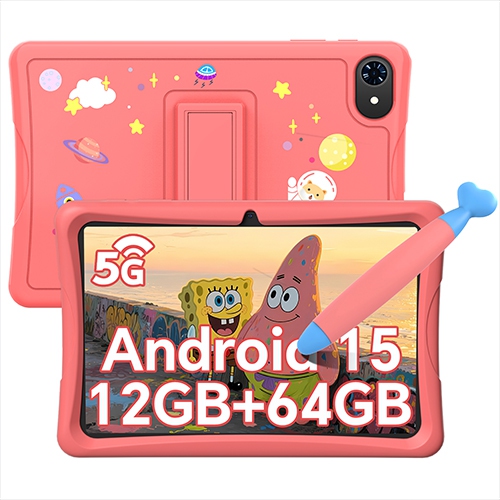
BLACKVIEW 10-Inch Kids Tablet 64GB, Wi-Fi, 4GB Ram With Case And Stylus - In Pink
About this product
A kid-friendly tablet with Android 15, parental controls, pre-installed educational apps, case, and stylus included.
$125.99Your price for this item is $125.99SAVE $40 -
6
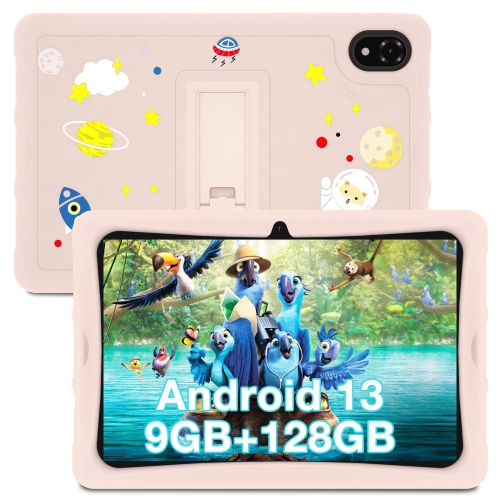
DOOGEE U10 Kid 10.1-Inch 128GB, Wi-Fi, 4GB Ram - In Pink
About this product
A pink kid-friendly tablet with a food-grade silicone case, 10.1" HD display, and TÜV low blue light.
$182.54Your price for this item is $182.54SAVE $20 -
7
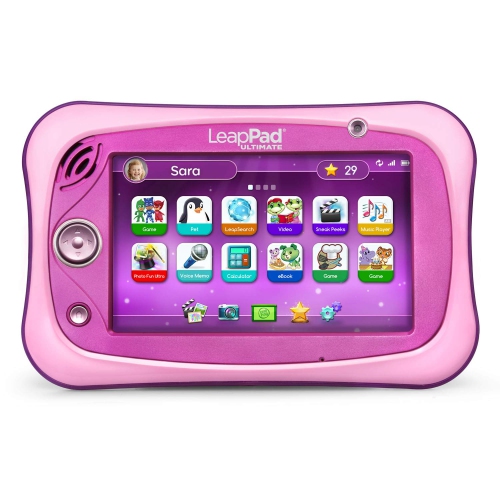
LEAPFROG Leappad Ultimate Ready for School Tablet - In Pink
About this product
A pink educational tablet featuring a shatter-safe screen, built-in bumper, and over $195 in learning apps.
$229.97Your price for this item is $229.97SAVE $70 -
8
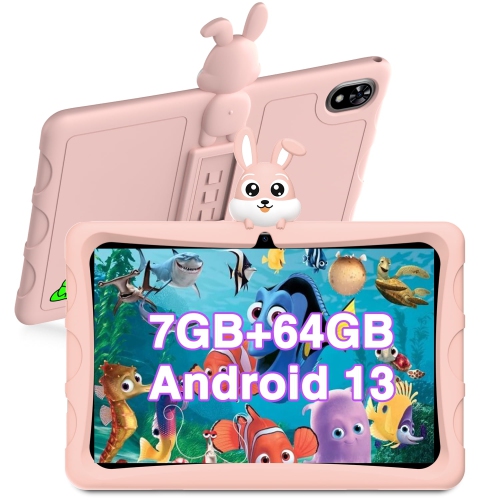
DOOGEE U9 Kid 10.1-Inch 64GB, Wi-Fi, 3GB Ram - In Pink
About this product
A kid-friendly tablet in pink with a food-grade silicone case, 10.1" HD display, and dual cameras.
$165.94Your price for this item is $165.94SAVE $18 -
9
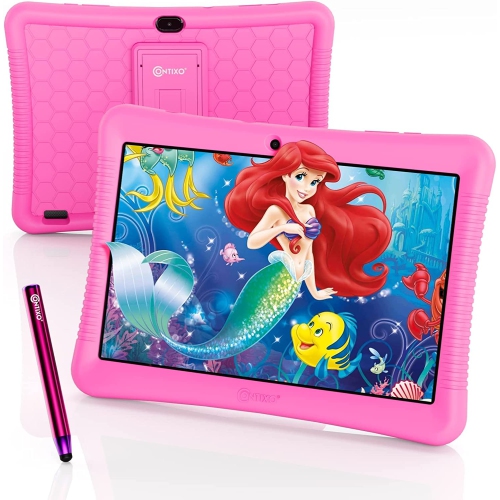
CONTIXO K102 Kids Tablet, 10.1" HD Ips Display, 32GB Storage, Android 10, Parental Controls, Dual Camera, Wi-Fi In Pink
About this product
A 10" HD Wi-Fi kids tablet with 20+ educational apps, parental control, and access to Google Play Store.
$136.99 Your price for this item is $136.99 -
10
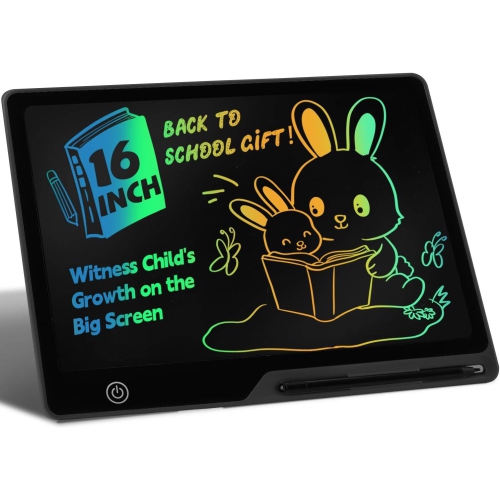
NONE Lcd Writing Tablet for 3-8 Kids, Rechargeable 16 Inch Doodle Board, Preschool Learning Toys Christmas Birthday Gift for 3-8 Year Old Girls Boys
About this product
A rechargeable 16-inch black LCD writing tablet offering safe, glare-free drawing and learning for young children.
$27.99Your price for this item is $27.99SAVE $3
FAQ
Look for a straightforward interface, responsive touch controls, built-in speakers and compatibility with the apps your preschool uses. Battery life and available storage are also useful factors when comparing tablets for everyday activities.
Some drawing apps, puzzles, digital books and downloaded videos work offline, while others require Wi-Fi. Check each app’s offline features and download any needed content before using the tablet without an internet connection.
Check the app’s listing for its required operating system and software version, then compare those requirements with the tablet’s specifications. If your preschool provides an app list, confirm that each app is available through the tablet’s supported app store.
Apps, downloaded videos, digital books and saved artwork all use storage. Some tablets accept a microSD card for certain files, but app storage options vary, and part of the built-in storage is reserved for system software.
A stand can hold the tablet upright for viewing, while a compatible stylus offers another way to use drawing apps. Check accessory compatibility before choosing, since stylus support and headphone connections differ between tablets.
Top selling and popular products
Discover more categories related to Best Budget Tablets for Preschool Students
Some products may be subject to Environmental Handling Fees (EHF) depending on your province. Learn more about EHFs.