Best Chromebook for Video Calls
Stay connected with the best Chromebooks for video calls, whether you’re joining a work meeting, attending an online class, or catching up with family. Compare options ranked by user review ratings, and look for features such as clear webcams, crisp microphones, reliable Wi-Fi, and long battery life to find the right fit for your everyday calls.
What to look for in Chromebooks for video calls
1. Webcam Quality and Privacy
2. Microphones and Audio
3. Performance and App Compatibility
4. Connectivity and Battery Life
-
1
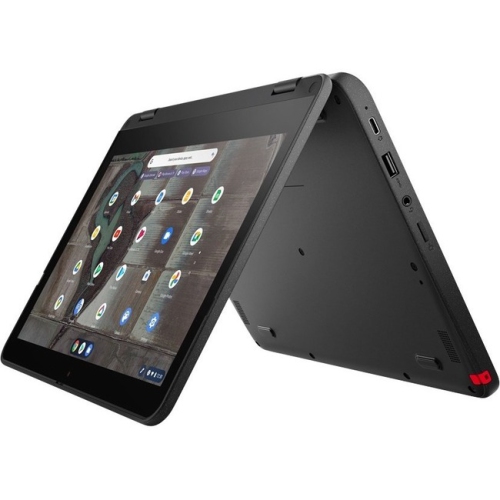
LENOVO 500E Chromebook Gen 3 11.6" Touchscreen 2-In-1 Chromebook - Intel Celeron N4500 - 4GB Ram - 32GB Flash - Chromeos - In Gray
About this product
A durable Lenovo Chromebook with Intel processor, 4GB RAM, 32GB storage, and ChromeOS.
(2)$575.49Your price for this item is $575.49SAVE $172 -
2
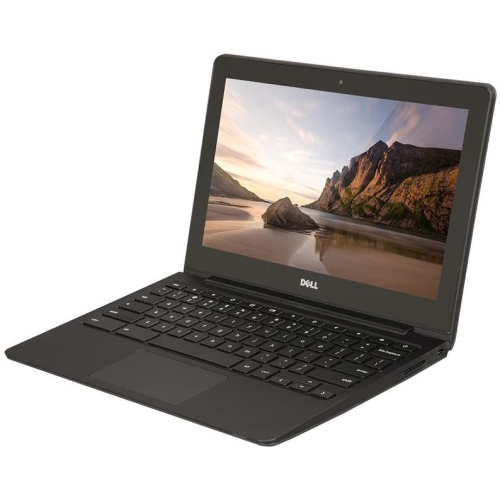
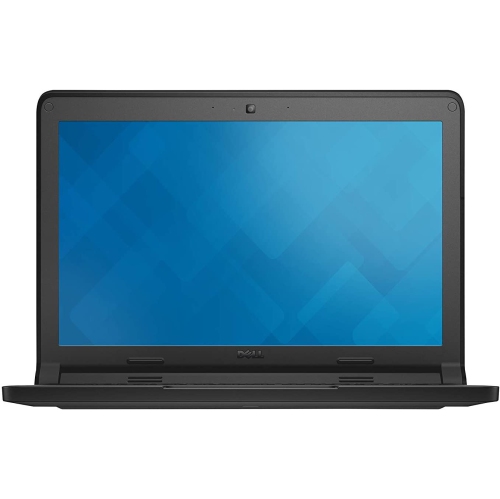
DELL Refurbished (Good) - Chromebook 11 11.6" Student Chromebook - Intel Celeron 2955U - 4GB Ram - 16GB Emmc - Chrome Os - In Black
About this product
A durable 11.6" Chromebook with Intel Celeron processor, 16GB SSD, 4GB RAM, and built-in webcam.
(1)$299.00 Your price for this item is $299 -
3
LENOVO 300E Chromebook 2Nd Gen 11.6" Touchscreen 2-In-1 Student Chromebook - Intel Celeron N4020 - 4GB Ram - 32GB - Chromeos - In Black
About this product
A versatile black 2-in-1 Chromebook with 11.6" touchscreen, Intel Celeron processor, and 32GB storage.
(1)$445.00 Your price for this item is $445 -
4
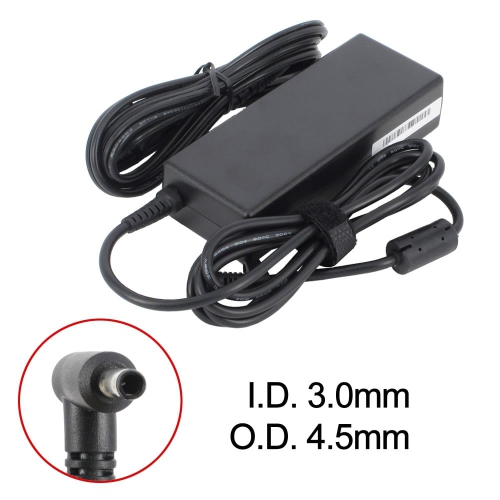
BATTDEPOT New Laptop Ac Adapter for HP Chromebook 14-Ak000Nb 714149-002 721092-001 Adp-45Fe B H6Y89Aa Hstnn-Da40
About this product
An AC adapter delivering 19.5V 4.62A power, compatible with select HP Chromebook models.
(1)$20.99Your price for this item is $20.99SAVE $3 -
5
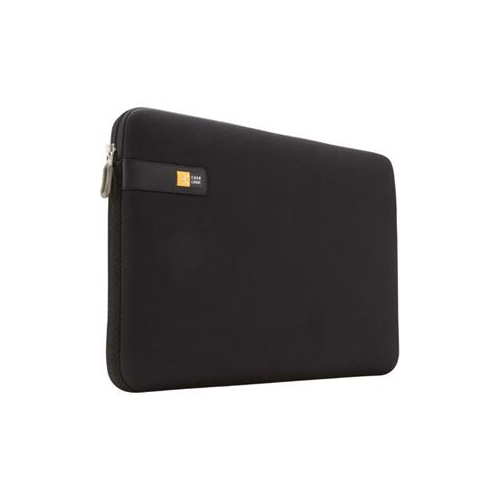
CASE LOGIC 11" Sleeve - Chromebook In Black
About this product
A sleek black sleeve offering reliable protection for your Chromebook during travel or daily use.
(6)$142.68Your price for this item is $142.68SAVE $10 -
6
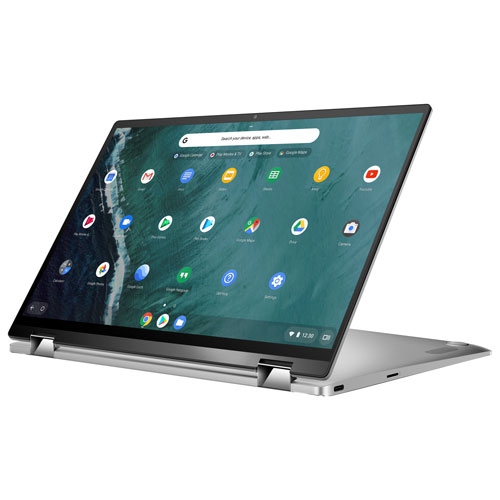
ASUS Refurbished (Good) - Chromebook Flip 14" Touchscreen 2-In-1 - Intel Cm3-8100Y - 4GB Lpddr3 - 64GB Emmc - Chrome Os - In Silver
About this product
A versatile 2-in-1 laptop with a 14" touchscreen, Intel CM3-8100Y, 64GB eMMC, and 4GB RAM.
What customers like
(60)$1,006.68Your price for this item is $1006.68SAVE $15 -
7

LENOVO 14E 14" Touchscreen Chromebook - Amd A4-9120 - 4GB Ddr4 - 32GB Flash Memory - Chromeos - In Gray
About this product
A 14" Chromebook with Full HD display, AMD A4 processor, 4GB RAM, and 32GB flash storage.
What customers like
(23)$383.68Your price for this item is $383.68SAVE $15 -
8
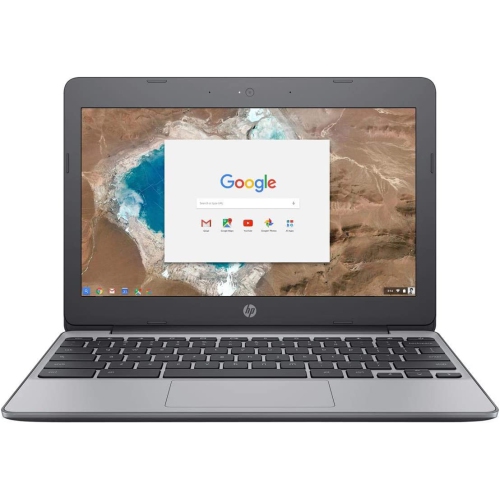
HP Refurbished (Good) - Chromebook 11 - Intel Celeron N3050 - 4GB Lpddr3 - 16GB Emmc - Chrome Os - Charcol In Grey
About this product
A refurbished laptop featuring a Celeron N3050 processor, 4GB RAM, and 16GB eMMC storage.
(1)$135.00 Your price for this item is $135 -
9
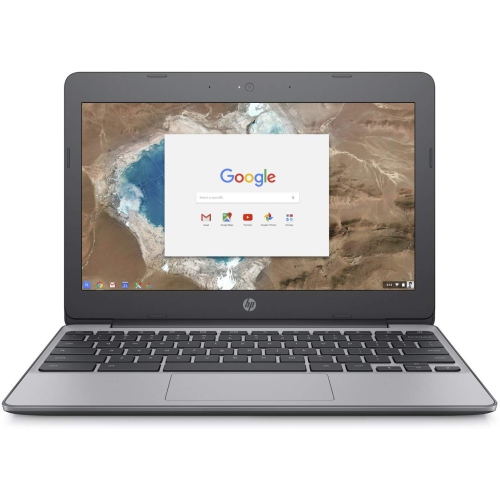
HP Refurbished (Good) - 11.6" Chromebook 11 - Intel Celeron N3060 - 4GB - 16GB Emmc - Chromeos
About this product
A portable Chromebook with Intel Celeron N3060, 4GB RAM, and 16GB eMMC storage for everyday tasks.
(1)$145.00 Your price for this item is $145 -
10
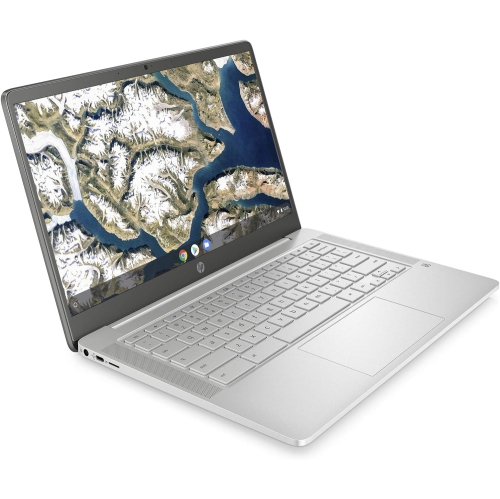
HP - 14" Chromebook - Intel Celeron N4000 - 4GB Lpddr4 - 64GB Emmc - Chromeos - Mineral In Silver
About this product
A sleek silver Chromebook featuring an Intel Celeron processor, 4GB RAM, and 64GB eMMC storage.
What customers like
(0)$400.00 Your price for this item is $400
FAQ
Look for a clear webcam, built-in microphones, reliable Wi-Fi connectivity and enough memory for your calling app and browser tabs. A 1080p webcam can capture more detail than a 720p webcam, while 8 GB of RAM offers more room for multitasking. Check for ports that support any headset or external webcam you plan to use.
Chromebooks support browser-based video calls through services such as Google Meet, Zoom and Microsoft Teams. Available features can differ from their Windows or Mac apps, so check the service’s current ChromeOS support if you need tools such as breakout rooms, recording or virtual backgrounds.
Many USB webcams and USB or Bluetooth headsets work with Chromebooks. Check that the accessory supports ChromeOS and uses a connection your Chromebook supports. Once connected, you can usually choose the camera, microphone and speaker in your video calling app’s settings.
Many browser-based video calling services let you share a Chrome tab, a window or your entire screen. Audio sharing options vary by service and sharing mode. You may need to grant permission when prompted, and school or workplace account settings may limit screen sharing.
Check whether your calling service offers noise suppression in its audio settings. A headset with a microphone positioned near your mouth can help separate your voice from surrounding sounds. You can also mute your microphone when you are not speaking and choose a quieter spot for calls.
Top selling and popular products
Discover more categories related to Best Chromebook for Video Calls

Some products may be subject to Environmental Handling Fees (EHF) depending on your province. Learn more about EHFs.