Chromebooks for Video Conferencing
Chromebooks for video conferencing offer a streamlined solution for staying connected, whether you're working remotely, attending virtual classes, or catching up with friends and family. Designed for easy access to popular video call platforms, these devices provide a reliable way to join meetings and collaborate online. Explore a variety of Chromebooks for video conferencing to find the perfect fit for your home office, classroom, or on-the-go communication needs.
Sort
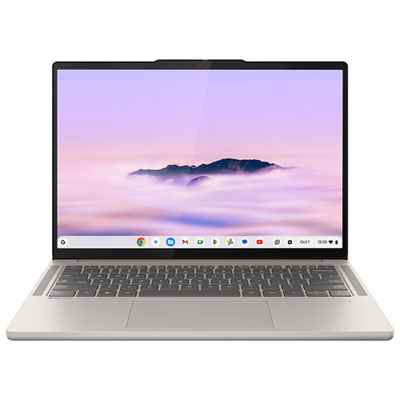
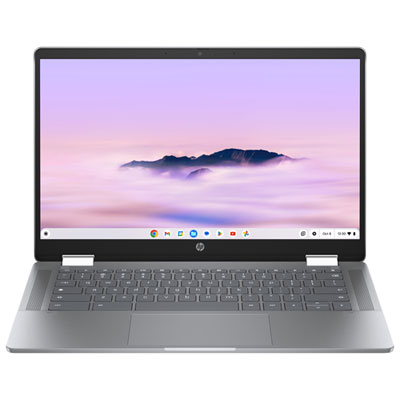
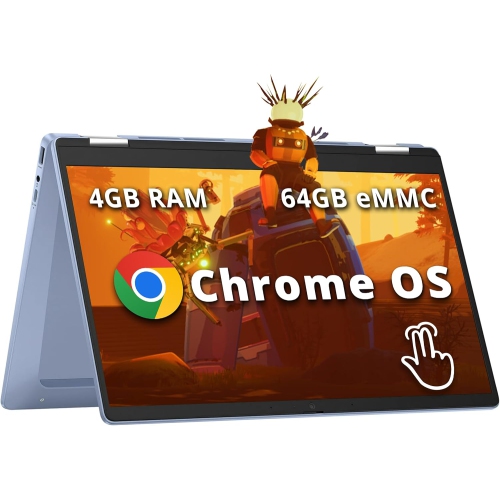
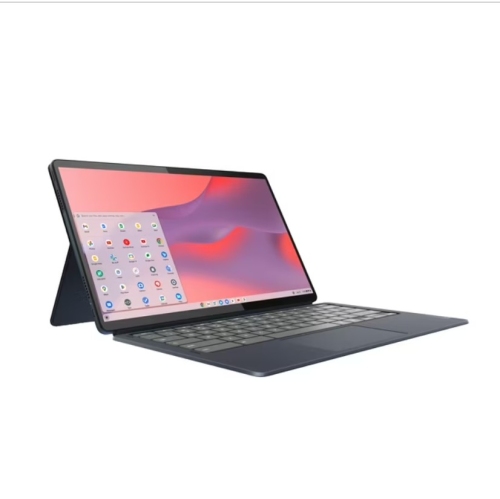
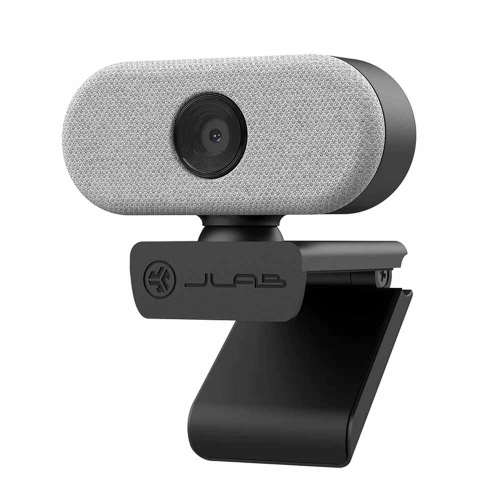
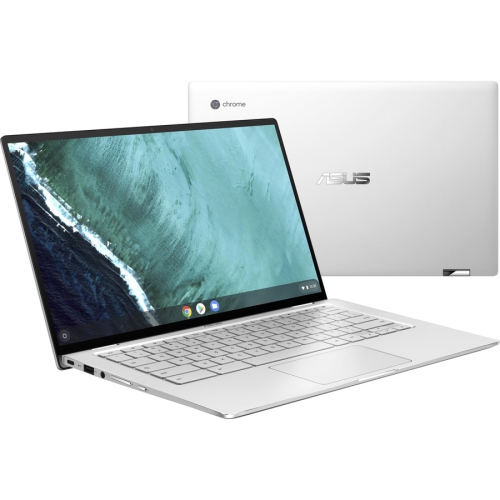
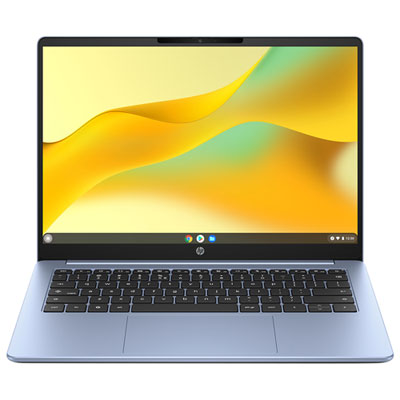
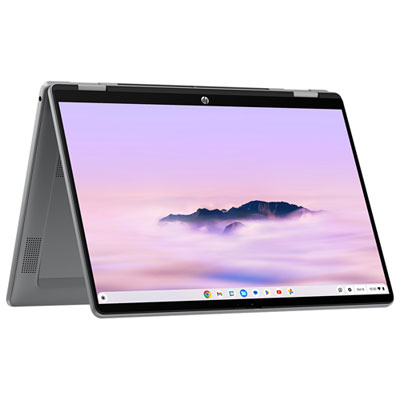
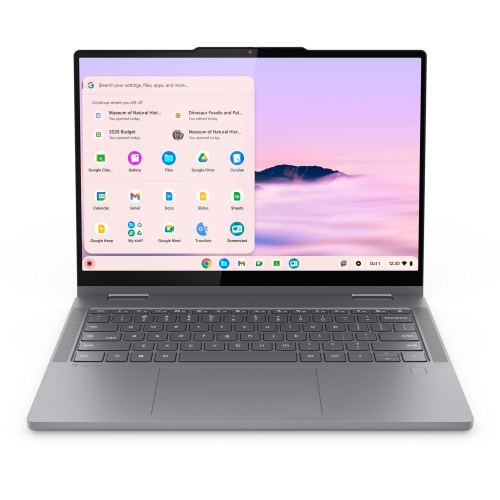
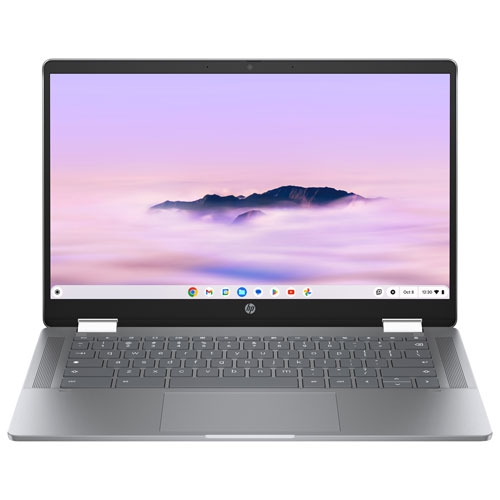
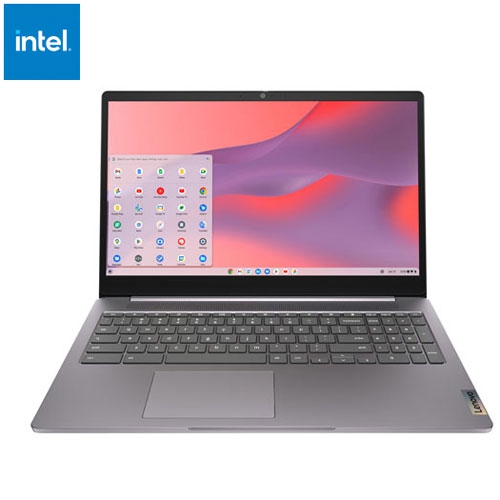
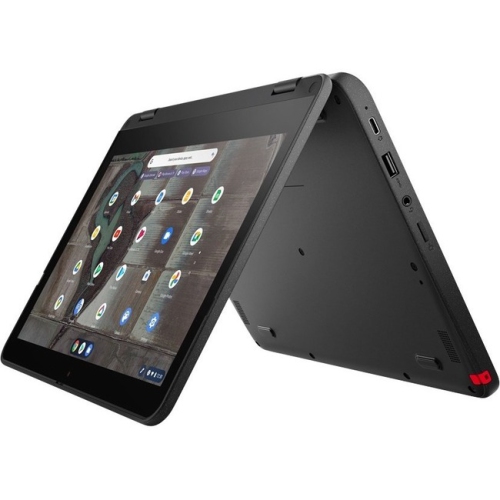
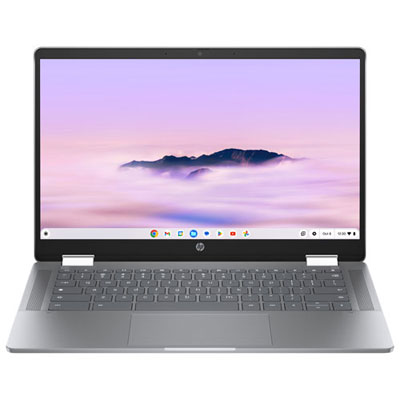
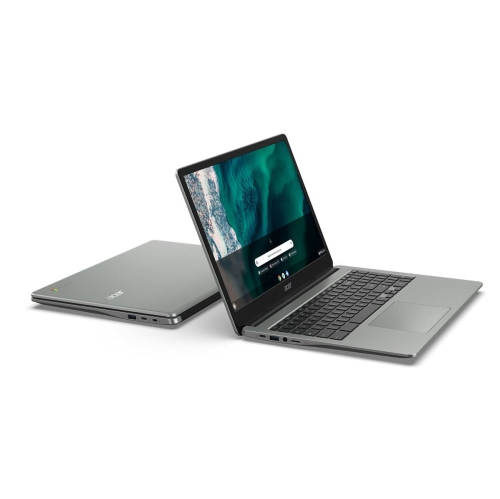
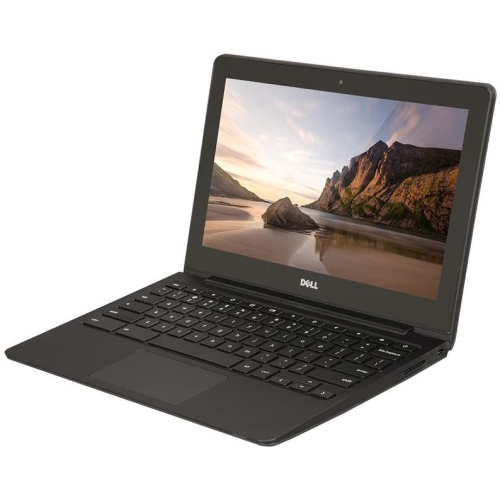
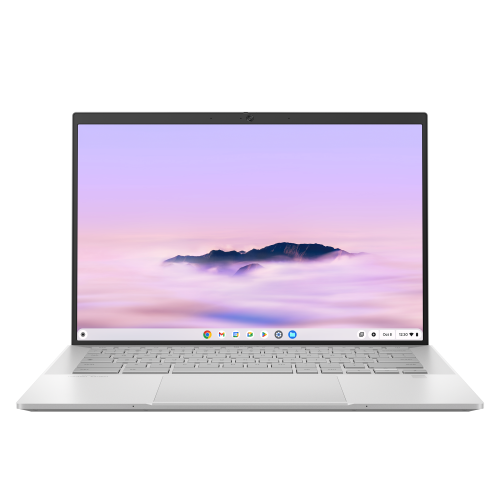
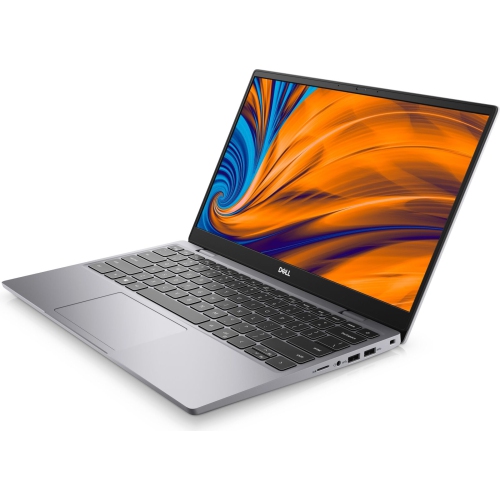
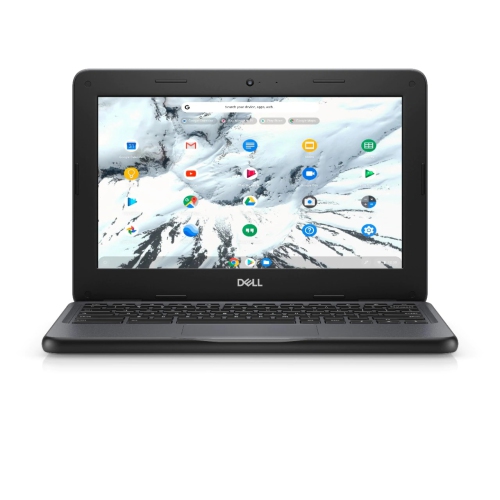
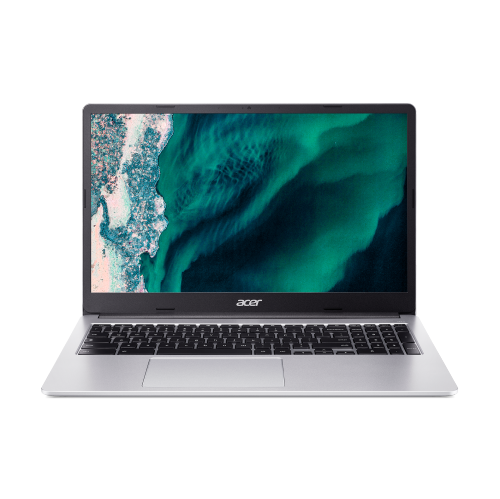
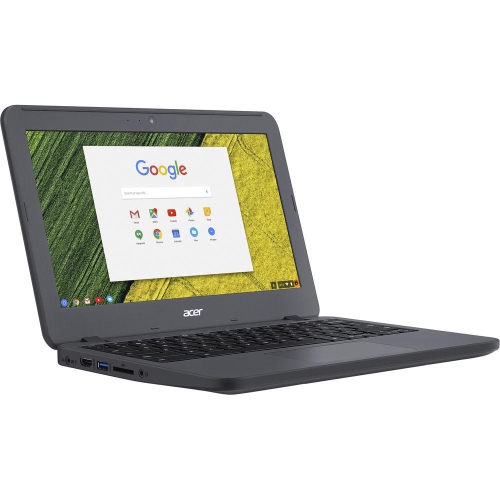
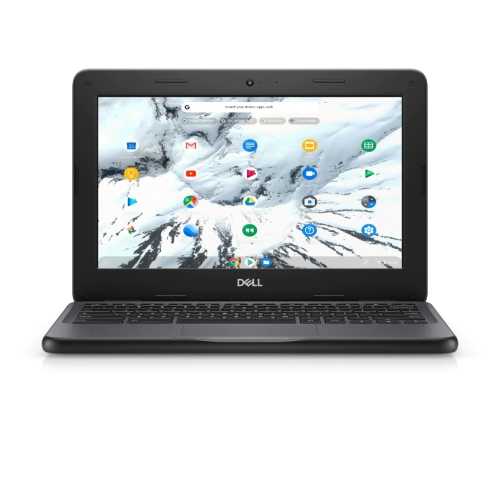
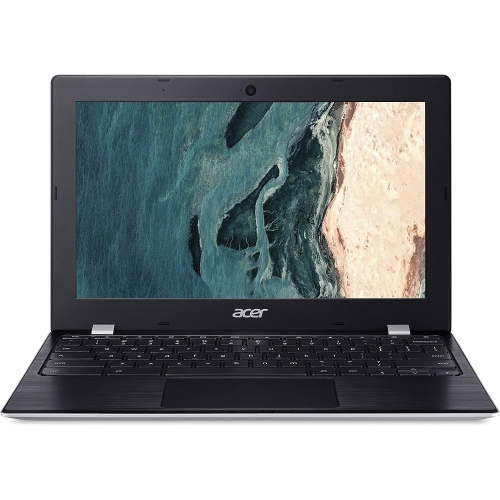
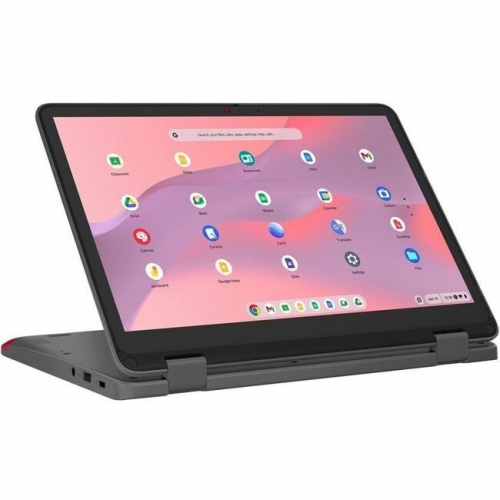
Clearer calls and smoother multitasking from room to room
When it comes to staying connected with friends, family, or colleagues, Chromebooks have become a popular choice for seamless video conferencing experiences. With their lightweight design and intuitive ChromeOS interface, these devices are well-suited for anyone who needs to jump into a virtual meeting, attend online classes, or catch up with loved ones across the country. Whether you’re a student logging in for remote learning, a professional working from home, or someone who simply wants to keep in touch with distant relatives, Chromebooks offer the flexibility and performance needed for clear, reliable video calls. The winter months in Canada often mean more time spent indoors, making it even more important to have a device that keeps you visually and audibly connected to your world, no matter the weather outside.
Choosing the right Chromebook for video conferencing involves considering a few key features that can make all the difference. A high-quality webcam is essential, as it ensures you appear crisp and clear on screen, while built-in microphones with noise reduction help your voice come through without background distractions. Many newer Chromebooks provide advanced camera technology and AI-powered enhancements like background blur, automatic lighting adjustments, and noise cancellation, which can be especially helpful if your home office doubles as a kitchen table or your study space is shared with family. For those who multitask—perhaps toggling between a video call, shared documents, and a browser full of research tabs—opting for a model with at least 8GB of RAM will keep everything running smoothly. Battery life is another important consideration, especially if you need to move from room to room or take calls on the go. If you’re gifting a Chromebook to a student heading back to school after the holidays or a grandparent who wants to join weekly family video chats, look for a model that balances performance, ease of use, and portability.
No matter your needs, Chromebooks make it easy to access popular video conferencing platforms like Google Meet, Zoom, and Microsoft Teams, all directly through the browser or dedicated web apps. The simplicity of ChromeOS means you can focus on your conversation, not on troubleshooting software. And if you find yourself using your Chromebook for more than just meetings—perhaps browsing the web for news, shopping, or entertainment—you might be interested in exploring other options tailored for those activities. For more information, check out our selection of Chromebooks For Web Browsing to find the perfect fit for all your online needs. With the right Chromebook, every call feels a little more personal, every lesson a little more engaging, and every moment of connection a little more meaningful, especially during the colder months when digital connections matter most.
Choosing the right Chromebook for video conferencing involves considering a few key features that can make all the difference. A high-quality webcam is essential, as it ensures you appear crisp and clear on screen, while built-in microphones with noise reduction help your voice come through without background distractions. Many newer Chromebooks provide advanced camera technology and AI-powered enhancements like background blur, automatic lighting adjustments, and noise cancellation, which can be especially helpful if your home office doubles as a kitchen table or your study space is shared with family. For those who multitask—perhaps toggling between a video call, shared documents, and a browser full of research tabs—opting for a model with at least 8GB of RAM will keep everything running smoothly. Battery life is another important consideration, especially if you need to move from room to room or take calls on the go. If you’re gifting a Chromebook to a student heading back to school after the holidays or a grandparent who wants to join weekly family video chats, look for a model that balances performance, ease of use, and portability.
No matter your needs, Chromebooks make it easy to access popular video conferencing platforms like Google Meet, Zoom, and Microsoft Teams, all directly through the browser or dedicated web apps. The simplicity of ChromeOS means you can focus on your conversation, not on troubleshooting software. And if you find yourself using your Chromebook for more than just meetings—perhaps browsing the web for news, shopping, or entertainment—you might be interested in exploring other options tailored for those activities. For more information, check out our selection of Chromebooks For Web Browsing to find the perfect fit for all your online needs. With the right Chromebook, every call feels a little more personal, every lesson a little more engaging, and every moment of connection a little more meaningful, especially during the colder months when digital connections matter most.
Top selling and popular products
-
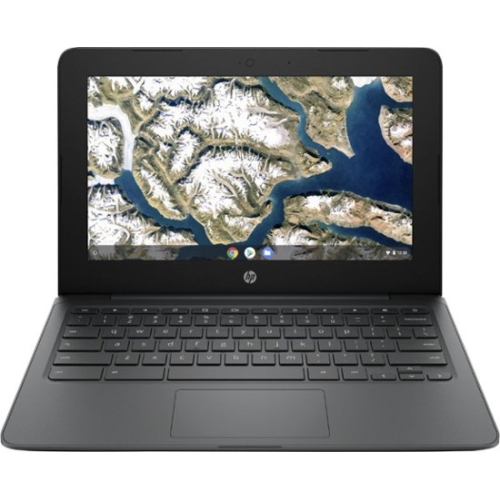 Your price for this item is $199.99
 -
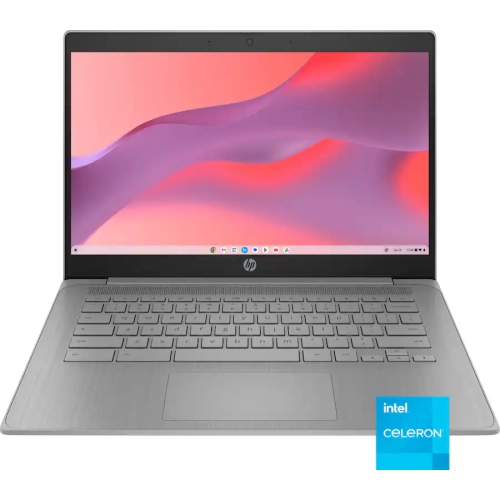 Your price for this item is $406.99
 -
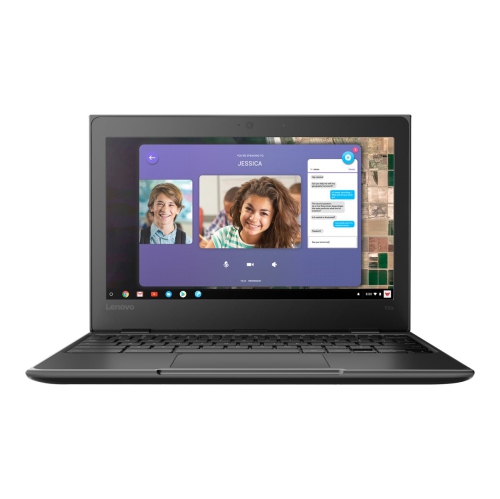 Your price for this item is $499.99
 -
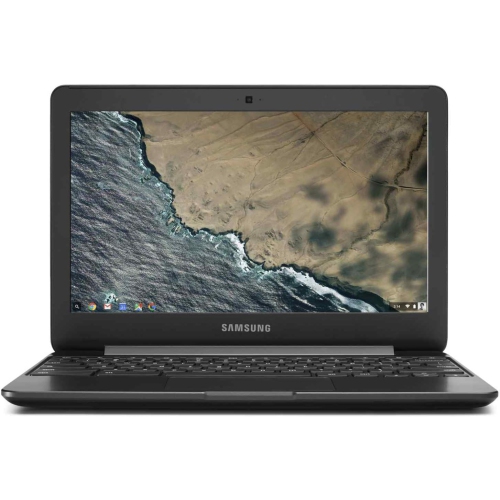 Your price for this item is $248
 -
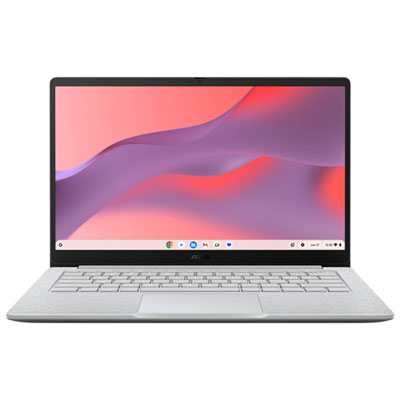 Your price for this item is $529.99
 -
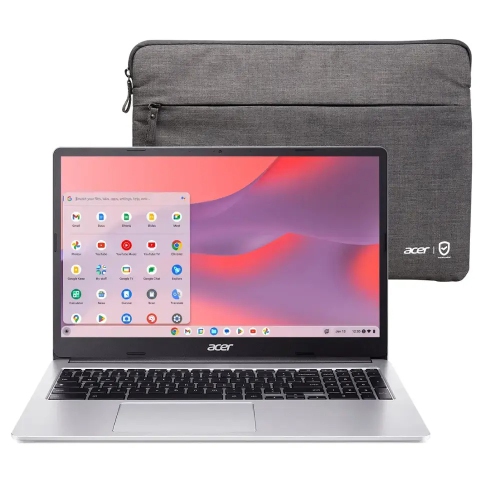 Your price for this item is $339.99
 -
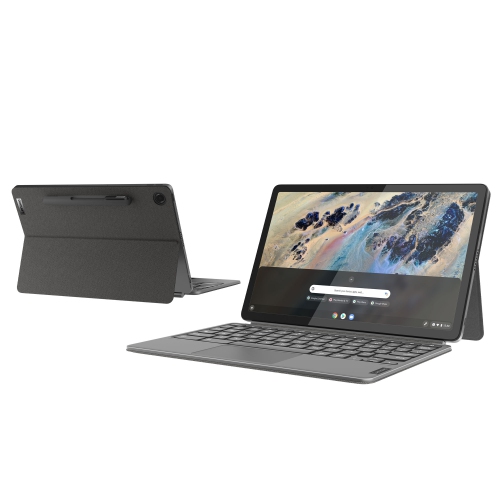 Your price for this item is $649
 -
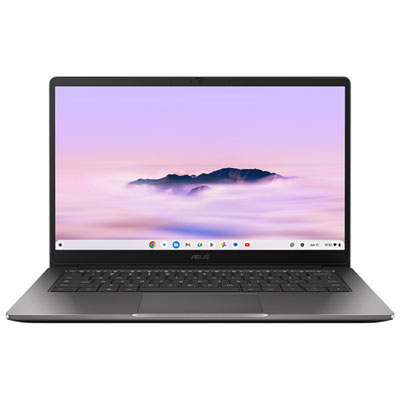 Your price for this item is $649.99
Discover more categories related to Chromebooks for Video Conferencing
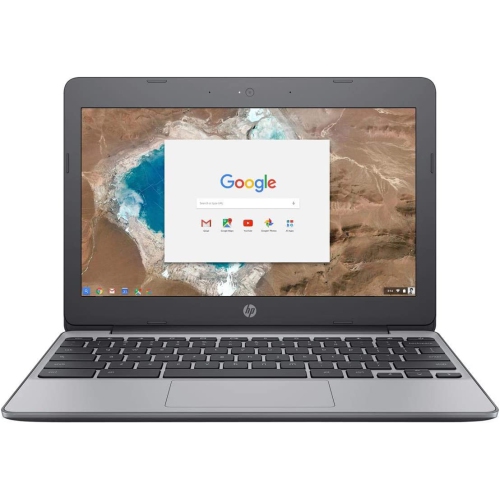
Top Collections:
Pokemon Centers, Budget 4K TVs, Kindle Devices, Canon G7X Cameras, Apple iPhones 16, iPhone 15 Apple, Laptops for Business Work, Flip Phones, Xiaomi Phones, Refurbished Apple Laptops
Some products may be subject to Environmental Handling Fees
(EHF) depending on your province.
Learn more about EHFs.