Best Custom PCs

Build a setup that fits your needs with the best custom PCs, ranked by user review ratings. Whether you’re gaming, creating content, or tackling everyday tasks, compare options with the processing power, graphics, and storage to match your priorities. Feedback from other shoppers can help you narrow down your choices and find the right fit for your budget.

What to look for in the best custom PCs

1. Performance for Your Needs

Match the processor and graphics card to your main tasks, whether that’s gaming, video editing, or everyday work. For gaming, choose components that can support your monitor’s resolution and target frame rate.

2. Memory and Storage

Consider 16GB of RAM for everyday multitasking and many games, or 32GB or more for demanding creative work and heavier workloads. An SSD helps reduce startup and loading times, while sufficient storage capacity gives you room for games, applications, and files.

3. Component Compatibility and Upgrades

Check that the motherboard, case, and power supply support your chosen components and planned upgrades. Look for available memory slots, storage connections, and clearance for larger graphics cards or cooling hardware.

4. Cooling and Build Support

Choose cooling suited to the processor and graphics card, with good case airflow to help manage heat and noise. For a professionally assembled custom PC, compare warranty coverage, technical support, and whether the system has been tested before shipping.
  1. 1

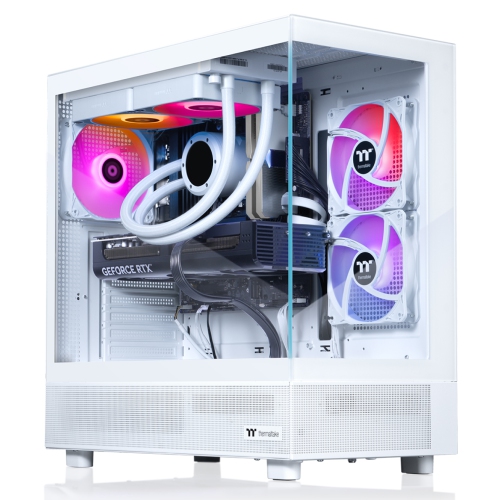
    ZONIC Gaming Custom PC (Amd Ryzen 7 5800 X, Rx 9070 Xt, 32GB Ram, 1Tb M.2 SSD, Wi-Fi, Windows 11)

    About this product

    A desktop PC with Ryzen 7 5800X, RX 9070 XT, 32GB RAM, 1TB SSD, and Wi-Fi.

    $3,489.87
    SAVE $899
    Your price for this item is $3489.87
  2. 2

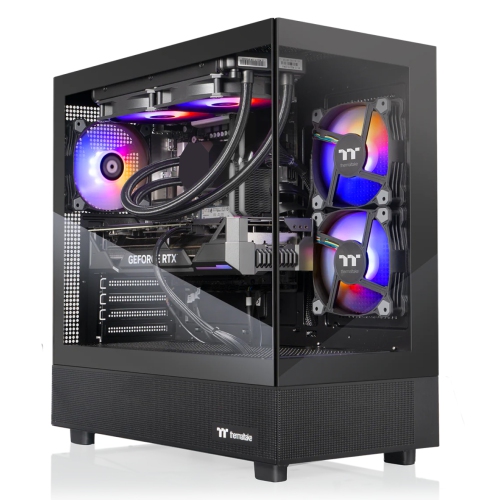
    ZONIC Gaming Custom PC (Amd Ryzen 7 5800 X, Rx 9070 Xt, 32GB Ram, 1Tb M.2 SSD, Wi-Fi, Windows 11)

    About this product

    A gaming desktop featuring Ryzen 7 5800X, RX 9070 XT graphics, 32GB RAM, 1TB SSD, Windows 11.

    $3,489.97
    SAVE $899
    Your price for this item is $3489.97
  3. 3

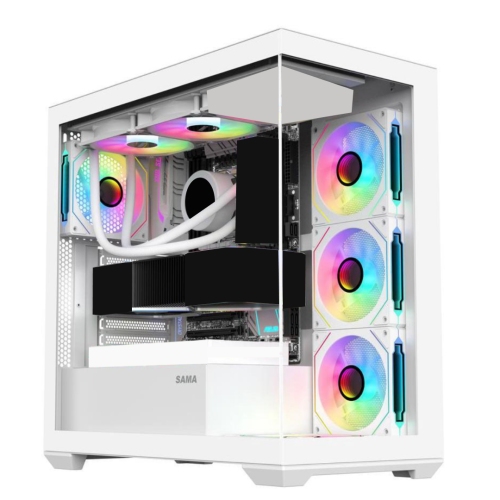
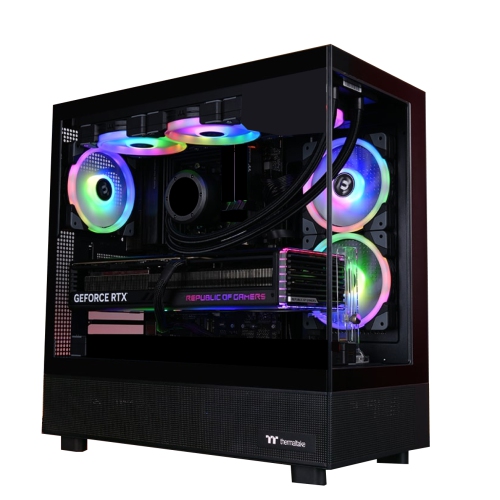
    ZONIC Gaming Custom PC (Amd Ryzen 7 5800 X, Rtx 5060 Ti, 32GB Ram, 1Tb M.2 SSD, Windows 11, Ai Ready )

    About this product

    A gaming desktop with Ryzen 7 5800X, RTX 5060 Ti, 32GB RAM, 1TB SSD, and Windows 11.

    $2,450.87
    SAVE $899
    Your price for this item is $2450.87
  4. 4

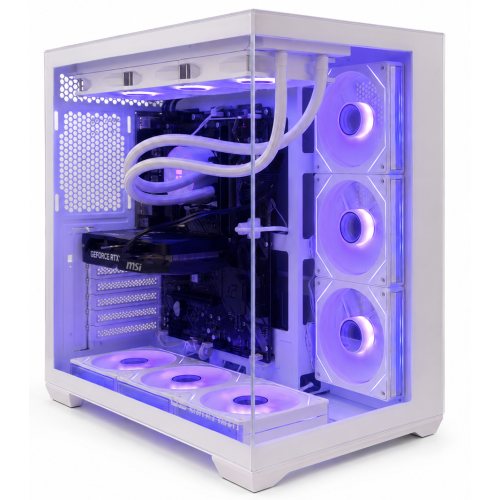
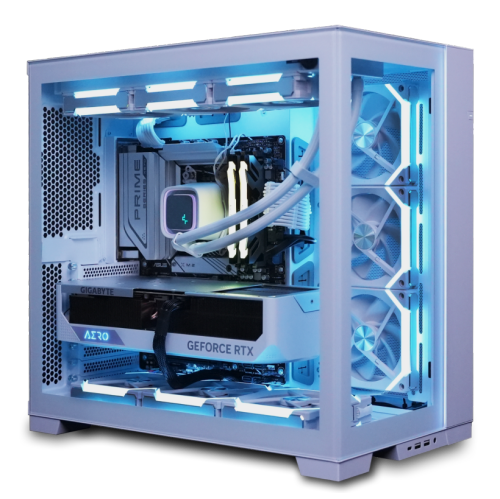
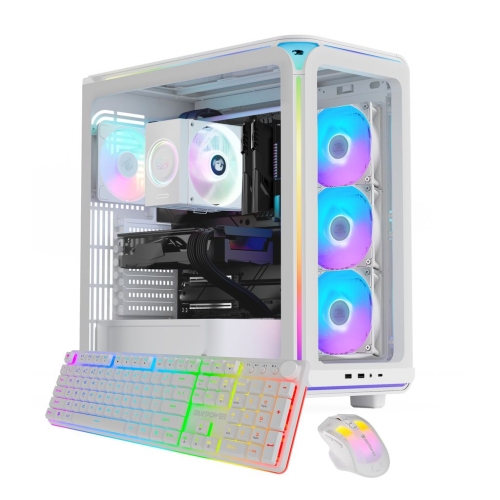
    UNIWAY Gaming PC Pulse Series - Ryzen 7 8700F, Rtx 5070, 16 GB Ddr5 Ram, 2 Tb Nvme SSD, Aio Liquid Cooler, Windows 11 Pro, Ai-Ready, 1-Year Warranty

    About this product

    A white PC featuring Ryzen 7 8700F, RTX 5070, 16GB DDR5 RAM, and 2TB NVMe storage.

    $2,599.99
    SAVE $250
    Your price for this item is $2599.99
  5. 5

    UNIWAY Gaming Dreamer Lcd Series -Black- Ryzen7 5700X / Rtx 5070 / 1Tb Nvme SSD/ 32GB Ram/ Aio Liquid Cooler/ Dlss 4 / Win 11 Pro

    About this product

    A high-performance desktop featuring a liquid-cooled Ryzen 7 processor, 32GB RAM, RTX 5070, and 1TB SSD.

    $2,549.99
    SAVE $350
    Your price for this item is $2549.99
  6. 6

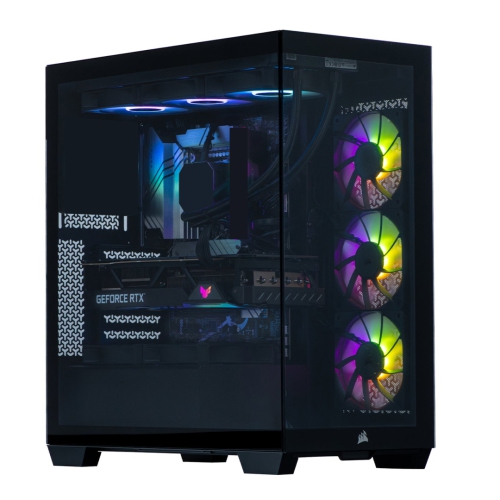
    ZONIC Gaming PC Liquid Cooled - Amd Ryzen 9 5900Xt 16 Core, 32GB Ram, 1Tb Nvme M.2SSD, Rtx 5070 12GB, Built-In Wi-Fi, Windows 11. Ai Ready

    About this product

    A liquid-cooled gaming desktop with Ryzen 9, 32GB RAM, 1TB SSD, RTX 5070, and Wi-Fi.

    $3,445.97
    SAVE $899
    Your price for this item is $3445.97
  7. 7

    ZONIC Gaming PC (Intel Core I9 14900K, Rtx 5070 Ti, 64GB Ddr5 Ram, 2Tb M.2 SSD, Wifi 7.1, Windows 11 Pro, Ai Ready)

    About this product

    A liquid-cooled powerhouse featuring Intel i9-14900K, RTX 5070, 64GB DDR5, and 2TB SSD.

    $5,810.97
    SAVE $899
    Your price for this item is $5810.97
  8. 8

    QUOTED TECH Horizon Gaming PC - Ryzen 5 5500F | Rtx 5070 | 32GB | 1Tb SSD | Ai / Vr Ready | 1 Year Warranty

    About this product

    A gaming desktop with Ryzen 5 5500F, RTX 5070 graphics, 32GB RAM, 1TB SSD, AI/VR-ready.

    $2,849.99
    SAVE $550
    Your price for this item is $2849.99
  9. 9

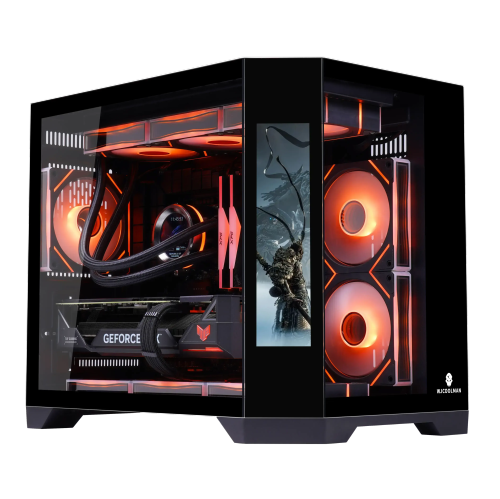
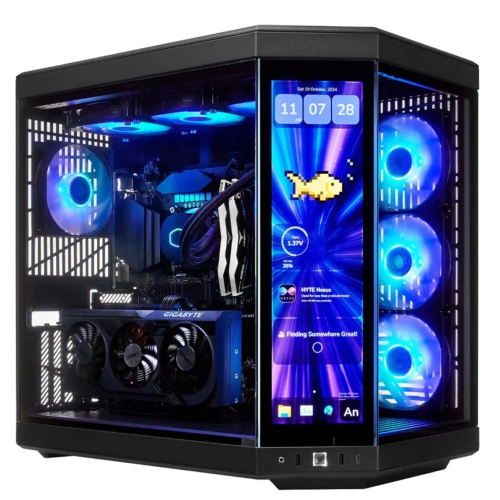
    ZONIC Gaming PC Liquid Cooled (Amd Ryzen 7 9800X3D, Rtx 5070 Ti, 64GB Ddr5 Ram, 2Tb M.2 SSD, B550 Wifi, Win 11, Integrated 2.5K Lcd Touchscreen Case, Ai

    About this product

    A liquid-cooled gaming desktop with Ryzen 7 9800X3D, RTX 5070 Ti, 64GB RAM and touchscreen case.

    (1)
    $5,765.97
    SAVE $899
    Your price for this item is $5765.97
  10. 10

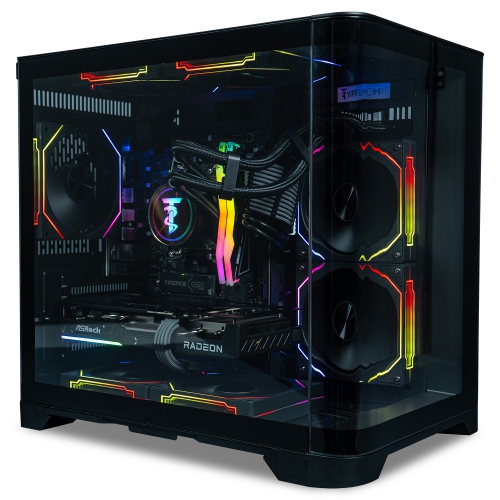
    VIPRTECH Reaper 2.5 Liquid-Cooled PC - Amd Ryzen 7 8700F (5.0Ghz Turbo), Amd Rx 9060 Xt 16GB, 16GB Ddr5 RGB, 1Tb Nvme SSD, Gold-Rated Psu, Gaming

    About this product

    A high-performance black and gold desktop with liquid cooling, Ryzen 7, RX 7800 XT, and 32GB DDR5 RAM.

    (2)
    $2,399.99 Your price for this item is $2399.99

Why balanced components matter more than one standout specification

The best custom PCs bring together processing power, graphics performance, cooling, and room to grow in a configuration that suits the way they will be used. A desktop built for competitive gaming has different priorities from one intended for architectural drawings, video editing, or a shared family workspace. Custom PCs can include systems assembled from individually chosen components as well as preconfigured desktops with options for upgrades; the extent of customization depends on the system. For gaming, the graphics card has a major influence on the resolution, visual detail, and frame rates a computer can deliver, while the processor helps keep game logic, background applications, and demanding simulations running smoothly. A well-balanced configuration matters more than a single standout specification. Pairing a powerful graphics card with an underpowered processor, insufficient memory, or restricted cooling can leave performance untapped. For a desktop that handles games alongside voice chat, browser tabs, and streaming software, 32 GB of memory offers useful headroom, although 16 GB can suit lighter workloads. Larger creative projects, complex virtual machines, and extensive multitasking may benefit from more. Solid-state storage keeps startup and application loading responsive, and sufficient capacity makes it easier to keep active projects and a game library on the same machine. Around 1 TB is a practical starting point for mixed use, but large game installations and high-resolution footage can quickly justify additional space. Shoppers whose main focus is play can explore Custom Gaming Desktops for systems centred on gaming workloads. The strongest match is not necessarily the desktop with the most powerful component in every category. It is the one whose capabilities fit the monitor, software, and everyday tasks it needs to support, whether that means responsive competitive play, detailed single-player worlds, or a smooth transition from coursework to an evening gaming session.

The case and internal layout shape how a custom PC fits into a room, how easily it can be maintained, and how much flexibility it offers later. Steel chassis provide a sturdy foundation, aluminium panels can reduce weight, and tempered-glass side panels let carefully arranged components and lighting become part of the setup. Glass needs careful handling, particularly around its edges, and a clear side panel does not by itself indicate effective cooling or construction quality. Mesh intake panels, sensible fan placement, and unobstructed airflow paths help components shed heat during sustained work. Air cooling can offer straightforward maintenance and dependable performance, while an all-in-one liquid cooler can handle demanding processors when its radiator and fans are appropriately sized. Neither approach guarantees a quieter computer: fan quality, fan settings, case design, and workload all affect sound levels. A desktop used for recording speech or working beside someone else deserves attention to idle noise as well as cooling under load. Physical fit extends beyond the dimensions printed for the case. Space behind the tower is needed for cables, clearance around vents supports airflow, and front or top ports should remain reachable once the system is in place. A full-size tower offers more room for some upgrades, but a smaller desktop may be a better match for a narrow desk or shared study area. Inside, neatly routed cables help keep fans clear and make components easier to access. Removable dust filters and accessible side panels simplify routine care; filters should be cleaned as directed, with the computer shut down and unplugged before internal cleaning. Storage expansion, memory slots, graphics-card clearance, and power-supply capacity also affect useful service life. Standard component sizes and connections can make future changes easier, whereas proprietary layouts may limit compatible replacements. A well-built custom desktop combines solid assembly with serviceability, so adding storage or replacing a worn fan does not become unnecessarily difficult.

Intended use is the clearest way to distinguish between otherwise similar custom PCs. A gaming setup paired with a high-refresh-rate 1080p monitor often puts a premium on consistent frame delivery and strong processor performance, while moving to 1440p or 4K generally increases the demands on the graphics card. Performance still varies by game and graphics settings, so resolution alone is not a guarantee of a particular result. For creative work, the balance changes with the application: video editing may benefit from hardware-accelerated playback and encoding, 3D rendering can place heavy demands on graphics hardware and video memory, and large photo collections call for responsive storage with space for originals and working files. A student running design software may need more graphics capability than someone writing papers, while a developer using several virtual machines may prioritize processor cores and system memory. Connectivity is just as practical a consideration. Enough USB ports for a keyboard, mouse, webcam, microphone, and external drive can keep a workstation organized without constant swapping. Compatible display outputs are essential for a multi-monitor desk, and those outputs must support the intended resolution and refresh rate. Built-in Wi-Fi and Bluetooth can simplify placement and peripheral connections, while wired Ethernet provides a direct network connection for large transfers and online play. The operating system, required software compatibility, and any included peripherals should be clear before choosing a configuration; a desktop tower does not always include a monitor, keyboard, or mouse. Warranty coverage and support arrangements also deserve attention, especially where individual components and the assembled system have different terms. For someone receiving a custom PC as a gift, matching their preferred games, creative interests, and existing accessories makes the choice more personal and useful. A carefully matched desktop can support a first serious gaming setup, a home recording space, or a demanding study routine without relying on decorative features to define its quality. Thoughtful component selection, accessible maintenance, and a sensible upgrade path give custom PCs their lasting appeal: a computer shaped around real tasks, with flexibility as those tasks develop.

FAQ

Some products may be subject to Environmental Handling Fees (EHF) depending on your province. Learn more about EHFs.