Custom Computers
Looking to elevate your computing experience with a personalized touch? Our custom computers offer the perfect solution for tech enthusiasts, professionals, and gamers alike. Whether you're seeking high-performance specs for seamless multitasking or cutting-edge graphics for immersive gaming sessions, our customizable options allow you to tailor your system to meet your specific needs. Explore a wide range of components and configurations to build the computer of your dreams, designed to keep up with your demands and exceed your expectations.
Sort
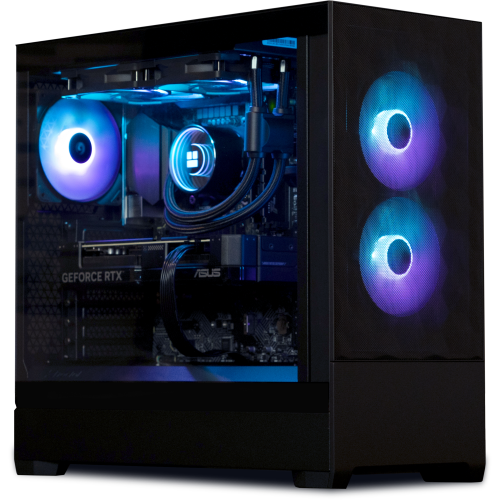
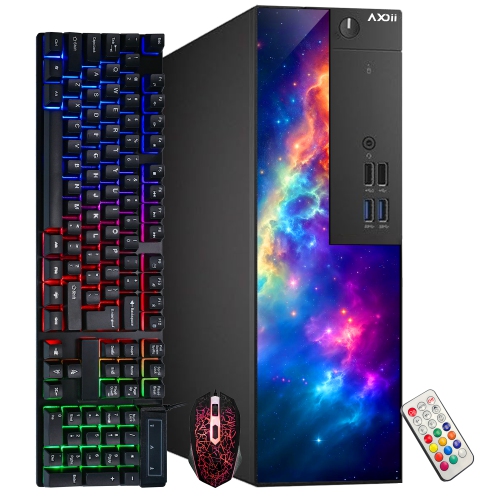
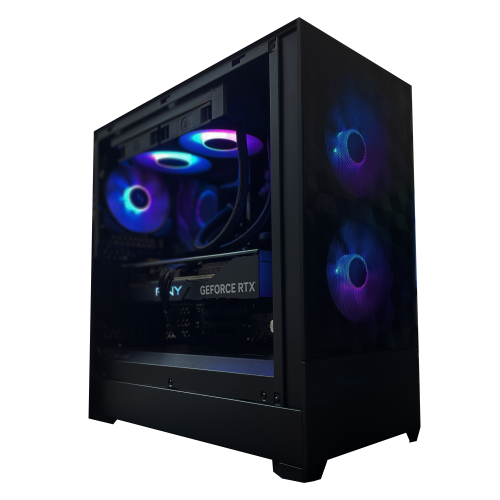
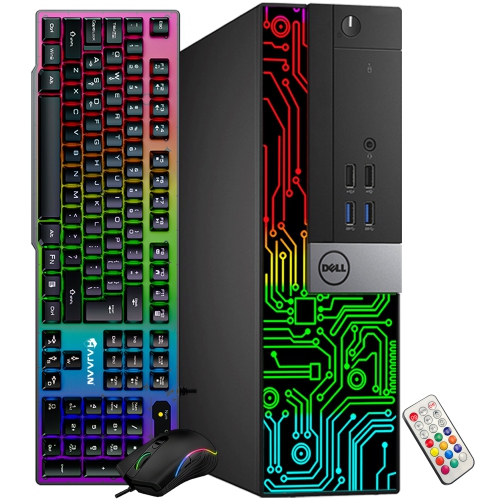
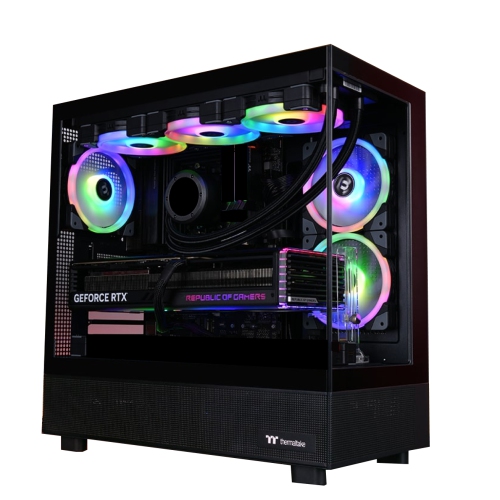
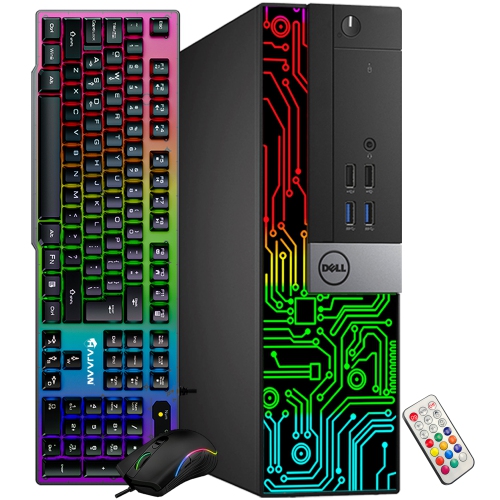
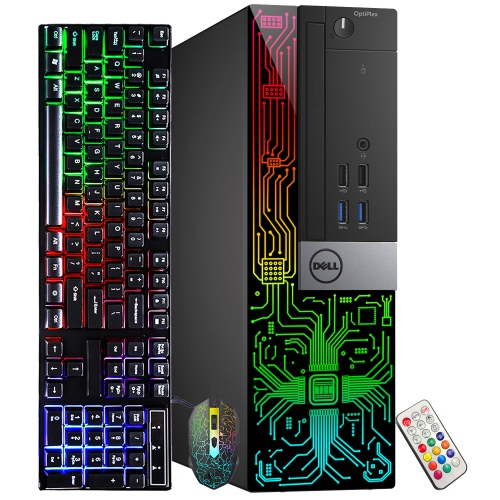
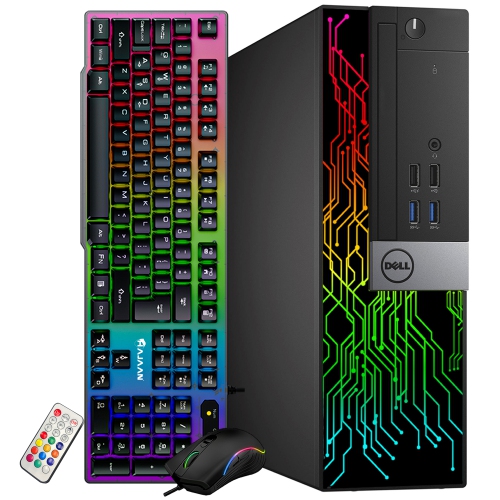
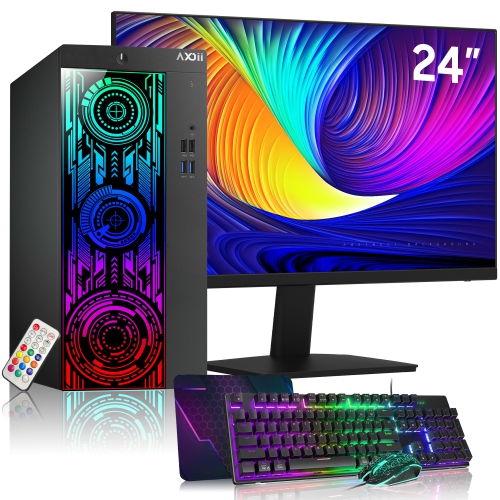
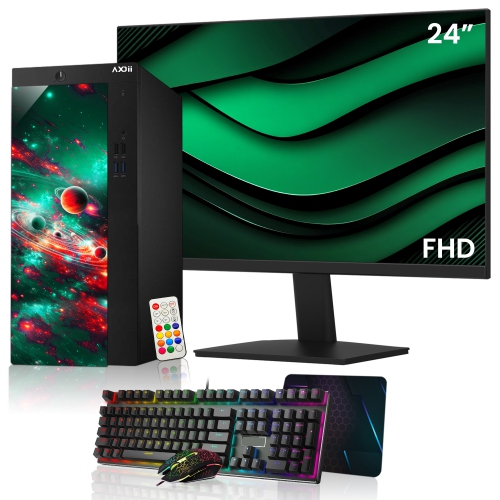
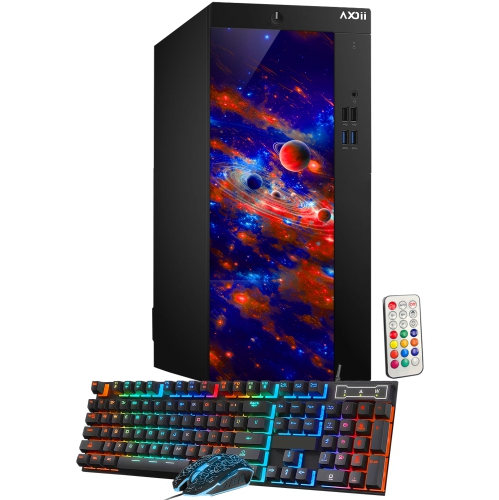
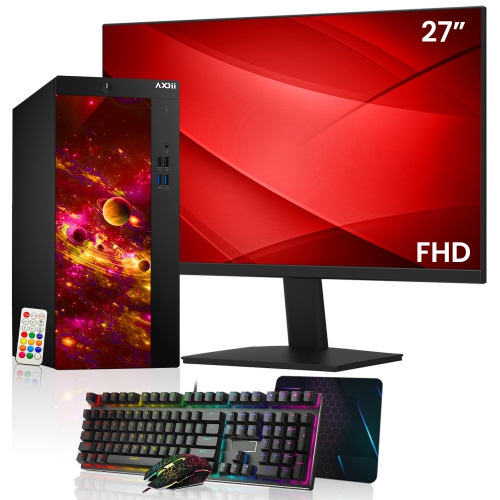
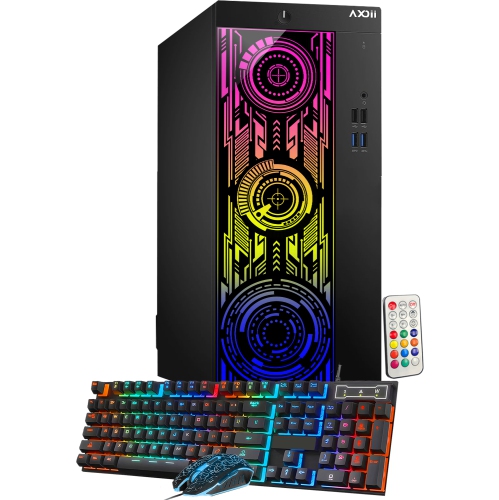
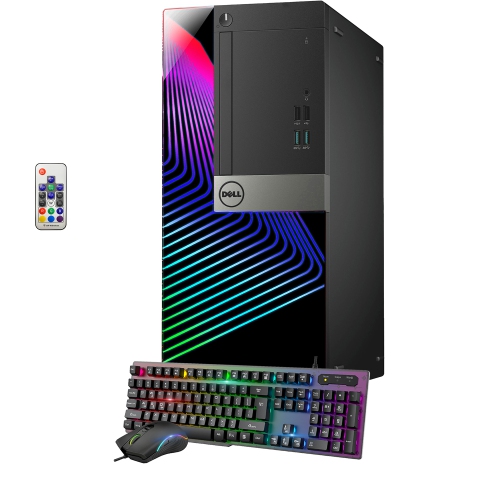
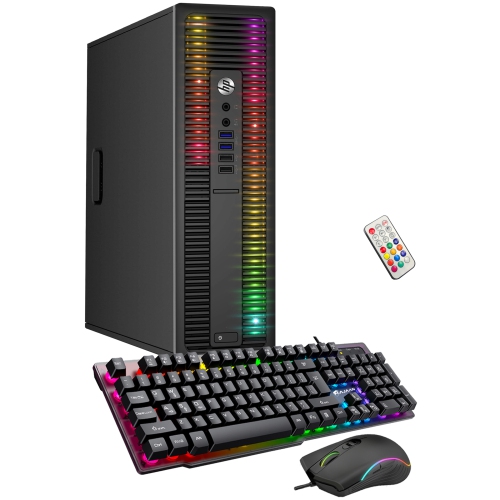
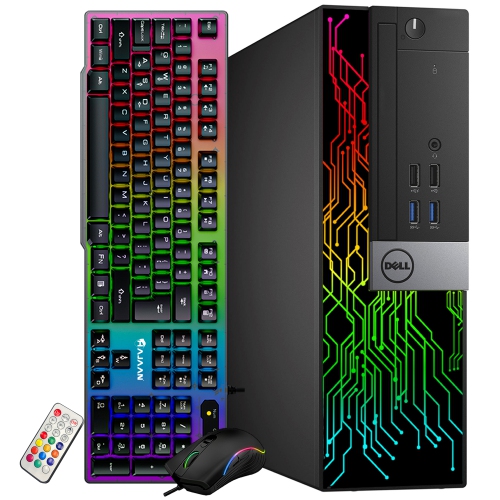

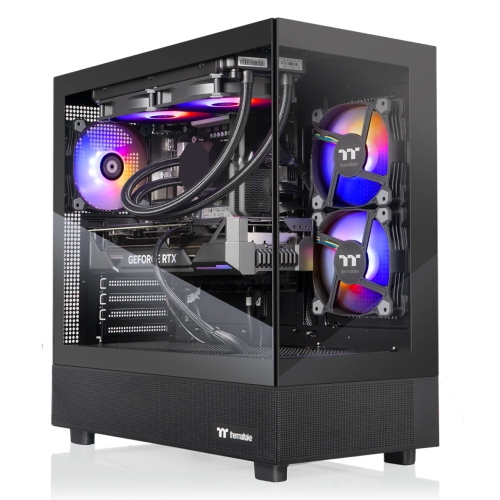
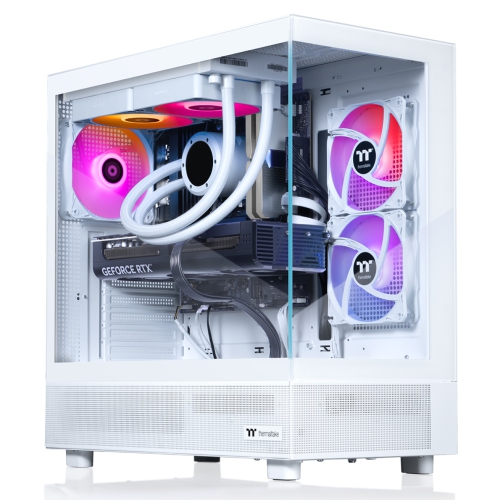
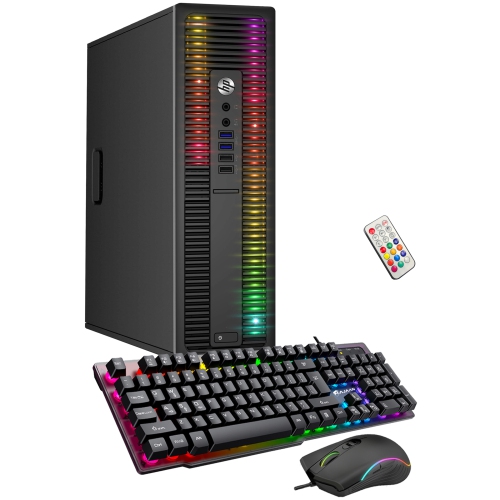
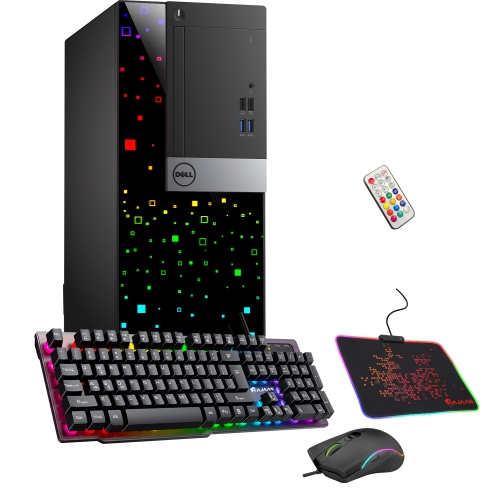
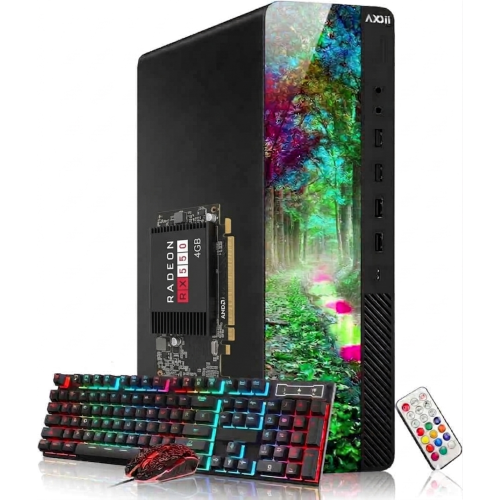
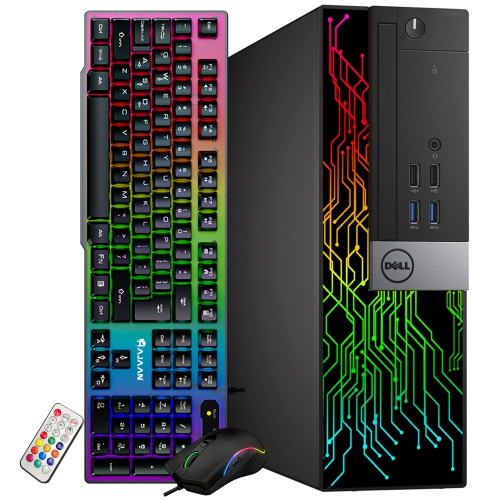
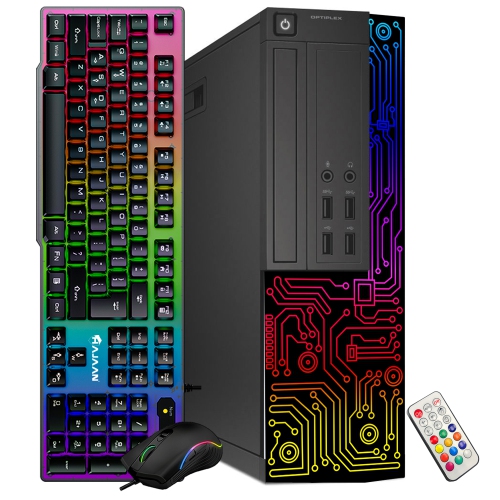
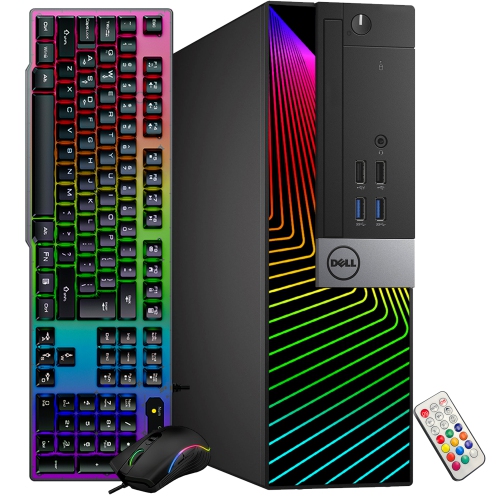
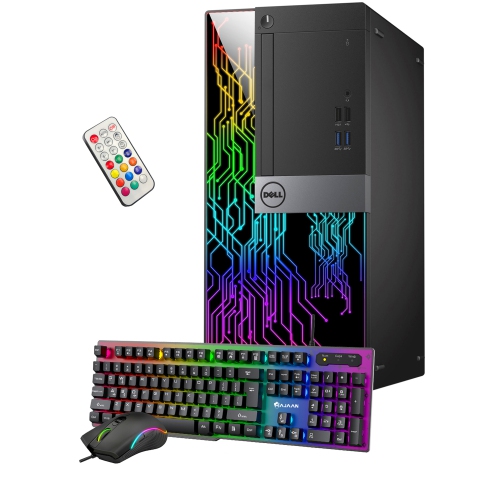
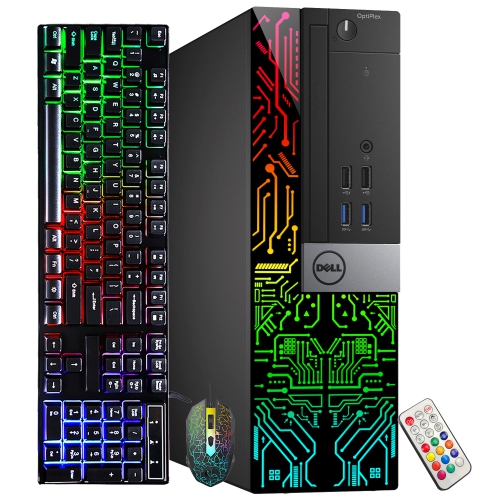
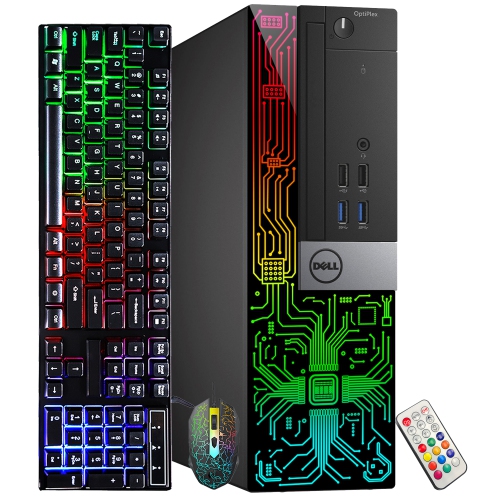
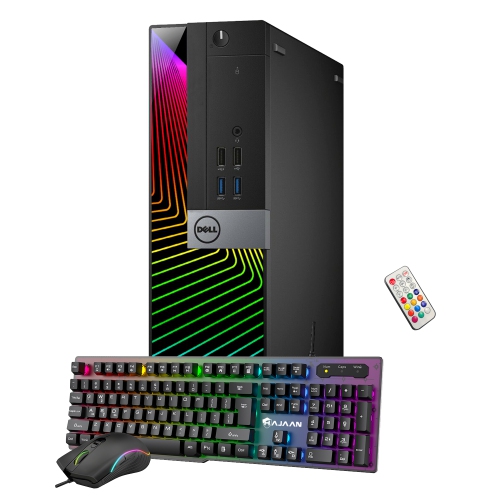
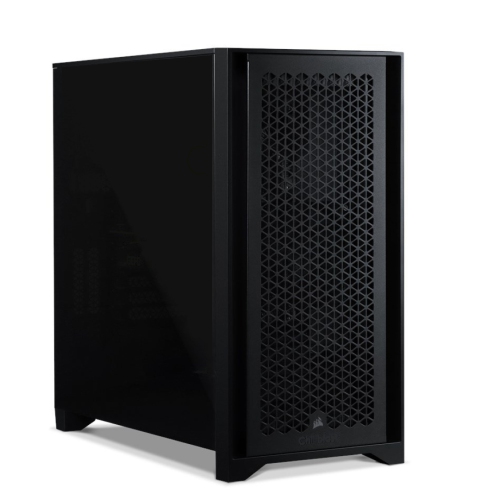
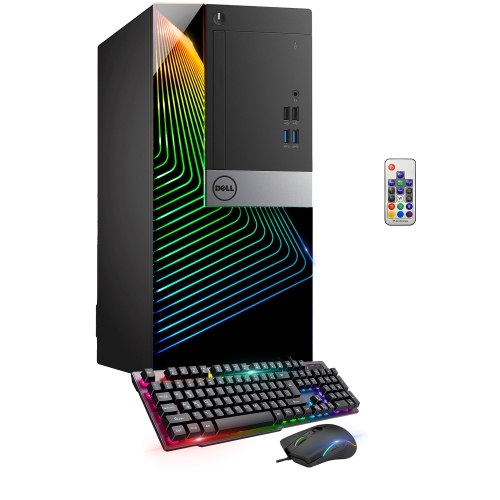
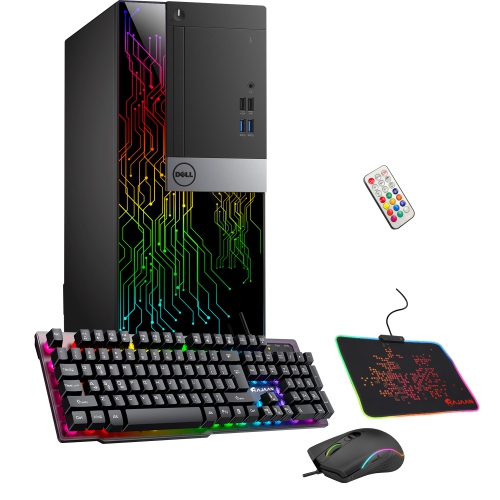
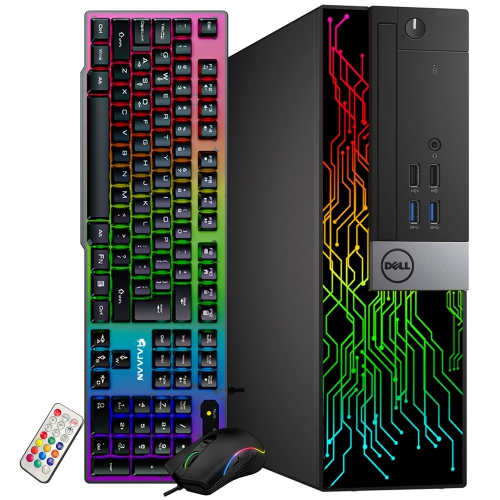

How the right components support work, play and future upgrades
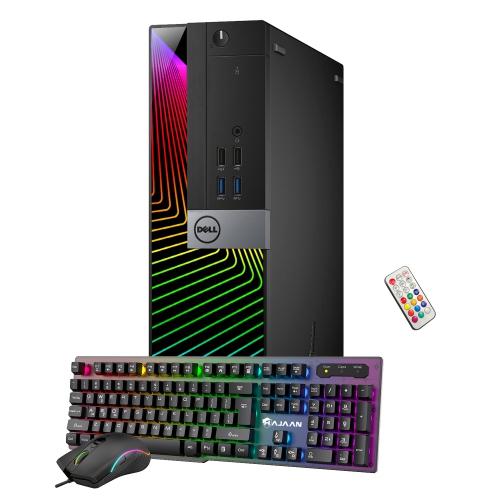
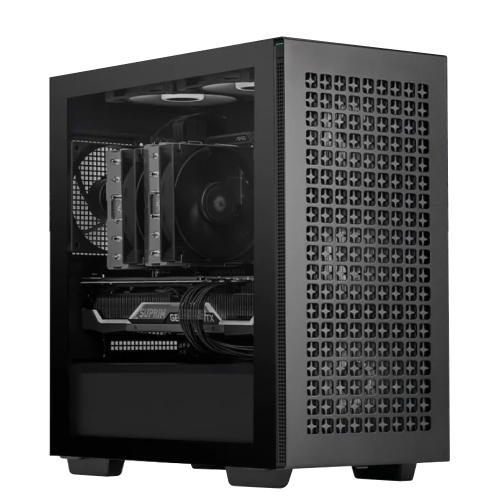
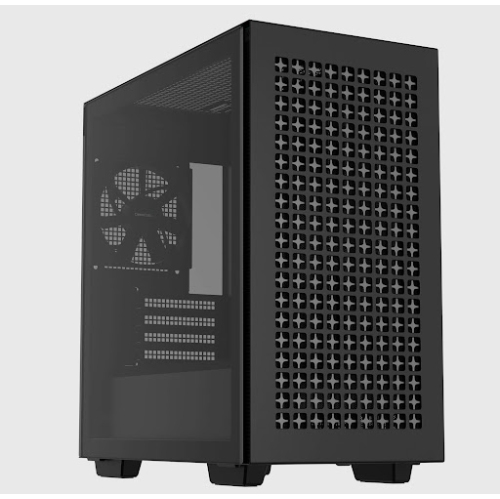
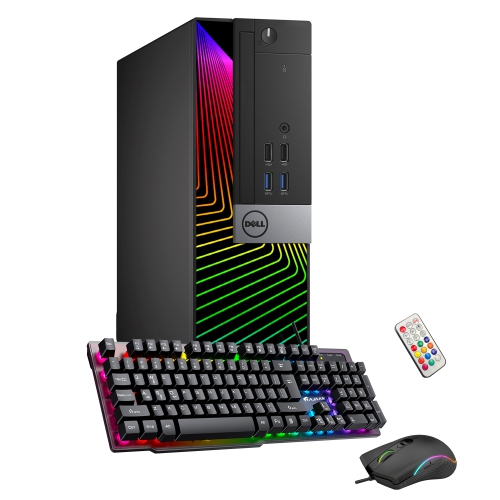
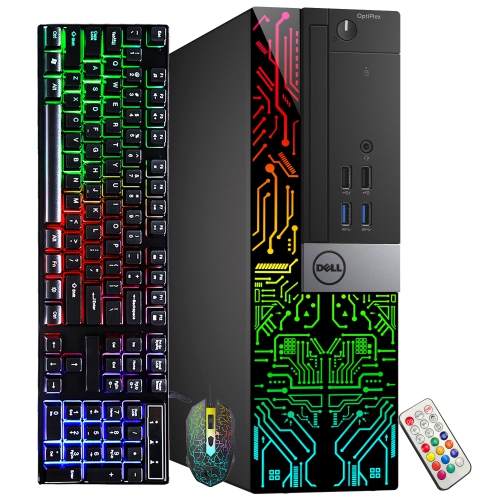
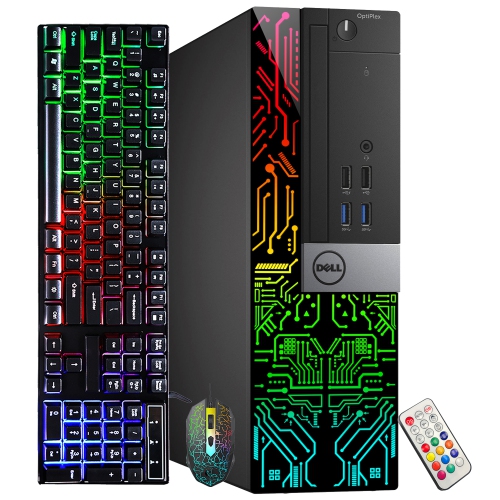
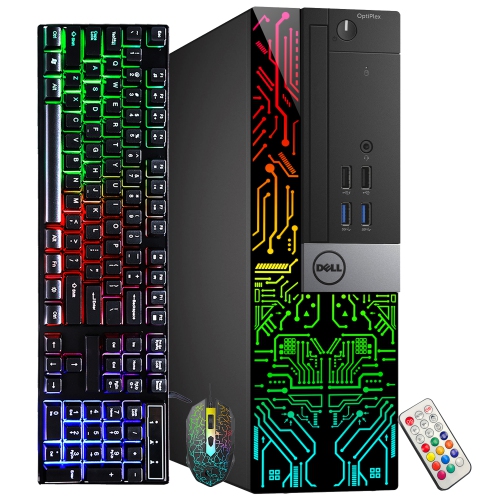
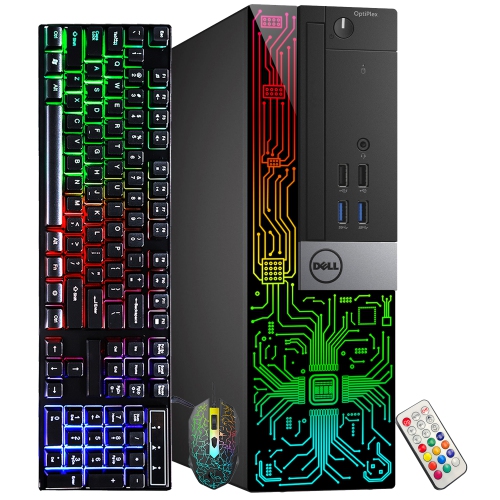
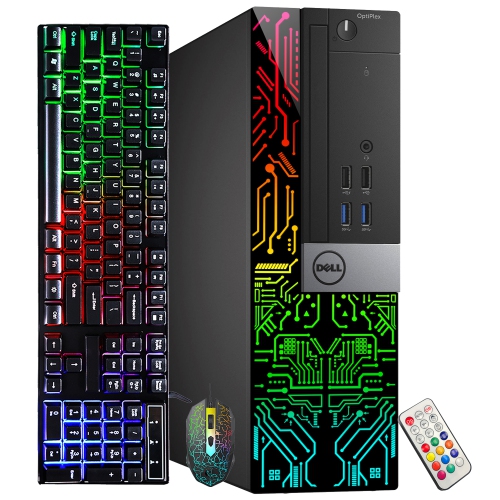
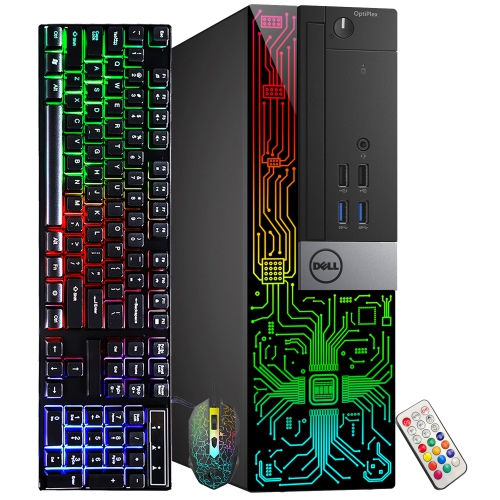
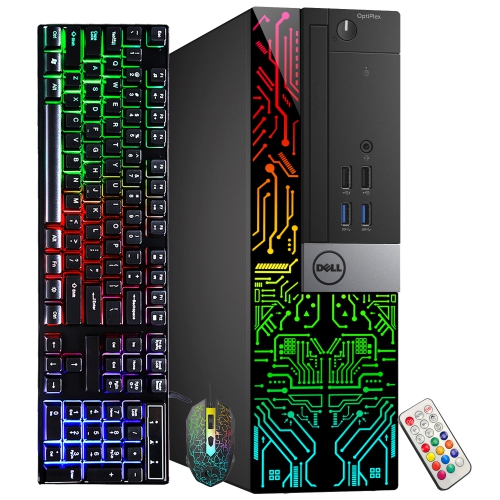
Custom computers are desktop systems selected and configured around the way you plan to use them, rather than built around a fixed set of components. A well-matched system brings together a processor (CPU), graphics card (GPU), memory (RAM), storage, motherboard, power supply, cooling and a case so that each part supports the others. This approach can be especially useful for PC gaming, video editing, music production, software development, 3D design, streaming, schoolwork and demanding office applications. A powerful CPU can help with compiling code, rendering projects and handling several programs at once, while a dedicated GPU is valuable for modern games, visual effects and other graphics-intensive tasks. RAM affects how comfortably a computer handles large files and multiple open applications, and fast solid-state storage can make starting the computer, opening software and loading projects feel noticeably more responsive. The right balance matters more than choosing the most impressive specification in isolation. For example, a system intended for competitive gaming may place greater emphasis on graphics performance and high refresh rate support, while a workstation for photography or video editing may benefit from generous memory, a fast processor and ample storage for large media libraries. Students and remote professionals can appreciate a computer that stays responsive during video calls, research, document work and creative assignments, while families may choose a flexible desktop that serves as a homework station, entertainment hub and shared household computer. During the warmer months and through the cooler months, a desktop can also provide a dependable place for indoor hobbies, from learning digital illustration to playing games with friends.
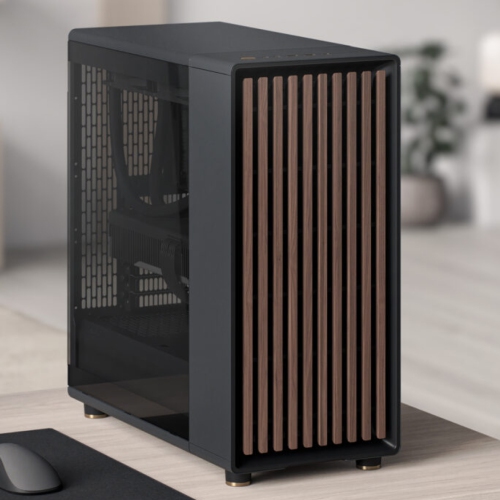
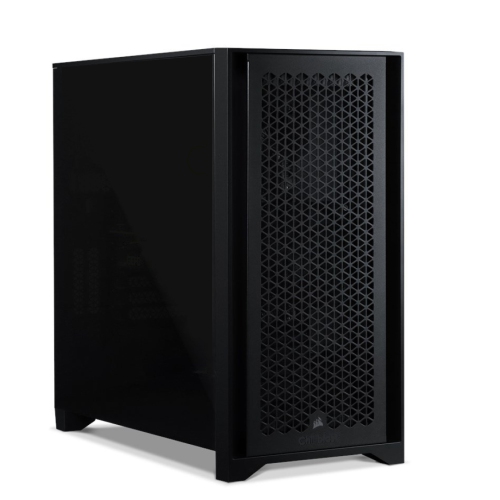
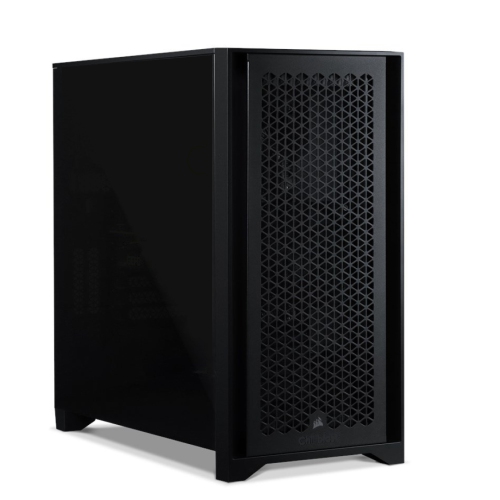
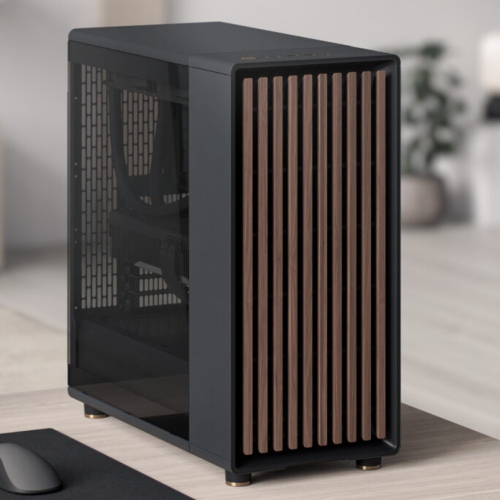
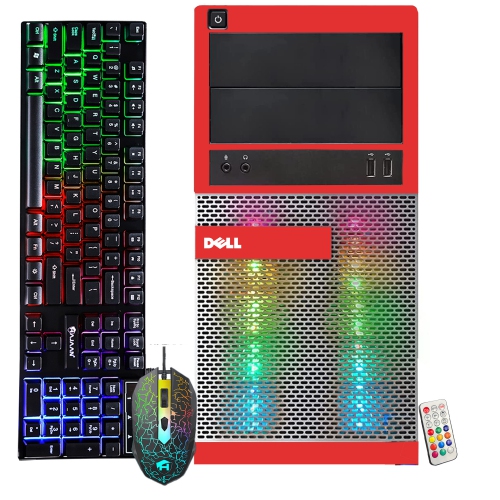
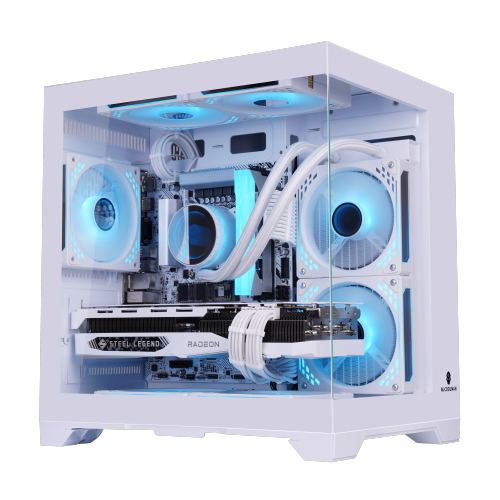
One of the main advantages of a custom computer is the ability to select components that suit your priorities and leave room for future changes. Standard parts, a spacious case and an accessible motherboard can make it easier to add storage, increase RAM or replace a graphics card as your needs develop. This upgrade path is useful for someone building a first serious gaming setup, a creator whose projects grow in size or a professional who expects demanding software to become part of their routine. It is worth looking beyond headline specifications when comparing systems. A quality power supply helps provide stable power to the computer, and its wattage should leave appropriate headroom for the selected components. Cooling is also important: suitable fans, heatsinks and airflow can help manage heat during long gaming sessions or extended rendering work. Check the available ports, wireless connectivity, display outputs and expansion slots so the computer can accommodate your monitor, headset, external drives, printers and other accessories. Storage capacity deserves particular attention because games, high-resolution photographs and video files can fill a drive quickly. A combination of fast primary storage and additional capacity may provide a practical balance between everyday responsiveness and room for a growing library. The case is more than a visual choice, too. Its size affects the parts it can hold, the number of fans that can be installed and how easily you can reach the interior. A clean black or white finish may suit a home office, while tempered glass, coloured lighting and coordinated cables can give a gaming room a more personal appearance. For a hand-built system, review the included operating system, warranty coverage, assembly details and support options, and confirm that the selected configuration includes everything needed to get started. For a self-build project, make a complete parts list before ordering and verify compatibility among the CPU, motherboard, memory, cooler, power supply and case.
Custom computers can be purchased for personal use or given as memorable gifts to someone who has a clear interest in technology. A desktop may be a thoughtful choice for a teenager assembling a first gaming space, a student preparing for a technology-focused course, a creative family member who works with photographs and video, or a home-based professional who needs a more capable workstation. It can also mark a milestone, such as completing a course, beginning a new career or setting up a dedicated room for hobbies. The most successful choice begins with the recipient’s habits rather than appearance alone. Note the games they play, the applications they use, the type and size of files they work with, and whether they already own a monitor, keyboard, mouse, speakers or other accessories. Someone moving from a laptop may value multiple display connections, straightforward upgrade access and a quiet cooling setup, while an experienced enthusiast may care about overclocking support, detailed component selection and a distinctive case design. If portability is more important than a fixed workspace, explore Custom Built Laptops as an alternative. For a desktop, leave enough room on the desk for comfortable use and remember that a strong computer performs best with a suitable monitor and peripherals. As routines shift between outdoor activities and more time indoors, a custom computer can adapt to work, study, entertainment and creative projects without being limited to a single purpose. By considering performance, compatibility, cooling, storage, connectivity, appearance and future upgrades together, you can choose a recommended system that feels purposeful from the first start-up and remains useful as your interests and requirements change.
One of the main advantages of a custom computer is the ability to select components that suit your priorities and leave room for future changes. Standard parts, a spacious case and an accessible motherboard can make it easier to add storage, increase RAM or replace a graphics card as your needs develop. This upgrade path is useful for someone building a first serious gaming setup, a creator whose projects grow in size or a professional who expects demanding software to become part of their routine. It is worth looking beyond headline specifications when comparing systems. A quality power supply helps provide stable power to the computer, and its wattage should leave appropriate headroom for the selected components. Cooling is also important: suitable fans, heatsinks and airflow can help manage heat during long gaming sessions or extended rendering work. Check the available ports, wireless connectivity, display outputs and expansion slots so the computer can accommodate your monitor, headset, external drives, printers and other accessories. Storage capacity deserves particular attention because games, high-resolution photographs and video files can fill a drive quickly. A combination of fast primary storage and additional capacity may provide a practical balance between everyday responsiveness and room for a growing library. The case is more than a visual choice, too. Its size affects the parts it can hold, the number of fans that can be installed and how easily you can reach the interior. A clean black or white finish may suit a home office, while tempered glass, coloured lighting and coordinated cables can give a gaming room a more personal appearance. For a hand-built system, review the included operating system, warranty coverage, assembly details and support options, and confirm that the selected configuration includes everything needed to get started. For a self-build project, make a complete parts list before ordering and verify compatibility among the CPU, motherboard, memory, cooler, power supply and case.
Custom computers can be purchased for personal use or given as memorable gifts to someone who has a clear interest in technology. A desktop may be a thoughtful choice for a teenager assembling a first gaming space, a student preparing for a technology-focused course, a creative family member who works with photographs and video, or a home-based professional who needs a more capable workstation. It can also mark a milestone, such as completing a course, beginning a new career or setting up a dedicated room for hobbies. The most successful choice begins with the recipient’s habits rather than appearance alone. Note the games they play, the applications they use, the type and size of files they work with, and whether they already own a monitor, keyboard, mouse, speakers or other accessories. Someone moving from a laptop may value multiple display connections, straightforward upgrade access and a quiet cooling setup, while an experienced enthusiast may care about overclocking support, detailed component selection and a distinctive case design. If portability is more important than a fixed workspace, explore Custom Built Laptops as an alternative. For a desktop, leave enough room on the desk for comfortable use and remember that a strong computer performs best with a suitable monitor and peripherals. As routines shift between outdoor activities and more time indoors, a custom computer can adapt to work, study, entertainment and creative projects without being limited to a single purpose. By considering performance, compatibility, cooling, storage, connectivity, appearance and future upgrades together, you can choose a recommended system that feels purposeful from the first start-up and remains useful as your interests and requirements change.
Top selling and popular products
-
 Your price for this item is $1969.99
 -
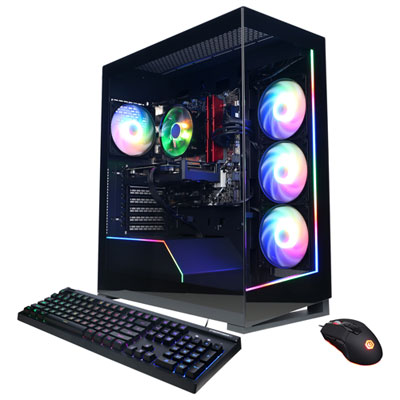 Your price for this item is $1059.99
 -
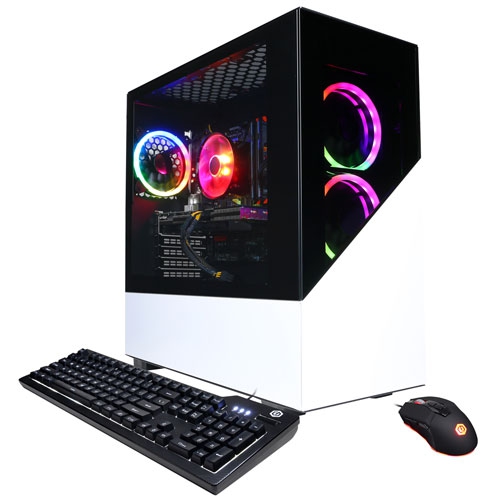 Your price for this item is $1274.97
 -
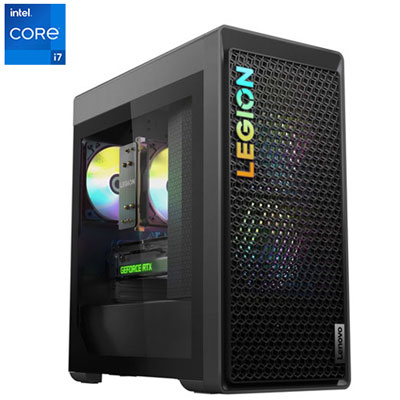 Your price for this item is $2499.95
 -
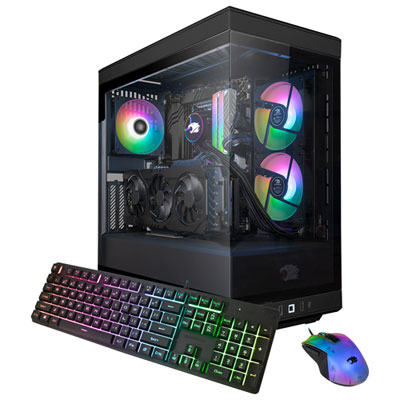 Your price for this item is $2309.99
 -
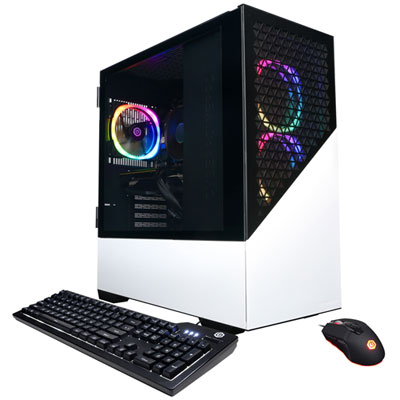 Your price for this item is $1669.99
 -
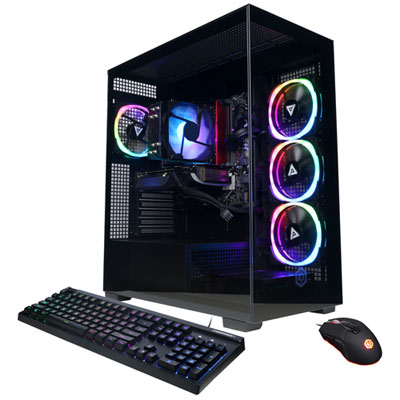 Your price for this item is $1839.99
 -
 Your price for this item is $2399.99
Discover more categories related to Custom Computers
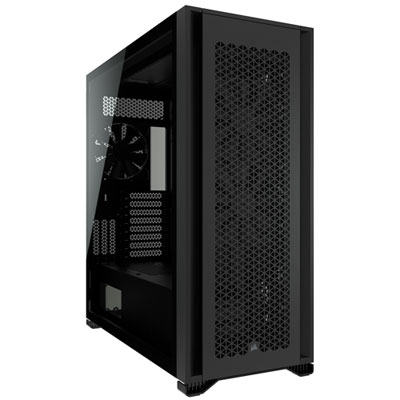
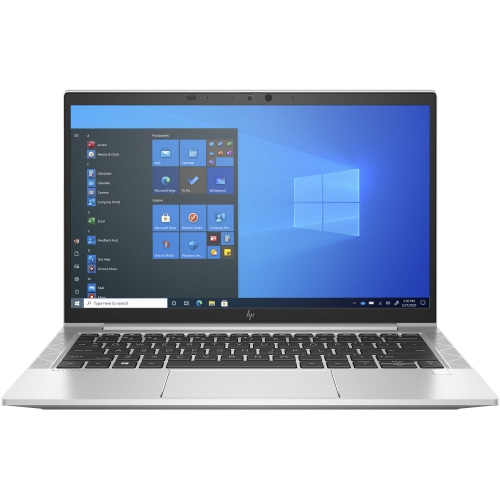
Top Collections:
Pokemon Centers, Kindle Devices, Best Budget Office Chairs, Apple iPhones 16, Best Laptops for Writers, iPhone 15 Apple, Canon G7X Cameras, Refurbished Apple Laptops, Alarm Clock, Motorola Razr Phones
Some products may be subject to Environmental Handling Fees
(EHF) depending on your province.
Learn more about EHFs.