Best Dell Laptops for Home Use

Finding the right laptop for home use can make everyday tasks, streaming, and video calls more enjoyable. Explore our top-rated laptops, ranked by customer review ratings, and compare features such as screen size, battery life, and storage to find the right fit for your routine and budget.

Read More

What to look for in Dell laptops for home use

1. Everyday Performance

Match the processor, memory, and storage to how you use your laptop, from browsing and video calls to photo editing. For comfortable multitasking, consider 16 GB of RAM and a solid-state drive (SSD), with enough storage for your apps, photos, and files.

2. Display and Comfort

A 15- or 16-inch display gives you room for streaming, managing household tasks, and viewing documents side by side. Look for Full HD resolution or higher, a comfortable keyboard, and a touchscreen if you prefer hands-on navigation.

3. Portability and Battery Life

A lighter Dell laptop is easier to carry between rooms or take on occasional outings. Compare battery-life estimates while keeping in mind that screen brightness, video calls, and demanding apps affect how long a charge lasts.

4. Connectivity and Video Calls

Check for Wi-Fi compatibility and the ports you need for accessories, external displays, and storage drives. For family chats or working from home, compare webcam resolution, microphone features, and whether the laptop includes a physical camera privacy shutter.
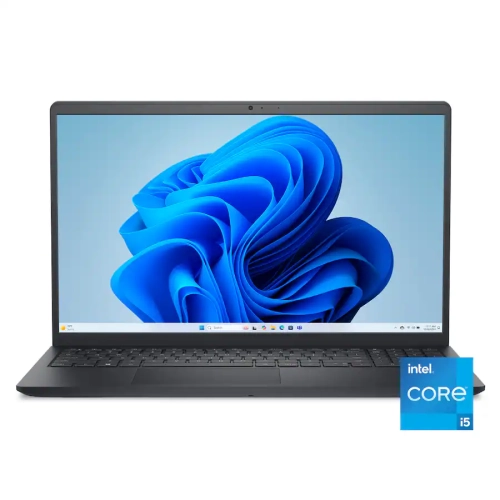
  1. 1

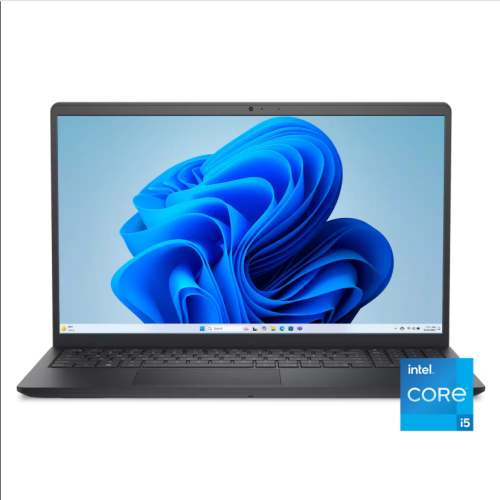
    DELL 15.6" Touchscreen Laptop - Intel Core I5-1334U - 32GB Ddr4 - 1Tb PCie SSD - Intel Uhd - Windows 11 Home S Mode - Carbon In Black

    About this product

    A sleek black laptop with a 15.6" Full HD touchscreen, 32GB RAM, and 1TB PCIe SSD.

    (1)
    $1,239.99
    SAVE $760
    Your price for this item is $1239.99
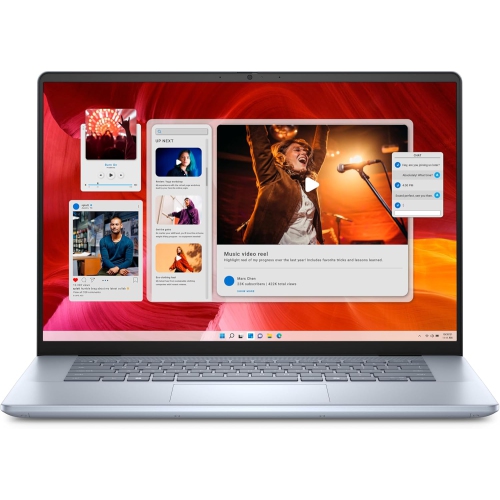
  2. 2

    DELL Inspiron 7640 Laptop (2024) | 16" 2560X1600 Qhd+ | Core Ultra 9-185H - 512GB SSD Hard Drive - 16GB Ram | 16 Cores 5.1 Ghz Win 11 Home In Blue

    About this product

    A powerful blue laptop featuring a QHD+ display, Core Ultra 9 processor, 16GB RAM, and SSD storage.

    (1)
    $1,699.00
    SAVE $400
    Your price for this item is $1699
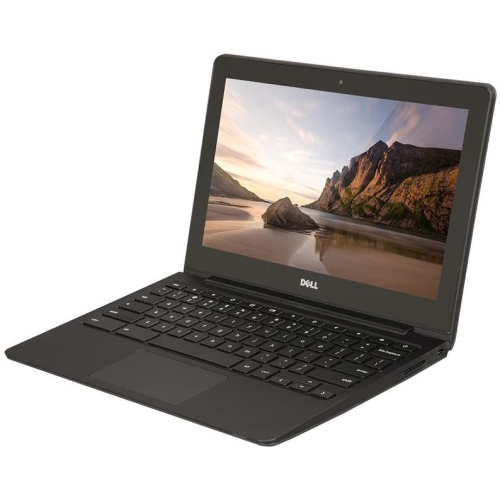
  3. 3

    DELL Refurbished (Good) - Chromebook 11 11.6" Student Chromebook - Intel Celeron 2955U - 4GB Ram - 16GB Emmc - Chrome Os - In Black

    About this product

    A durable 11.6" Chromebook with Intel Celeron processor, 16GB SSD, 4GB RAM, and built-in webcam.

    (1)
    $299.00 Your price for this item is $299
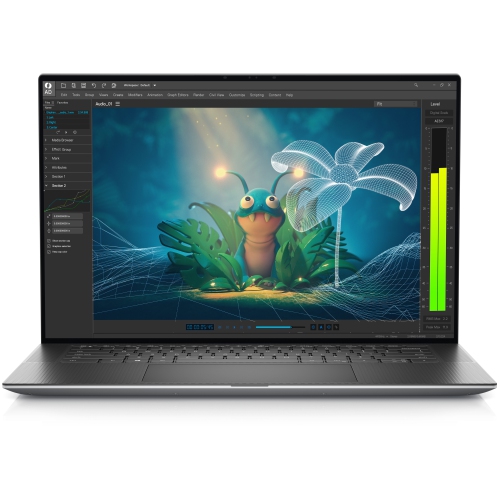
  4. 4

    DELL Refurbished (Excellent) - Precision 5570 Business Laptop - Intel Core I7-12800H - 32GB Ram - 1Tb SSD - Nvidia Rtx A1000 - Windows 10 Home -

    About this product

    A powerful silver laptop featuring an i7-12800H processor, 32GB RAM, 1TB SSD, and RTX A1000 graphics.

    (1)
    $1,474.70
    SAVE $404
    Your price for this item is $1474.70
  5. 5

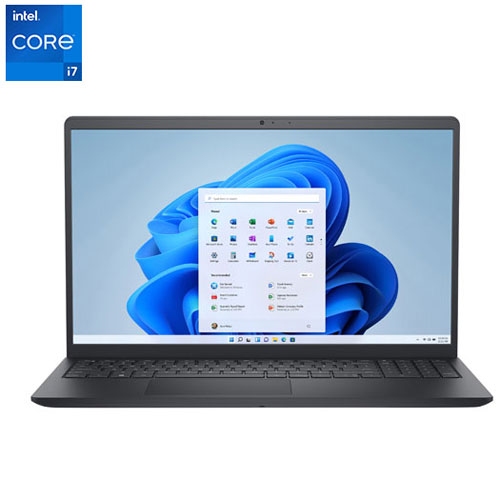
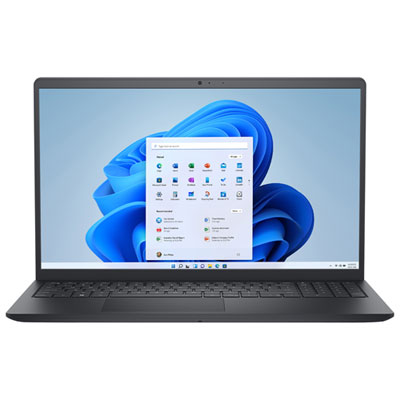
    DELL - 15.6" Touchscreen Laptop - Intel Core I7-1355U - 16GB Ram - 1Tb SSD - Intel Uhd - Windows 11 Home - Carbon In Black

    About this product

    A black touchscreen laptop featuring an Intel Core i7 processor, 16GB RAM, and 1TB SSD storage.

    (1)
    $1,099.95
    SAVE $400
    Your price for this item is $1099.95
  6. 6

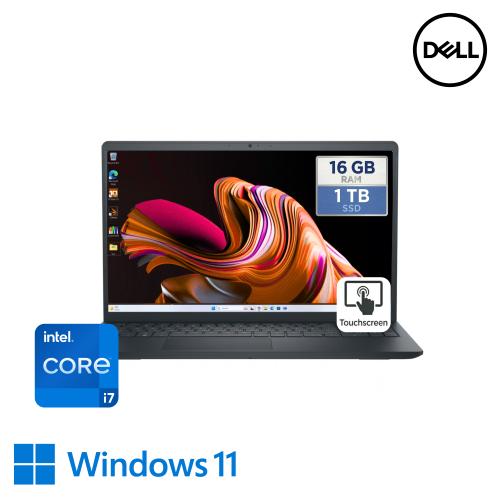
    DELL - Inspiron 15.6" High-Performance Touchscreen Laptop Ultra-High Speed Intel I7 1355U, 16GB Ram, 1Tb Nvme SSD, Windows 11

    About this product

    A high-performance touchscreen laptop with Intel i7, 16GB RAM, 1TB SSD, and Windows 11.

    (1)
    $999.00
    SAVE $600
    Your price for this item is $999
  7. 7

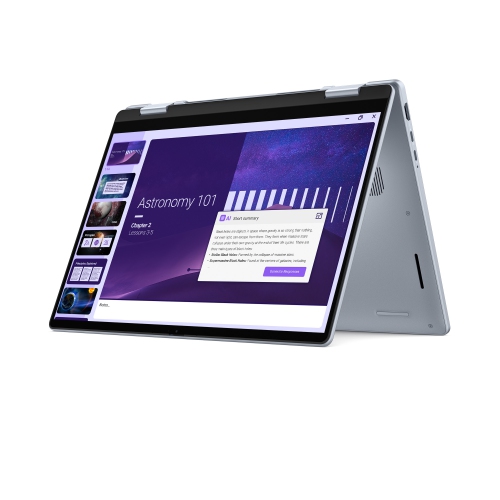
    DELL Db04250 14" Laptop With Intel® Core Ultra 9-288V Processor, 1Tb SSD, 32 GB Ram, Intel® Arc Graphics, Windows 11 Home - Ice In Blue

    About this product

    A powerful blue laptop featuring Intel Core Ultra 9 processor, 1TB SSD, 32GB RAM, and Arc graphics.

    What customers like

    • Fast performance
    • Long battery life
    • High-quality display and touchscreen
    • Lightweight and portable
    • Easy to use and set up
    (271)
    $2,799.57
    SAVE $899
    Your price for this item is $2799.57
  8. 8

    DELL Inspiron 15.6″ Touchscreen Laptop – Intel Core I7-1165G7, 256 GB SSD, Intel Iris Xe Graphics, Windows 11, Fhd Display, Wi-Fi & Bluetooth

    About this product

    A versatile touchscreen laptop featuring an Intel Core i7 processor, 256GB SSD, and Intel Iris Xe graphics.

    What customers like

    • Easy and quick setup
    • Compact and sleek design
    • High-quality touchscreen and display
    • Helpful and knowledgeable customer service
    • Fast and reliable performance
    (219)
    $1,614.05
    SAVE $84
    Your price for this item is $1614.05
  9. 9

    DELL 15.6" 2K Touchscreen Laptop - Intel Core I5-1334U - 8GB Ddr4 - 512GB SSD - Windows 11 Home - Carbon In Black

    About this product

    A versatile black touchscreen laptop featuring an Intel i5 processor, 8GB RAM, 512GB SSD, and webcam.

    What customers like

    • Long battery life
    • Good value for the price
    • Lightweight and sleek design
    • Fast and smooth performance for everyday tasks
    • Vibrant and sharp 2K touchscreen display
    (469)
    $950.00 Your price for this item is $950
  10. 10

    Dell 15.6" 120Hz Laptop - AMD Ryzen 5 7520U - 8GB LPDDR5 - 512GB SSD - Windows 11 Home - Carbon Black

    About this product

    A carbon black laptop with AMD Ryzen 5, 8GB RAM, 512GB SSD, and ergonomic keyboard.

    What customers like

    • Responsive touchscreen display
    • Excellent value for money
    • Ample storage and memory
    • Comfortable keyboard and ergonomic design
    • Fast and reliable performance
    (184)
    $949.99 Your price for this item is $949.99

Everyday laptop comfort goes beyond processing power

The best laptops for home use bring together comfortable everyday performance, a clear screen, and a design that fits naturally into household routines. A home laptop might handle online banking at the kitchen table, homework in a bedroom, a video call with relatives, and an evening film without needing a separate device for each task. For these activities, a balanced combination of processor, memory, and storage generally matters more than any single headline specification. A recent mainstream processor and 16GB of memory are a practical starting point for households that keep several browser tabs open while using documents, streaming music, or joining calls. Lighter use can be comfortable with less memory, while photo editing, larger spreadsheets, and more demanding creative applications benefit from additional capacity. A solid-state drive helps applications open promptly and makes the computer feel responsive during routine use. Storage needs depend on what stays on the laptop: documents take relatively little space, but family videos, downloaded games, and extensive photo libraries can fill a drive much faster. A 512GB drive can provide a useful balance for mixed everyday use, though households with large local media collections may prefer more space or a separate storage device. Integrated graphics are generally suitable for streaming, schoolwork, and casual games; demanding games, complex video projects, and some design applications call for stronger graphics capabilities. Everyday use also extends beyond speed. A keyboard that feels comfortable during a long email, a touchpad that responds accurately, and speakers that keep dialogue clear can influence satisfaction more than features that rarely get used. For a shared family computer, separate user accounts help keep school files, personal documents, and browser settings organized. Students, remote workers with modest computing needs, and relatives replacing an older computer may all appreciate this kind of versatile laptop, provided its operating system and hardware support the applications they rely on.

Screen size and physical design shape how comfortably a laptop fits into a home. A 13-inch or 14-inch display keeps the overall footprint manageable for someone who moves between rooms or puts the computer away after each session. A 15-inch or 16-inch display offers more room for reading, comparing documents, and following a video lesson alongside notes, although the larger chassis takes up more table and bag space. Resolution affects how sharply text and images appear, while brightness, glare control, and viewing angles influence readability in different parts of the house. An anti-glare finish can reduce distracting reflections from a nearby window or overhead light. Higher-resolution screens can make photographs and fine text look clearer, but comfortable text scaling remains important, especially for anyone who prefers larger lettering. Touchscreens suit direct interaction with photos, maps, and supported applications, while a convertible hinge adds flexibility for viewing videos or reading away from a desk. Pen input is another useful option for handwritten notes and sketches, but both pen support and whether a compatible pen is included depend on the configuration. Traditional hinged laptops remain a straightforward fit for typing-heavy tasks and everyday browsing. Materials vary, with metal chassis often offering a firm, substantial feel and plastic designs sometimes helping keep weight down; neither material alone determines long-term durability. Hinge stability, keyboard construction, and careful handling matter as well. A wider keyboard may include a numeric keypad for household accounts or data entry, though key spacing and layout deserve attention if several people will share the computer. Backlit keys help with visibility in dim rooms, and a clearly positioned webcam makes calls more natural. Camera quality and microphone clarity are particularly useful for online tutoring, family conversations, and occasional meetings. For longer sessions at a fixed desk, an external keyboard, mouse, and raised display position can support a more comfortable setup. A laptop that feels convenient for a short browsing session may need those additions when it becomes a daily workstation.

Connections, battery behaviour, and routine care help determine how well a home laptop works over time. Reliable Wi-Fi is important for streaming and calls, but the quality of the connection also depends on the router, distance, walls, and how many devices share the network. A newer wireless standard does not by itself resolve a weak signal in a distant room. Useful ports depend on the accessories already in the household: USB-A can accommodate many existing mice and storage drives, HDMI can simplify connecting a compatible monitor or television, and a memory card reader can make transferring camera photos more convenient. USB-C capabilities vary, so a port’s shape alone does not confirm support for charging or an external display. Battery runtime also varies with screen brightness, video calls, applications, and power settings. Longer battery life is valuable for moving around the home without carrying a charger, while easy access to an outlet may matter more for a laptop that stays on a desk. Charging equipment should meet the laptop’s requirements, particularly when a dock or additional display is involved. A firm, flat surface allows cooling vents to work properly; blankets and cushions can block airflow even during ordinary use. Keeping drinks away from the keyboard, carrying the computer with the lid closed, and using a padded sleeve when transporting it help reduce avoidable damage. Screens generally need gentle cleaning with a soft microfibre cloth, following the manufacturer’s directions rather than applying household cleaners directly. Regular software updates, secure sign-in settings, and a separate backup of important files support dependable everyday ownership. Upgrade options vary, and some thin designs have memory that cannot be expanded later, making the initial configuration worth considering alongside present needs. When choosing a laptop as a gift, familiar software, readable text, comfortable controls, and compatibility with existing accessories are often more useful than unfamiliar extras. The broader range of Best Laptop Computers for Home Use provides further context for matching screen size, performance, and portability to everyday household tasks.
Read More

FAQ

Some products may be subject to Environmental Handling Fees (EHF) depending on your province. Learn more about EHFs.