Best Gaming Computers on a Budget
Find more gaming power for your dollar with the best gaming computers on a budget, ranked by customer review ratings. Whether you’re gearing up for competitive matches or exploring immersive worlds, this lineup helps you compare affordable options with feedback from fellow gamers. Explore the selection to find a gaming computer that fits your favourite games and your budget.
What to look for in budget gaming computers
1. Graphics Performance
2. Processor and Memory
3. Storage and Upgrade Options
4. Total Cost and Included Features
-
1
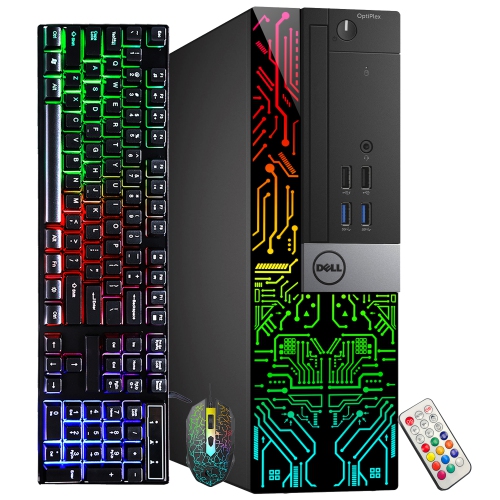
DELL Refurbished (Good) - Optiplex Gaming PC - Gt 1030 2GB, Intel Core I5, 16GB Memory, 256GB SSD, Win 10 Pro, RGB
About this product
A refurbished gaming desktop featuring an Intel i5 processor, 16GB RAM, GT 1030 graphics, and customizable RGB lights.
$434.99Your price for this item is $434.99SAVE $115 -
2
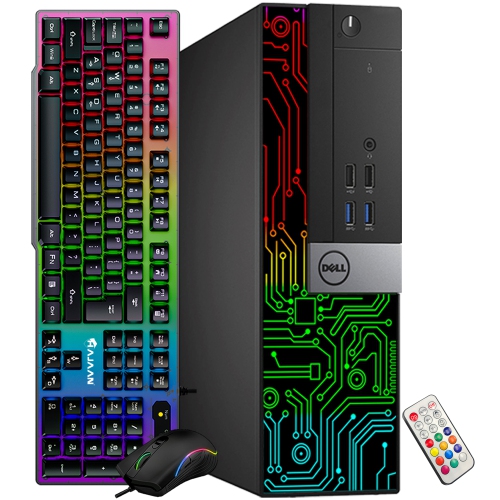
DELL Refurbished (Good) - Gaming PC - Rx 550 4GB, Intel Core I5-6500, 16GB Memory, 256GB SSD + 1Tb HDD, Win 10 Pro + Keyboard & Mouse
About this product
A refurbished desktop PC with Intel Core i5, 16GB RAM, RGB lighting, and AMD RX 550 graphics.
(1)$459.99Your price for this item is $459.99SAVE $90 -
3
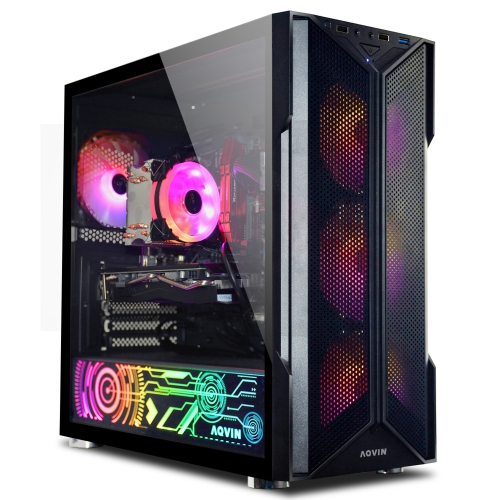
AQVIN Refurbished (Excellent) - Gaming PC - Gtx 1660 Super 6GB, Intel Core I7, 16GB Memory, 512GB SSD, Win 11 Pro
About this product
A high-performance gaming desktop with Intel Core i7 processor and GeForce GTX 1660 Super graphics.
$849.99Your price for this item is $849.99SAVE $650 -
4
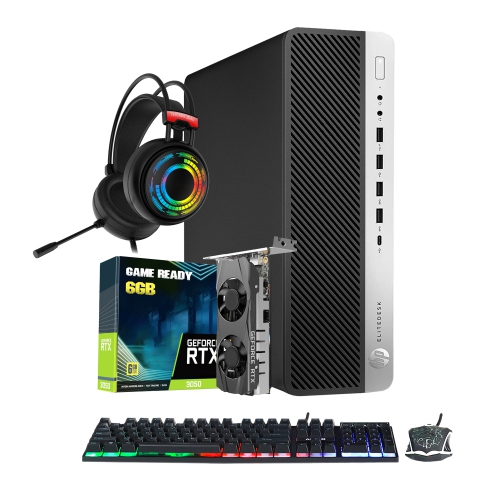
HP Refurbished (Excellent) - Gaming PC | Intel I7 Processor | Geforce Rtx 3050 Gddr6 | 16GB Ddr4 Ram | 512GB Nvme SSD | RGB Headset | Windows 11 Pro
About this product
A powerful HP gaming desktop with an Intel i7 quad-core CPU and GeForce RTX 3050 graphics.
$979.99Your price for this item is $979.99SAVE $300 -
5
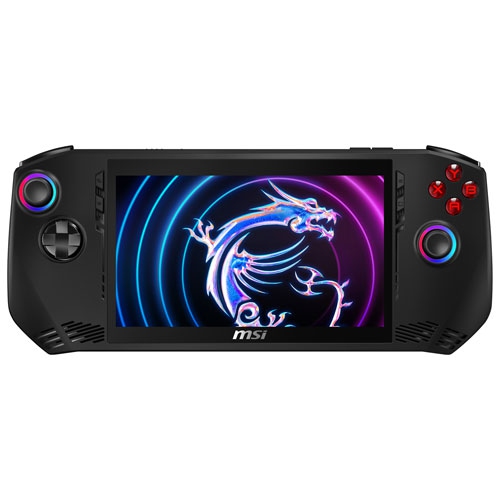
MSI Refurbished (Good) - Claw 7 In. Touchscreen Handheld Gaming Computer Bundle, Intel Core Ultra 5 135H - 16 GB Ram, 512 SSD, Intel Arc Graphics
About this product
A Refurbished handheld gaming computer bundle with Intel Core Ultra 5 135H, 16GB RAM, and 512GB SSD.
(1)$699.00Your price for this item is $699SAVE $200 -
6

GMKTEC Evo-X2 Ai Mini PC Ryzen Al Max+ 395 (Up to 5.1Ghz) Gaming Computers, 128GB Lpddr5X 8000Mhz (16GB 8) 2Tb PCie 4.0 SSD, Quad Screen 8K Display
About this product
A powerful mini PC featuring Ryzen AI Max+ 395, 128GB LPDDR5X RAM, and quad 8K display support.
$5,099.00Your price for this item is $5099SAVE $1751 -
7
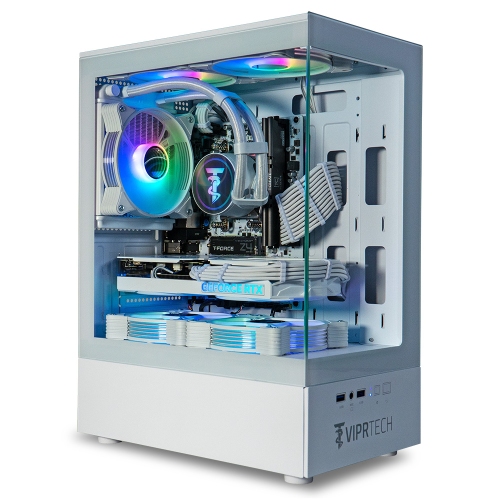
VIPRTECH Strykerx3D V2 Liquid-Cooled PC - Amd Ryzen 5 5500X3D 4Ghz, Rx 9060 Xt 16GB, 32GB Ddr4, 1Tb SSD, Gaming Computer, Arctic In White
About this product
A white liquid-cooled gaming PC with 32GB DDR4, 1TB SSD, and Radeon RX 9060 XT graphics.
$2,499.99 Your price for this item is $2499.99
FAQ
Start with the processor, graphics hardware, RAM and storage. A useful starting checklist includes a recent multi-core processor, dedicated graphics, 16 GB of RAM and an SSD. Check the published system requirements for the games you plan to play, and review the computer’s exact component specifications rather than relying on its gaming label.
Integrated graphics are built into the processor and typically share system memory. Dedicated graphics use a separate graphics processor with its own video memory. Budget gaming computers may include either type, so check the specifications to confirm which graphics hardware is included.
Common options include solid-state drives (SSDs), hard disk drives (HDDs), or a combination of both. SSDs use flash memory, while HDDs store data on spinning disks. Some computers have an SSD for Windows and games plus an HDD for other files. Check the available storage capacity and whether additional drives can be installed.
Many gaming desktops support upgrades to RAM, storage and graphics cards, but compatibility varies. Before choosing a computer, check its motherboard connections, memory slots, power supply specifications and any proprietary components. Gaming laptops generally have fewer upgrade options, with changes often limited to memory or storage.
Look for USB connections for your keyboard, mouse, controller and headset, plus HDMI or DisplayPort connections that match your monitor. Ethernet provides a wired network connection, while built-in Wi-Fi supports wireless networking. Bluetooth is useful for compatible wireless accessories. On a desktop with a dedicated graphics card, check the display connections on the card itself.
Top selling and popular products
Discover more categories related to Best Gaming Computers on a Budget
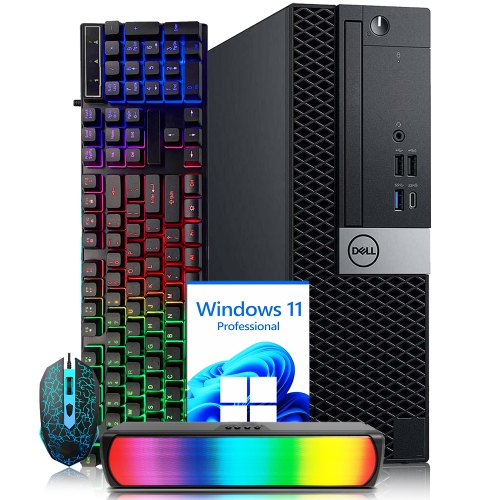
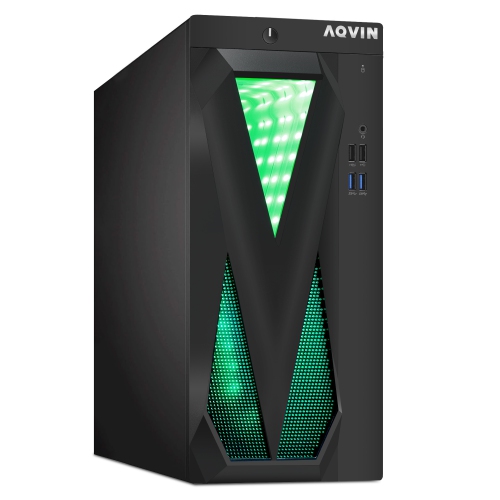
Some products may be subject to Environmental Handling Fees (EHF) depending on your province. Learn more about EHFs.