Best Gaming Desktop Computers
Find your next setup upgrade with the best gaming desktop computers, ranked by user review ratings. Whether you’re diving into competitive matches or exploring immersive open worlds, compare top-rated options and look for the processing power, graphics performance, and storage that suit your favourite games and budget.
What to look for in gaming desktop computers
1. Graphics Performance
2. Processor and Memory
3. Storage Capacity
4. Cooling and Upgrade Options
-
1

AQVIN Gaming PC Tower Desktop - 24" Inch Curved Gaming Monitor ~ Intel Core I7 Processor 32GB Ram 1Tb SSD Geforce Rtx 5060 Ti Gddr7 Windows 11, Wifi
About this product
A high-performance gaming PC with Intel Core i7 processor, 32GB RAM, 2TB SSD, and GeForce RTX 4060.
(10)$1,949.99Your price for this item is $1949.99SAVE $550 -
2
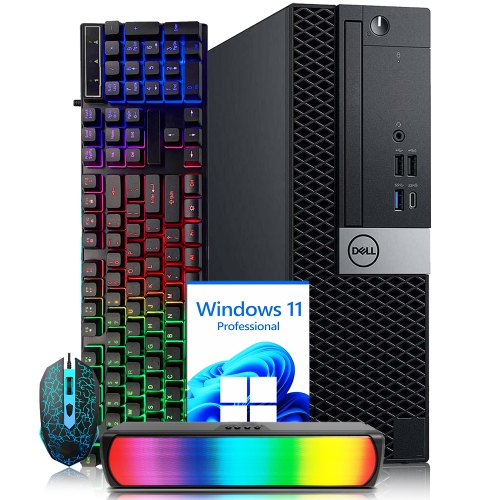
DELL Refurbished (Good) - Optiplex Small Form Factor Business Desktop - Intel Core I7, 32GB Memory, 2Tb SSD, Win 11 Pro + Wi-Fi, Keyboard & Mouse
About this product
A compact desktop PC featuring an Intel i7 processor, 32GB DDR4 RAM, and 2TB NVMe SSD.
(3)$799.99Your price for this item is $799.99SAVE $420 -
3

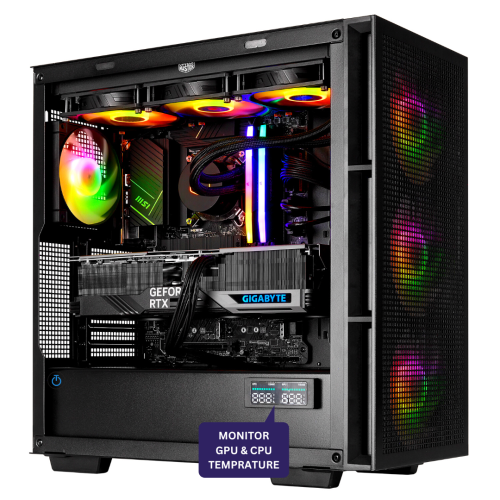
AQVIN -Aq20 Gaming PC Tower - Rtx 3060 12GB, Intel Core I7, 32GB Memory, 2Tb SSD, Win 11, RGB - Only At Best Buy
About this product
A high-performance gaming PC with advanced hardware, Intel Core i7 processor, GeForce RTX 3060, and RGB lighting.
(1)$2,649.99Your price for this item is $2649.99SAVE $460 -
4
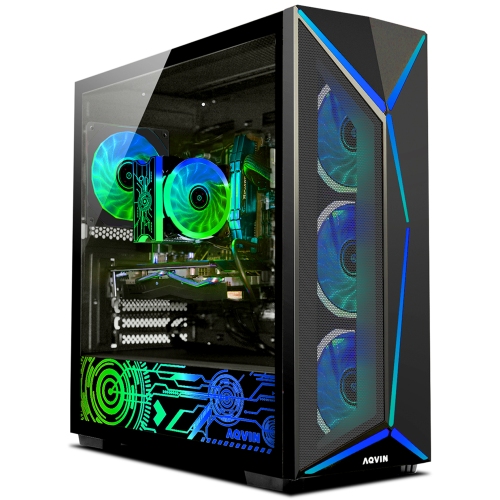
AQVIN -Aq80 Desktop Computer Tower Gaming PC - (Intel Core I7 Processor/ 32GB Ram/ 2Tb SSD/ Gtx 1660 Super 6GB/ Windows 11 Pro) - Only At Best Buy
About this product
A high-performance gaming desktop featuring an Intel Core i7, 32GB RAM, 2TB SSD, and GTX 1660 Super.
$1,149.99Your price for this item is $1149.99SAVE $750 -
5
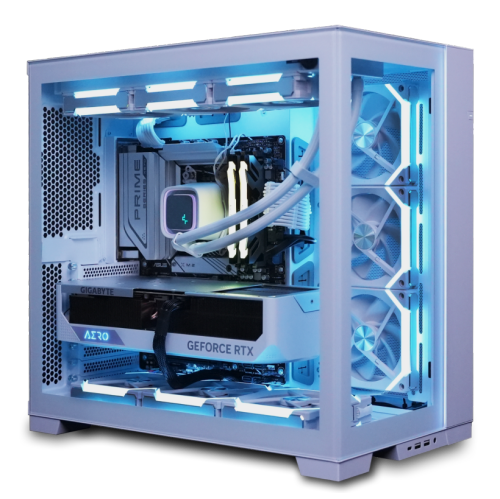
QUOTED TECH Horizon Gaming PC - Ryzen 5 5500F | Rtx 5070 | 32GB | 1Tb SSD | Ai / Vr Ready | 1 Year Warranty
About this product
A gaming desktop with Ryzen 5 5500F, RTX 5070 graphics, 32GB RAM, 1TB SSD, AI/VR-ready.
$2,849.99Your price for this item is $2849.99SAVE $550 -
6
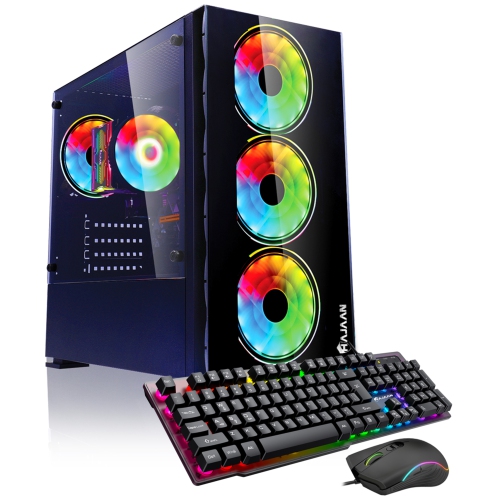
HAJAAN Gaming PC - Rtx 3050 8GB, Amd Ryzen 5 5600G, 16GB Memory, 512GB SSD, Win 11 Pro, Vr-Ready
About this product
A powerful gaming desktop featuring Ryzen 5 5600G, 16GB RAM, 512GB SSD, RTX 3050, and Wi-Fi.
$1,479.99Your price for this item is $1479.99SAVE $420 -
7
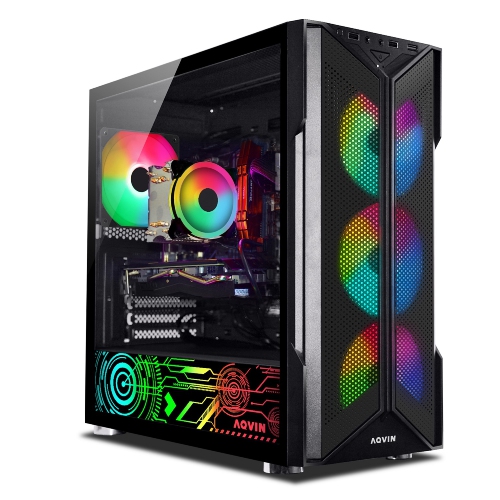
AQVIN -Aq20 Gaming PC Tower - Rtx 3050 8GB, Intel Core I7, 32GB Memory, 1Tb SSD, Win 11, RGB - Only At Best Buy
About this product
A high-performance gaming desktop with an Intel Core i7 processor and GeForce RTX 3050 graphics.
$1,499.99Your price for this item is $1499.99SAVE $400 -
8

AQVIN -Aq20 Gaming PC Tower - Gtx 1660 Super 6GB, Intel Core I7, 32GB Memory, 2Tb SSD, Win 11, RGB - Only At Best Buy
About this product
A high-performance gaming desktop with Intel Core i7 processor and GeForce GTX 1660 Super graphics.
$1,149.99Your price for this item is $1149.99SAVE $750 -
9
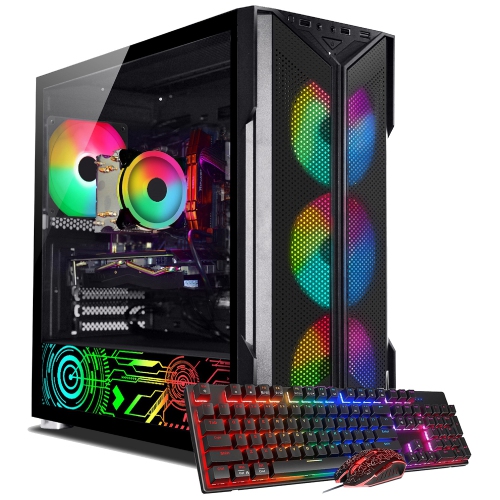
AQVIN -Aq20 Gaming PC Tower - Rx 580 8GB, Intel Core I7, 32GB Memory, 2Tb SSD, Win 11, RGB
About this product
A high-performance gaming desktop featuring Intel Core i7, 32GB RAM, 2TB SSD, and RGB lighting.
$2,079.99Your price for this item is $2079.99SAVE $505
FAQ
Key components include the graphics card, processor, RAM, storage, motherboard and power supply. Compare these specifications with the published requirements for the games you plan to play, and check which operating systems those games support.
A prebuilt gaming desktop comes assembled with a manufacturer-selected configuration and typically includes an installed operating system. A custom-built desktop lets you choose individual components, but requires assembly, software setup and compatibility checks.
Gaming desktops commonly use solid-state drives (SSDs), and some also include hard disk drives (HDDs). SSDs can connect through SATA or NVMe interfaces, depending on the drive and motherboard. When comparing desktops, check the included storage type and whether there are connections for additional drives.
Many gaming desktops allow upgrades to RAM, storage and graphics cards. Upgrade options depend on the motherboard, power supply, case layout and whether the system uses proprietary parts. Check the manufacturer's documentation for supported components before choosing an upgrade.
Look for USB connections for your keyboard, mouse, controller and other accessories, plus audio connections for your headset or speakers. Check the graphics card's HDMI or DisplayPort outputs against your monitor's inputs. Ethernet, Wi-Fi and Bluetooth availability varies by configuration, so confirm which connections are included.
Top selling and popular products
Discover more categories related to Best Gaming Desktop Computers
Some products may be subject to Environmental Handling Fees (EHF) depending on your province. Learn more about EHFs.