Best Gaming Monitors for XBOX One

Find the best gaming monitors for Xbox One with a selection ranked by customer review ratings. Whether you enjoy fast-paced multiplayer matches or immersive adventures, compare screen sizes, resolution, and refresh rates to find the right fit for your setup. Look for HDMI connectivity and low input lag to help make every gaming session feel responsive.

Read More

What to look for in gaming monitors for Xbox One

1. Resolution and Console Compatibility

A 1080p monitor is a practical match for the original Xbox One, while Xbox One X can take advantage of a 4K display in supported games. Xbox One S supports 4K video playback and upscaled gaming rather than native 4K gaming.

2. Refresh Rate and Adaptive Sync

A 60Hz monitor suits most Xbox One games, while Xbox One S and Xbox One X support 120Hz output at supported resolutions, though game frame rates vary. For either of those models, check for FreeSync support over HDMI to help reduce screen tearing.

3. Response Time and Input Lag

Look for low input lag to keep controls feeling responsive and fast pixel response times to limit motion blur. These are separate measurements, so check reviews that test both rather than relying only on an advertised response time.

4. Screen Size and Connectivity

Choose a screen size that fits your viewing distance, such as a 24-inch monitor for a compact desk or a 27-inch monitor for a larger setup. Confirm that its HDMI input supports your preferred resolution and refresh rate, and check for built-in speakers or a headphone output if you need monitor-based audio.
  1. 1

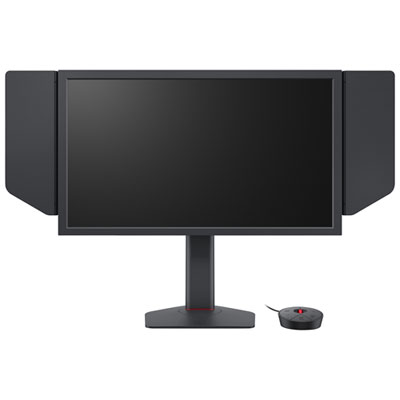
    Zowie XL 24.1" 1080p HD TN LCD Gaming Monitor (XL2586X+) - 1ms GTG - 600Hz

    About this product

    A black gaming monitor with a 600Hz refresh rate and DyAc 2 technology for ultra-smooth gameplay.

    (4)
    $1,429.99 Your price for this item is $1429.99
  2. 2

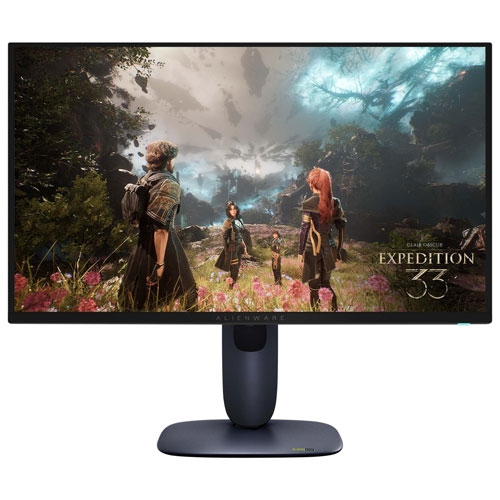
    ALIENWARE - 27" 4K Uhd Qd-Oled Gaming Monitor (Aw2725Q) - 0.03Ms Gtg - 240Hz - HDr

    About this product

    A black gaming monitor featuring 4K QD-OLED display, 240Hz refresh rate, and ultra-fast 0.03ms response time.

    (3)
    $1,199.99
    SAVE $133
    Your price for this item is $1199.99
  3. 3

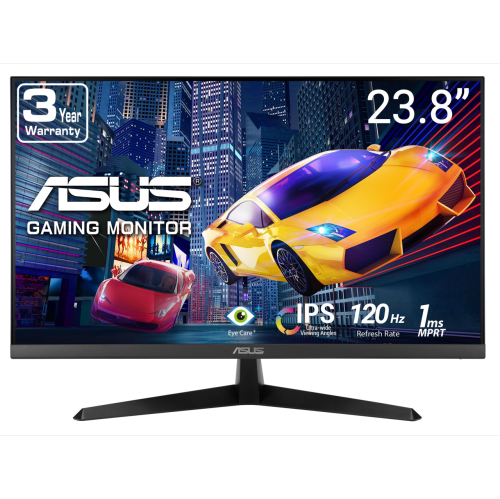
    ASUS Eye Care 24" 1080P HD Ips Led Gaming Monitor (Vy249Hgr) - Adaptive Sync - 1Ms - 120Hz

    About this product

    A black IPS FHD gaming monitor featuring 120Hz refresh rate, 1ms response, Adaptive Sync, and Eye Care Plus.

    (3)
    $164.68 Your price for this item is $164.68
  4. 4

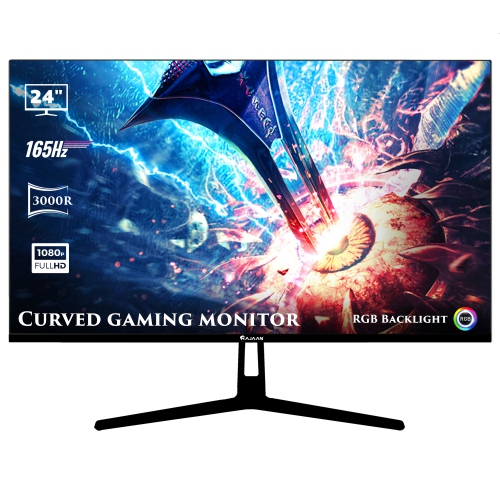
    HAJAAN 24" Curved 1080P HD Led Gaming Monitor (X2423C) - 165Hz - RGB Lighting - Wall Mountable

    About this product

    A black curved monitor with 1080p resolution, 165Hz refresh rate, RGB lighting, and versatile connectivity options.

    (1)
    $149.99
    SAVE $50
    Your price for this item is $149.99
  5. 5

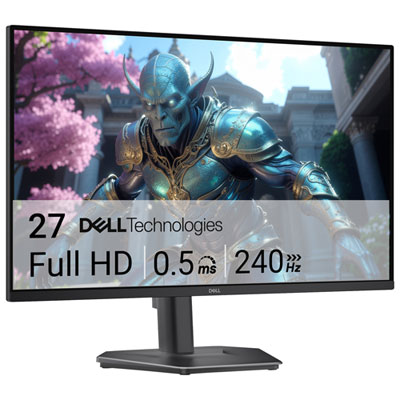
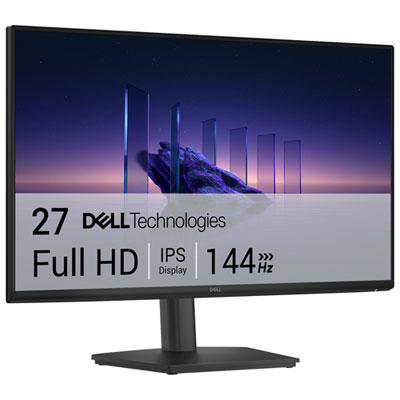
    Dell 27" 1080p HD IPS LCD Gaming Monitor (SE2726HGS) - FreeSync Premium - 1ms GTG - 240Hz

    About this product

    A black IPS gaming monitor with 240Hz refresh rate, 1ms response time, and 99% sRGB colour coverage.

    (1)
    $239.99 Your price for this item is $239.99
  6. 6

    ACER 27" Ips Gaming Monitor, Resolution 2560X1440 144Hz, 1Ms Response Time, Peak Brightness 400 Nits, 2X2W Speakers, Non Glare

    About this product

    A high-performance IPS gaming monitor with 144Hz refresh rate, 1ms response, and built-in 2W speakers.

    (1)
    $535.68 Your price for this item is $535.68
  7. 7

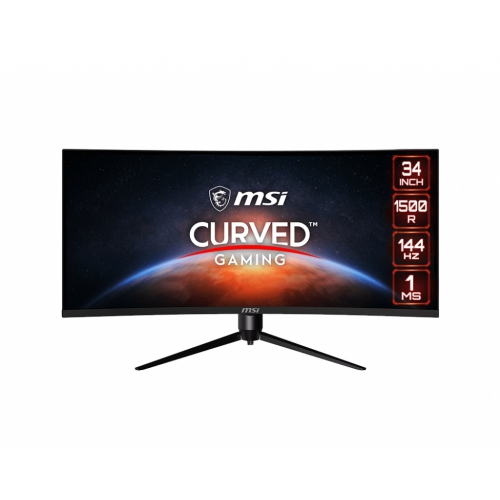
    MSI Optix 34" Ultrawide Curved Uwqhd Va Lcd Gaming Monitor (Mag342Cqr) - Adaptive-Sync - 1Ms Gtg - 144Hz

    About this product

    A 34" curved monitor with UWQHD resolution, 144Hz refresh rate, Adaptive-Sync, and customizable RGB LED.

    What customers like

    • Sharp image quality and vibrant colors
    • Versatile for both work and gaming
    • Immersive ultrawide curved display
    • Great value for the price
    • Excellent gaming performance with 144Hz refresh rate
    (20)
    $680.68 Your price for this item is $680.68
  8. 8

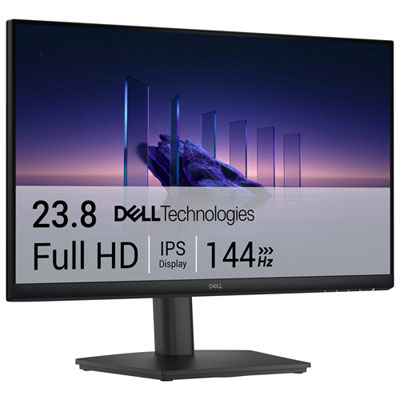
    Dell 24" 1080p HD IPS LCD Gaming Monitor (SE2426HS) - 1ms GTG - 144Hz

    About this product

    A black IPS gaming monitor delivering smooth 144Hz refresh rate, 1ms response, and vibrant 1080p visuals.

    What customers like

    • Accurate and vibrant IPS colour with wide viewing angles
    • Fully adjustable stand with height, tilt, and swivel features
    • Easy setup and user-friendly controls
    • Great value and affordable price for the features offered
    • Smooth 144Hz refresh rate and 1ms response time for gaming
    (168)
    $139.99
    SAVE $30
    Your price for this item is $139.99
  9. 9

    Dell 27" 1080p HD IPS LCD Gaming Monitor (SE2726HS) - 1ms GTG - 144Hz

    About this product

    A black IPS gaming monitor with 144Hz refresh rate, 1ms response time, and TÜV-certified eye comfort.

    What customers like

    • Easy setup and user-friendly controls
    • Effective eye comfort features including low blue light and anti-glare screen
    • Versatile and sturdy adjustable stand with tilt, swivel, and height options
    • High 144Hz refresh rate and 1ms response time ideal for gaming
    • Smooth and vibrant display with accurate colours
    (162)
    $199.99 Your price for this item is $199.99
  10. 10

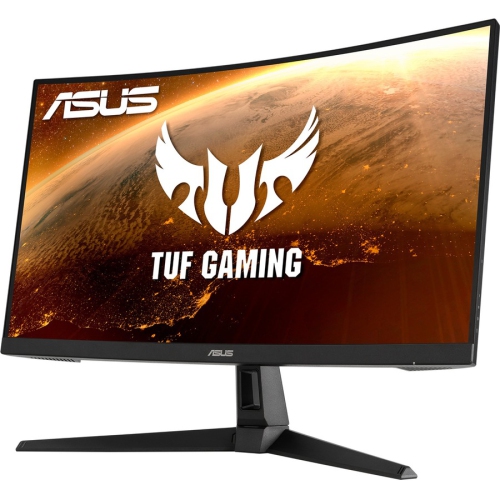
    ASUS Tuf Gaming 27" 1080P HD Curved Va Led Gaming Monitor (Vg27Vh1B) - Freesync - 165Hz

    About this product

    A 27" Full HD curved gaming monitor with 1ms response, FreeSync, and HDMI/VGA connectivity in black.

    What customers like

    • Easy to set up and use
    • High refresh rate enhances gaming
    • Vibrant and clear display
    • Great value for the price
    • Attractive curved design
    (33)
    $269.00 Your price for this item is $269

Why console compatibility matters more than headline specs

The best gaming monitors for Xbox One combine compatible HDMI connectivity, low input lag, and a screen size that suits the distance between the player and the display. A sharp image matters, but so does the feeling of a steering correction arriving immediately or a character responding cleanly when the action gets crowded. For the original Xbox One, a 1080p monitor with a 60Hz refresh rate is a practical match for the console’s output. Xbox One S and Xbox One X support additional display options, including 120Hz output at 1080p or 1440p with compatible monitors and settings. That higher refresh rate does not automatically make a game run at 120 frames per second; the game’s own frame-rate limit still applies. Xbox One X also supports 4K gaming in compatible titles, while Xbox One S uses upscaling for games and supports 4K playback for compatible video content. These differences make console compatibility more useful than simply looking for the highest resolution or refresh rate on a specification sheet. HDMI 2.1 is not required for Xbox One gaming, and a monitor’s maximum refresh rate may be available only through DisplayPort rather than HDMI. The supported HDMI resolutions and refresh rates are therefore important details, especially for a monitor that will also serve as a computer display. Variable refresh rate can help reduce tearing and uneven presentation on Xbox One S and Xbox One X when both the monitor and its HDMI connection support the feature. A display advertised with adaptive refresh support is not necessarily compatible through every input. Low input lag is another valuable consideration: it describes the delay before an input becomes visible, whereas pixel response time describes how quickly pixels change colour. Fast pixel transitions can keep moving objects clearer, but an advertised response-time figure alone does not establish how responsive the complete setup will feel during play.

Screen size and resolution work together to shape the experience. A 24-inch 1080p monitor can feel comfortably focused at a desk, keeping a scoreboard, map, and approaching opponent within an easy glance. A 27-inch screen offers more room for detailed scenery and can also make text easier to read when the same display is used for schoolwork or everyday computer tasks. A 1440p panel can suit compatible Xbox One S or Xbox One X settings, although a 1080p signal displayed on a higher-resolution panel requires scaling and may look softer than it does on a native 1080p screen. A larger 4K monitor can be appealing for Xbox One X games with detailed textures, particularly when there is enough desk depth to sit farther back. Standard 16:9 displays match the console’s usual picture format; an ultrawide screen does not give Xbox One games a wider field of view and may show side borders or stretch the image, depending on the monitor’s settings. Panel type also influences the picture. IPS panels generally maintain consistent colour when viewed from an angle, which is helpful when another player pulls up a chair. VA panels often provide stronger contrast for dark scenes, though some can show trailing behind objects moving across dark backgrounds. OLED panels offer deep blacks and fast pixel transitions, but repeated static game interfaces make the display’s panel-care features worth considering. Actual performance varies between monitors, even within the same panel category. HDR support on compatible Xbox One S and Xbox One X setups can add depth to highlights and shadows, but an HDR label alone does not guarantee a dramatic improvement. Brightness, contrast, colour capability, and local dimming all affect the result, and the monitor must accept the console’s required HDR signal format. A matte screen finish can help manage reflections from nearby lighting without eliminating them entirely.

A gaming monitor also needs to fit the space around it. Stand depth can make as much difference as screen width on a narrow desk, especially when a keyboard, controller charging cable, and speakers share the surface. Height adjustment and tilt help position the screen so that the player can sit naturally rather than hunching forward to read small interface details. A compatible monitor arm can free up desk space, provided the mounting pattern and weight limits match the display. A rigid stand, secure adjustment mechanisms, and well-fitted housing are useful signs of a setup built for regular handling, while cable routing helps keep HDMI and power leads from being tugged when the console moves. Ports should remain accessible without pressing connectors against a wall. Audio deserves attention, too: some monitors have built-in speakers, while others need a headset, external speakers, or another compatible audio connection. For a shared bedroom or study area, a headset connected through a compatible controller can keep game audio contained without relying on monitor speakers. Multiple HDMI inputs can make it easier to share one screen between a console and another device, although the capabilities of each input should be checked separately. For households planning to add a newer console, Best Monitors for Xbox Series X offers a related selection with different performance requirements. A monitor can also make a thoughtful gift for someone building a first desk-based gaming setup, particularly when the recipient’s console version, available space, and audio preferences are known. Routine care helps preserve the screen and finish: dust with a clean, soft microfibre cloth, follow the manufacturer’s cleaning directions, and avoid spraying liquid directly onto the panel. Good ventilation and careful handling matter when moving the display between rooms. The most satisfying match balances a clear picture and responsive play with a comfortable, dependable place to spend an evening exploring, racing, or competing.
Read More

FAQ

Some products may be subject to Environmental Handling Fees (EHF) depending on your province. Learn more about EHFs.