Best Gaming Monitors for XBOX One X
Get more out of every game with the best gaming monitors for Xbox One X, ranked by user review ratings. Whether you’re exploring detailed worlds or facing fast-paced competition, compare options with sharp visuals, responsive performance, and screen sizes that suit your setup. Look for features such as 4K resolution, HDR support, and low input lag to help bring your favourite games to life.
What to look for in gaming monitors for Xbox One X
1. Resolution and Screen Size
2. Refresh Rate and Response Time
3. HDMI Connectivity
4. HDR and Picture Quality
-
1
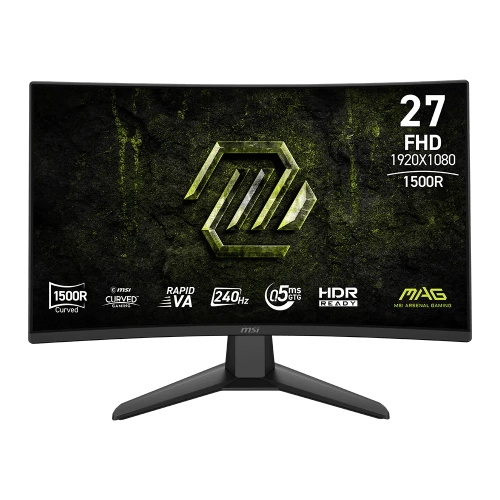
MSI Mag 27" Curved 1080P HD Rapid Va Led Gaming Monitor (Mag 274Cf X24) - Freesync Premium - 0.5Ms Gtg - 240Hz
About this product
A curved FHD gaming monitor with 240Hz refresh rate, 0.5ms response time, and HDR Ready display.
(4)$199.99 Your price for this item is $199.99 -
2
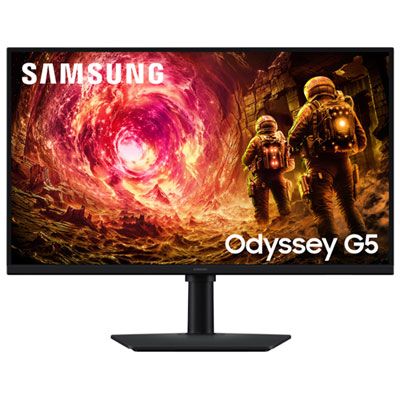
Samsung Odyssey G5 27" 1440p QHD IPS LCD Gaming Monitor (LS27FG500ENX) - G-Sync/FreeSync - 1ms GTG - 180Hz - HDR10
About this product
A black IPS LCD gaming monitor offering WQHD resolution, 180Hz refresh rate, and 1ms response time.
(4)$349.99 Your price for this item is $349.99 -
3
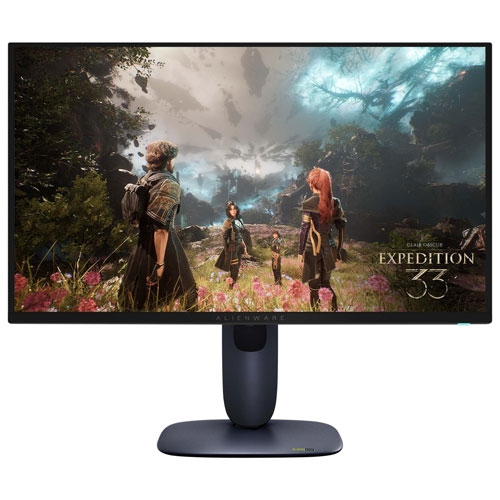
ALIENWARE - 27" 4K Uhd Qd-Oled Gaming Monitor (Aw2725Q) - 0.03Ms Gtg - 240Hz - HDr
About this product
A black gaming monitor featuring 4K QD-OLED display, 240Hz refresh rate, and ultra-fast 0.03ms response time.
(3)$1,199.99Your price for this item is $1199.99SAVE $133 -
4
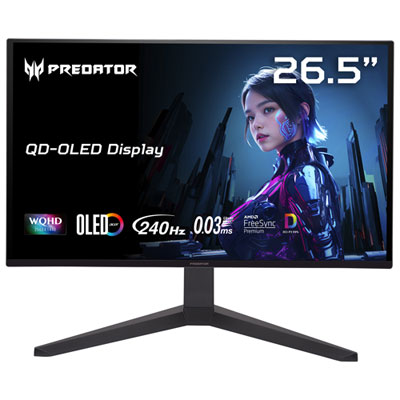
Acer Predator X27U 27" 1440p QHD QD-OLED Gaming Monitor (X27U) - FreeSync Premium Pro - 0.03ms GTG - 240Hz
About this product
A black QD-OLED gaming monitor featuring WQHD resolution, 240Hz refresh rate, and ultra-fast 0.03ms response time.
(3)$649.99 Your price for this item is $649.99 -
5
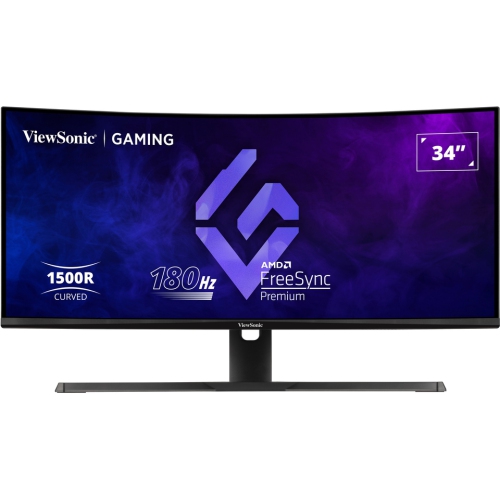
VIEWSONIC 34" Ultrawide Curved 1440P Wqhd Va Led Gaming Monitor (Vx3418-2K) - Freesync Premium - 1Ms Gtg - 180Hz - HDr10
About this product
An ultrawide curved VA LED monitor with 180Hz refresh rate and 1ms response time for immersive gaming.
(3)$400.99Your price for this item is $400.99SAVE $76 -
6
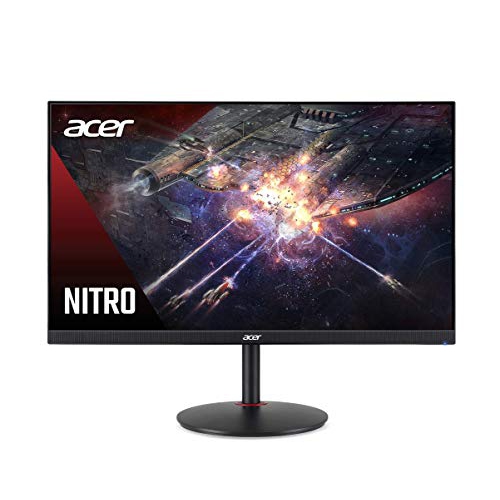
ACER 27" Ips Gaming Monitor, Resolution 2560X1440 144Hz, 1Ms Response Time, Peak Brightness 400 Nits, 2X2W Speakers, Non Glare
About this product
A high-performance IPS gaming monitor with 144Hz refresh rate, 1ms response, and built-in 2W speakers.
(1)$535.68 Your price for this item is $535.68 -
7
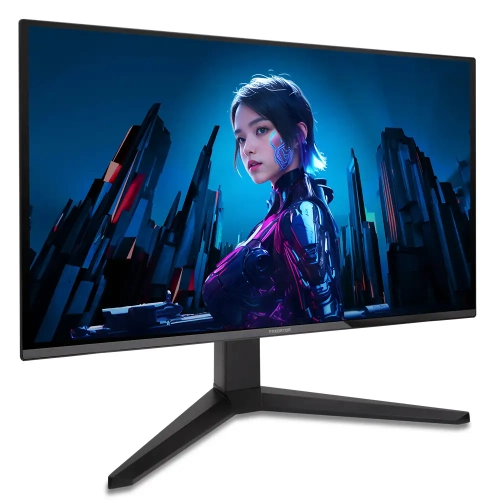
ACER - Predator X27U 27" 1440P Qhd Oled Gaming Monitor - Freesync Premium Pro - 0.03Ms Gtg - 240Hz
About this product
An ultra-fast QD-OLED gaming monitor with WQHD resolution, 240Hz refresh rate, and AMD FreeSync Premium.
(1)$459.00Your price for this item is $459SAVE $190 -
8
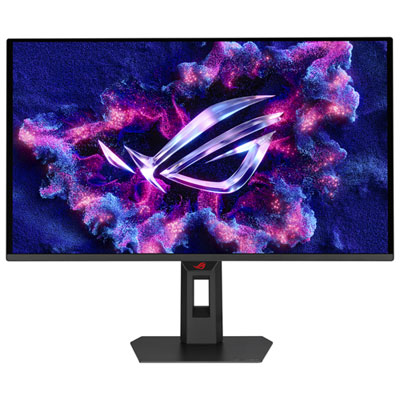
ASUS ROG Strix 27" 1440p QHD QD-OLED Gaming Monitor (XG27AQDPG) - 0.03ms GTG - 500Hz - DisplayHDR 500 True Black
About this product
A 27-inch WQHD gaming monitor with a 500Hz refresh rate, 0.3ms response, and advanced OLED panel.
What customers like
(180)$1,199.99 Your price for this item is $1199.99 -
9
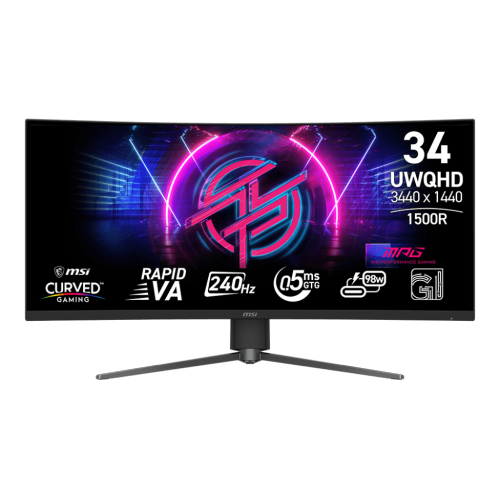
MSI Mpg 34" Ultrawide Curved Uwqhd Rapid Va Gaming Monitor (Mpg 346Cqrf X24) - 0.5Ms Gtg - 240Hz - Displayhdr 400
About this product
A curved UWQHD gaming monitor with 240Hz refresh rate, 0.5ms response time, and adjustable stand.
(13)$549.99 Your price for this item is $549.99 -
10
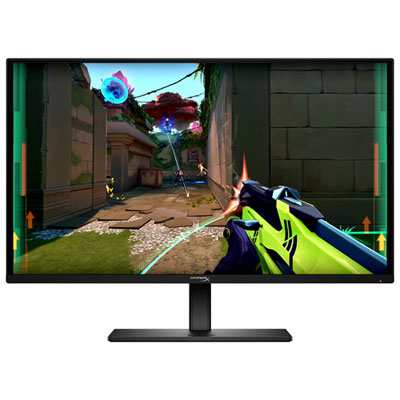
HyperX Omen 27" 1440p QHD OLED Gaming Monitor (27q) - G-Sync/FreeSync Premium - 0.03ms GTG - 240Hz - HDR10 - Exclusive Retail Partner
About this product
A black OLED gaming monitor with 240Hz refresh rate, 0.03ms response, and G-Sync/FreeSync support.
What customers like
(279)$599.99 Your price for this item is $599.99
FAQ
A 4K monitor with a 3840 × 2160 resolution is a natural match for Xbox One X, which supports 4K gaming output. The console also supports 1080p and 1440p output. Actual game resolution varies by title, with some games using dynamic resolution or upscaling rather than native 4K.
For 4K output at 60 Hz, look for a monitor with an HDMI 2.0 input that supports that resolution and refresh rate. HDMI 2.1 is not required for Xbox One X, though compatible HDMI 2.1 monitors can also work. Check the monitor’s HDMI specifications rather than relying on capabilities listed only for DisplayPort.
Xbox One X supports 120 Hz output at 1080p or 1440p when connected to a compatible monitor over HDMI. Its 4K output is limited to 60 Hz. Selecting 120 Hz does not mean games will run at 120 frames per second; frame rates depend on the game and its console settings.
Look for HDR10 support over HDMI, as Xbox One X uses HDR10 for compatible HDR games. For this console, choose a monitor that accepts a 4K HDR signal and check its compatibility details. HDR capabilities vary between monitors, including their peak brightness, colour range and local dimming features.
Yes, Xbox One X supports AMD FreeSync over HDMI with compatible monitors. A monitor that supports FreeSync only through DisplayPort will not provide that feature through the console’s HDMI connection. Check the supported HDMI refresh-rate range, then enable FreeSync in the monitor’s menu and variable refresh rate in the console’s display settings.
Top selling and popular products
Discover more categories related to Best Gaming Monitors for XBOX One X


Some products may be subject to Environmental Handling Fees (EHF) depending on your province. Learn more about EHFs.