Best Gaming Monitors Under $300
Upgrade your setup without stretching your budget with the best gaming monitors under $300, ranked by user review ratings. Whether you enjoy fast-paced competition or immersive adventures, compare options with the screen size, resolution, and refresh rate that suit your play style. Use feedback from fellow shoppers to help find the right fit for your gaming space.
What to look for in gaming monitors under $300
1. Screen Size and Resolution
2. Refresh Rate and Response Time
3. Panel Type and Picture Quality
4. Connectivity and Adaptive Sync
-
1
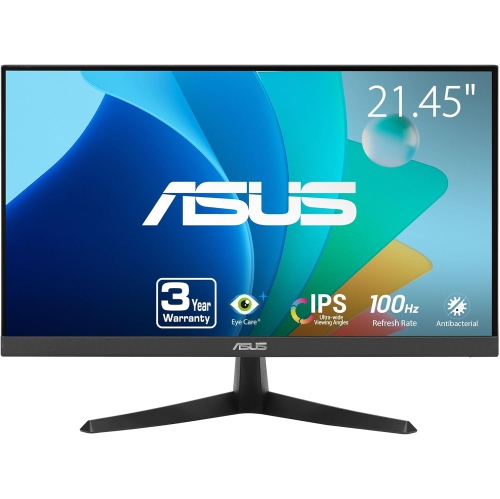
ASUS Vy Eye Care 21.45" 1080P HD Ips Lcd Gaming Monitor (Vy229Hf) - Adaptive-Sync - 100Hz
About this product
An FHD IPS gaming monitor with 100Hz refresh rate, 1ms response, and advanced eye care features.
(2)$134.00 Your price for this item is $134 -
2
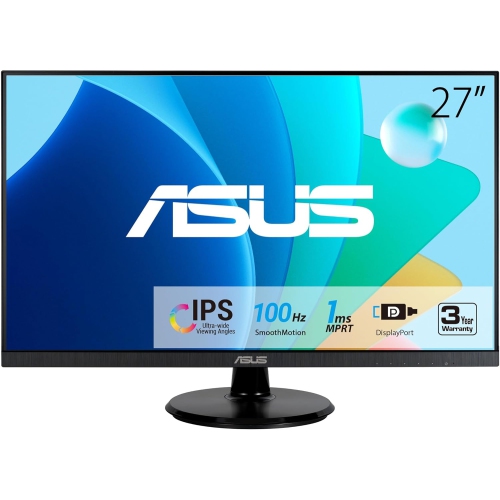
ASUS 27" Va27Dqf Eye Care Monitor
About this product
A Full HD IPS gaming monitor with 1ms response time, 100Hz refresh rate, HDMI, and DisplayPort connectivity.
(2)$285.99Your price for this item is $285.99SAVE $31 -
3
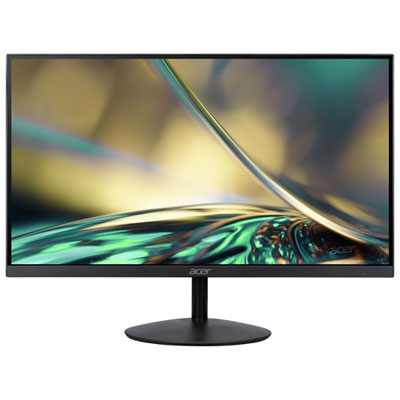
Acer SA 31.5" 1080p HD IPS LED Gaming Monitor (SA322Q) - FreeSync - 1ms GTG - 75Hz - Only at Best Buy
About this product
An ultra-thin black IPS monitor offering 75Hz refresh rate, 1ms response, and FreeSync for smooth gaming.
(6)$179.97 Your price for this item is $179.97 -
4
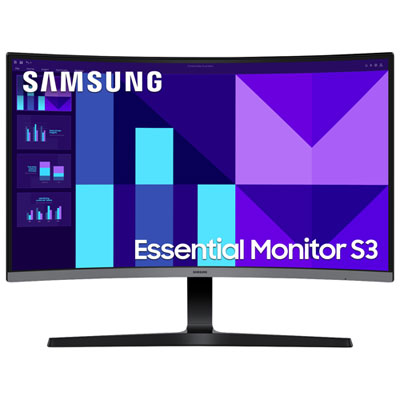
Samsung 27" Curved 1080p HD VA LED Gaming Monitor (LS27D390GANXZA) - FreeSync - 100Hz - Only at Best Buy
About this product
A curved 27-inch monitor with 1080p HD, 100Hz refresh rate, FreeSync, and Eye Saver mode.
What customers like
(27)$209.99 Your price for this item is $209.99 -
5
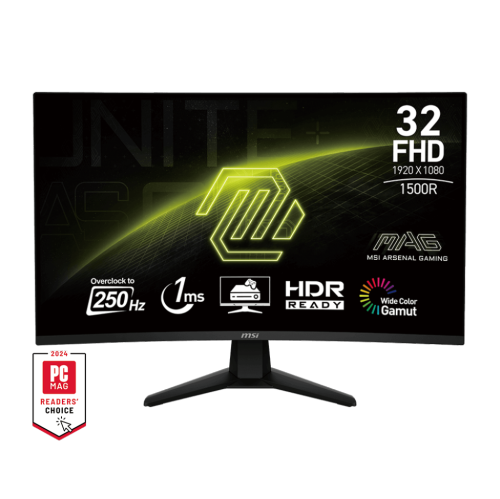
MSI Mag 32" 1080P HD 1500R Curved Va Led Gaming Monitor (Mag 32C6X) - Adaptive-Sync - 250Hz - HDr Ready - Tilt Adjustable
About this product
A curved VA gaming monitor with 250Hz refresh rate, 1ms response time, and tilt adjustment.
What customers like
(39)$249.99Your price for this item is $249.99SAVE $40 -
6
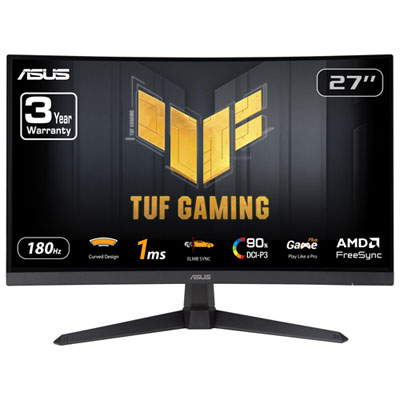
ASUS TUF 27" Curved 1080p HD VA LED Gaming Monitor (VG27VQ3B) - FreeSync - 1ms GTG - 180Hz
About this product
A black curved gaming monitor featuring 180Hz refresh rate, 1ms response time, and AMD FreeSync technology.
What customers like
(47)$179.99Your price for this item is $179.99SAVE $20 -
7

ACER Qg 27" 1080P HD Va Led Lcd Monitor (Qg271) - 75Hz - Freesync
About this product
A sleek black monitor featuring Full HD resolution, VA panel, FreeSync, and a 75 Hz refresh rate.
What customers like
(79)$199.00Your price for this item is $199SAVE $80 -
8
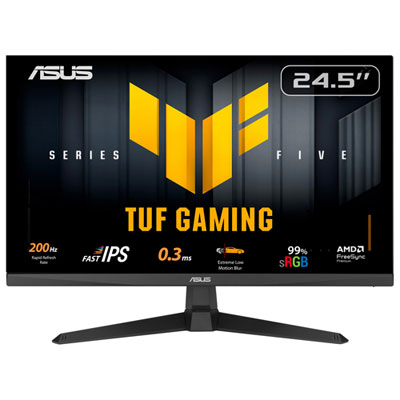
Asus TUF 24.5" 1080p HD IPS LED Gaming Monitor (VG259Q5A) - G-Sync/FreeSync - 1ms GTG - 200Hz
About this product
A high-speed gaming monitor with 200Hz refresh rate, 1ms response, G-Sync, and ergonomic adjustable stand.
What customers like
(71)$149.99Your price for this item is $149.99SAVE $50 -
9
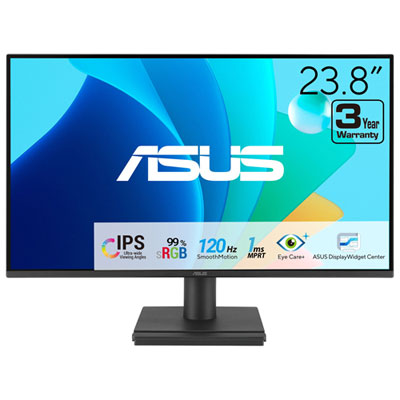
ASUS Eye Care 24" 1080p HD IPS LED Gaming Monitor (VA249HG) - Adaptive-Sync - 1ms GTG - 120Hz
About this product
An FHD IPS gaming monitor with 120Hz refresh rate and eye care features for comfortable viewing.
What customers like
(34)$99.99Your price for this item is $99.99SAVE $10 -
10
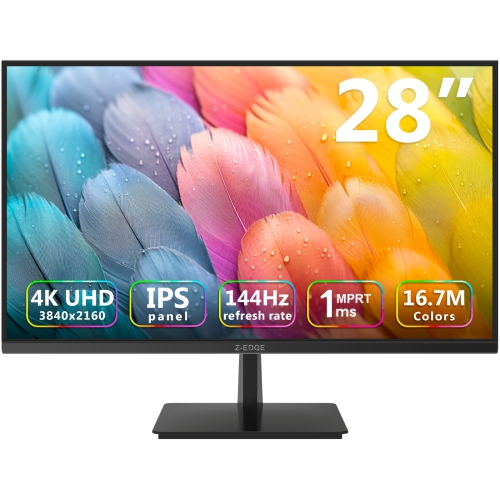
Z-EDGE 28" 4K Uhd Ips Led Gaming Monitor (U28I4K) - Freesync - 144Hz - HDr10
About this product
An ultra-fast 4K IPS gaming monitor in black with 144Hz refresh rate and 1ms response time.
(2)$299.99Your price for this item is $299.99SAVE $50
FAQ
Refresh rate, measured in hertz (Hz), describes how many times a monitor updates its image each second. A 144 Hz monitor can refresh up to 144 times per second. The refresh rates you can select depend on the monitor, your connected device, the resolution and the connection used.
Common panel types include IPS, VA and TN. IPS panels typically offer wide viewing angles and consistent colours, VA panels generally provide higher native contrast, and TN panels tend to have narrower viewing angles. Specifications vary by model, so panel type is only one factor to compare.
HDMI and DisplayPort are common connections for gaming monitors. Match the monitor’s inputs to the outputs on your computer or console, and check which resolutions and refresh rates each connection supports. Some monitors also include USB hubs, headphone outputs or USB-C inputs, though USB-C video support varies.
Adaptive sync allows a monitor to adjust its refresh rate to match the frame output of a compatible graphics card or console. AMD FreeSync and NVIDIA G-SYNC compatibility are common labels associated with this feature. Support depends on the monitor, connected device, connection type and supported refresh-rate range.
Yes, many gaming monitors support both through compatible video inputs. Check the monitor’s supported HDMI modes against your console’s output options, including resolution, refresh rate and variable refresh rate support. If you want both devices connected at once, look for multiple inputs and confirm whether the monitor has speakers or an audio output.
Top selling and popular products
Discover more categories related to Best Gaming Monitors Under $300

Some products may be subject to Environmental Handling Fees (EHF) depending on your province. Learn more about EHFs.