Best Monitors under $300
Find the best monitors under $300 for work, study, and everyday entertainment. Ranked by user review ratings, this selection makes it easy to compare highly rated options within your budget. Explore screen sizes, resolutions, and features to find the right fit for your desk and daily routine.
What to look for in monitors under $300
1. Screen Size and Resolution
2. Panel Type and Image Quality
3. Refresh Rate and Response Time
4. Connections and Adjustability
-
1
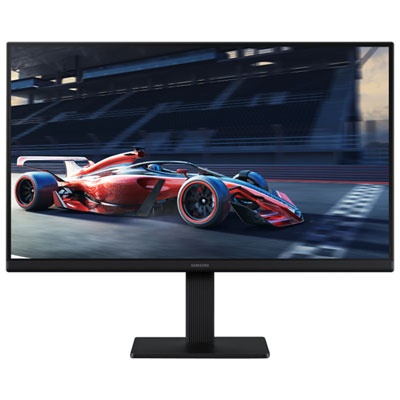
Samsung Essential S3 27" 1080p HD IPS LED Monitor (LS27D300GANXZA) - Blue Light/Flicker-Free - 100Hz
About this product
A 27-inch black IPS monitor with 1080p resolution and 100Hz refresh rate for smooth visuals.
What customers like
(446)$189.99 Your price for this item is $189.99 -
2
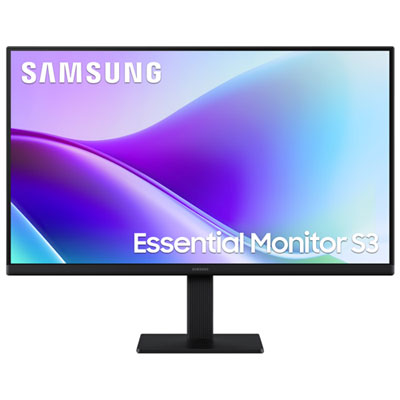
Samsung Essential F320 24" 1080p HD IPS LED Monitor (LS24F320GANXZA) - Flicker-Free/Blue Light - 120Hz
About this product
A black IPS LED monitor offering FHD resolution, 120Hz refresh rate, and 5ms response time for smooth visuals.
What customers like
(54)$169.99 Your price for this item is $169.99 -
3

Dell Plus 27" 4K UHD IPS LED Monitor (S2725QS) - 120Hz - HDR - FreeSync Premium - Ash White
About this product
An ash white IPS LED monitor offering 120Hz refresh rate, 4ms response time, and AMD FreeSync Premium.
What customers like
(20)$299.99 Your price for this item is $299.99 -
4
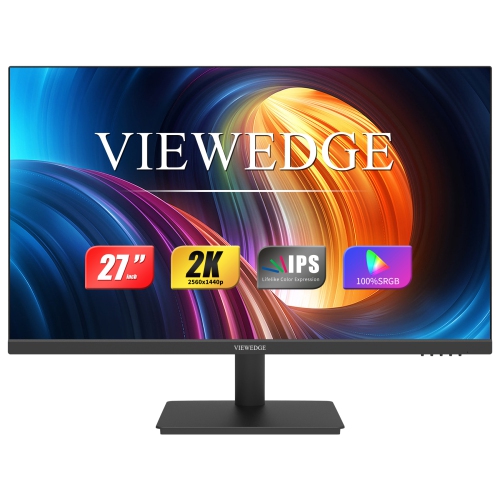
VIEWEDGE 27" 1440P Qhd Ips Lcd Monitor - Flicker-Free/blue Light - 75Hz - Adaptive Sync
About this product
A black QHD IPS monitor with 75Hz refresh rate, eye care technology, HDMI, DP, and wall-mountable design.
(5)$199.99Your price for this item is $199.99SAVE $60 -
5
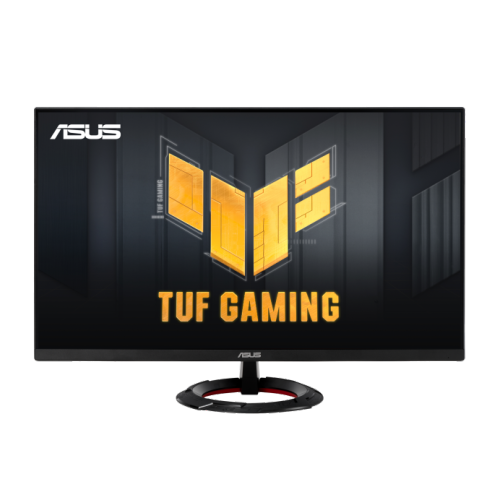
ASUS Tuf Gaming 23.8" 1080P HD Fast Ips Gaming Monitor (Vg249Q3R) - Freesync - 1Ms Gtg - 180Hz
About this product
A 23.8-inch Full HD gaming monitor with 180Hz refresh rate, Fast IPS panel, and FreeSync support.
(4)$189.00 Your price for this item is $189 -
6
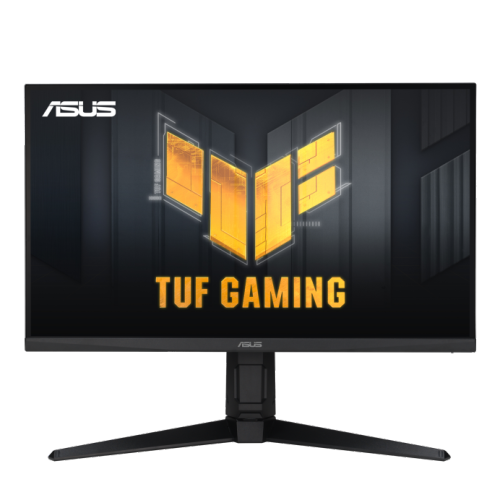
ASUS Tuf Gaming 27" 1080P HD Ips Lcd Gaming Monitor (Vg279Ql3A) - Freesync Premium/g-Sync Compatible - 1Ms Gtg - 180Hz - HDr10
About this product
A 27-inch Full HD gaming monitor with 180Hz refresh rate, Fast IPS panel, and 99% sRGB coverage.
(4)$299.00 Your price for this item is $299 -
7
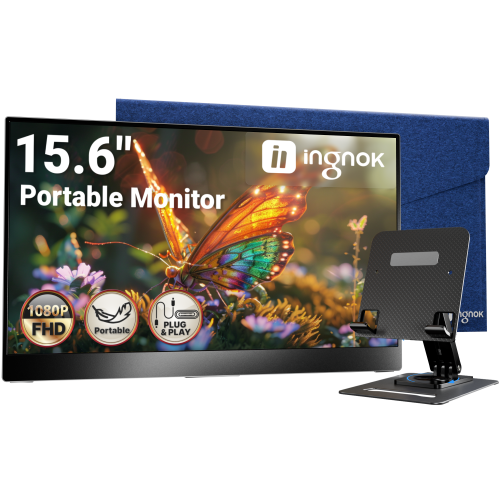
INGNOK Portable Monitor w Adjustable Stand, 15.6 Inch Fhd 1080P, Dual USB C, Mini HDMI Laptop Screen Extender for Laptop, Mini PC, Mac, Built-In
About this product
A portable 15.6" FHD 1080P IPS monitor with 1200:1 contrast, USB-C, HDMI, and adjustable stand.
(3)$109.99Your price for this item is $109.99SAVE $80 -
8
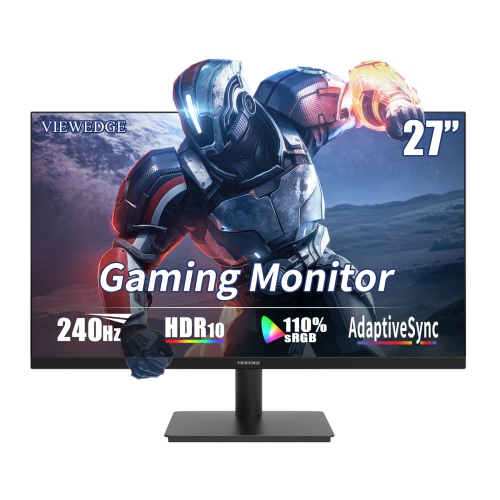
VIEWEDGE 27" 1080P HD Ips Lcd Gaming Monitor - Freesync - 1Ms Gtg - 240Hz - HDr10
About this product
A high-speed black gaming monitor with 240Hz refresh rate, 1ms response, HDR10, and built-in speakers.
(1)$199.99Your price for this item is $199.99SAVE $50 -
9
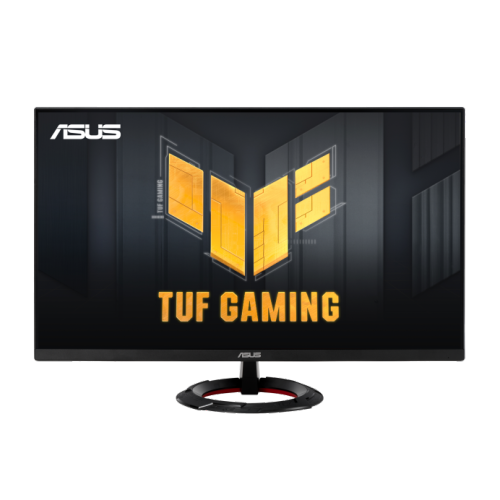
ASUS Tuf Gaming 27" 1080P HD Fast Ips Gaming Monitor (Vg279Q3R) - Freesync Premium - 1Ms Gtg - 180Hz
About this product
A 27-inch Full HD gaming monitor with 180Hz refresh rate, Fast IPS panel, and FreeSync support.
(1)$227.68 Your price for this item is $227.68 -
10
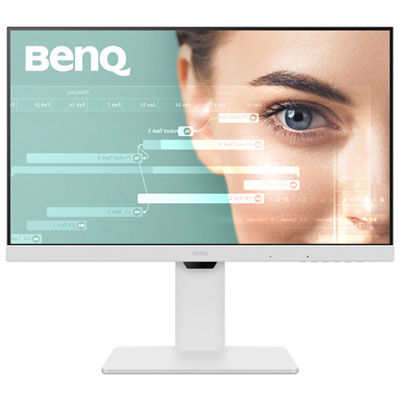
BenQ 27" 1080p HD IPS LCD Monitor (GW2786TC) - Blue Light - 100Hz - White
About this product
A white IPS monitor featuring 1080p HD resolution, 100Hz refresh rate, and Eye-Care technology for comfort.
(1)$269.99 Your price for this item is $269.99
FAQ
Common panel types include IPS, VA and TN. IPS panels typically offer wide viewing angles and consistent colours, VA panels generally provide higher contrast, and TN panels often prioritize fast response times. Panel type is one factor to consider alongside resolution, refresh rate and connectivity.
Refresh rate, measured in hertz (Hz), indicates how many times a monitor can update its image each second. Common options include 60Hz, 75Hz, 100Hz and 144Hz. The refresh rates available to you also depend on your computer’s graphics hardware, the connection used and the selected resolution.
HDMI and DisplayPort are common connections for carrying video and audio from a computer to a monitor. Some monitors also offer USB-C with video input, USB ports for accessories or a headphone jack. USB-C capabilities vary, so check whether the port supports video, data transfer and laptop charging.
Some monitors include built-in speakers, while others require separate speakers or headphones. An HDMI or DisplayPort input does not necessarily mean speakers are included. Check the monitor’s audio specifications for built-in speakers and audio outputs.
Monitor stands may offer tilt, height adjustment, swivel or pivot, which lets you rotate the display into portrait orientation. Some monitors also support a separate arm or wall mount through a VESA mounting pattern. Check the monitor’s mounting specifications and the mount’s compatibility requirements before choosing one.
Top selling and popular products
Discover more categories related to Best Monitors under $300
Some products may be subject to Environmental Handling Fees (EHF) depending on your province. Learn more about EHFs.