Best Gaming Monitors under $400
Find the best gaming monitors under $400 to upgrade your setup without stretching your budget. Ranked by user review ratings, this selection makes it easy to explore highly rated options for your next gaming session. Compare screen sizes, resolutions, and refresh rates to find a monitor that suits your play style and desk space.
What to look for in gaming monitors under $400
1. Screen Size and Resolution
2. Refresh Rate and Response Time
3. Panel Type and Picture Quality
4. Connectivity and Adaptive Sync
-
1
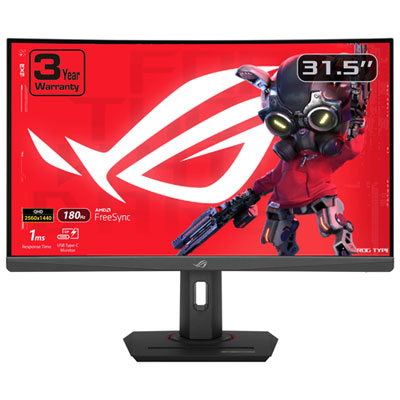
ASUS ROG Strix 32" Curved 1440p QHD VA Gaming Monitor (XG32WCS) - 1ms GTG - 180Hz
About this product
A black curved VA panel monitor offering 1440p resolution, 180Hz refresh rate, and 1ms response time.
What customers like
(82)$399.99 Your price for this item is $399.99 -
2
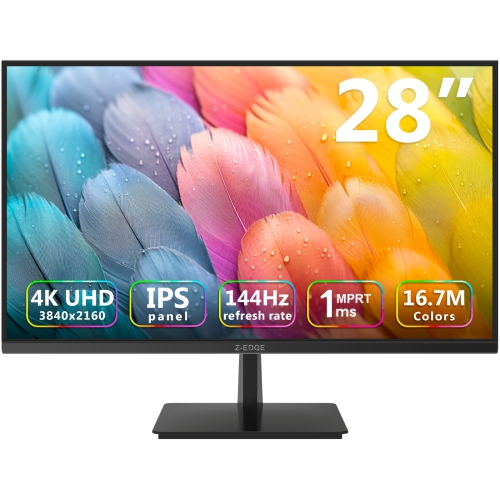
Z-EDGE 28" 4K Uhd Ips Led Gaming Monitor (U28I4K) - Freesync - 144Hz - HDr10
About this product
An ultra-fast 4K IPS gaming monitor in black with 144Hz refresh rate and 1ms response time.
(2)$299.99Your price for this item is $299.99SAVE $50 -
3
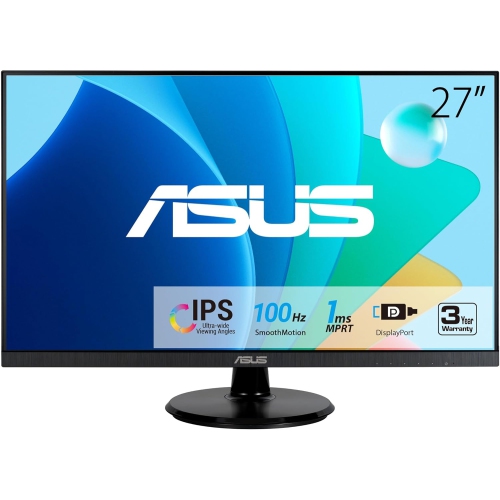
ASUS 27" Va27Dqf Eye Care Monitor
About this product
A Full HD IPS gaming monitor with 1ms response time, 100Hz refresh rate, HDMI, and DisplayPort connectivity.
(2)$285.99Your price for this item is $285.99SAVE $31 -
4

ACER Nitro Vg270 M3 Widescreen Gaming Led Monitor Umhv0Aa302
About this product
A black IPS gaming monitor with 1080p resolution, 180Hz refresh rate, 1ms response, and FreeSync Premium.
(2)$352.68 Your price for this item is $352.68 -
5
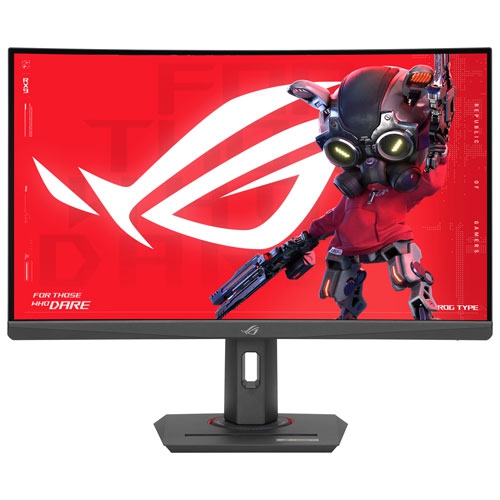
ASUS - Rog Strix 27" Curved 1440P Qhd Va Led Gaming Monitor (Xg27Wcs) - 1Ms Gtg - 180Hz
About this product
A 27-inch curved gaming monitor with 1440p resolution, 180Hz refresh rate, and 1ms response time.
$189.99Your price for this item is $189.99SAVE $90 -
6
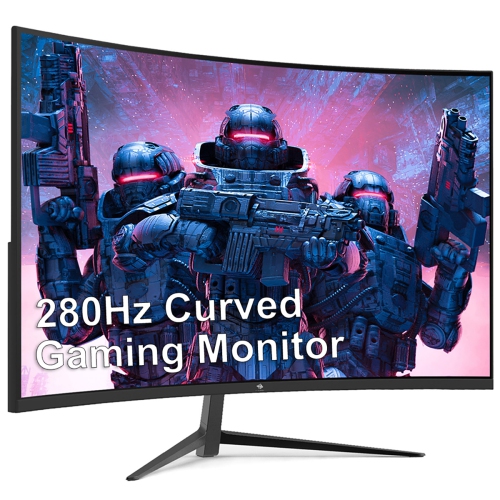
Z-EDGE Ug27P 27" Curved 1080P HD Va Led Gaming Monitor - Freesync - 1Ms - 280Hz - HDr10
About this product
A black curved gaming monitor featuring 1080P Full HD, 240Hz refresh rate, 1ms response, and HDR10 support.
$199.99Your price for this item is $199.99SAVE $50 -
7
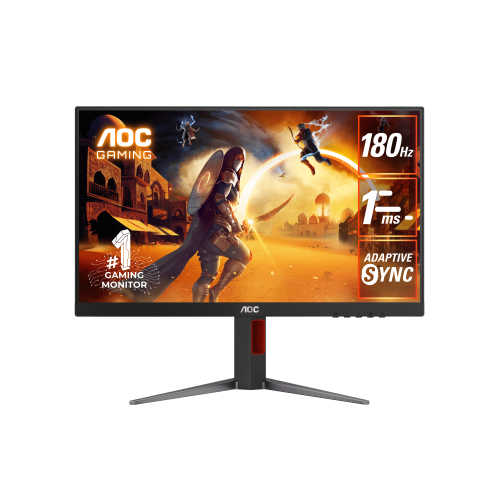
AOC 27G4/71 27" Ips 180Hz 1Ms Wide View Adaptive Sync Gaming Monitor In Black/red
About this product
A fast IPS gaming monitor in black and red with 180Hz refresh rate, 1ms response, and Adaptive-Sync.
$233.99Your price for this item is $233.99SAVE $25 -
8
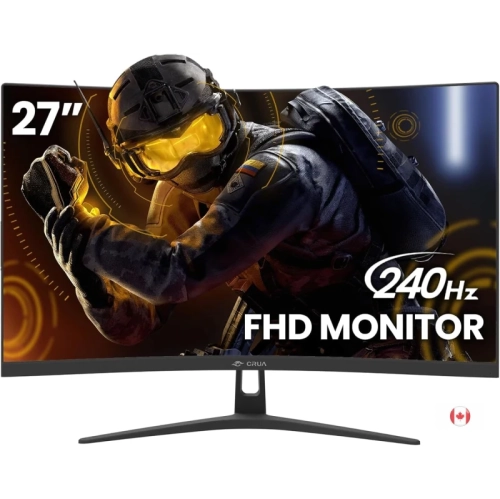
CRUA 27" 1080P HD Curved Va Gaming Monitor - Freesync - 1Ms Gtg - 240Hz
About this product
A 27-inch curved gaming monitor with 240Hz refresh rate, 1ms GTG response time, and Freesync support.
$398.00 Your price for this item is $398 -
9
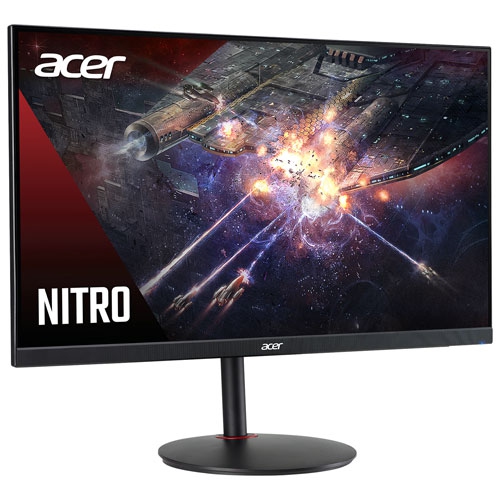
ACER - Nitro 23.8" 1080P HD Ips Led Gaming Monitor (Xv240Y) - Freesync Premium - 0.5Ms Gtg - 180Hz
About this product
An Acer Nitro 23.8" gaming monitor with 180Hz refresh rate, 0.5ms response time, and FreeSync technology.
$199.97 Your price for this item is $199.97 -
10
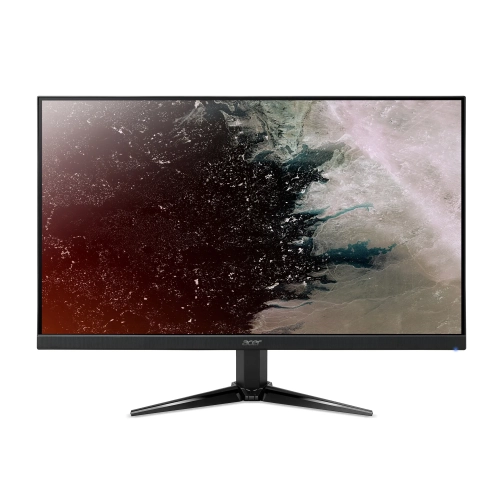
ACER - Nitro 27" 1080P HD Va Led Gaming Monitor (Qg271) - Freesync - 1Ms - 75Hz
About this product
A Full HD VA LED monitor with 75Hz refresh rate, 1ms response time, and FreeSync support.
$189.99Your price for this item is $189.99SAVE $90
FAQ
Gaming monitors commonly use IPS, VA, or TN panels. IPS panels typically offer wide viewing angles and consistent colour, while VA panels generally provide higher contrast and deeper blacks. TN panels often emphasize fast pixel transitions, with narrower viewing angles. Specifications vary by model.
Refresh rate, measured in hertz (Hz), describes how many times a monitor can update its image each second. Response time, measured in milliseconds (ms), describes how quickly pixels change between colour values. These are separate specifications, and manufacturers may use different methods to measure response time.
Adaptive sync allows a monitor to vary its refresh rate to match the frames supplied by a compatible graphics card or console. Common formats include AMD FreeSync, NVIDIA G-SYNC compatibility, and HDMI variable refresh rate (VRR). Support depends on the monitor, connected device, and connection type.
HDMI and DisplayPort are common connections for gaming video and audio. Some monitors also include USB-C, USB ports for accessories, or a headphone output. Check the supported resolution and refresh rate for each input, as these can differ on the same monitor. USB-C video and charging capabilities also vary.
Check that the monitor accepts your console’s supported resolution and refresh rate through HDMI. For features such as 120 Hz output, HDR, or VRR, confirm compatibility with both the console and the monitor’s HDMI input. Built-in speakers or an audio output may also be useful if you do not use a headset.
Top selling and popular products
Discover more categories related to Best Gaming Monitors under $400
Some products may be subject to Environmental Handling Fees (EHF) depending on your province. Learn more about EHFs.