Best Inkjet Printers for Stickers
Bring your designs to life with the best inkjet printers for stickers, ranked by customer review ratings. Whether you’re creating custom labels, planner stickers, or craft projects, explore options for crisp detail and vibrant colour. Compare print resolution, supported paper types, and connectivity to find a printer that suits your sticker-making needs, and check compatibility with your preferred inkjet sticker paper before printing.
What to look for in inkjet printers for stickers
1. Print Quality
2. Sticker Paper Compatibility
3. Ink and Sticker Durability
4. Running Costs and Workflow
-
1

Epson Expression Premium XP-7100 Wireless All-In-One Inkjet Printer
About this product
An all-in-one wireless inkjet printer with 5-colour inks, 30-page ADF, and duplex printing.
What customers like
(4,343)$249.99 Your price for this item is $249.99 -
2
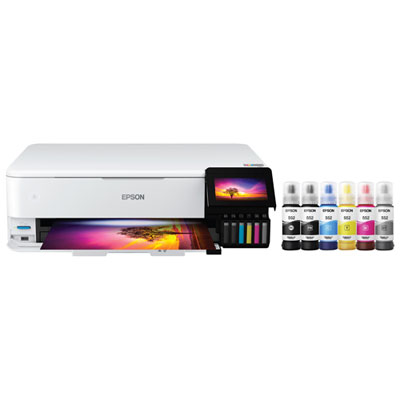
Epson EcoTank Photo ET-8550 Wireless All-In-One Supertank Inkjet Printer - Only at Best Buy
About this product
An all-in-one wireless inkjet printer with 6-colour cartridge-free ink system for vibrant photos and documents.
What customers like
(1,654)$1,099.99 Your price for this item is $1099.99 -
3
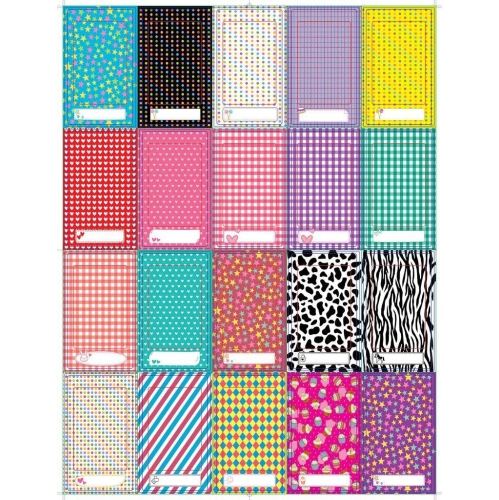
ZINK Colorful, Fun & Decorative Photo Border Stickers for HP Sprocket, Lg, Prynt, Lifeprint 2X3 Photo Paper - Pack Of 100
About this product
A pack of 100 vibrant, decorative border stickers designed for 2x3 photo paper from various brands.
$14.99Your price for this item is $14.99SAVE $2 -
4
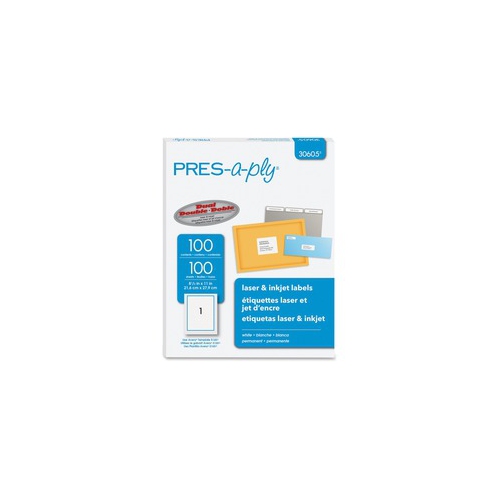
PRES-A-PLY Labels for Laser And Inkjet Printers (30605)
About this product
A pack of white rectangular labels with permanent adhesive, compatible with laser and inkjet printers.
$26.99 Your price for this item is $26.99 -
5
EPSON Wf-C4810 Workforce Pro Wf-C4810 Inkjet Multifunction Printer (C11Cj05205)
About this product
A versatile wireless inkjet printer offering color printing, scanning, copying, faxing, and automatic duplex functionality.
$329.99 Your price for this item is $329.99 -
6
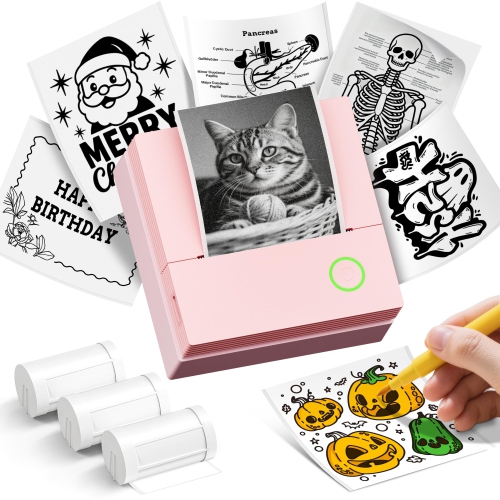
ETIKEZ Sticker Printer Pm290C Mini Printer Portable Print Pod, Wireless Bluetooth Sticker Maker With 3 Rolls Paper, Inkless Therm
About this product
A compact pink wireless Bluetooth printer that creates custom black-and-white stickers using inkless thermal technology.
$76.49Your price for this item is $76.49SAVE $51 -
7

HP Officejet Pro 9125E Wired & Wireless All-In-One Inkjet Printer - (403X0A#b1H)
About this product
An all-in-one inkjet printer offering wired and wireless connectivity, professional colour printing, scanning, and faxing.
What customers like
(2,109)$363.99 Your price for this item is $363.99 -
8
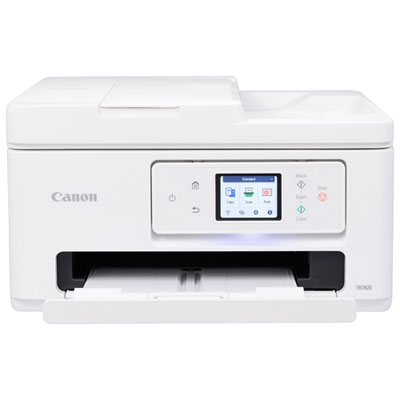
Canon PIXMA TR7820 Wireless All-In-One Inkjet Printer
About this product
An all-in-one wireless inkjet printer with a 2.7" touch LCD and easy two-cartridge system.
What customers like
(115)$259.99 Your price for this item is $259.99 -
9
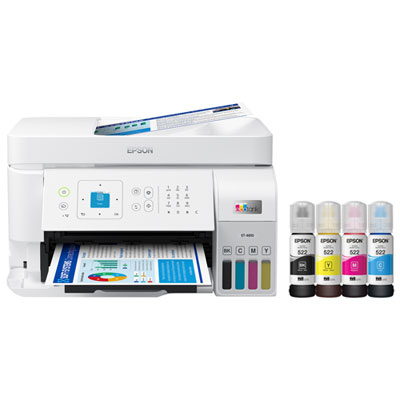
Epson EcoTank ET-4810 Wireless All-In-One Inkjet Printer - Only at Best Buy
About this product
An all-in-one wireless inkjet printer with cartridge-free, high-capacity ink tanks and vibrant colour output.
(14)$369.99Your price for this item is $369.99SAVE $60 -
10
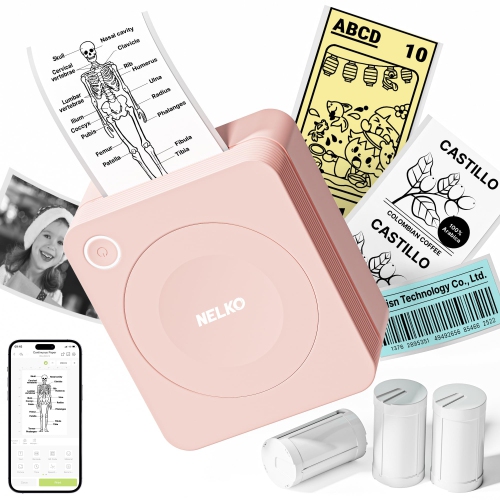
NELKO Sticker Printer Pm230 Mini Printer Portabel Print Pod, Inkless Thermal Printer Sticker Maker With 3 Rolls Paper, Bl
About this product
A pink inkless thermal printer that creates custom stickers and labels with three included rolls of paper.
$81.99Your price for this item is $81.99SAVE $51
FAQ
Look for support for inkjet-compatible adhesive media, adjustable paper settings and a manual or rear-feed tray. Wi-Fi and mobile printing can be useful if you create designs on a phone or tablet. Check the printer’s documentation for supported media types before choosing sticker paper.
Common options include matte sticker paper, glossy sticker paper and printable vinyl labelled for inkjet use. Each has a different surface finish and may require a specific paper setting. Avoid using laser-only label stock in an inkjet printer, and confirm compatibility with the printer’s media guidelines.
Dye-based ink contains colourants dissolved in liquid, while pigment-based ink contains suspended colour particles. Some inkjet printers use dye-based colour inks alongside pigment-based black ink. Use the ink type specified for your printer and check whether your chosen sticker material supports it.
PNG, JPEG and PDF are common choices, depending on your design and printing software. PNG supports transparent backgrounds, JPEG is commonly used for photographs, and PDF can preserve a finished page layout. SVG is also used in design and cutting software for vector artwork and cut paths.
The inkjet printer prints the artwork onto compatible adhesive material, while a separate cutting machine follows cut paths created in its software. Many workflows include printed registration marks that the cutter reads to position the cuts. Printing and cutting are separate functions unless a device explicitly includes both.
Top selling and popular products
Discover more categories related to Best Inkjet Printers for Stickers
Some products may be subject to Environmental Handling Fees (EHF) depending on your province. Learn more about EHFs.