Best iPad Cases for Reading
Make reading on your iPad more comfortable with a case that suits your routine. Whether you prefer a slim design for handheld reading or an adjustable stand for hands-free use, the right case can help protect your tablet while you enjoy your next chapter. Explore the best iPad cases for reading, ranked by user review ratings, and compare features such as viewing angles, grip and fit for your iPad model.
What to look for in iPad cases for reading
1. iPad Compatibility
2. Adjustable Reading Angles
3. Weight and Grip
4. Protection and Cover Features
-
1
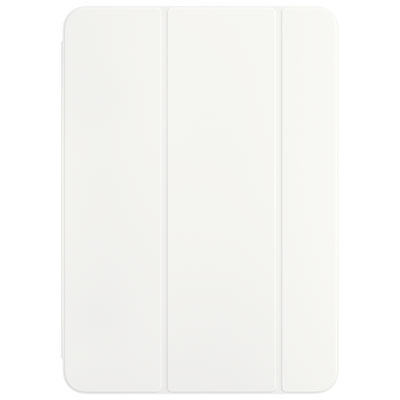
Apple Smart Folio Case for iPad Pro 11" (M4) - White
About this product
A thin white folio that protects your iPad Pro and supports auto wake and multiple viewing angles.
(2)$99.99 Your price for this item is $99.99 -
2
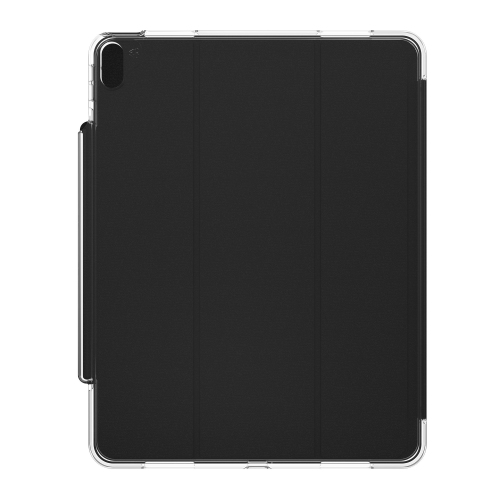
ZAGG Crystal Palace Ipad Air 13 2024 Fitted Hard Shell Case - Translucent
About this product
A translucent hard shell folio case offering 6.5ft drop protection and a convertible stand for your tablet.
(2)$79.99 Your price for this item is $79.99 -
3
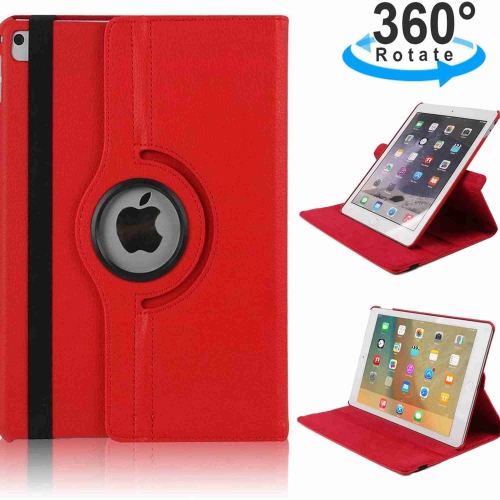
KEEGUARD 360 Rotating Protective Ipad Case for 10.2 Inch Ipad - Compatible With Ipad 9Th/8Th/7Th Gen - Sleep Function In Red
About this product
A red 360-degree rotating iPad case compatible with 9th/8th/7th gen iPads, offering comprehensive protection and auto wake/sleep function.
(1)$27.92Your price for this item is $27.92SAVE $11 -
4
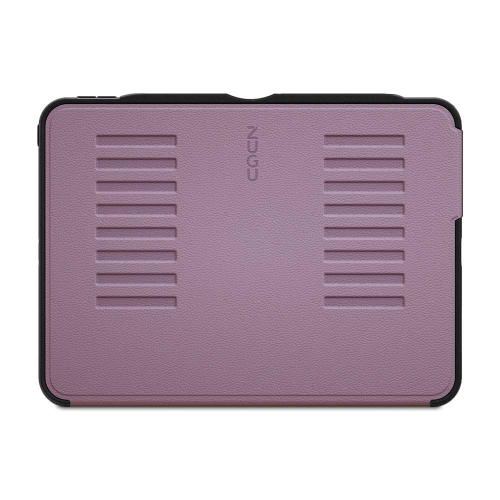
ZUGU Case for Ipad Air 11 M5/m4/m3/m2 Ipad Air 10.9 Gen 5/4 - In Purple
About this product
A durable purple case offering stylish protection for multiple generations of iPad Air models.
(15)$102.99 Your price for this item is $102.99 -
5
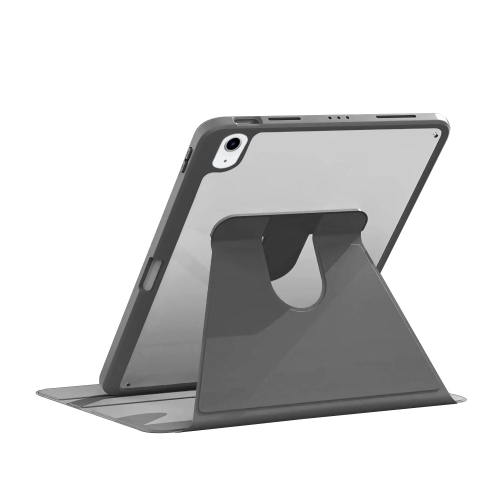
SAHARACASE - Rotating Folio Case for Apple Ipad 10.9" (10Th Generation 2022) - In Black
About this product
A black rotating folio case offering versatile protection and viewing angles for your 10.9" iPad.
(9)$74.00 Your price for this item is $74 -
6

Targus VersaVu Rotating Folio Case for iPad Air 13" (M2/M3/M4)/iPad Pro 12.9" (6th/5th/4th/3rd Gen) - Black
About this product
A slim black folio case offering 360-degree rotation and military-grade drop protection for your tablet.
What customers like
(293)$80.98Your price for this item is $80.98SAVE $4 -
7
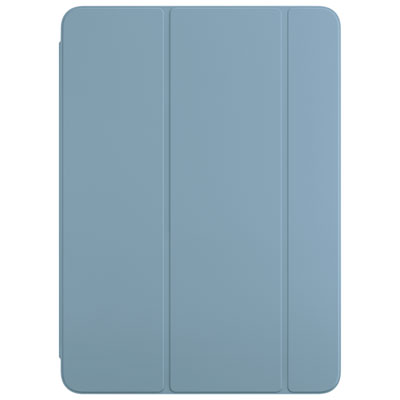
Apple Smart Folio Case for iPad Air 11" (M2/M3/M4) - Denim
About this product
A thin denim case that protects your iPad Air and supports multiple viewing angles with auto wake/sleep.
(17)$99.99 Your price for this item is $99.99 -
8
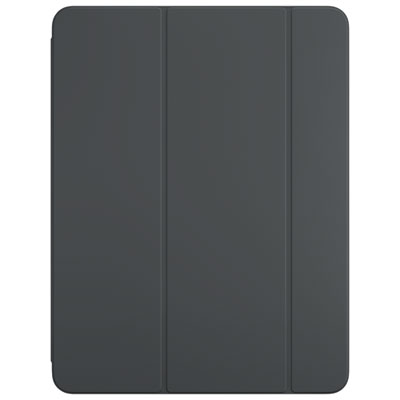
Apple Smart Folio Case for iPad Pro 13" (M4) - Black
About this product
A thin black folio that protects your device and supports multiple viewing angles with auto wake/sleep.
What customers like
(44)$125.99 Your price for this item is $125.99 -
9
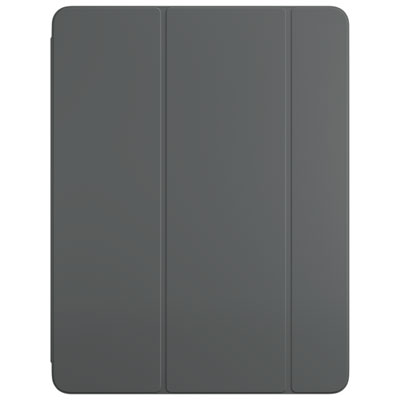
Apple Smart Folio Case for iPad Air 13" (M2/M3/M4) - Charcoal Gray
About this product
A thin, lightweight charcoal gray folio that protects your iPad Air and supports multiple viewing angles.
(19)$125.99 Your price for this item is $125.99 -
10
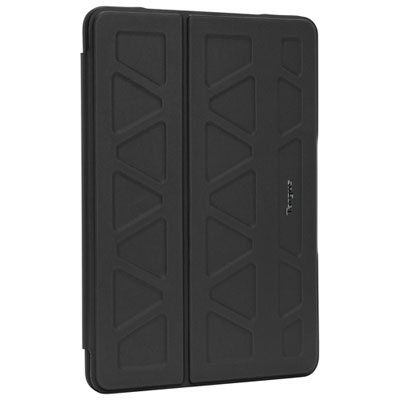
Targus ProTek Folio Case for iPad 10.2" - Black
About this product
A black folio case with reinforced corners offering multi-angle viewing and reliable protection for your iPad.
What customers like
(891)$44.98Your price for this item is $44.98SAVE $8
FAQ
Look for a case with adjustable viewing angles, a stable stand and a comfortable grip. A lightweight design can make handheld reading more comfortable, while a cover that folds behind the iPad keeps it out of the way.
Folio cases offer a book-like cover and often fold into a stand. Origami-style cases provide several folding positions, while cases with hand straps offer another way to hold your iPad. Your preferred style depends on whether you usually read at a table, on the couch or in bed.
Some cases have rotating stands or folding designs that support both orientations. Portrait mode suits novels and articles, while landscape mode can be useful for comics, magazines and two-page layouts. Check the case's stand options, as some support landscape viewing only.
Compatible cases use magnets to wake the iPad when you open the cover and put it to sleep when you close it. This feature lets you start and pause reading without pressing a button. Availability depends on the case, your iPad model and its settings.
Built-in Apple Pencil storage can be handy if you annotate PDFs, mark up study materials or take notes alongside your reading. Look for a holder that keeps the Pencil accessible without obstructing the stand or your grip. Pencil compatibility and charging access vary by case and iPad model.
Top selling and popular products
Discover more categories related to Best iPad Cases for Reading
Some products may be subject to Environmental Handling Fees (EHF) depending on your province. Learn more about EHFs.