Best Keyboards for Hybrid Work
The best keyboards for hybrid work help you stay comfortable and productive, whether you’re working at home or in the office. From compact designs that travel easily to full-size layouts for your desk, explore options to suit your workspace and typing preferences. Ranked by user review ratings, this list makes it easy to compare top-rated keyboards and find the right fit for your workday.
What to look for in keyboards for hybrid work
1. Size and Portability
2. Connectivity and Compatibility
3. Typing Comfort and Noise
4. Battery Life and Charging
-
1

APPLE - Magic Keyboard (Mla22Ll/a)
About this product
A sleek wireless keyboard featuring a built-in rechargeable battery and enhanced scissor mechanism for precise typing.
What customers like
(3,087)$219.99 Your price for this item is $219.99 -
2
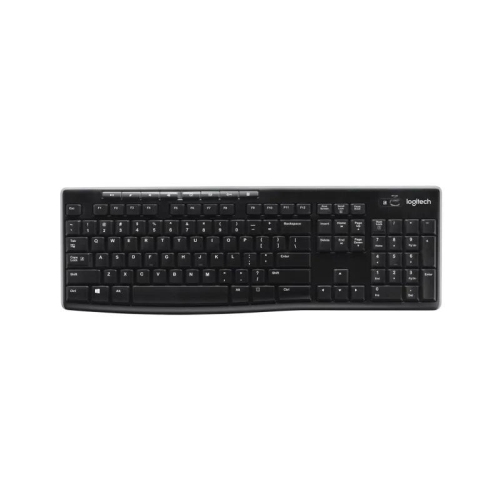
LOGITECH K270 Wireless Keyboard - English - (920-003051)
About this product
A sleek wireless keyboard with eight hot keys for instant access to internet, email, and media controls.
What customers like
(710)$37.99Your price for this item is $37.99SAVE $7 -
3
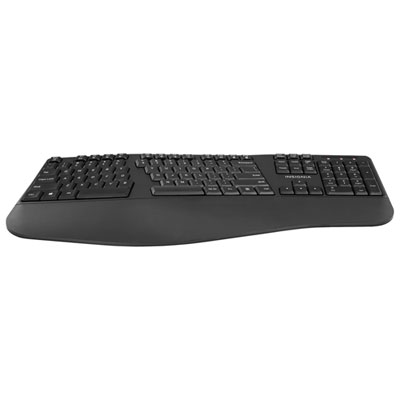
Insignia Wireless Ergonomic Keyboard - Only at Best Buy
About this product
An ergonomic black wireless keyboard featuring a full layout, number pad, and seven multimedia keys.
What customers like
(187)$39.99Your price for this item is $39.99SAVE $20 -
4
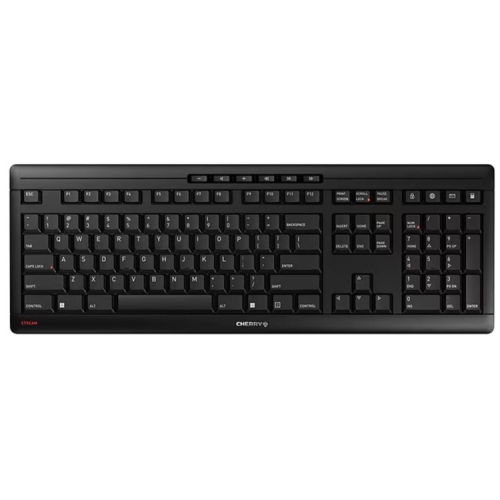
CHERRY Stream Desktop Comfort Keyboard In Black
About this product
A wireless ergonomic keyboard and mouse set in black, featuring quiet operation and a comfortable right-handed grip.
What customers like
(24)$113.38Your price for this item is $113.38SAVE $11 -
5
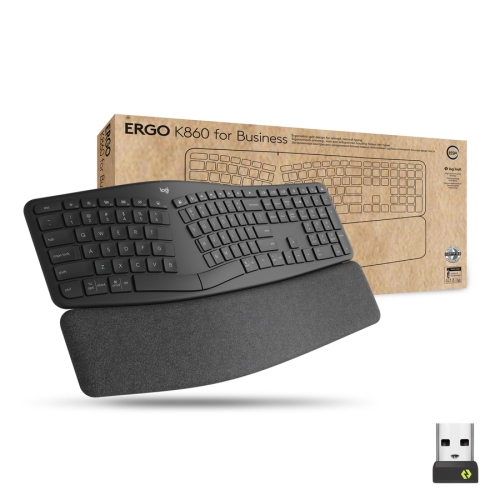
LOGITECH Ergo K860 Wireless Keyboard - English - (920-010175)
About this product
An ergonomic wireless keyboard designed for comfortable, natural typing during extended computer use.
(18)$209.99 Your price for this item is $209.99 -
6
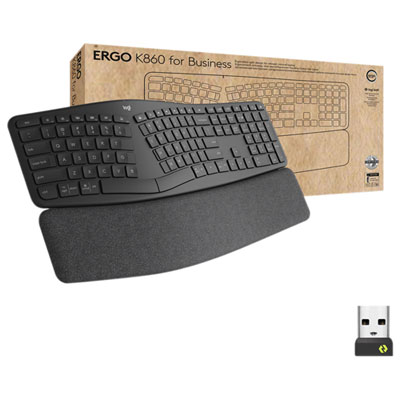
Logitech ERGO K860 Bluetooth Ergonomic Keyboard - Graphite
About this product
An ergonomic keyboard in graphite with a curved, split keyframe and multi-layered wrist rest for comfort.
(17)$230.99 Your price for this item is $230.99 -
7
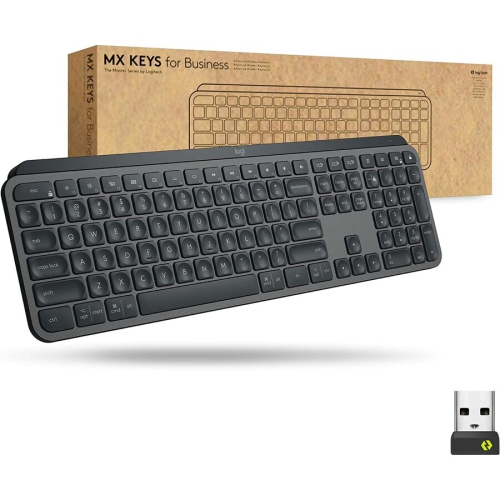
LOGITECH Mx Keys Mini Wireless Keyboard - Graphite - English - (920-010116)
About this product
A compact wireless keyboard in graphite with a solid metal build for stability, comfort, and quiet typing.
(14)$178.99 Your price for this item is $178.99 -
8
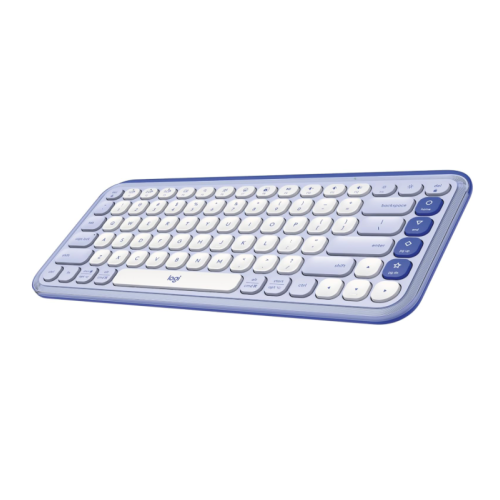
LOGITECH Pop Icon Keys Wireless Bluetooth Keyboard, Comfortable Typing, Programmable Keys, Easy-Switch Between Up to 3 Devices, for Laptop, Tablet
About this product
A lilac and off-white wireless Bluetooth keyboard with comfortable typing, programmable keys, and multi-device switching.
(1)$78.00Your price for this item is $78SAVE $11 -
9
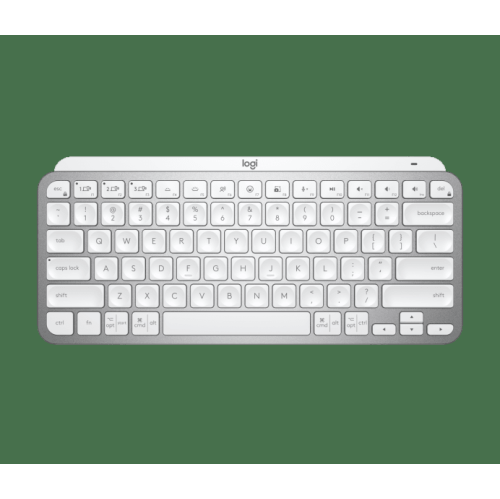
LOGITECH Mx Keys Mini Wireless Keyboard - English - (920-010594)
About this product
A sleek, wireless keyboard with advanced functionality, designed for efficient workspace and demanding workflows.
(1)$149.99Your price for this item is $149.99SAVE $50 -
10
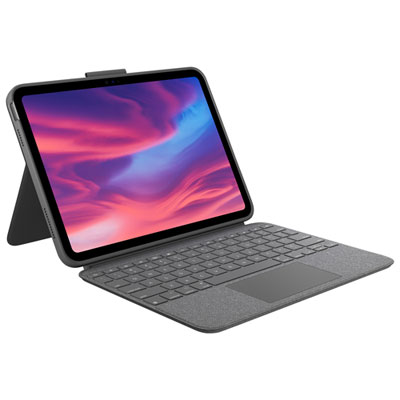
Logitech Combo Touch Keyboard & Trackpad Case with Spill-Proof Keyboard for iPad (10th Gen & A16 Chip) - Oxford Grey
About this product
A spill-proof, backlit keyboard case with trackpad in oxford grey, designed for iPad 10th generation.
What customers like
(952)$219.99 Your price for this item is $219.99
FAQ
For working between home and the office, look for wireless connectivity, multi-device pairing, quiet keys and a layout that suits your daily tasks. Dedicated media controls and programmable shortcuts can also be useful for managing calls and frequently used commands.
Many multi-device keyboards can pair with several devices and let you switch between them using a button or key combination. Check which operating systems and connection types the keyboard supports, particularly if you use both Windows and macOS.
Bluetooth connects to compatible devices without using a USB port, while a USB receiver requires a compatible port on your computer or dock. A wired keyboard draws power through its USB connection, so it does not need charging or battery changes. Some keyboards offer more than one connection option.
Scissor-switch and membrane keyboards often have a softer typing sound than mechanical keyboards with clicky switches. Mechanical models with silent switches are another option. Typing sound also depends on the keyboard’s construction and how you press the keys, so look for details about the switch type rather than relying on the keyboard category alone.
English, Canadian French and bilingual layouts can differ in their printed key labels and punctuation placement. Your operating system’s input language determines what each key types, so matching that setting to your preferred layout can make accented characters easier to locate. If you work across Windows and macOS, also check the modifier-key labels and shortcut support.
Top selling and popular products
Discover more categories related to Best Keyboards for Hybrid Work


Some products may be subject to Environmental Handling Fees (EHF) depending on your province. Learn more about EHFs.