Best Laptops for Zoom Teaching
The best laptops for Zoom teaching help you lead engaging online lessons with clear video, crisp audio, and smooth multitasking. Whether you’re sharing presentations, managing virtual classrooms, or connecting with students one-on-one, look for a reliable webcam, a quality microphone, and strong Wi-Fi connectivity. Explore laptops ranked by user review ratings to find the right fit for your teaching needs.
What to look for in laptops for Zoom teaching
1. Webcam and Audio Quality
2. Processor and Memory
3. Display and Connectivity
4. Battery Life and Portability
-
1
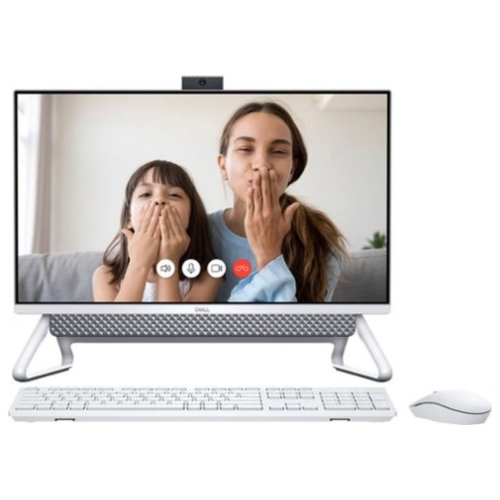
DELL Inspiron 15.6″ Touchscreen Laptop – Intel Core I7-1165G7, 256 GB SSD, Intel Iris Xe Graphics, Windows 11, Fhd Display, Wi-Fi & Bluetooth
About this product
A versatile touchscreen laptop featuring an Intel Core i7 processor, 256GB SSD, and Intel Iris Xe graphics.
What customers like
(219)$1,614.05Your price for this item is $1614.05SAVE $84 -
2

LENOVO Refurbished (Excellent) - Thinkpad T490 14" Touchscreen Laptop - Intel Core I7-8665U - 16GB Ddr4 - 512GB SSD - Windows 10 Pro - In Black
About this product
A refurbished black laptop featuring an Intel Core i7 processor, 16GB RAM, and a 512GB SSD.
What customers like
(1,239)$499.68Your price for this item is $499.68SAVE $150 -
3
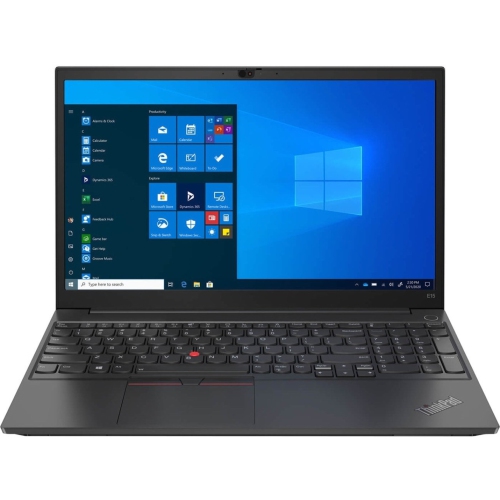
LENOVO Thinkpad E15 15.6" Business Laptop-Black(Intel Core I5 1135G7/256 GB SSD/8 GB Ram/windows 10)-(20Tds00B00)
About this product
A sleek black business laptop featuring an Intel Core i5, 256GB SSD, and integrated fingerprint reader.
What customers like
(993)$1,372.68Your price for this item is $1372.68SAVE $15 -
4

HP 17" Envy 17M-Cg0013Dx 17.3" Fhd (1920X1080P) Touchscreen Laptop, Core I7 10Th Gen, 16GB Ram, 512GB SSD, Windows 11 (Refurbished - Good)
About this product
A powerful touchscreen laptop featuring a 10th Gen Core i7, 16GB RAM, and 512GB SSD.
What customers like
(1,289)$869.99 Your price for this item is $869.99 -
5
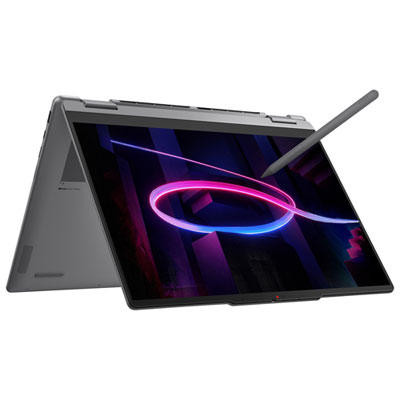
Lenovo Yoga 7i 14" OLED Touchscreen 2-in-1 Laptop - Intel Core Ultra 5 322 - 16GB LPDDR5x - 512GB SSD - Windows 11 Home - Luna Grey
About this product
A versatile grey 2-in-1 laptop with OLED touchscreen, Intel Core Ultra 5, 16GB RAM, and Dolby Vision.
What customers like
(180)$1,999.99 Your price for this item is $1999.99 -
6
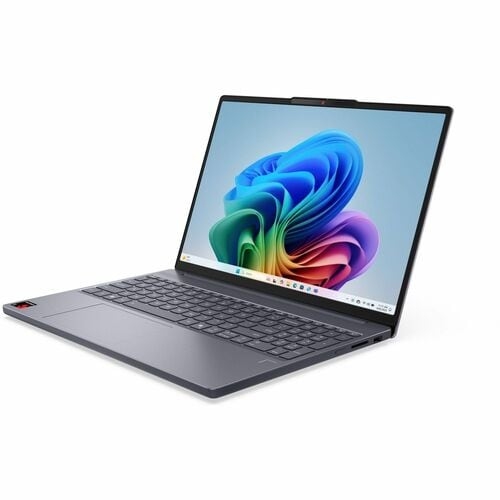
LENOVO Ideapad Slim 15.3" Touchscreen Laptop - (Snapdragon X X1 26100/16 GB Ram/512 GB SSD/windows 11 Pro) - Luna - (83N3004Tus) In Grey
About this product
A sleek grey touchscreen laptop featuring Snapdragon X1 processor, 16GB RAM, 512GB SSD, and Windows 11 Pro.
What customers like
(43)$1,490.99Your price for this item is $1490.99SAVE $136 -
7
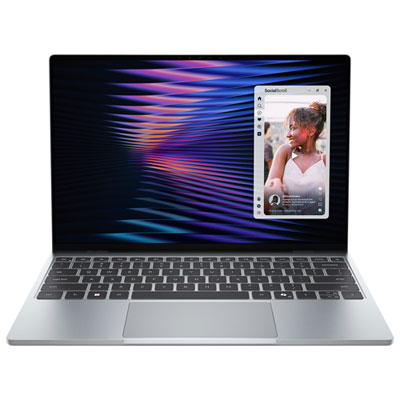
Dell XPS 13 13.4" Touchscreen Laptop - Sky (Intel Core 5 320/16GB RAM/512GB SSD/Windows 11 Home)
About this product
A featherlight sky-coloured laptop featuring a 2.5K touchscreen, quad speakers, and smooth multitasking performance.
What customers like
(45)$1,399.99 Your price for this item is $1399.99 -
8
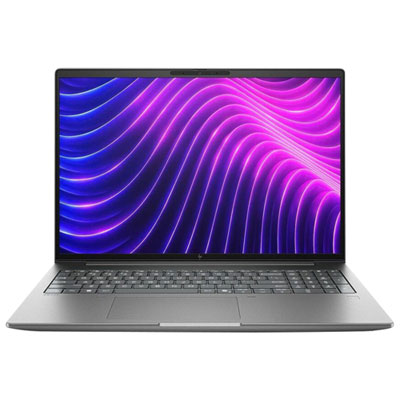
HP ZBook X 16" 60Hz Touchscreen Laptop - Intel Core Ultra 9 386H - 32GB DDR5 RAM - 1TB SSD - Win11 Pro - En - Meteor Silver
About this product
A silver touchscreen laptop featuring Intel Core Ultra 9, 32GB RAM, 1TB SSD, Windows 11 Pro.
(2)$6,967.99 Your price for this item is $6967.99
FAQ
A recent multi-core processor and 16 GB of RAM provide room for Zoom, browser tabs, presentations and teaching apps to run together. An SSD offers quick access to lesson files and applications. Check the current system requirements for Zoom and any software required by your school.
Laptop webcams commonly offer 720p or 1080p resolution, while built-in microphones may include noise reduction. Some laptops also include manual camera controls through their camera software. Actual video resolution during a class depends on Zoom settings, account features and connection quality.
USB-A and USB-C ports can connect accessories such as webcams, headsets and document cameras. HDMI or a USB-C port with video output lets you attach an external monitor for lesson materials. Check each port’s specifications, as not every USB-C port supports video output or charging.
Look for built-in Wi-Fi that is compatible with your router. Wi-Fi 6 is a useful option for homes with several connected devices when paired with a compatible router. For a wired connection, choose a laptop with Ethernet or use a compatible USB-to-Ethernet adapter.
Zoom is available for supported versions of Windows and macOS, and Chromebook users can access Zoom through its supported web app. Features can differ between platforms, so check compatibility with your school’s learning platform, presentation software and classroom accessories before choosing a laptop.
Top selling and popular products
Discover more categories related to Best Laptops for Zoom Teaching

Some products may be subject to Environmental Handling Fees (EHF) depending on your province. Learn more about EHFs.