Laptops for Zoom Meetings
Laptops for Zoom Meetings are designed to help you connect, collaborate, and communicate with ease. Whether you're working from home, attending virtual classes, or catching up with friends and family online, the right laptop ensures a smooth and reliable video conferencing experience. Explore a wide range of options to find the perfect fit for your needs, offering convenience and performance for every type of Zoom meeting.
Sort

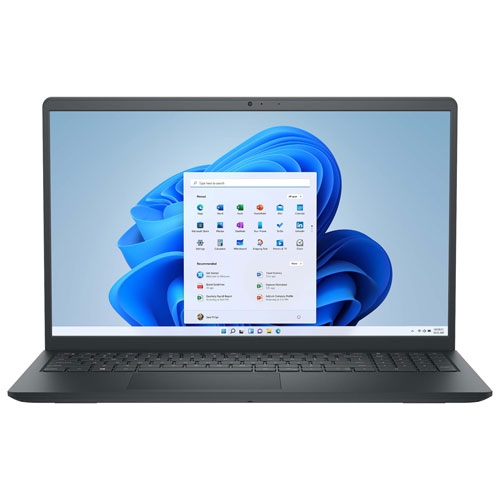
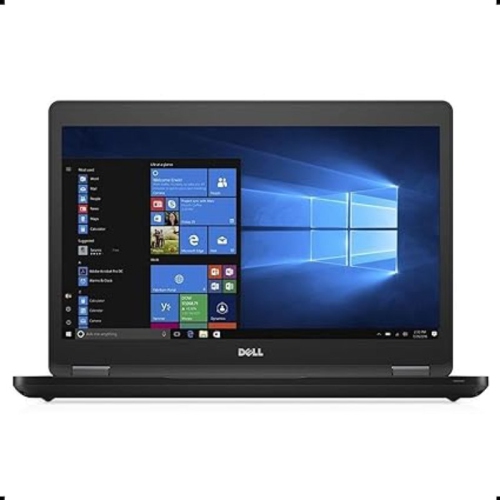
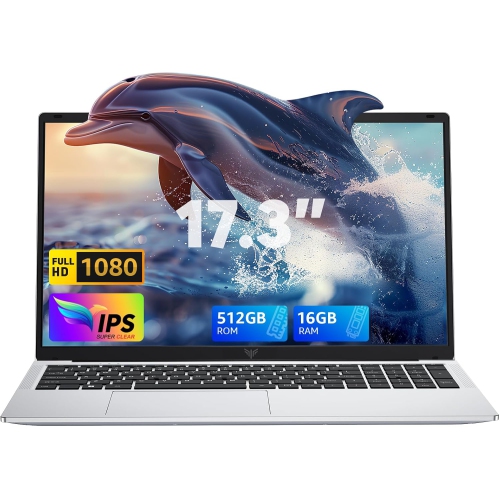
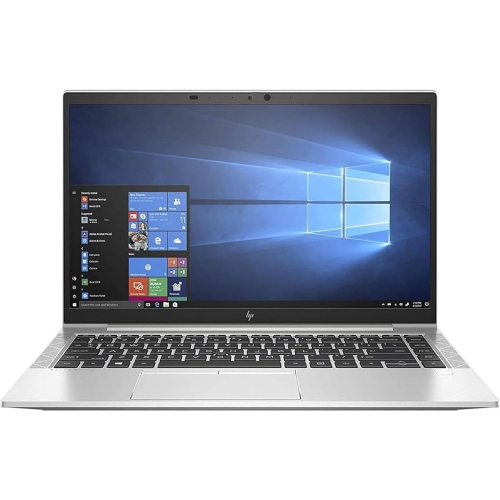
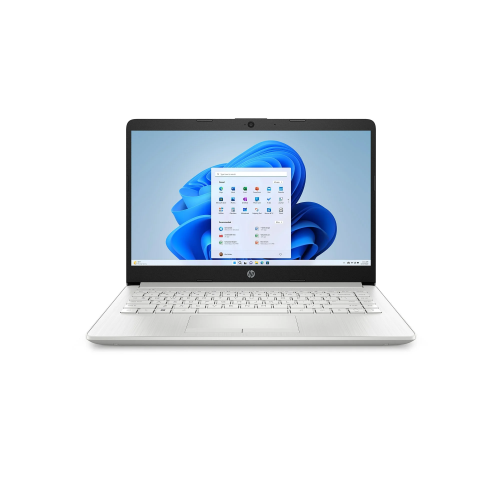
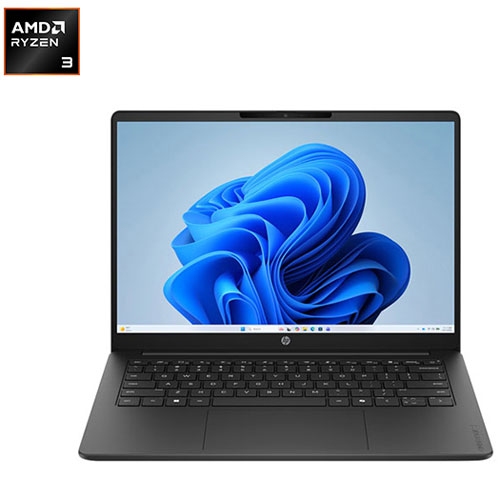
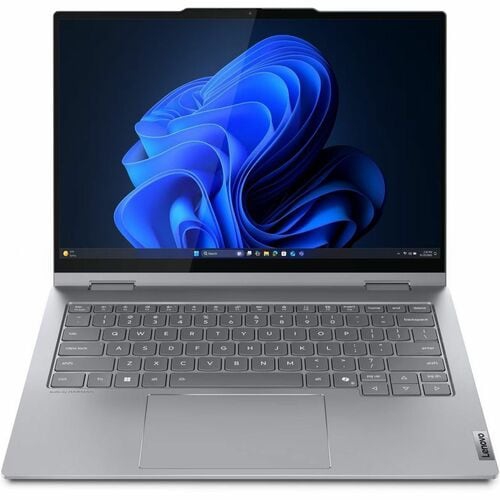





Better video calls take more than a good webcam
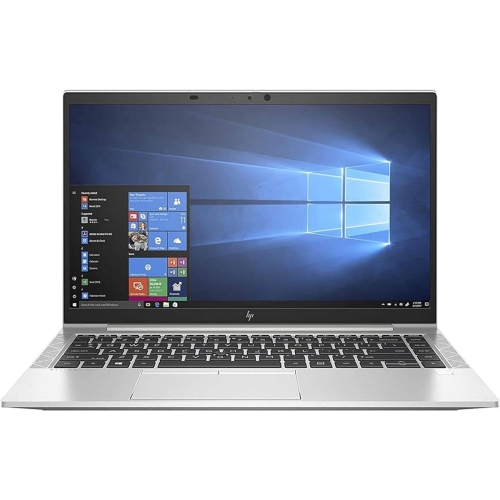
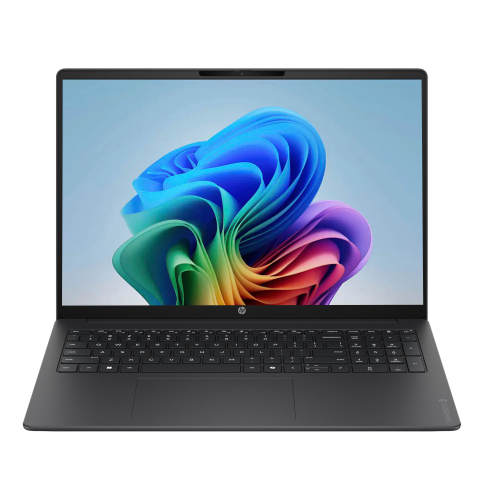
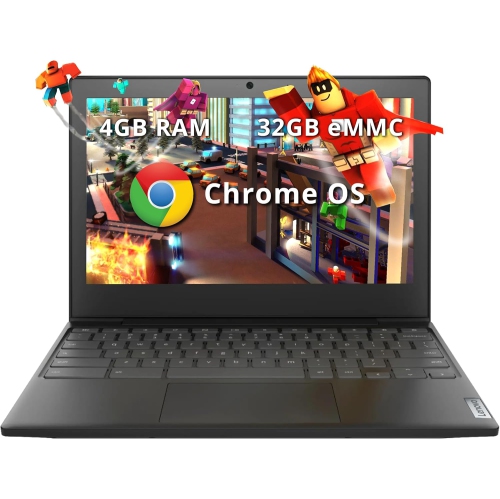
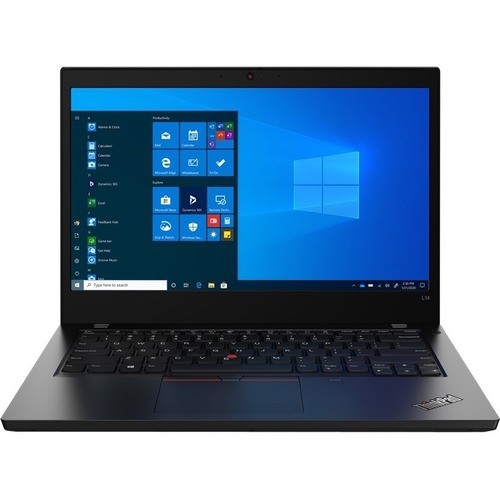
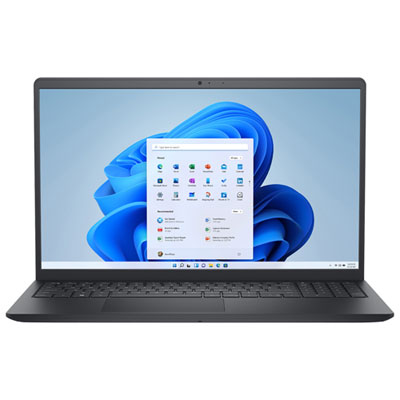
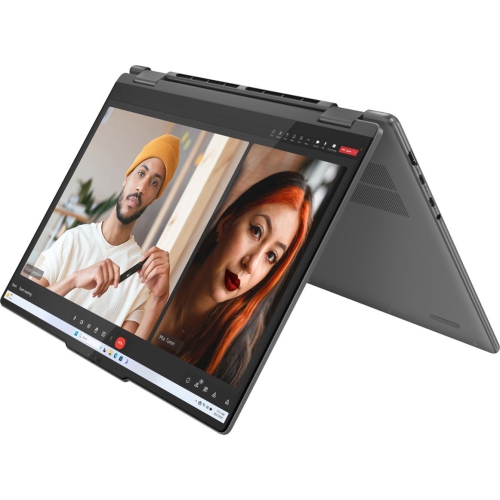
Laptops for Zoom meetings bring together a clear webcam, intelligible audio, and enough processing power to keep a conversation moving while other work stays open. For someone presenting a proposal, joining an online class, or speaking with clients from a home office, that balance matters more than a single headline specification. A built-in 1080p webcam is a useful starting point for detailed video, although lens quality, image processing, and lighting also affect how natural a face looks on screen. A higher-resolution camera can provide additional detail or room for cropping, but the resolution other participants see also depends on meeting settings and connection quality. Front-facing light generally produces a clearer picture than a bright window directly behind the speaker. Camera placement makes a difference, too: a webcam above the display supports a more natural viewing angle, particularly when the laptop sits on a stand near eye level. Features such as automatic framing and exposure adjustment can help someone stay visible when moving slightly during a presentation, where supported by the laptop and software. For audio, a microphone array with effective noise reduction can make speech easier to follow when a keyboard is clicking nearby. Built-in stereo speakers are convenient for individual calls, while a compatible headset offers more private listening and can reduce the chance of sound feeding back into the microphone. Speaker placement and tuning matter alongside volume, especially when following a softly spoken colleague or a fast-moving group discussion. A physical webcam shutter provides a visible way to cover the camera between calls, while accessible microphone controls make it easier to confirm whether audio is muted. An infrared camera may support facial sign-in, but that feature is separate from the webcam’s video-call image quality. Together, these details shape an everyday experience in which faces are easier to see, voices are easier to understand, and attention can stay on the discussion rather than repeated adjustments.
Video meetings rarely happen in isolation from the rest of the working day. A shared presentation might sit beside a spreadsheet, several browser tabs, a chat window, and notes for the next agenda item. A modern multicore processor and 16GB of memory provide a practical foundation for that kind of multitasking, while 32GB can offer more headroom for people who also work with large datasets, creative applications, or many demanding programs. These are considerations for the overall workload rather than fixed requirements for joining a call. Solid-state storage helps applications launch promptly and files open quickly; a 512GB drive can provide useful space for documents, presentations, and other everyday files, while larger local media libraries may call for more capacity. Some laptops include a neural processing unit that can handle supported effects such as background blur or automatic framing, though the benefit depends on the software and hardware working together. Reliable connectivity remains just as important as internal performance. A capable Wi-Fi connection helps support smooth audio and video, but internet upload speed, router placement, and competing household traffic can still affect a meeting. An Ethernet connection through a built-in port or compatible adapter offers another option at a desk. Ports also influence how easily a laptop fits into an existing workspace: a headset connection, external display output, and compatible docking support can simplify the transition from a portable setup to a full workstation. Not every USB-C port supports the same charging or display functions, so those capabilities matter when pairing accessories. Display size affects comfort during longer sessions, with a 14-inch screen balancing workspace and portability and a 15-inch or 16-inch screen providing more room for shared content and notes. An anti-glare finish can help reduce distracting reflections. Battery endurance during video calls may be shorter than advertised figures based on lighter tasks, particularly with a bright screen, camera effects, and several applications running.
The physical design of a meeting laptop matters most in the places where it gets used every day. A slim, lightweight chassis is easier to carry between a home desk, a shared office, and a campus study space, while a larger design may suit someone who usually works in one location. Aluminium, magnesium alloy, and reinforced plastic are common construction materials, but material alone does not determine durability; hinge stability, keyboard support, and overall build quality also influence how solid a laptop feels in regular use. A secure hinge helps keep the camera angle steady when typing during a call, and a comfortable keyboard and responsive trackpad support the work before and after each meeting. Cooling design can affect both sustained performance and audible fan noise, especially during longer sessions with screen sharing and several applications open. Keeping ventilation openings clear and using the laptop on a firm surface helps it operate as intended. A padded sleeve offers protection from everyday bumps in a bag, while gentle cleaning with a soft cloth and the manufacturer’s recommended method helps maintain the screen, keyboard, and camera lens. For remote employees, students, tutors, job seekers, and people who regularly connect with family by video, the most useful combination will reflect where calls happen and what else needs to run alongside them. A portable laptop may suit someone moving between appointments, whereas a larger screen and easy docking may matter more for a permanent desk setup. As a practical gift, a laptop is best matched to the recipient’s software needs, preferred screen size, and existing accessories. Related options on the Virtual Meeting Laptops page provide another way to explore computers suited to online conversations and shared work. Clear communication, comfortable daily use, and dependable multitasking are the qualities that make a laptop useful well beyond the moment a meeting begins.
Video meetings rarely happen in isolation from the rest of the working day. A shared presentation might sit beside a spreadsheet, several browser tabs, a chat window, and notes for the next agenda item. A modern multicore processor and 16GB of memory provide a practical foundation for that kind of multitasking, while 32GB can offer more headroom for people who also work with large datasets, creative applications, or many demanding programs. These are considerations for the overall workload rather than fixed requirements for joining a call. Solid-state storage helps applications launch promptly and files open quickly; a 512GB drive can provide useful space for documents, presentations, and other everyday files, while larger local media libraries may call for more capacity. Some laptops include a neural processing unit that can handle supported effects such as background blur or automatic framing, though the benefit depends on the software and hardware working together. Reliable connectivity remains just as important as internal performance. A capable Wi-Fi connection helps support smooth audio and video, but internet upload speed, router placement, and competing household traffic can still affect a meeting. An Ethernet connection through a built-in port or compatible adapter offers another option at a desk. Ports also influence how easily a laptop fits into an existing workspace: a headset connection, external display output, and compatible docking support can simplify the transition from a portable setup to a full workstation. Not every USB-C port supports the same charging or display functions, so those capabilities matter when pairing accessories. Display size affects comfort during longer sessions, with a 14-inch screen balancing workspace and portability and a 15-inch or 16-inch screen providing more room for shared content and notes. An anti-glare finish can help reduce distracting reflections. Battery endurance during video calls may be shorter than advertised figures based on lighter tasks, particularly with a bright screen, camera effects, and several applications running.
The physical design of a meeting laptop matters most in the places where it gets used every day. A slim, lightweight chassis is easier to carry between a home desk, a shared office, and a campus study space, while a larger design may suit someone who usually works in one location. Aluminium, magnesium alloy, and reinforced plastic are common construction materials, but material alone does not determine durability; hinge stability, keyboard support, and overall build quality also influence how solid a laptop feels in regular use. A secure hinge helps keep the camera angle steady when typing during a call, and a comfortable keyboard and responsive trackpad support the work before and after each meeting. Cooling design can affect both sustained performance and audible fan noise, especially during longer sessions with screen sharing and several applications open. Keeping ventilation openings clear and using the laptop on a firm surface helps it operate as intended. A padded sleeve offers protection from everyday bumps in a bag, while gentle cleaning with a soft cloth and the manufacturer’s recommended method helps maintain the screen, keyboard, and camera lens. For remote employees, students, tutors, job seekers, and people who regularly connect with family by video, the most useful combination will reflect where calls happen and what else needs to run alongside them. A portable laptop may suit someone moving between appointments, whereas a larger screen and easy docking may matter more for a permanent desk setup. As a practical gift, a laptop is best matched to the recipient’s software needs, preferred screen size, and existing accessories. Related options on the Virtual Meeting Laptops page provide another way to explore computers suited to online conversations and shared work. Clear communication, comfortable daily use, and dependable multitasking are the qualities that make a laptop useful well beyond the moment a meeting begins.
Top selling and popular products
-
 Your price for this item is $449
-
 Your price for this item is $3099
-
 Your price for this item is $449.99
-
 Your price for this item is $664.05
-
 Your price for this item is $869.99
-
 Your price for this item is $2960.48
-
 Your price for this item is $489.7
-
 Your price for this item is $829
Discover more categories related to Laptops for Zoom Meetings
Top Collections:
Pokemon Centers, Best Black Friday Deals This Year, Best Black Friday Deals On Electronics, Kindle Devices, Best Budget Office Chairs, Best Black Friday Deals On Apple Products, Best Cameras for Sports Photography, Pokémon 30th Celebration Cards, Dyson Airwrap, Canon G7X Cameras
Some products may be subject to Environmental Handling Fees
(EHF) depending on your province.
Learn more about EHFs.