Best Laptops for Business School
The best laptops for business school help you tackle financial modelling, build presentations, and collaborate on group projects. Look for reliable performance, a comfortable keyboard, and battery life that keeps up with classes and study sessions. Explore laptops ranked by user review ratings to find an option that fits your coursework, budget, and on-the-go routine.
What to look for in laptops for business school
1. Performance and Software Compatibility
2. Portability and Battery Life
3. Display and Keyboard Comfort
4. Storage and Connectivity
-
1

LENOVO Thinkpad T14 Gen 1 14", I5-10210U, 24GB Ram, 256GB SSD, Windows 11 Pro, Business & School Laptop (Refurbished Excellent)
About this product
A refurbished business laptop with Intel Core i5, 24GB RAM, 256GB SSD, and Windows 11 Pro.
(4)$429.68Your price for this item is $429.68SAVE $10 -
2
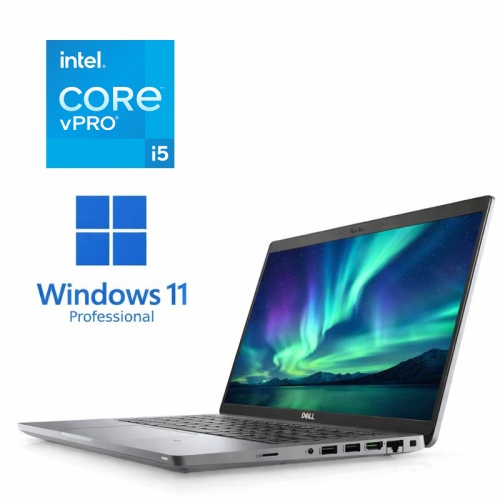
DELL Refurbished Excellent - Latitude 5420 14" Business & School Laptop - Intel Core I5-1135G7 - 16GB Ddr4 - 256GB Nvme SSD - Windows 11 Pro -
About this product
A silver laptop featuring Intel Core i5, 16GB RAM, 256GB NVMe SSD, and Windows 11 Pro.
(3)$388.00 Your price for this item is $388 -
3
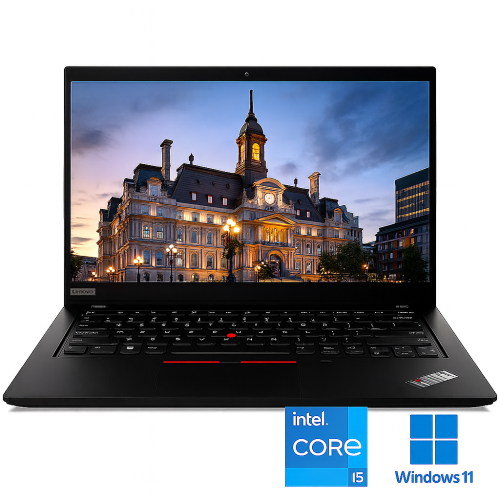
LENOVO Thinkpad T490 14" Business & School Laptop, French Keyboard, I5-8265U, 16GB Ram, 128GB SSD, Windows 11 Pro, Refurbished (Excellent)
About this product
A refurbished 14" laptop with French keyboard, i5 processor, 16GB RAM, 128GB SSD, and Windows 11 Pro.
(1)$299.99Your price for this item is $299.99SAVE $499 -
4
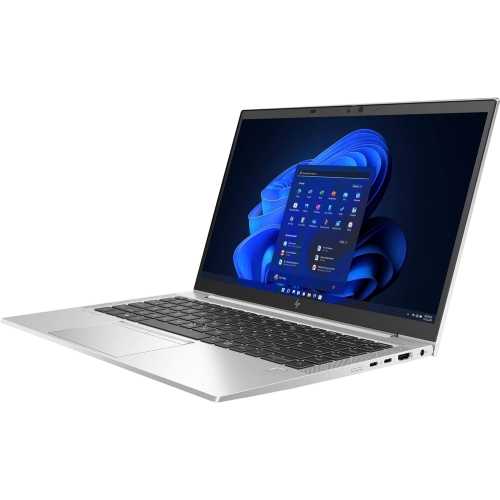
HP Refurbished (Excellent) - Elitebook 840 G8 14" Touch Business Laptop - Intel Core I5-1135G7 - 32GB Ddr4 - 512GB SSD - Windows 11 Pro - Includes
About this product
A refurbished 14" business laptop with Intel i5, 32GB RAM, 512GB SSD, Windows 11 Pro, and wireless mouse.
(1)$778.00 Your price for this item is $778 -
5

LENOVO Refurbished (Excellent) - Thinkpad T490 14" Touchscreen Laptop - Intel Core I7-8665U - 16GB Ddr4 - 512GB SSD - Windows 10 Pro - In Black
About this product
A refurbished black laptop featuring an Intel Core i7 processor, 16GB RAM, and a 512GB SSD.
What customers like
(1,239)$489.70Your price for this item is $489.70SAVE $50 -
6

DELL 16 Plus 2-In-1 16" Touch Laptop - Intel Core Ultra 7 256V - 16GB Lpddr5X - 1Tb SSD - Intel Arc - Windows 11 Home - Ice In Blue
About this product
A powerful blue laptop featuring Intel Core Ultra 7 processor, 1TB SSD, 16GB RAM, and Arc Graphics.
What customers like
(1,041)$1,951.79Your price for this item is $1951.79SAVE $947 -
7
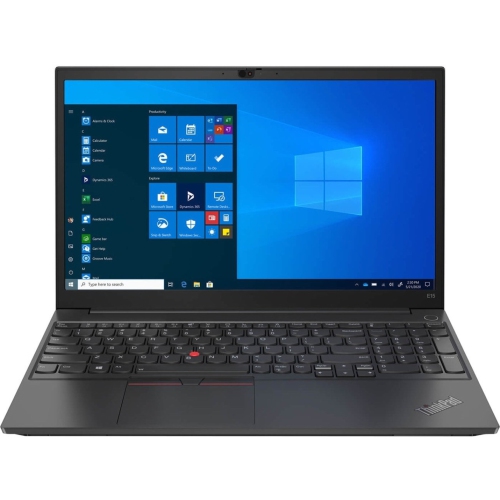
LENOVO Thinkpad E15 15.6" Business Laptop-Black(Intel Core I5 1135G7/256 GB SSD/8 GB Ram/windows 10)-(20Tds00B00)
About this product
A sleek black business laptop featuring an Intel Core i5, 256GB SSD, and integrated fingerprint reader.
What customers like
(993)$1,372.68Your price for this item is $1372.68SAVE $15 -
8
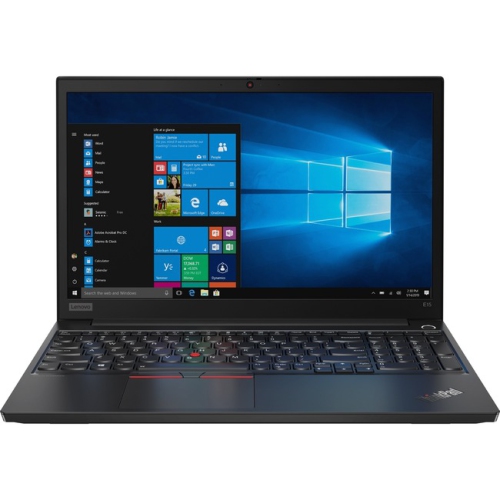
LENOVO Thinkpad E15 15.6" Laptop - Intel Core I5-10210U - 8GB Ddr4 - 1Tb HDD - Windows 10 Pro - In Black
About this product
A black laptop featuring a 15.6" Full HD display, Intel Core i5 processor, 8GB RAM, and 1TB HDD.
What customers like
(26)$1,299.00 Your price for this item is $1299
FAQ
Look for a laptop with a recent processor, at least 16 GB of RAM, and a solid-state drive for running spreadsheets, presentation software, and multiple browser tabs. A comfortable keyboard, built-in webcam, and battery life suited to a day of classes are also useful. Check your school's technical requirements before choosing.
Both can support common coursework, including writing papers, creating presentations, and attending online classes. Windows may be required for certain analytics tools, database applications, or Excel add-ins. A Mac can be a suitable choice if your program's required software supports macOS or your school provides remote access to Windows applications.
For many business students, 16 GB of RAM and a 512 GB solid-state drive are a practical starting point. Courses involving large datasets, virtual machines, or extensive multitasking may call for 32 GB of RAM. Storage needs depend on how much software and coursework you keep locally rather than in cloud storage.
Integrated graphics are generally sufficient for spreadsheets, presentations, web research, and video calls. A dedicated graphics card is worth considering if your coursework includes graphics-intensive design, video editing, or software that specifically requires GPU acceleration. Follow your program's software requirements when deciding.
Wi-Fi and Bluetooth are useful for campus internet access and wireless accessories. USB-A and USB-C ports help connect peripherals, while HDMI or a USB-C port with video output can connect to presentation displays. Check whether a USB-C port supports charging, video output, or a docking station, since capabilities vary.
Top selling and popular products
Discover more categories related to Best Laptops for Business School
Some products may be subject to Environmental Handling Fees (EHF) depending on your province. Learn more about EHFs.