Best Laptops for Business Trip

The best laptops for business trips help you stay productive from the airport lounge to your next meeting. Look for a lightweight design, long battery life, and reliable performance for video calls, presentations, and everyday tasks. Explore laptops ranked by user review ratings to find an option that fits your work needs on the go.

What to look for in laptops for business trips

1. Portability and Durability

Look for a lightweight laptop with a slim design that fits comfortably in your carry-on or work bag. A 13- to 14-inch display can balance screen space with portability, while sturdy construction helps handle frequent travel.

2. Battery Life and Charging

Choose a laptop with enough battery life for meetings, flights and time away from an outlet, keeping in mind that actual runtime varies by usage and settings. USB-C charging and a compact, compatible charger can make it easier to pack light and top up between appointments.

3. Performance and Productivity

Match the processor, memory and storage to the business software you use, with 16 GB of RAM offering a practical starting point for multitasking. A comfortable keyboard, a clear webcam and a display that is easy to read in bright spaces can help you stay productive on the road.

4. Connectivity and Security

Check for Wi-Fi support and the ports you need for presentation displays, external storage and other work accessories. Features such as fingerprint sign-in, facial recognition and device encryption can help protect business information, while compatibility with your organization’s security tools is essential.
  1. 1

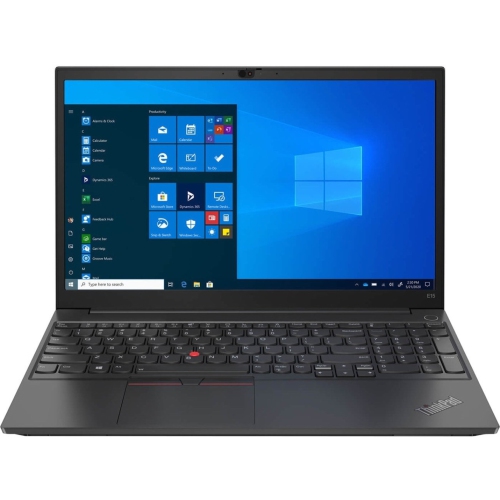
    LENOVO Thinkpad E15 15.6" Business Laptop-Black(Intel Core I5 1135G7/256 GB SSD/8 GB Ram/windows 10)-(20Tds00B00)

    About this product

    A sleek black business laptop featuring an Intel Core i5, 256GB SSD, and integrated fingerprint reader.

    What customers like

    • Fast performance
    • Clear, bright display
    • Reliable fingerprint reader
    • Comfortable, responsive keyboard
    • Lightweight and portable
    (993)
    $1,372.68
    SAVE $15
    Your price for this item is $1372.68
  2. 2

    MICROSOFT Refurbished (Good) - Surface Laptop 3 15" Touchscreen - Amd Ryzen 7 Surface Edition - 32GB - 1Tb SSD - Windows 10 Home

    About this product

    A refurbished laptop featuring a 15" touch screen, 1TB SSD, AMD Ryzen 7, and 32GB memory.

    What customers like

    • Powerful performance with fast processor and ample memory
    • Versatile 2-in-1 functionality and portability
    • Sleek, durable design with comfortable keyboard
    • High-quality, responsive touch screen and display
    • Large 1TB SSD for extensive storage
    (2,498)
    $3,099.00
    SAVE $501
    Your price for this item is $3099
  3. 3

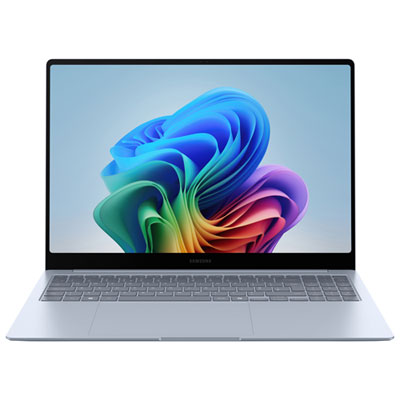
    Samsung Galaxy Book4 Edge 16" Touchscreen Copilot+ PC Laptop - Snapdragon X Elite - 16GB LPDDR5X - 512GB SSD - Windows 11 Home

    About this product

    A powerful AI-driven laptop featuring a 16" touchscreen, Snapdragon X Elite processor, and 16GB RAM.

    What customers like

    • Smooth and powerful performance
    • Vibrant and high-quality touchscreen display
    • Long battery life and power efficiency
    • Innovative AI and Copilot+ features
    • Lightweight and thin design
    (649)
    $1,699.99
    SAVE $600
    Your price for this item is $1699.99
  4. 4

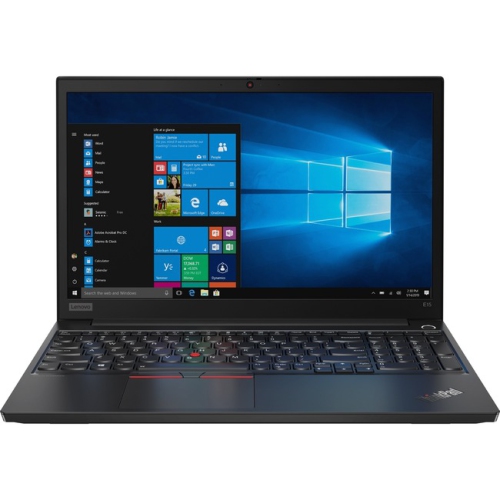
    LENOVO Thinkpad E15 15.6" Laptop - Intel Core I5-10210U - 8GB Ddr4 - 1Tb HDD - Windows 10 Pro - In Black

    About this product

    A black laptop featuring a 15.6" Full HD display, Intel Core i5 processor, 8GB RAM, and 1TB HDD.

    What customers like

    • Comfortable keyboard and number pad
    • Spacious storage capacity
    • Easy setup and user-friendly
    • Fast and reliable performance
    • Lightweight and portable design
    (26)
    $1,299.00 Your price for this item is $1299
  5. 5

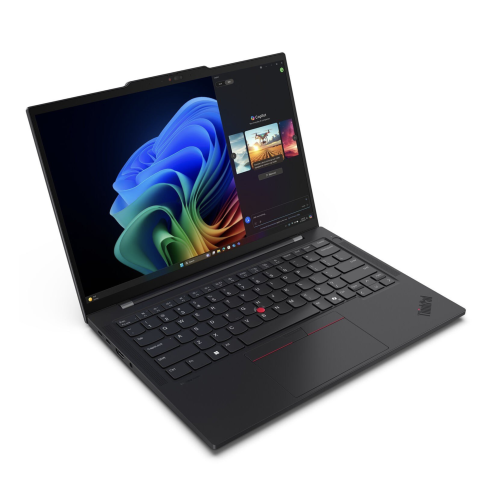
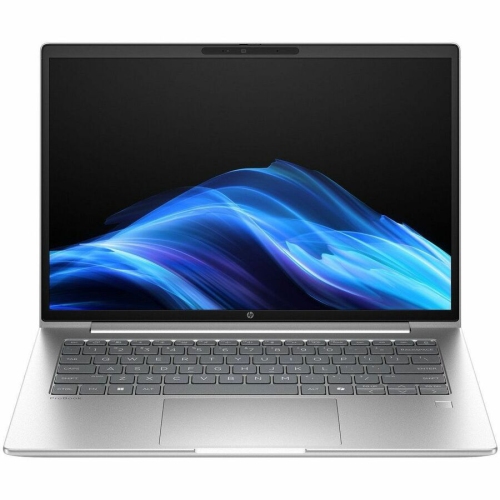
    LENOVO Thinkpad T14 Gen 7 14" Wuxga Touch | Core Ultra 7 365 | 32GB Ram | 512GB SSD | Windows 11 Pro | 3-Yr Premier Onsite Warranty

    About this product

    A business laptop with Core Ultra 7 365 vPro, 32GB RAM, 512GB SSD and WUXGA touchscreen.

    (2)
    $2,679.00
    SAVE $690
    Your price for this item is $2679
  6. 6

    HP Elitebook 8 G1A 16" Touchscreen Business Laptop - Amd Ryzen Ai 7 350 - 32GB - 512GB SSD - Windows 11 Pro - In Silver

    About this product

    A powerful glacier silver touchscreen notebook with AMD Ryzen AI 7, 32GB RAM, and Windows 11 Pro.

    (7)
    $2,913.99
    SAVE $561
    Your price for this item is $2913.99
  7. 7

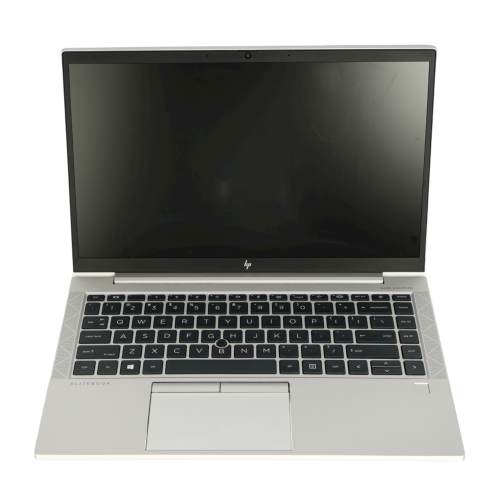
    HP Refurbished (Good) - Elitebook 845 G7 Business Laptop - Ryzen 5 Pro 4650U - 16GB - 256GB SSD - In Silver

    About this product

    A refurbished business laptop featuring a Ryzen 5 processor, 16GB RAM, and a 256GB SSD.

    (1)
    $699.00 Your price for this item is $699
  8. 8

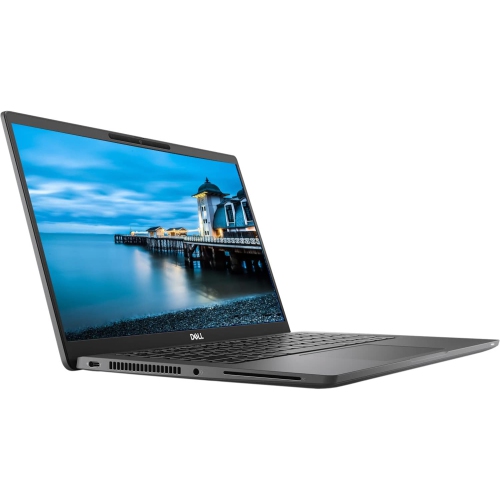
    DELL Refurbished (Excellent) - Latitude 7420 14" Fhd Touchscreen Business Laptop - Intel Core I7-1185G7 - 32GB Ddr4 - 1Tb SSD - Windows 11 Pro -

    About this product

    A grey refurbished business laptop with touchscreen, Core i7, 32GB RAM, 1TB SSD, Windows 11 Pro.

    (1)
    $849.00
    SAVE $351
    Your price for this item is $849

Why laptop fit matters beyond screen size

The best laptops for business trips combine manageable weight, dependable battery life, a comfortable keyboard, and enough performance for the work that needs to travel with you. For frequent flyers, a 13-inch or 14-inch laptop weighing less than about 1.6 kg can be a practical starting point: compact enough for a carry-on bag, yet spacious enough for email, presentations, and document editing. A 15-inch or 16-inch screen gives spreadsheets, dashboards, and side-by-side documents more room, though the larger footprint can feel cramped on an aircraft tray table. Fit matters beyond screen size. The laptop’s dimensions should suit the padded compartment in a briefcase or backpack, with enough clearance to slide it out easily at airport security. A slim profile is convenient, but a sturdy hinge, a lid that resists flexing, and a base that stays steady while typing are just as useful during a busy itinerary. Aluminium, magnesium alloy, and carbon fibre are materials used in some laptop designs to balance weight and rigidity; construction quality matters more than the material name alone. No finish is immune to scratches, so a close-fitting sleeve helps separate the computer from keys, charging plugs, and other hard objects in a bag. For consultants moving between client offices, sales teams presenting in meeting rooms, and small-business owners managing operations from a hotel desk, these everyday details make a noticeable difference. A laptop that opens comfortably in a confined seat and fits alongside a notebook is often more useful than a larger machine with power that rarely gets used. The designs featured in Sleek Laptops for Business Travel offer another way to explore the balance between a streamlined profile and a professional work setup. The right balance depends on whether the trip centres on writing, meetings, detailed analysis, or demanding creative work.

Business travel laptops also need to keep work moving when the nearest outlet is already occupied. Independently tested battery life of around 10 hours or more under workloads similar to your own is a useful target for longer travel days, rather than a guarantee of uninterrupted use. Video calls, higher screen brightness, large downloads, and demanding software can shorten runtime substantially, so advertised maximum battery figures do not tell the whole story. Charging flexibility is another practical consideration. A laptop that supports USB-C charging may share a compatible charger with other work devices, provided the charger and cable meet its power requirements. Some high-performance laptops still need their supplied power adapter for full performance, even if they accept a lower-power USB-C connection. Inside the laptop, the processor, memory, and storage should reflect the actual workload. For email, office documents, browser-based tools, and regular video meetings, 16 GB of memory is a sensible starting point that leaves room for multitasking. Larger datasets, software development, and creative applications may benefit from 32 GB or more, along with a processor suited to sustained work. Dedicated graphics are most relevant to tasks such as 3D design and certain video workflows; they can also add weight and increase power consumption. A solid-state drive helps applications open promptly and provides responsive access to local files, while adequate storage allows essential presentations and documents to remain accessible without a network connection. Software compatibility deserves attention as well, especially when an employer relies on specialized applications, device-management tools, or particular accessories. A travel laptop should run the required software reliably, not simply meet a broad performance label. For staff using a company-managed system, operating system requirements and IT approval can matter more than a small difference in size or speed. Downloaded copies of meeting materials, with appropriate permission and secure storage, can help keep a presentation on track when guest Wi-Fi is slow or unavailable.

Comfort, connectivity, and privacy round out a laptop’s usefulness away from the office. A well-spaced keyboard with clear feedback makes a lengthy proposal easier to finish, while backlighting helps keep the keys visible in a dim cabin or meeting room. A precise touchpad is especially valuable when there is no space for a mouse. Screen quality should support the work: an anti-glare finish can reduce distracting reflections, sufficient brightness helps with readability in brightly lit terminals, and accurate colour matters for reviewing visual assets with clients. A touchscreen or a hinge that folds into different positions can suit presentations and handwritten notes, but those features are less important for someone who mainly types and reviews documents. Clear microphones and a capable webcam help remote colleagues follow a conversation, while a headset can improve call privacy in shared spaces. Port selection affects how smoothly the laptop moves between locations. Built-in HDMI can simplify a connection to a meeting-room display, USB-A can accommodate older peripherals, and USB-C ports with supported display output can connect to compatible monitors or docks. Connector shape alone does not confirm charging, video, or data capabilities, so the port specifications matter. Reliable Wi-Fi is useful for online work, but connection quality also depends on the local network. Fingerprint readers, facial sign-in, storage encryption, and a physical webcam shutter can support a practical security setup where available; company-approved remote access and prompt screen locking remain important habits. A privacy filter may help limit side-angle viewing of confidential documents in a crowded lounge. Day-to-day care is straightforward: shut the laptop down or use a suitable low-power state before packing, keep vents clear during use, and avoid placing heavy objects against the lid. A soft, lint-free cloth and manufacturer-approved cleaning methods help protect the screen and finish. Together, these details distinguish a laptop that merely travels from one that works comfortably through client visits, conferences, and time between meetings.

FAQ

Some products may be subject to Environmental Handling Fees (EHF) depending on your province. Learn more about EHFs.