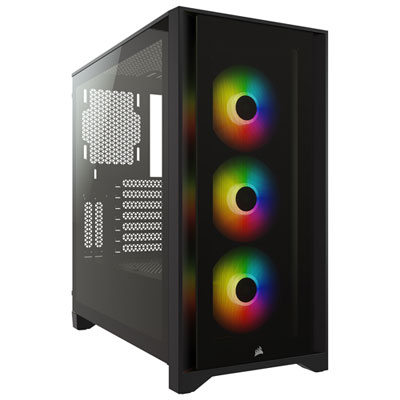
Best Looking RGB Fans

Give your PC a standout look with RGB fans that pair vibrant lighting with cooling performance. Whether you prefer subtle colour accents or bold lighting effects, the best looking RGB fans can add a personal touch to your build. Explore the options below, ranked by user review ratings, to find a style that suits your setup.

Read More

What to look for in RGB fans

1. Lighting Design

Look for illuminated fan blades, lighting rings, or infinity-mirror effects to create your preferred look. Individually addressable RGB LEDs allow more detailed effects, while lighting on both sides can help showcase fans in different mounting positions.

2. Lighting Control and Compatibility

Check whether the fans work with your motherboard’s lighting software or require a separate controller. Standard 5V three-pin ARGB and 12V four-pin RGB connections are not interchangeable, and some fans use proprietary connectors.

3. Size and Visual Fit

Match the fan size and thickness to your case’s mounting points and available clearance. Choose frame colours that suit your build, and consider reverse-blade models if you want to display the fan’s front face while drawing air into the case.

4. Cooling Performance and Noise

Balance striking lighting with airflow and noise levels suited to your setup. Look for static pressure performance for radiators or restrictive filters, and PWM speed control to adjust cooling and noise as system demands change.
Citrus catapult arrow
  1. 1

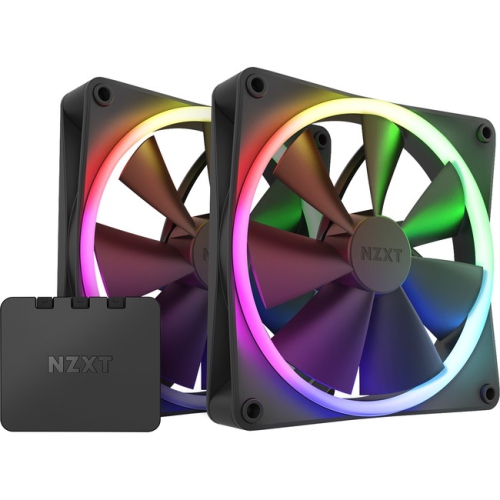
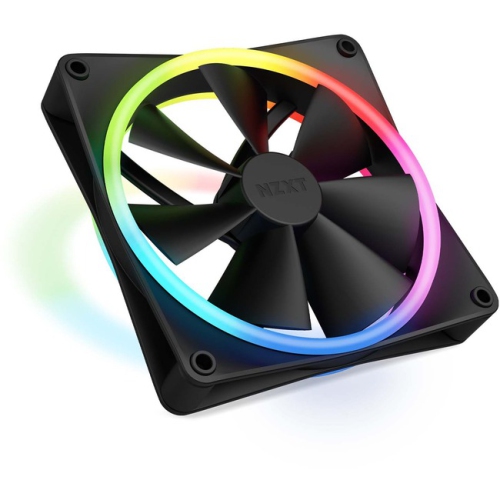
    NZXT Rf-R14Df-B1 F140 RGB Twin Pack (Rf-R14Df-B1)

    About this product

    A twin pack of RGB fans delivering vibrant lighting and efficient cooling for PC builds.

    (2)
    $136.68 Your price for this item is $136.68
  2. 2

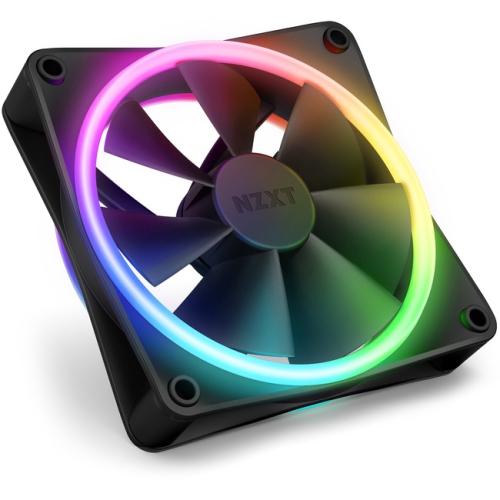
    NZXT Rf-D12Sf-B1 F120 RGB Duo Rf-D12Sf-B1 Cooling Fan (Rf-D12Sf-B1)

    About this product

    A dual-sided RGB cooling fan delivering vibrant lighting effects and efficient airflow for PC builds.

    (2)
    $58.68 Your price for this item is $58.68
  3. 3

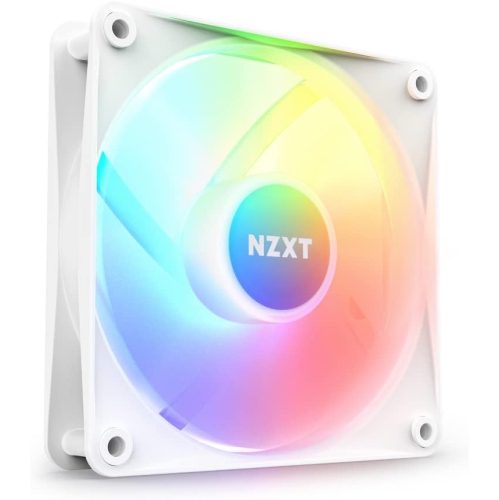
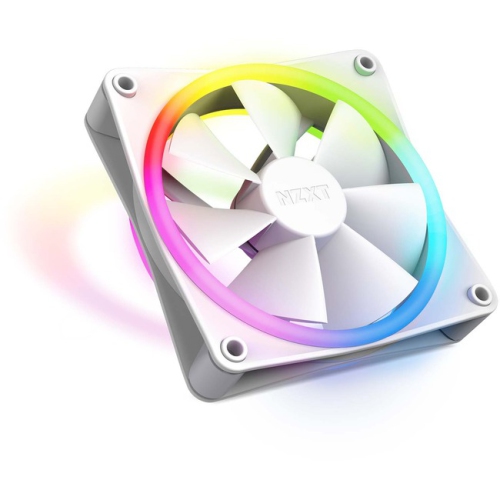
    NZXT F120 RGB Core - 120MM Hub-Mounted RGB Fan With Pwm Control And Cam Software - In White

    About this product

    A white 120mm PC fan with PWM control, fluid dynamic bearing, and customizable RGB lighting via CAM software.

    (2)
    $39.99
    SAVE $20
    Your price for this item is $39.99
  4. 4

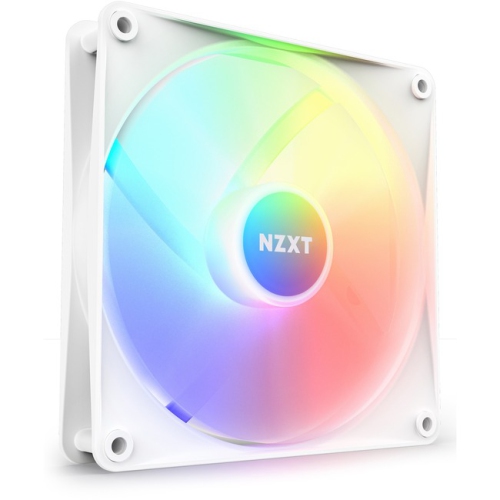
    NZXT Rf-C14Sf-W1 F140 RGB Core Rf-C14Sf-W1 Cooling Fan (Rf-C14Sf-W1)

    About this product

    An RGB cooling fan designed for efficient airflow and vibrant lighting in PC builds.

    (2)
    $60.68 Your price for this item is $60.68
  5. 5

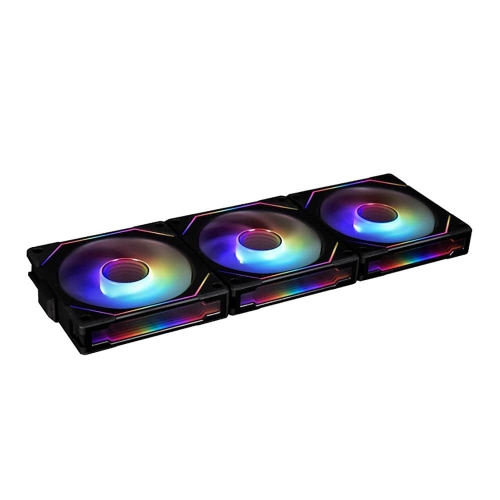
    LIAN LI Uni Fan Sl-Inf 120 RGB Infinity Mirror Argb Fan 120MM 3-Pack Controller In Black

    About this product

    A black 120mm fan with RGB infinity mirror and ARGB controller, suitable for desktop cooling.

    (2)
    $121.37
    SAVE $12
    Your price for this item is $121.37
  6. 6

    NZXT Rf-D14Sf-B1 F140 RGB Duo Rf-D14Sf-B1 Cooling Fan (Rf-D14Sf-B1)

    About this product

    A dual-sided RGB cooling fan delivering vibrant lighting and efficient airflow for PC builds.

    (1)
    $49.99
    SAVE $10
    Your price for this item is $49.99
  7. 7

    NZXT Rf-D12Sf-W1 F120 RGB Duo Rf-D12Sf-W1 Cooling Fan (Rf-D12Sf-W1)

    About this product

    A dual-sided RGB cooling fan delivering vibrant lighting and efficient airflow for PC builds.

    (1)
    $58.68 Your price for this item is $58.68
  8. 8

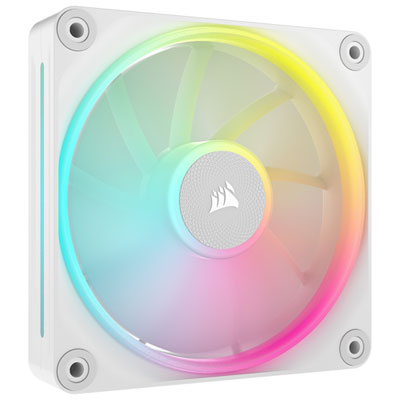
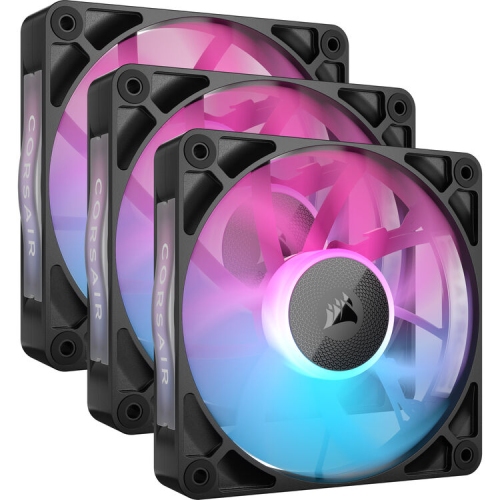
    Corsair iCUE Link LX120 RGB 120mm Case Fan - White

    About this product

    A white RGB case fan with 69.9CFM airflow and AirGuide technology for efficient, visually striking cooling.

    (14)
    $54.99 Your price for this item is $54.99
  9. 9

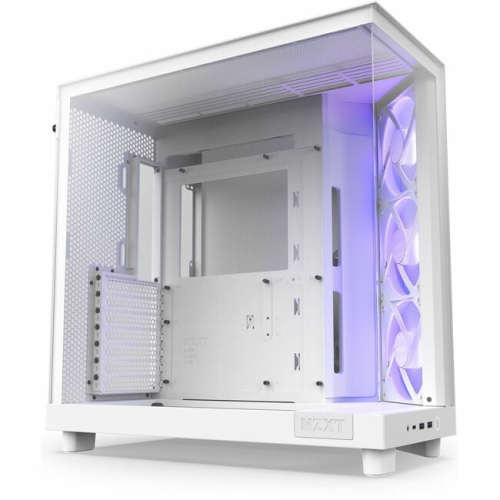
    NZXT H6 Flow RGB Compact Dual-Chamber Mid-Tower Airflow Case With RGB Fans (Cch61Fwr1)

    About this product

    A compact dual-chamber mid-tower case featuring high airflow design and vibrant RGB fans.

    What customers like

    • Excellent airflow and cooling
    • Attractive RGB lighting and stylish design
    • Good value for money
    • Great cable management options
    • Spacious and easy to build in
    (35)
    $219.99 Your price for this item is $219.99
  10. 10

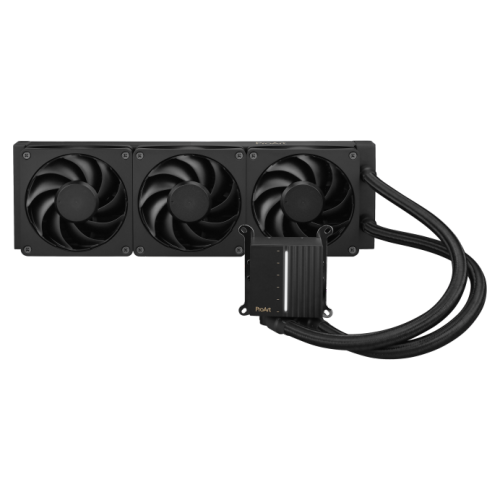
    ASUS Proart Lc 360 RGB High-Performance Liquid Cpu Cooler – 360MM Aio Radiator, Pwm Fans, Intel & Amd Compatible

    About this product

    A high-performance liquid cooling system designed for optimal thermal management in PC components.

    (3)
    $319.99 Your price for this item is $319.99

Smooth lighting and tidy wiring behind the glass

The best-looking RGB fans bring together smooth lighting, attractive frames, and tidy wiring without overlooking their main job: moving air through a desktop PC. Their appeal is especially clear in a case with a glass side panel, where a row of illuminated fans can give the build a deliberate, coordinated finish. Some designs place light around the outer frame, creating a crisp outline, while others illuminate translucent blades for a broader wash of colour. Dual-ring layouts add depth, and mirror-effect hubs or frame accents can create the appearance of repeating lights within a compact space. The number of LEDs is only part of the visual result; their placement and the diffusion material also influence whether lighting looks continuous or appears as separate bright points. Frosted surfaces tend to soften the glow, while clear accents can make individual details more pronounced. A restrained white or amber setting suits a clean workstation, whereas layered colour gradients can complement a gaming desk with matching keyboard and mouse lighting. Black frames create contrast around bright rings, while white frames reflect more of the surrounding light and blend into pale case interiors. Neither approach is inherently better: the most convincing look usually comes from consistency across visible components. Viewed from a desk chair, the side of a fan may be more noticeable than its front, making illuminated frame edges particularly relevant in some layouts. Brightness control matters as well, especially when the tower sits beside a monitor rather than beneath the desk. Subtle lighting can preserve the detail of the build without becoming a distraction during a film or an evening gaming session. A collection of RGB Computer Case Fans brings these different visual approaches into focus, from understated rings to more elaborate layered effects. For this theme, appearance is not simply about the brightest light show; it is about how the fans look together, how neatly they fit the case, and how well their lighting complements the rest of the system.

Physical fit and connection compatibility shape how that finished system comes together. Common case fan sizes include 120 mm and 140 mm, but the case’s supported mounting positions determine which sizes will fit. Fan thickness also matters, particularly where a top-mounted radiator sits close to motherboard components or a front intake shares space with a long graphics card. Frames are commonly made from rigid plastic, with translucent plastic used where light needs to pass through the blades or surrounding accents. Firm construction helps maintain alignment, while rubber pads at the mounting corners can limit vibration transfer to the chassis. Standard fan designs often expose support struts on one side, so the visible face changes with the airflow direction. Reverse-blade versions can keep the more decorative face visible in certain intake positions, although their airflow direction still needs to match the intended layout. The lighting connection is another important distinction: conventional 12 V RGB commonly uses a four-pin connector and sets connected LEDs to the same colour, while 5 V addressable RGB commonly uses a three-pin connector and can control LEDs individually for moving patterns and gradients. These connections are not interchangeable, and some fan systems use proprietary connectors that require a compatible controller. Motor power and lighting control may also use separate cables, so a matching lighting plug alone does not establish full compatibility. Four-pin PWM motor control allows compatible hardware to vary fan speed, while lighting software or a controller manages the visual effects. Linked fan designs can reduce cable clutter across a row, giving the interior a cleaner appearance, but supported connections, controller capacity, and included accessories vary. A coordinated set can also help keep frame styling, colour output, and animation timing consistent. For a visible build, these practical details have an aesthetic payoff: fewer loose leads crossing the glass, aligned lighting patterns, and a layout that looks planned rather than crowded. Enough cable length and routing space behind the motherboard tray help preserve that uncluttered view without placing tension on connectors.

Cooling performance, sound, and everyday upkeep give RGB fans their lasting value beyond the initial appearance. An open intake position generally benefits from effective airflow, while a radiator or a restrictive dust filter places greater importance on static pressure, which describes a fan’s ability to move air against resistance. Published airflow and noise figures can provide useful context, although test conditions differ and maximum-speed figures do not describe every operating situation. Blade shape, rotational speed, bearing design, and the surrounding case all contribute to the sound heard at the desk. Bearing quality and rated service life are useful durability considerations, but operating conditions and dust accumulation also affect long-term performance. A fan that looks striking in a photo may be less appealing beside a microphone if it produces a noticeable tonal hum during recording. For gaming, creative work, or a shared home workspace, adjustable speed control helps balance cooling needs with comfortable acoustics. Smooth lighting at lower brightness can be just as valuable as quiet motor operation, especially for a tower kept within the main line of sight. Accessible dust filters and clear space around the fans make routine care easier. With the computer shut down and disconnected from power, dust can be removed gently according to the manufacturer’s cleaning directions; when compressed air is permitted, holding the blades still prevents them from spinning freely under the air stream. Liquid cleaners should stay away from motors, connectors, and lighting electronics. Clean blades and diffusers also preserve the intended appearance, since dust is particularly visible along pale frame edges and brightly lit surfaces. These fans suit PC builders who treat the case interior as part of their desk setup, players coordinating a gaming space, and creators who want a polished computer on camera. They can also make a thoughtful gift for someone upgrading a desktop, provided the case dimensions, preferred frame colour, and controller compatibility are known. Whether the result is a single illuminated exhaust fan or a matching array behind glass, the strongest visual impression comes from a cohesive design supported by suitable airflow, manageable sound, and details that remain easy to live with.
Read More

FAQ

Some products may be subject to Environmental Handling Fees (EHF) depending on your province. Learn more about EHFs.